"Windowed" & "Resizeable" setting can result in a full screen window that can't be undone. #424

Description

Describe the bug
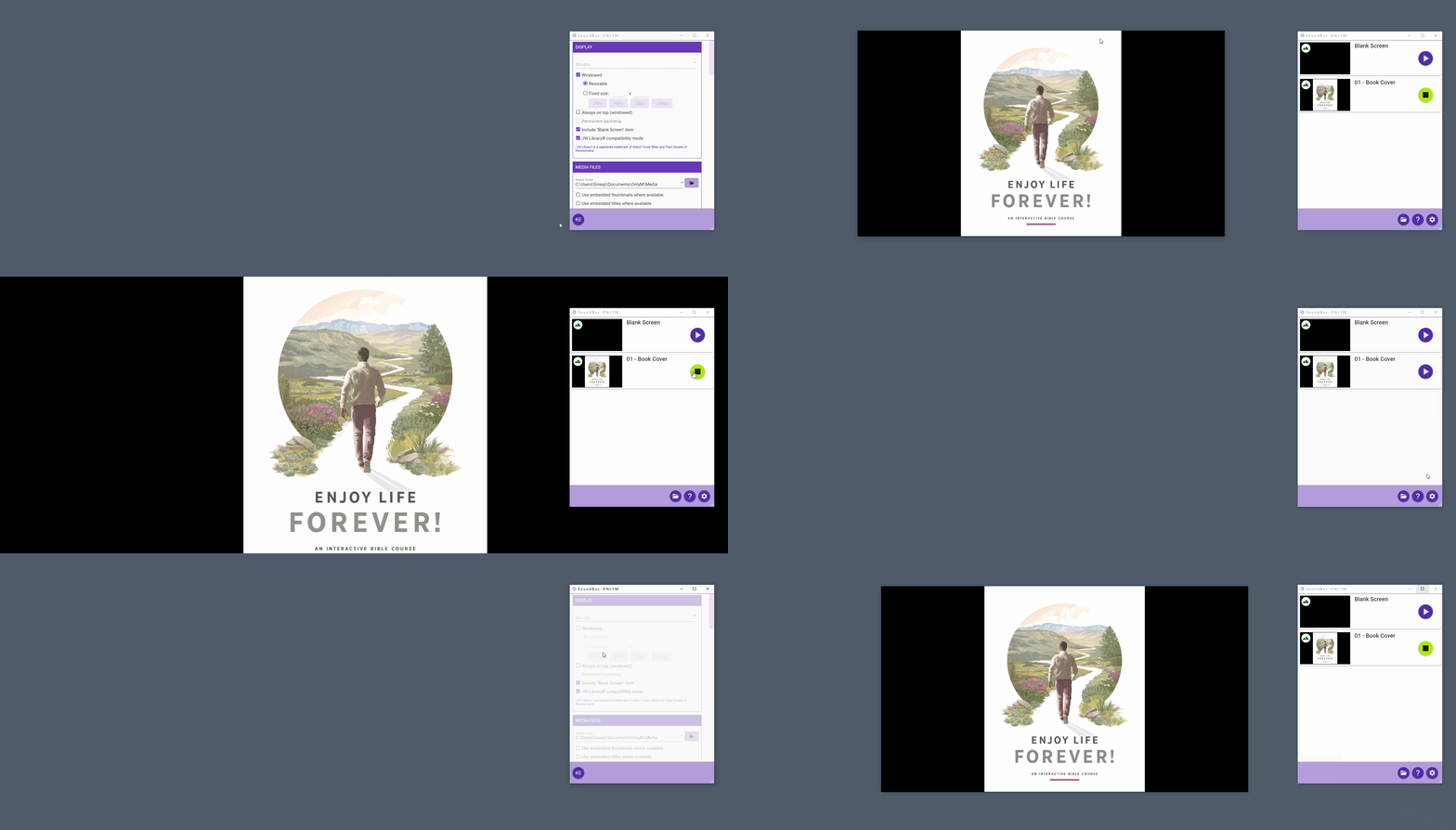
When using the "Windowed" and "Resizeable" settings on Windows 10, if the user mistakenly drags the window to the top of the desktop, it will snap to full screen. This is okay, but the problem is that there appears to not be possible to exit the full screen display at that point. Using ESC to return to the previously sized window would make sense, but I couldn't find any keyboard shortcut or use of mouse (such as trying to drag the window back down from the top) to work.
However, stop showing the picture and then disable and re-enable the "windowed" setting, the next time you show media the window shows in full screen, but is draggable back to the previous dimensions.
To Reproduce
Steps to reproduce the behavior:
- Turn on "Windowed" and use "Resizeable".
- Show a picture, and drag the media window to the top of desktop to snap to full screen.
- Try to exit full screen
Expected behavior
It should be easy to exit full screen using expected controls such as ESC key or dragging the window back down from the top.
GIF
Desktop (please complete the following information):
- Windows 10 21H1