

A generic range with value control you can use to replace the range control. It also allows you to change media query and change the value on that media query.
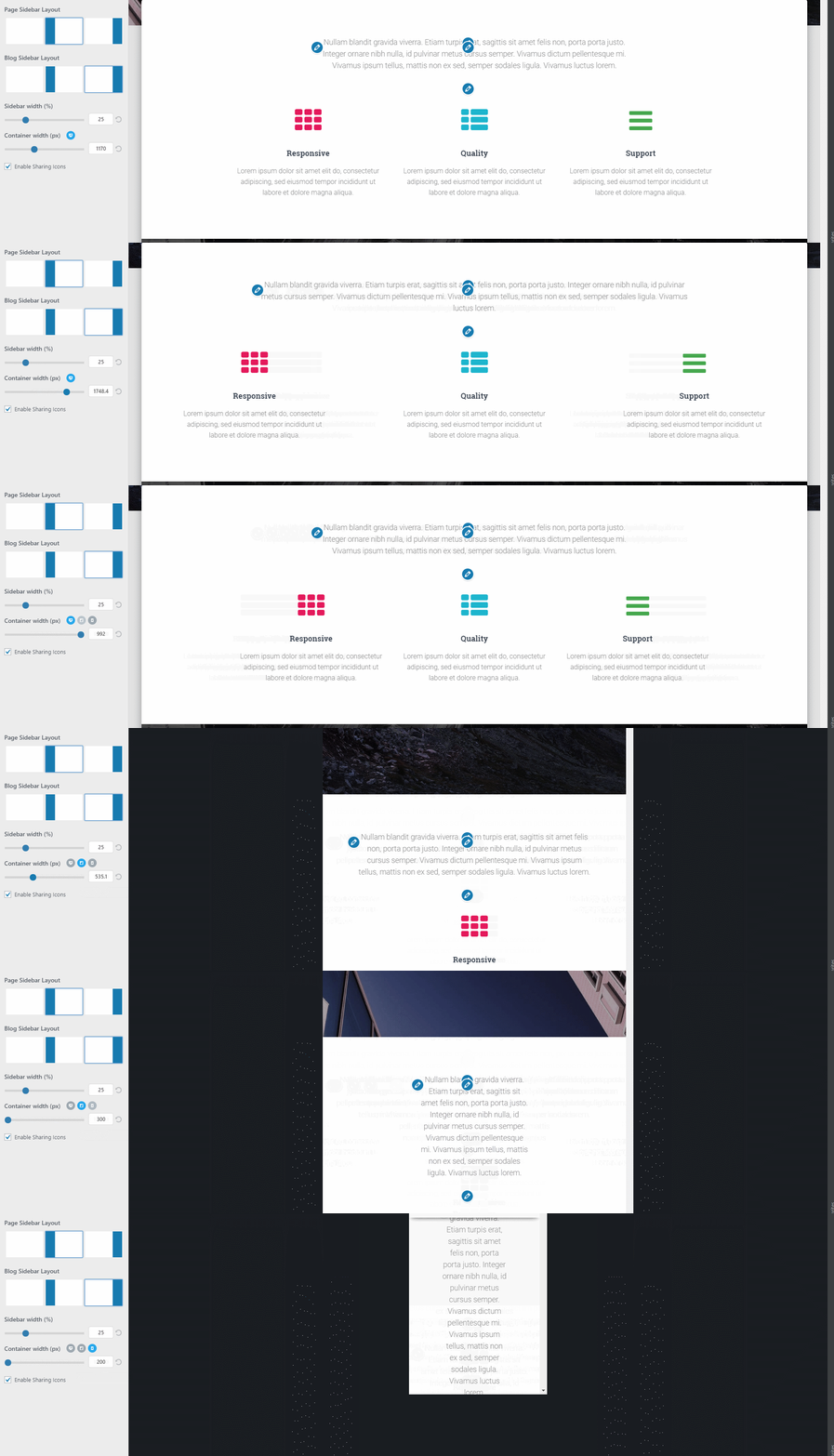
To install Customizer radio image copy the folder in the root of your theme and add the following line in functions.php before you call your customizer.php file.
function load_customize_classes( $wp_customize ) {
    require get_template_directory() . '/customizer-range-control/class/class-customizer-range-value-control.php';
    $wp_customize->register_control_type( 'Customizer_Range_Value_Control' );
}
add_action( 'customize_register', 'load_customize_classes', 0 );
That's all!
Here's an example of how to add this control, add the following code in your theme's customizer.php:
function xxx_customize_register( $wp_customize ) {
    if ( class_exists( 'Customizer_Range_Value_Control' ) ) {
        $wp_customize->add_setting(
            'control_name', array(
                'sanitize_callback' => 'hestia_sanitize_range_value',
                'transport' => 'postMessage',
            )
        );

        $wp_customize->add_control(
            new Customizer_Range_Value_Control(
                $wp_customize, 'control_name', array(
                    'label' => esc_html__( 'Container width (px)','your-textdomain' ),
                    'section' => 'your_section',
                    'type' => 'range-value',
                    'media_query' => true,
                    'input_attr' => array(
                        'mobile' => array(
                            'min' => 200,
                            'max' => 748,
                            'step' => 0.1,
                            'default_value' => 748,
                        ),
                        'tablet' => array(
                            'min' => 300,
                            'max' => 992,
                            'step' => 0.1,
                            'default_value' => 992,
                        ),
                        'desktop' => array(
                            'min' => 700,
                            'max' => 2000,
                            'step' => 0.1,
                            'default_value' => 1170,
                        ),
                    ),
                    'priority' => 25,
                )
            )
        );
    }
}
add_action( 'customize_register', 'xxx_customize_register' );
$control_value = get_theme_mod( 'control_name' );
if( is_string( $control_value ) && is_array( json_decode( $control_value, true ) ) ){
    /* It means that we have media queries active */
    $json = json_decode( $control_value );
    var_dump($json);
    /* it will return an array like this:
        array(
            'mobile' => 312,
            'tablet' => 754,
            'desktop' => 1123,
        );
    */
} else {
    /* Media queries are disabled so it will return a simple value */
     var_dump($control_value);
}
You can make this better by contributing. If you find a bug or simply want to contribute to this collection, submit your pull request and we'll have a look on it.
How can you help?
- Submit a bug
- Fix reported bugs
- Share with us another cool control