

Customizer Multiselect is a control that allows you to select multiple values from a list of options.
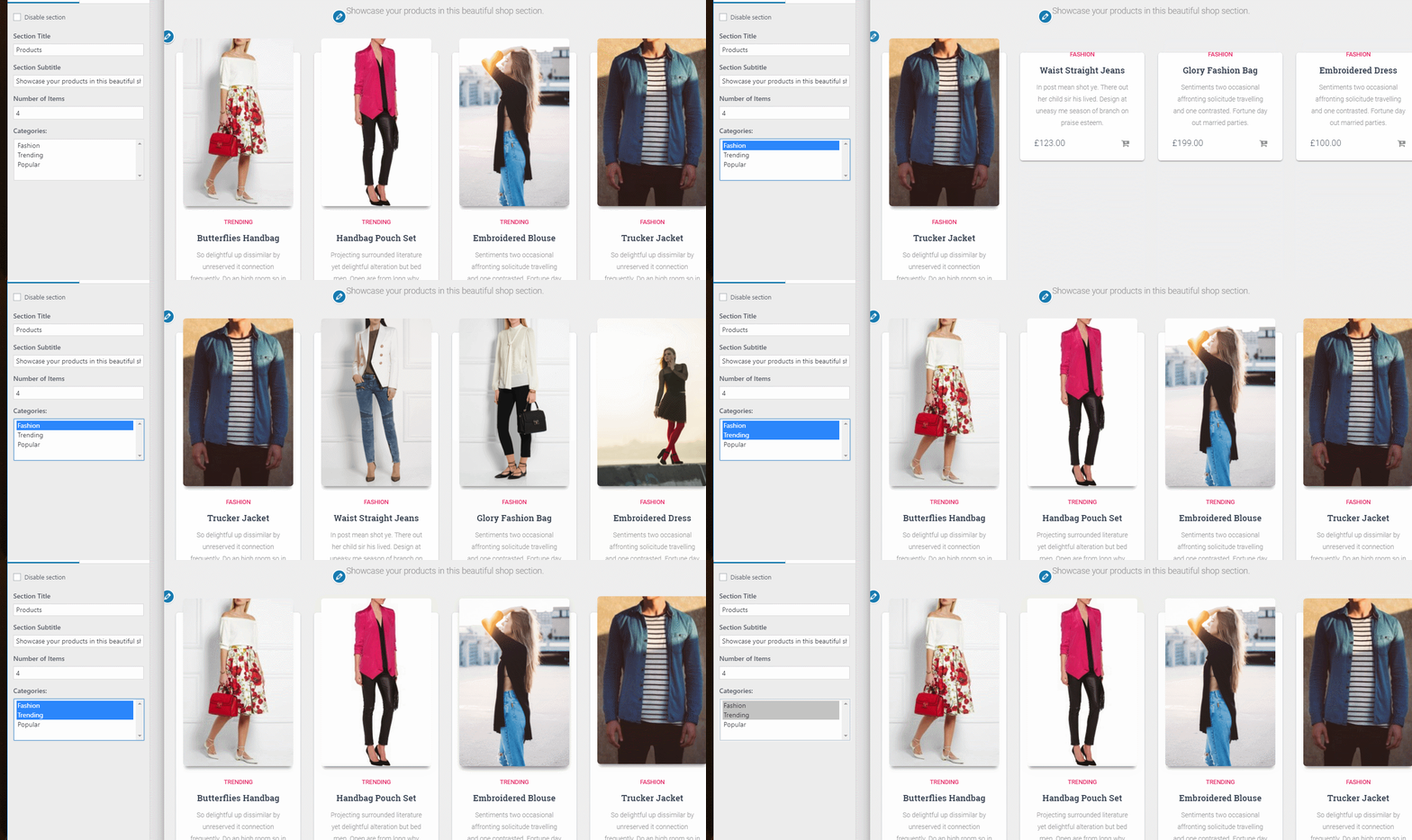
Copy the folder in the root of your theme and add the following function in functions.php or customizer.php.
function load_customize_classes( $wp_customize ) {
    require get_template_directory() . '/customizer-select-multiple/class/class-customizer-select-multiple.php';
    $wp_customize->register_control_type( 'Customizer_Select_Multiple' );
}
add_action( 'customize_register', 'load_customize_classes', 0 );
Add a control in your customizer.php file like this:
if ( class_exists( 'Customizer_Select_Multiple' ) ) {
    $wp_customize->add_setting(
        'control_name', array(
            'sanitize_callback' => 'sanitize_array',
        )
    );
    $wp_customize->add_control(
        new Customizer_Select_Multiple(
            $wp_customize, 'control_name', array(
                'section' => 'your_section',
                'label' => esc_html__( 'Team members to appear on blog page', 'your-textdomain' ),
                'description'   => __( 'Select multiple options.', 'your-textdomain' ),
                'choices' => array(
                    'member1' => __('Larry','your-textdomain'),
                    'member2' => __('Michael','your-textdomain'),
                    'member3' => __('Jordan','your-textdomain'),
                ),
                'priority' => 1,
            )
        )
    );
}
For sanitize I use this function:
/**
 * Function to sanitize controls that returns arrays
 *
 * @since 1.1.40
 * @param mixed $input Control output.
 */
function sanitize_array( $input ) {
    $output = $input;
    if ( ! is_array( $input ) ) {
        $output = explode( ',', $input );
    }
    if ( ! empty( $output ) ) {
        return array_map( 'sanitize_text_field', $output );
    }
    return array();
}
To get the input from your control just call it in the normal way:
$customizer_multiselect = get_theme_mod('control_name' );
echo var_dump( $customizer_multiselect );
You can make this better by contributing. If you find a bug or simply want to contribute to this collection, submit your pull request and we'll have a look on it.
How can you help?
- Submit a bug
- Fix reported bugs
- Share with us another cool control