
Replies: 3 comments 1 reply

-
|
For Question 2. Above: I added this to change the CSS Style for OrgChart nodes: Example: New-HTML -TitleText 'My Title' -Online -FilePath "$PSScriptRoot\Example-OrgChart-Test-26.html" {
   $StyleNodeInformation = @{
        ".orgchart .node .title" = @{
            'width' = 'inherit'
        }
    }
    Remove-EmptyValue -Hashtable $StyleNodeInformation -Recursive -Rerun 2
    if ($StyleNodeInformation) {
        Add-HTMLStyle -Placement Header -Css $StyleNodeInformation -SkipTags
    }
New-HTMLSection -HeaderText 'Org Chart Test 26' -AnchorName "section_tree" -HeaderBackGroundColor "#EA8B05" -HeaderTextColor DarkBlue -JustifyContent center -CanCollapse {
New-HTMLOrgChart -Pan -VerticalLevel 3 -Direction TopToBottom -ChartNodes {
New-OrgChartNode -Name 'This is a very long Name that is longer than the 130px default' -Title 'The Root Node Title (Content) that is also very long' {
New-OrgChartNode -Name 'Another very long Name that is longer than the 130px default' -Title 'The Root Node Title (Content) that is also very long' {
ForEach ($entity in $mgEntities.Where({$_.Level -eq 1 -and $_.TenantId -eq $TenantId})) {
Get-ChildrenNodes -Entity $Entity -LkUpEntity $LkUpEntity -LkUpAssignments $LkUpAssignments
}
}
}
}
}
} |
Beta Was this translation helpful? Give feedback.

-
|
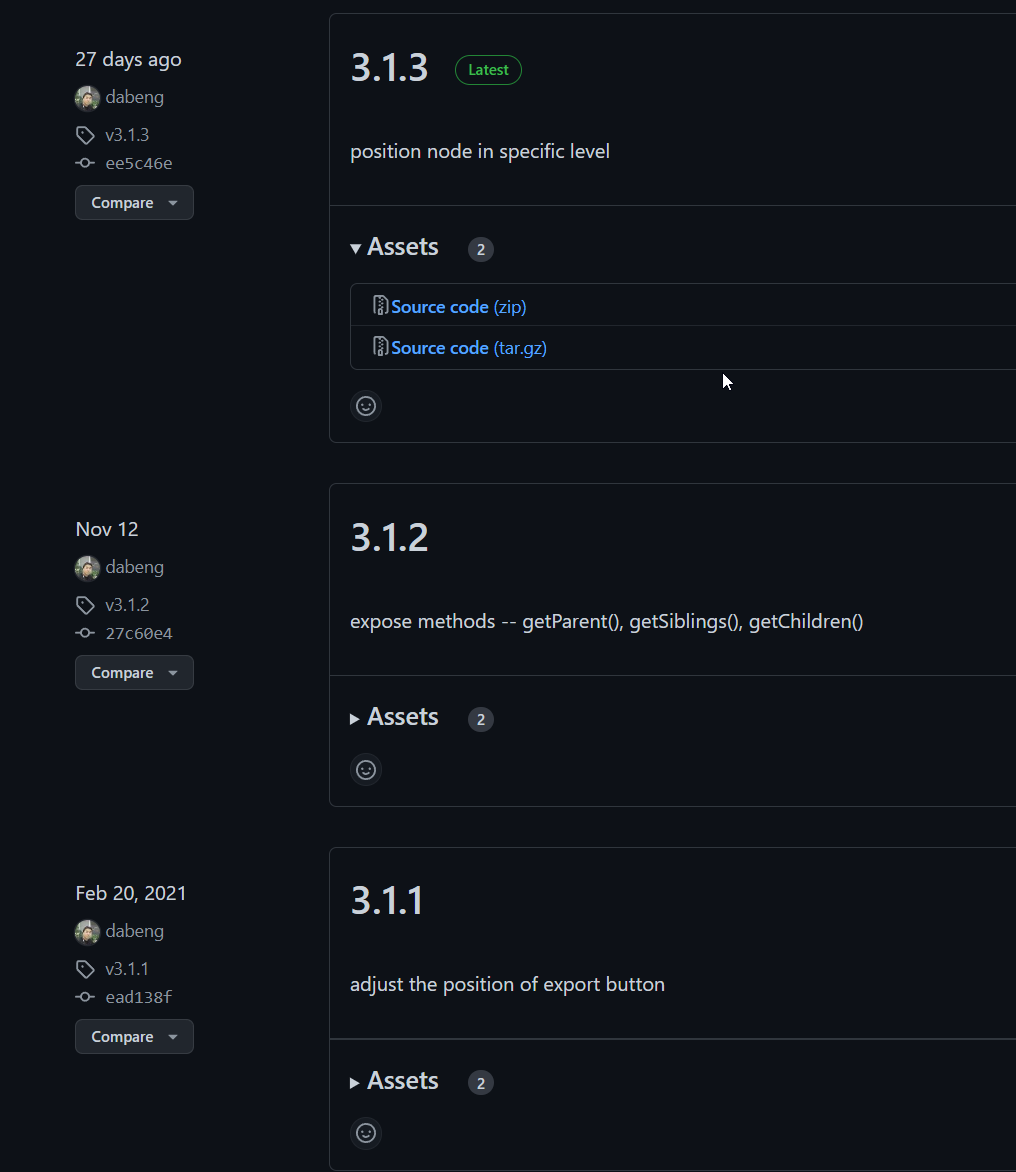
Hi, to be honest - I don't fully know. I am mainly using standard diagrams as those can be pushed into org diagrams by using hierarchical feature. I never tested with a huge amount of nodes being added to single node tho. Probably an idea that I have right now would be to create hidden nodes (I am not sure if that's even possible - just thinking loud) to be able to create "empty levels" to create an easier layout. I can see there are 3 new versions of the library we're using, which may help a bit with your problems. But if your proposed feature works for you, it could be used. |
Beta Was this translation helpful? Give feedback.
-
|
For Question to #1. How to create a Horizontal Scroll Bar I was able to enable the bottom ScrollBar but could not figure out how to also create a Top ScrollBar If anyone knows how to enable Horizontal ScrollBars at top and bottom of Chart, please let me know. To Enable the Bottom ScrollBar: I added this after |
Beta Was this translation helpful? Give feedback.
-
|
For Question #5: How to display additional selected Node details? I was hoping to discover how to when clicking a Node to do something more such as:
I was able to get working Hyper Linked Title approach as follows:
|
Beta Was this translation helpful? Give feedback.


Uh oh!
There was an error while loading. Please reload this page.
Uh oh!
There was an error while loading. Please reload this page.
-
I have a very wide and very long New-HTMLOrgChart
I created a New-HTMLOrgChart using Azure Management Groups (260 of them) which are nested 6 levels deep and have 13 Level 1 Management groups
I have been able to generate the data and formated it successfully using New-HTMLOrgChart -VerticalLevel 3 -Direction TopToBottom settings but it's still too wide.
I would love to insert some screen shots but I always get "Something went really wrong, and we can't process that file. Try again." It might be due to the security software and/or organizational policies preventing it the attachments.
I am having difficulty with the following:
I tried doing everything using Diagrams but it ended up being a blob in the middle of the screen. OrgCharts have a really nice clean look when presenting hierarchical trees.
Sorry for so many questions. I wasn't sure if I should create separate discussions or to do what I did here.
Thanks in-advance.
Regards, Brooks
Beta Was this translation helpful? Give feedback.
All reactions