🦙 Bug - TinaCloud Dependency - SSW users are registered with non-supported profile name characters #2405

Description

Requested by: @KostaMadorsky via YakShaver.ai 🦬
cc: @KostaMadorsky, @Marxoz, @PothieuG, @Freego1783
Hi Team!
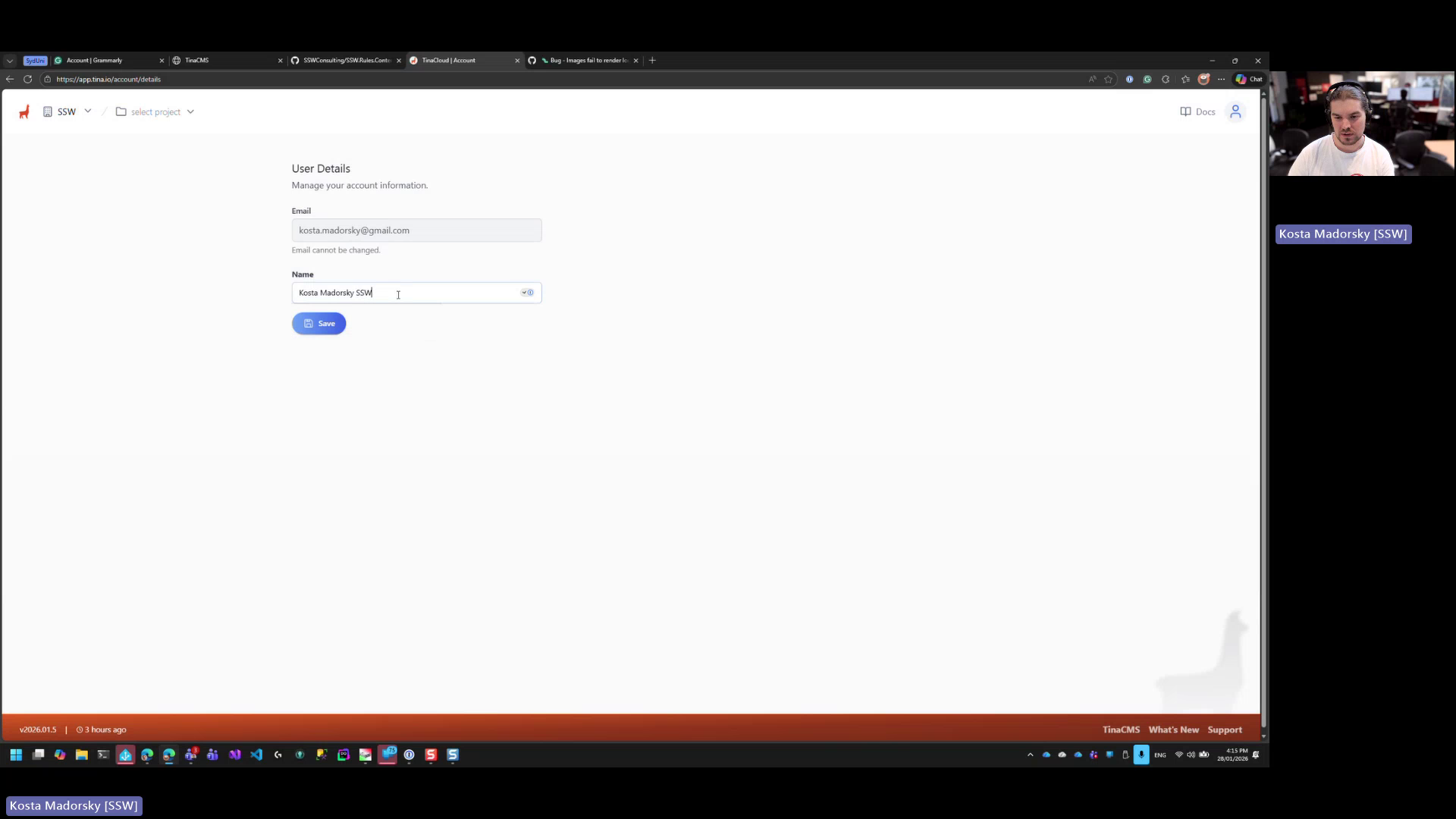
Url from screen share: https://app.tina.io/account/details
Pain
When editing a user profile in Rules V3 (TinaCMS), the name field does not allow saving if it contains certain non-supported characters. These characters are commonly used in SSW internal naming conventions during onboarding. The system currently allows saving only after manually removing the characters, which creates confusion and inconsistency. The expected behavior needs to be clarified and aligned with onboarding rules (either allow the characters or clearly enforce and communicate validation).
Acceptance Criteria
- The user profile name validation rules are clearly defined and documented.
- The system allows saving a user profile when the name contains approved characters used by SSW OR
- If certain characters are not allowed, a clear validation message is shown explaining which characters are unsupported and why.
- The behavior of the name field is consistent with the SSW onboarding process for admins.
- Users can successfully save their profile without trial-and-error removal of characters.
Reproduce Steps
- Log in to Rules V3 (TinaCMS) as a user or admin.
- Navigate to the User Profile page.
- Edit the Name field to include non-supported characters used in SSW naming conventions.
- Attempt to save the profile.
- Observe that saving is blocked without a clear explanation.
- Remove the characters and save again.
- Observe that the profile can now be saved.
Screenshot
Figure: User profile name field rejects unsupported characters on save