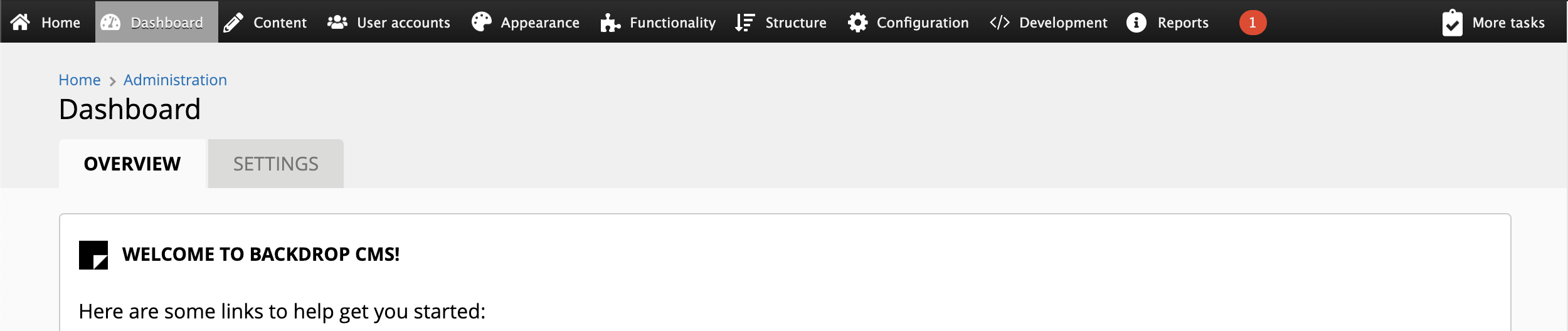
After installing a fresh version of Backdrop, logging into the site and then enabling the services module, a red dot shows up on the site admin bar, indicating a problem:
The user clicks the red dot, to be taken to the site reports page, and see this security error:

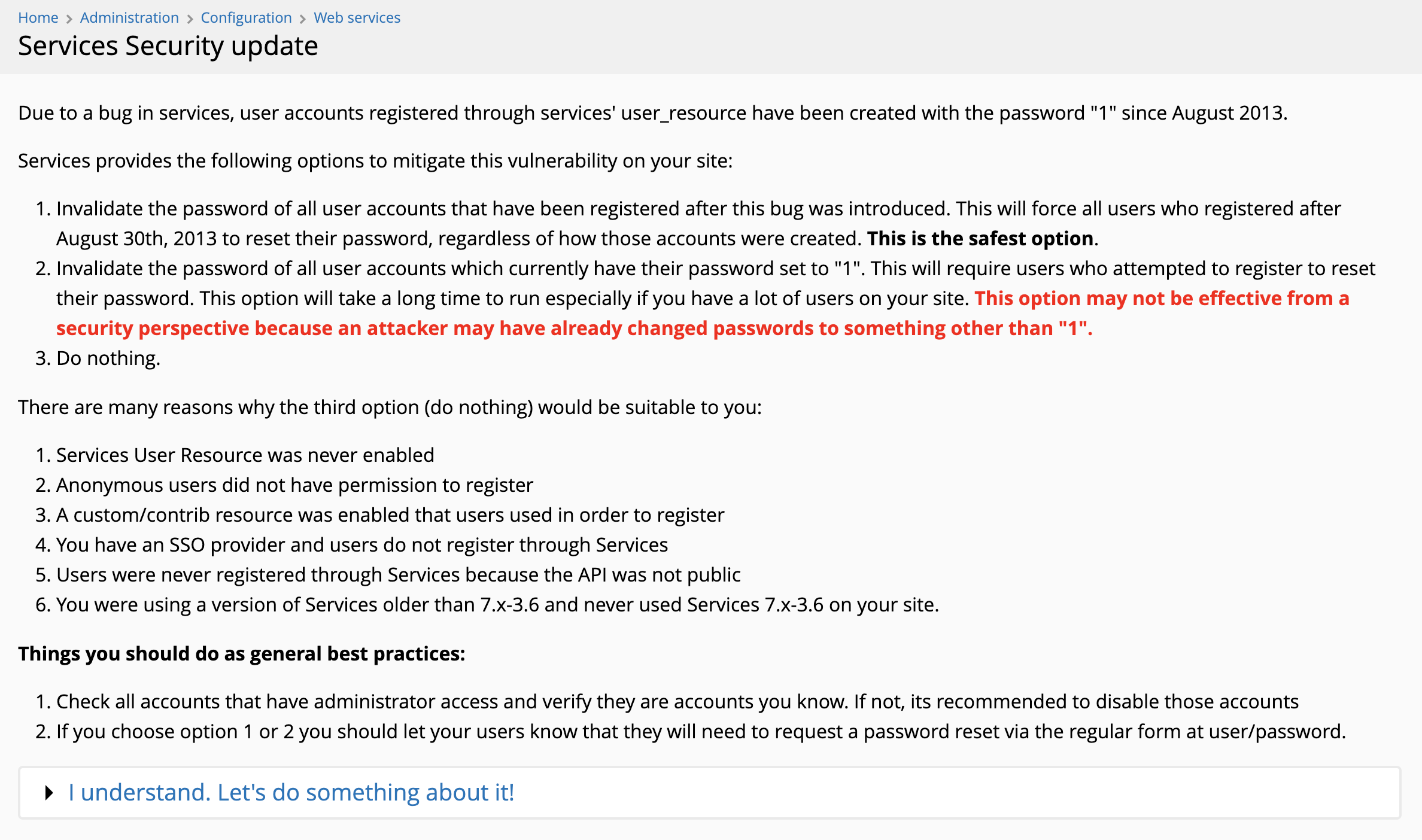
Clicking the "here" link on that message, takes you to admin/config/services/services-security, which is this page:
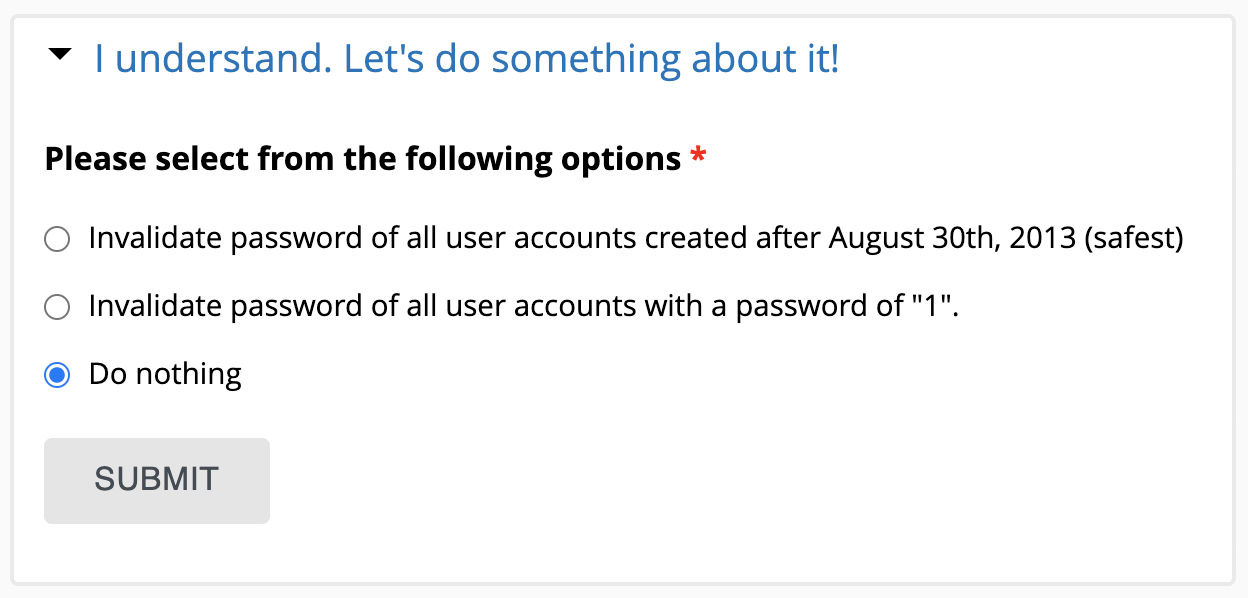
...expanding the "I understand..." fieldset, shows the following options:
Now, I understand the need for all this if you are on an old Backdrop installation, or a D7 site that was upgraded to Backdrop, but on a freshly-installed site, we are unnecessarily scaring people, which is a bad UX.
I suggest that we throw this warning only in the following situations:

After installing a fresh version of Backdrop, logging into the site and then enabling the services module, a red dot shows up on the site admin bar, indicating a problem:
The user clicks the red dot, to be taken to the site reports page, and see this security error:
Clicking the "here" link on that message, takes you to
admin/config/services/services-security, which is this page:...expanding the "I understand..." fieldset, shows the following options:
Now, I understand the need for all this if you are on an old Backdrop installation, or a D7 site that was upgraded to Backdrop, but on a freshly-installed site, we are unnecessarily scaring people, which is a bad UX.
I suggest that we throw this warning only in the following situations: