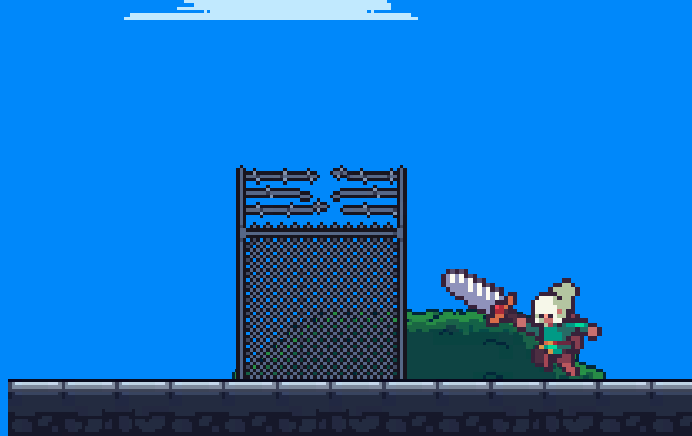
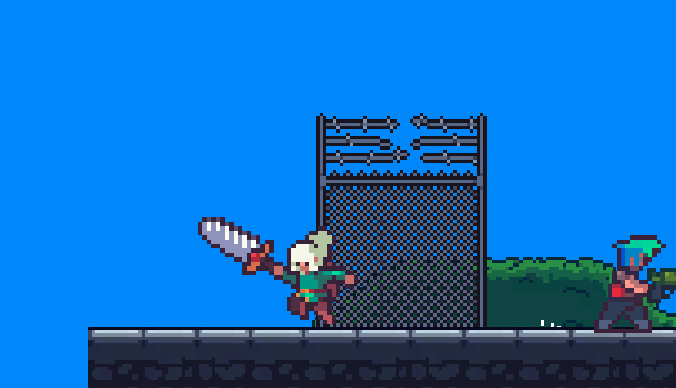
Jerky Animation when player's character is falling down. #1

Description

So I've done a few things, but I think the issue now has to do with the configuration of the sprite animation itself.
I first checked the Player's Animator graph
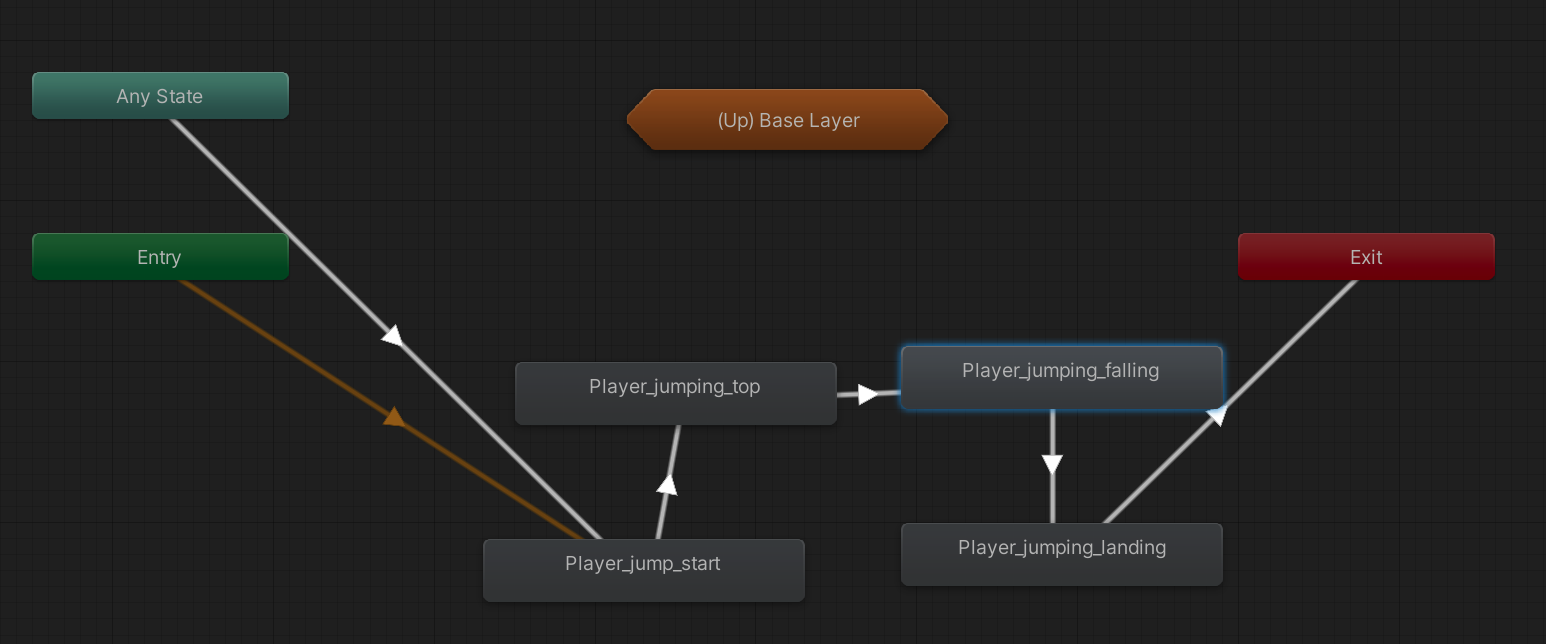
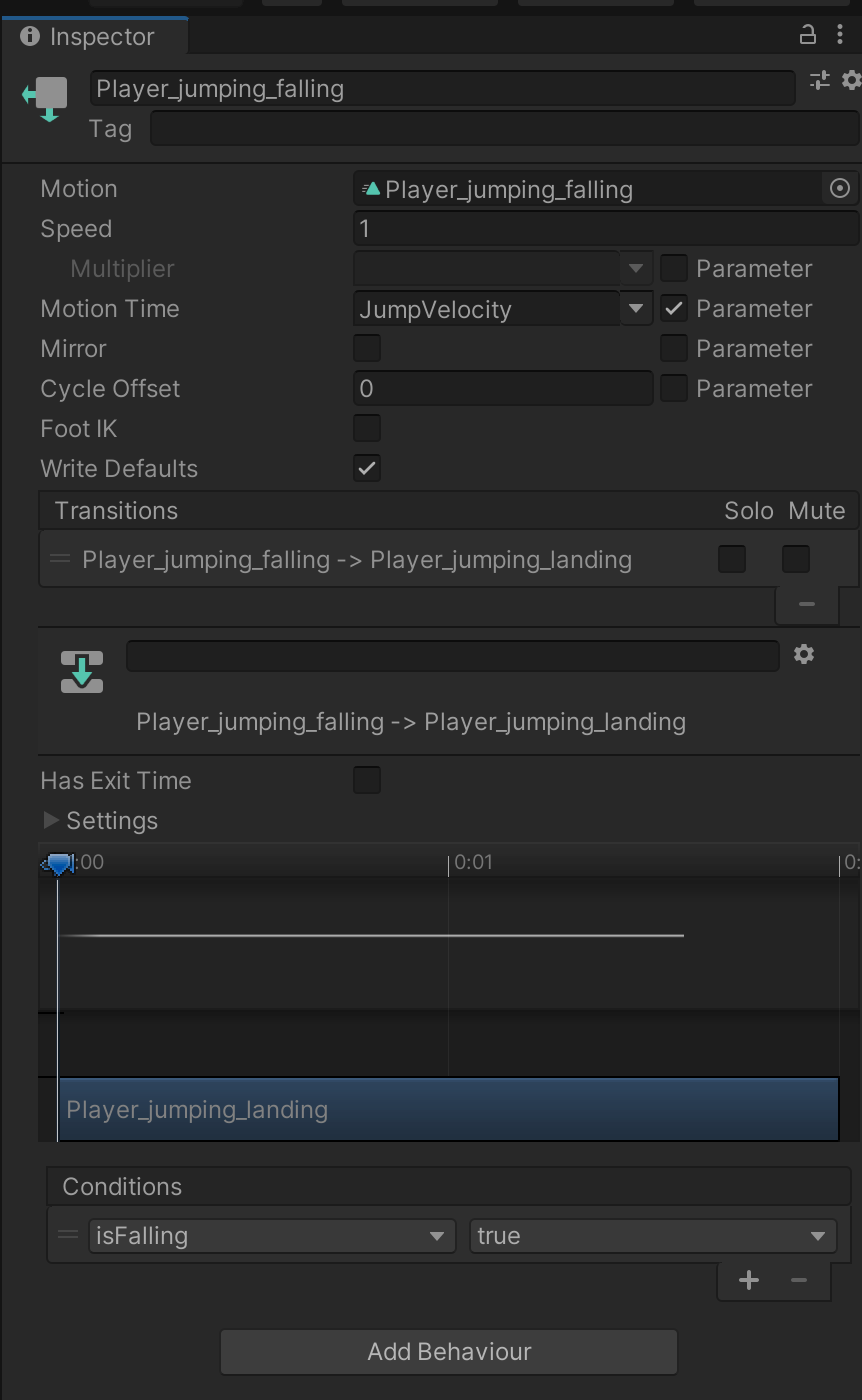
Then I clicked on the Transition Property on the right side
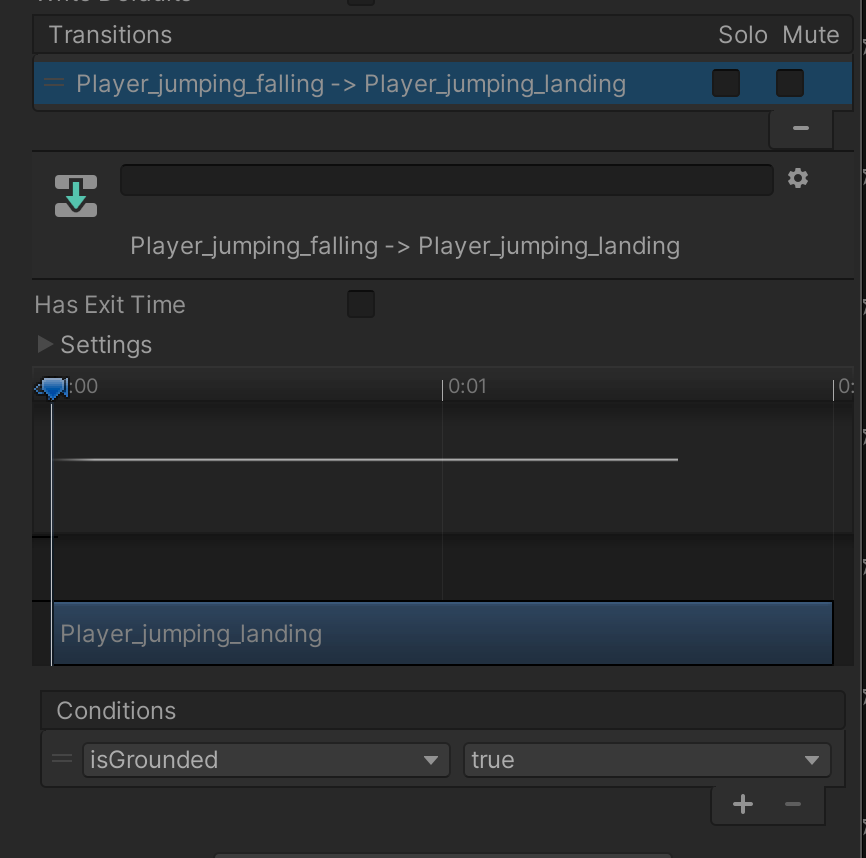
First there is a bug with the Condition, the player is not falling if it's grounded.

I saw that the condition "IsGrounded", is defined in the Animator > Parameters tab on the upper left
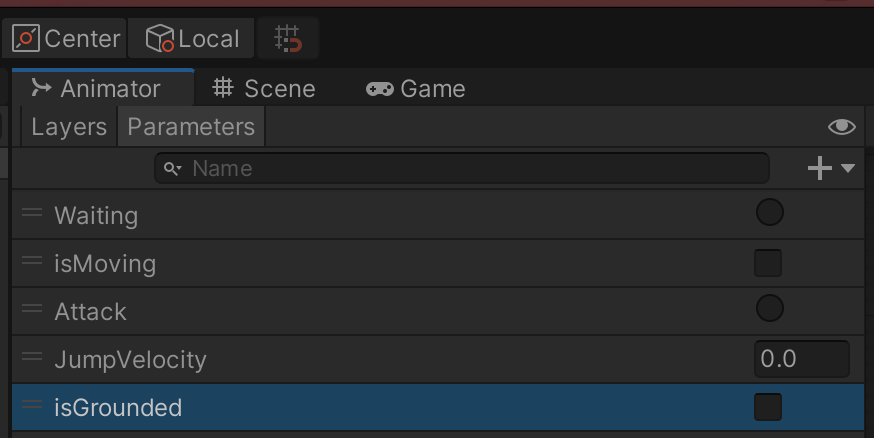
Then I looked for C# code that had something to do with the player, and I found under
Project > Assets > Scripts > PlayerController.cs
I opened up the file and I noticed there is an Animator object called animator
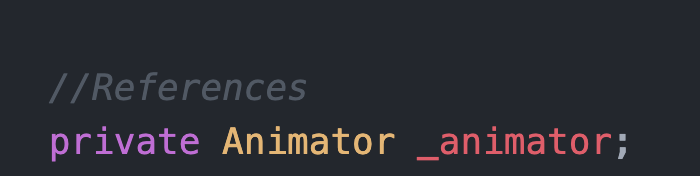
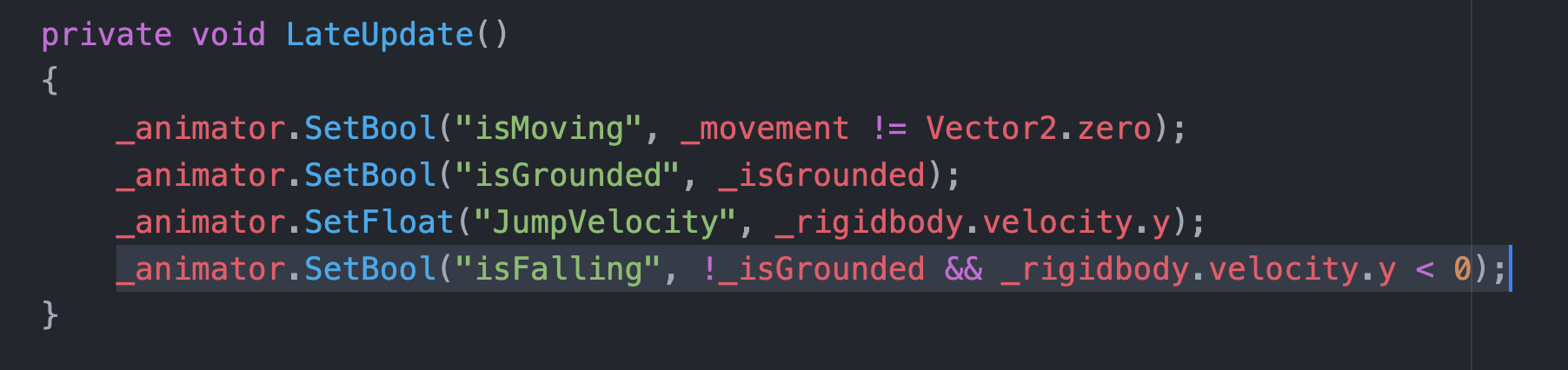
then I saw that this is how Csharp code talks to the Animator, by setting the parameters we saw above:

I decided to create a new parameter IsFalling, which is set when the velocity of the player is negative.
I confirmed this is True using Debug.Log("Velocity Y: " + _rigidbody.velocity.y) and playing the game, it would show negative Y velocity when falling on the Console.
So, I created a new Parameter IsFalling in Unity for the player Animator
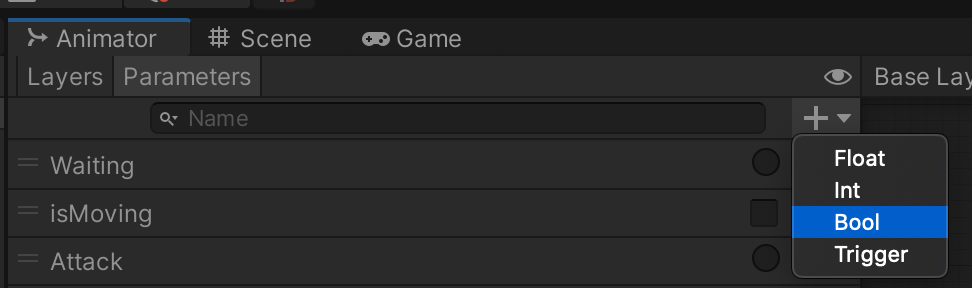
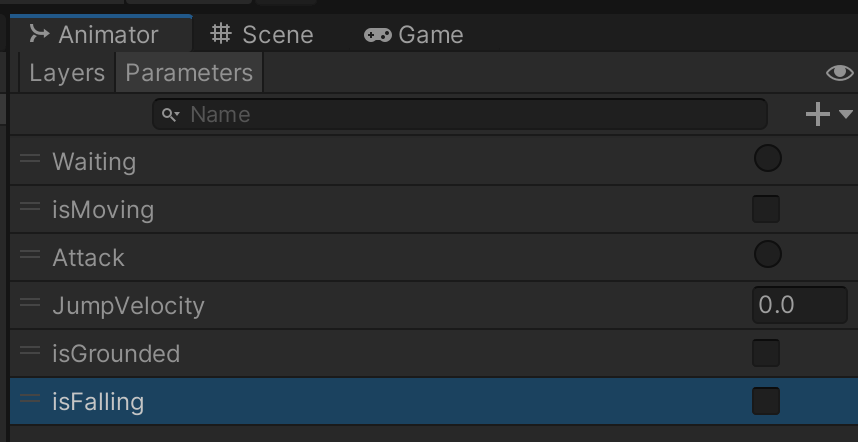
I fixed the condition on the transition of the animator:
And then I set that property in C# to be true or false depending on the Y speed, and if the player isn't grounded.
This did not solve the problem, the loop on the animation stays the same when falling, BUT, something weird happens.
When the character is on the ground, now it looks the way it's supposed to look when it's falling. Even when you move it, it stays that way. So I must be getting close.