docs +media-download whiteboard thumbnail: content not centered / viewport mismatch #293

Description

Description
When using lark-cli docs +media-download --type whiteboard to export a whiteboard thumbnail, the exported image does not properly center the whiteboard content. The thumbnail appears to capture a fixed viewport from the canvas origin (0,0), which results in content being cut off or offset to one side.
Steps to Reproduce
- Create a whiteboard in a Feishu document
- Add some content (shapes, text, etc.) to the whiteboard (not near the canvas origin)
- Run:
lark-cli docs +media-download --type whiteboard --token <whiteboard_token> --output ./thumbnail.jpg - Open the exported thumbnail — content is not centered
Expected Behavior
The exported thumbnail should auto-fit the content bounds (similar to what the Feishu client shows), centering all whiteboard elements in the image. This is the behavior users see when they use "Download as image" in the Feishu client UI.
Actual Behavior
The thumbnail captures a fixed viewport, likely starting from the canvas origin (0,0). Content placed elsewhere on the infinite canvas is offset or partially visible.
Screenshots
Exported via API (whiteboard-v5, content offset to the right):
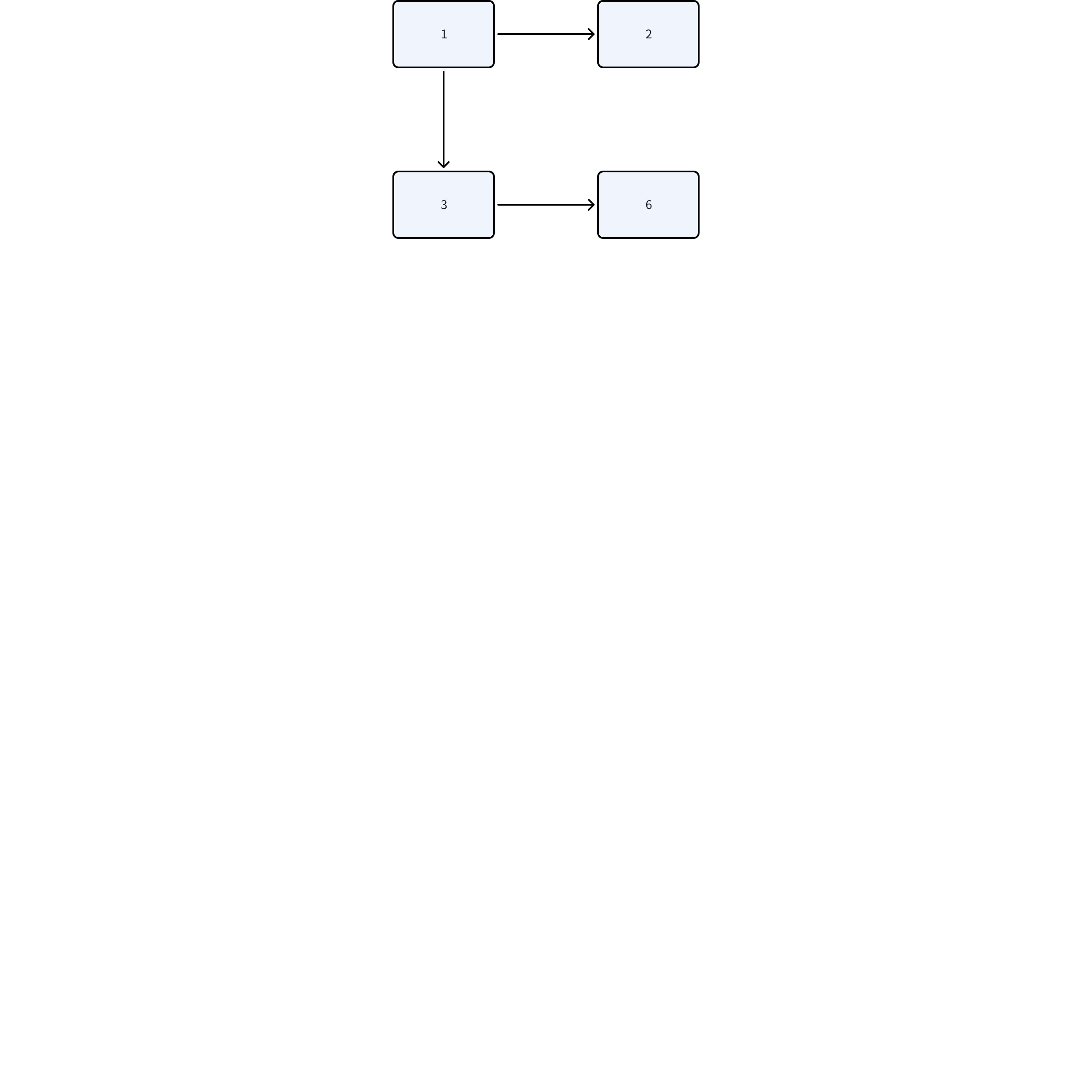
Another export attempt (whiteboard-v3, same offset issue):
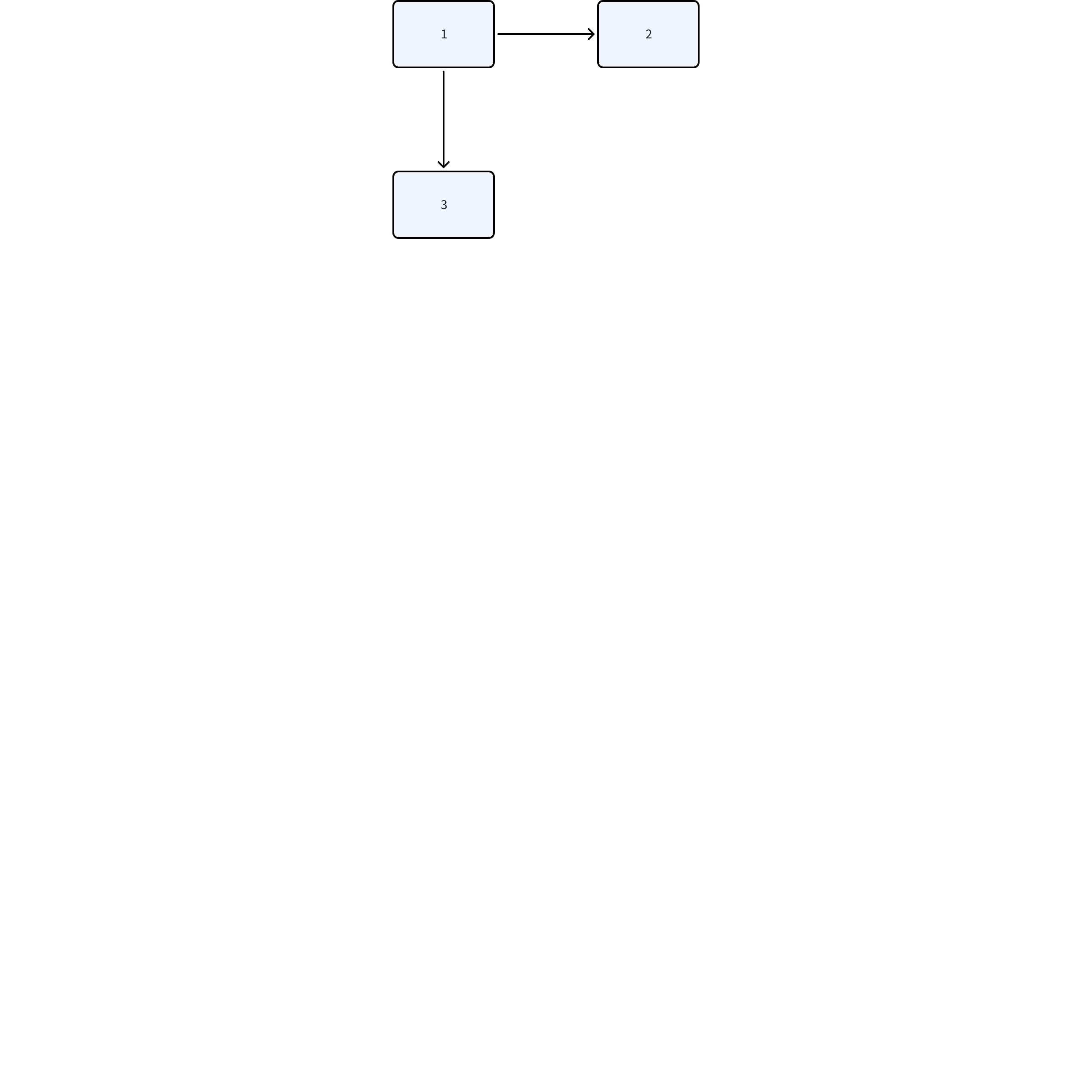
For reference, the Feishu client auto-centers all content in the viewport, but the API thumbnail does not replicate this behavior.
Environment
- OS: Ubuntu Linux
Suggestion
The whiteboard thumbnail API should either:
- Auto-fit content bounds — Calculate the bounding box of all nodes and generate a content-centered thumbnail (most user-friendly)
- Accept viewport parameters — e.g.
--viewport x,y,width,heightso callers can control the captured region - Expose a "get whiteboard nodes" API — Let callers read node positions and compute the bounding box themselves, then combine with option 2
Option 1 would be ideal for most use cases. Option 3 would enable advanced scenarios like programmatic whiteboard-to-image conversion.