You will need:
- A computer
- An SD card (recommended at least 16GB)
- An SD card reader
To start:
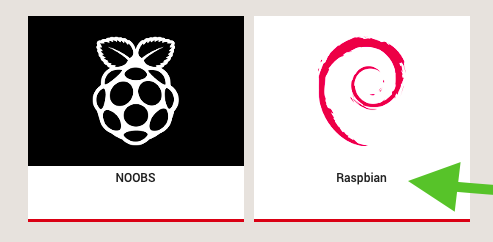
- Download the latest version of Raspbian from the official Raspberry Pi site: https://www.raspberrypi.org/downloads/raspbian/. This guide will work with Raspbian.
Download Raspbian
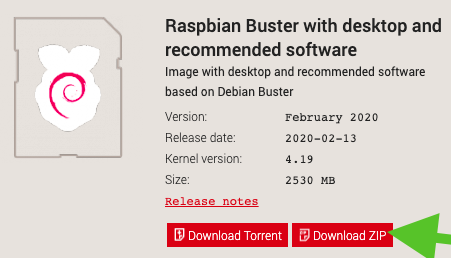
Download Zip
-
Download balenaEtcher for writing an SD card: https://www.balena.io/etcher/
-
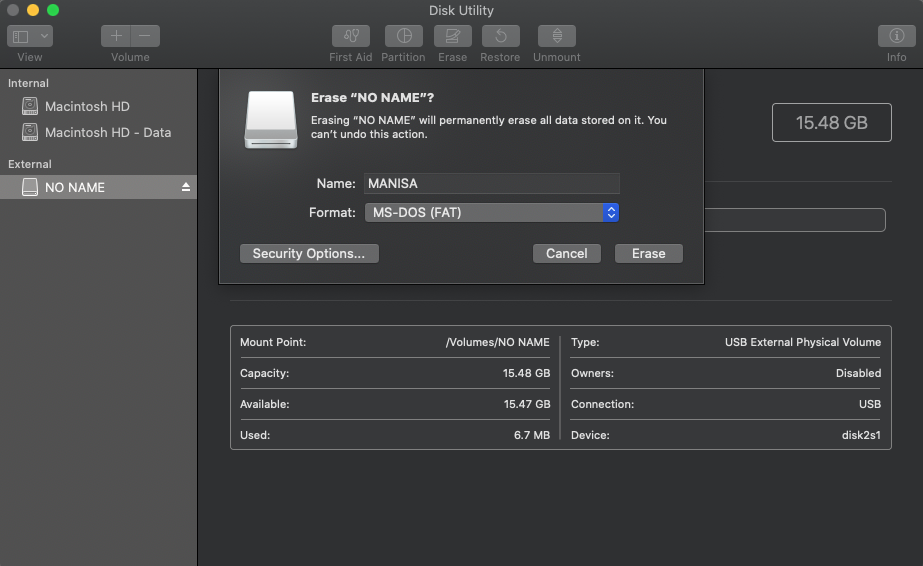
Format SD card using Disk Utility (on Mac)
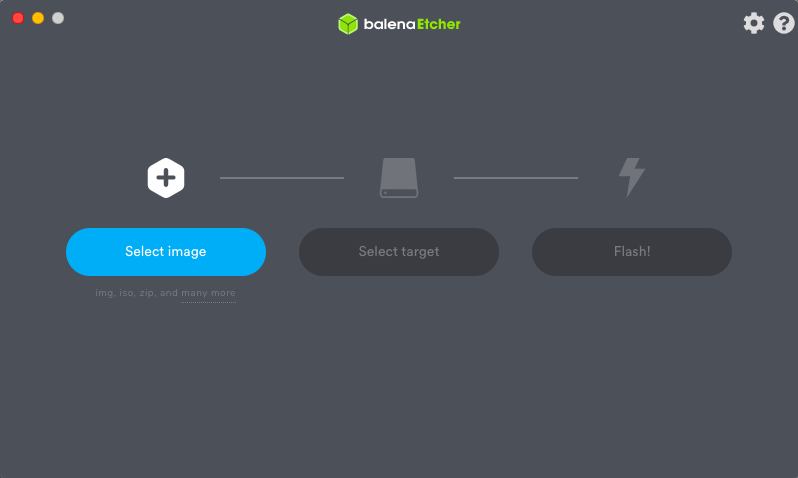
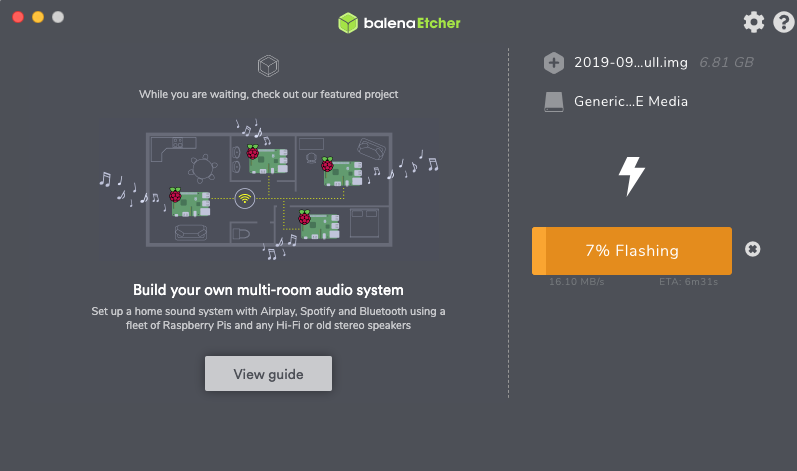
- Open balenaEtcher, select the image (or the downloaded Raspbian), select target (SD card) and click Flash.
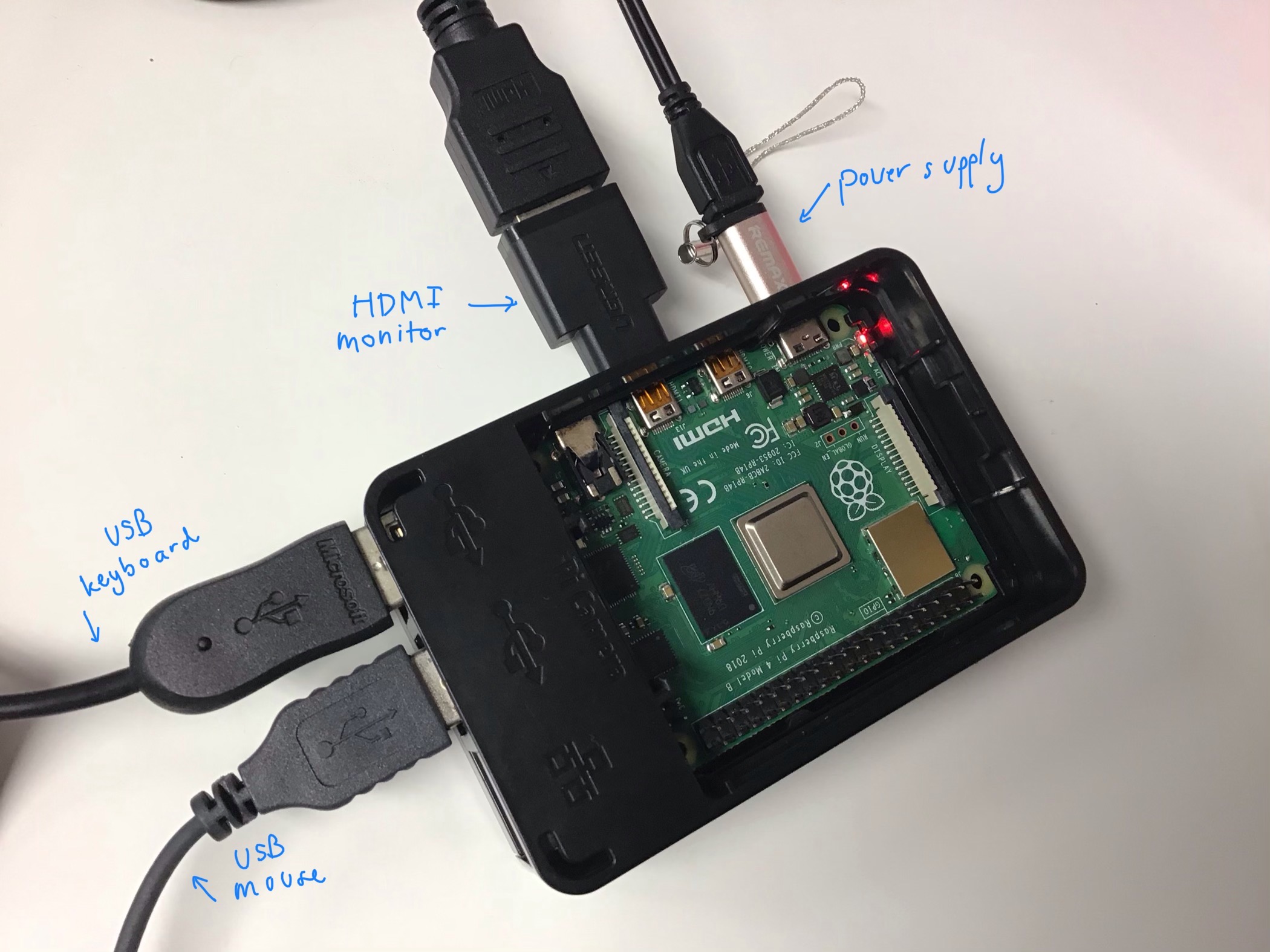
- Insert the SD card onto your Raspberry Pi. You can now connect the followings to your Raspberry Pi:
- Power supply
- HDMI monitor
- USB keyboard
- USB mouse