After you've deployed your webspace to a static hosting provider (like GitHub Pages) pulling from a GitHub repo, you can automatically save your changes back while you edit it live, on the web, by plugging in GitHub credentials:
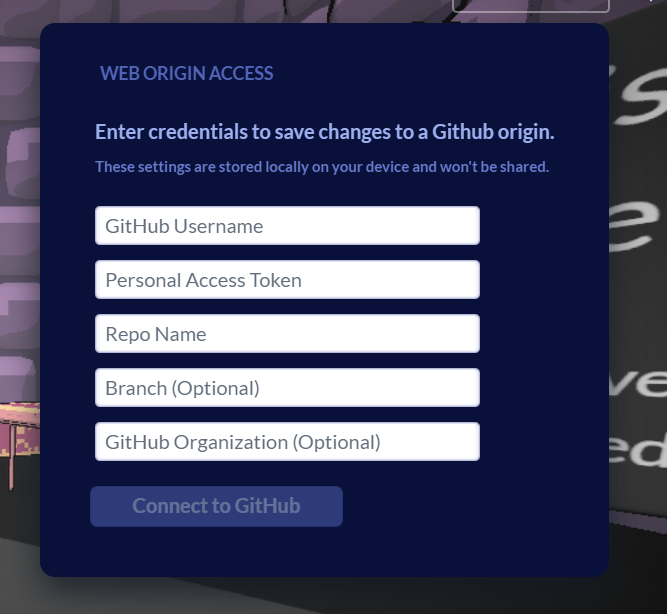
The tricky part is creating the GitHub Personal Access Token. To get one:
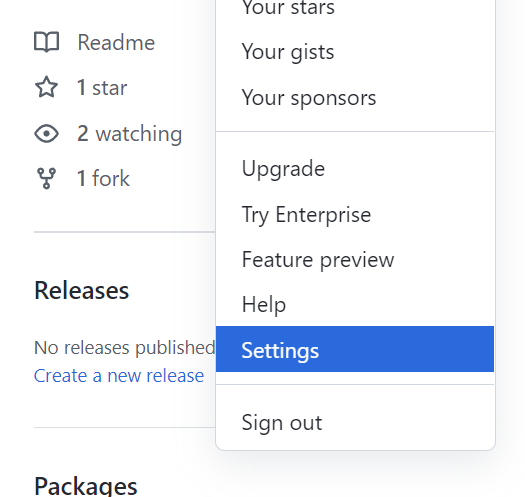
- Click on your profile image in the top right on GitHub and go to Settings:
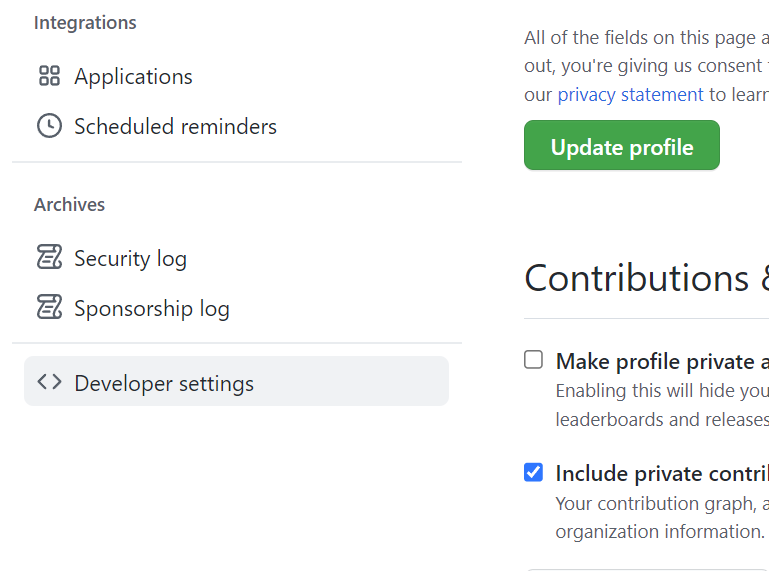
- Scroll all the way down and on the left click Developer Settings:
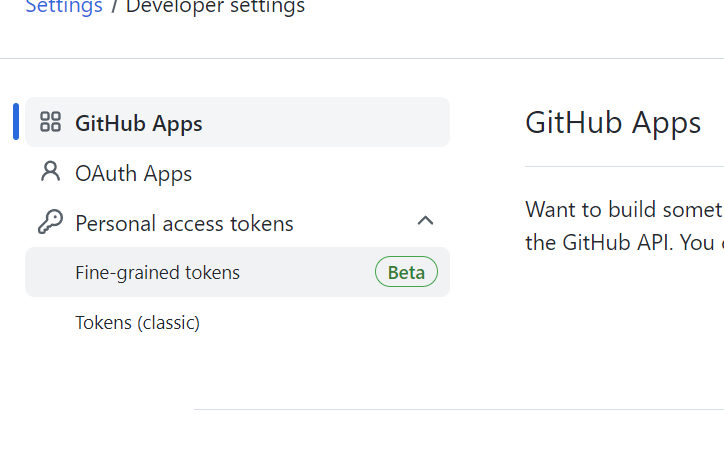
- Then choose fine-grained tokens:
- Now, proceed to select only select repositories and find your particular webspace repo. Don't add other repositories since they are unneeded, and it's better security practice to avoid unnecessary permissions.

- We will now be selecting the required permission for the personal access token, which is, Contents :

- Then generate new token
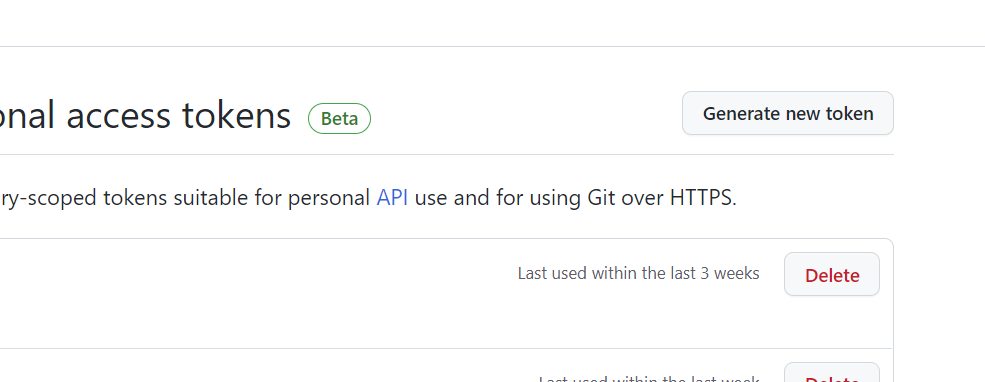
- Ta-da! You are now the owner of a very special Personal Access Token. Plug this into the webspaces dialog and changes to your world will start landing back into GitHub.
Profile > Settings > Developer Settings > Fine-Grained Tokens(Beta) > Only Select Repo + add perms > Generate and Use!