This repository contains the front-end for the collaborative project Weight Lifting Journal. Within this app, expect to find an application with CRUD functionality allowing users to log their workouts!
Weight Lifting Journal is a web application for keeping track of a workout routine. This project was a collaborative effort between of a team of 5 cross-functional developers, completed in 1 week. The application was created using React, React Router, and vanilla CSS. I (Adam Monast) was personally responsible for implementing sign-in/sign up forms and functionality, and styling the entire project.
Future plans for this project include: Fixing the bugs with adding body weight entries, implementing my own backend API to power the app (I do not have access to the current one), implementing a better state management system using Redux, and fixing styling issues the deployed site is experiecing. Thank you for viewing this project and all feedback is appreciated!
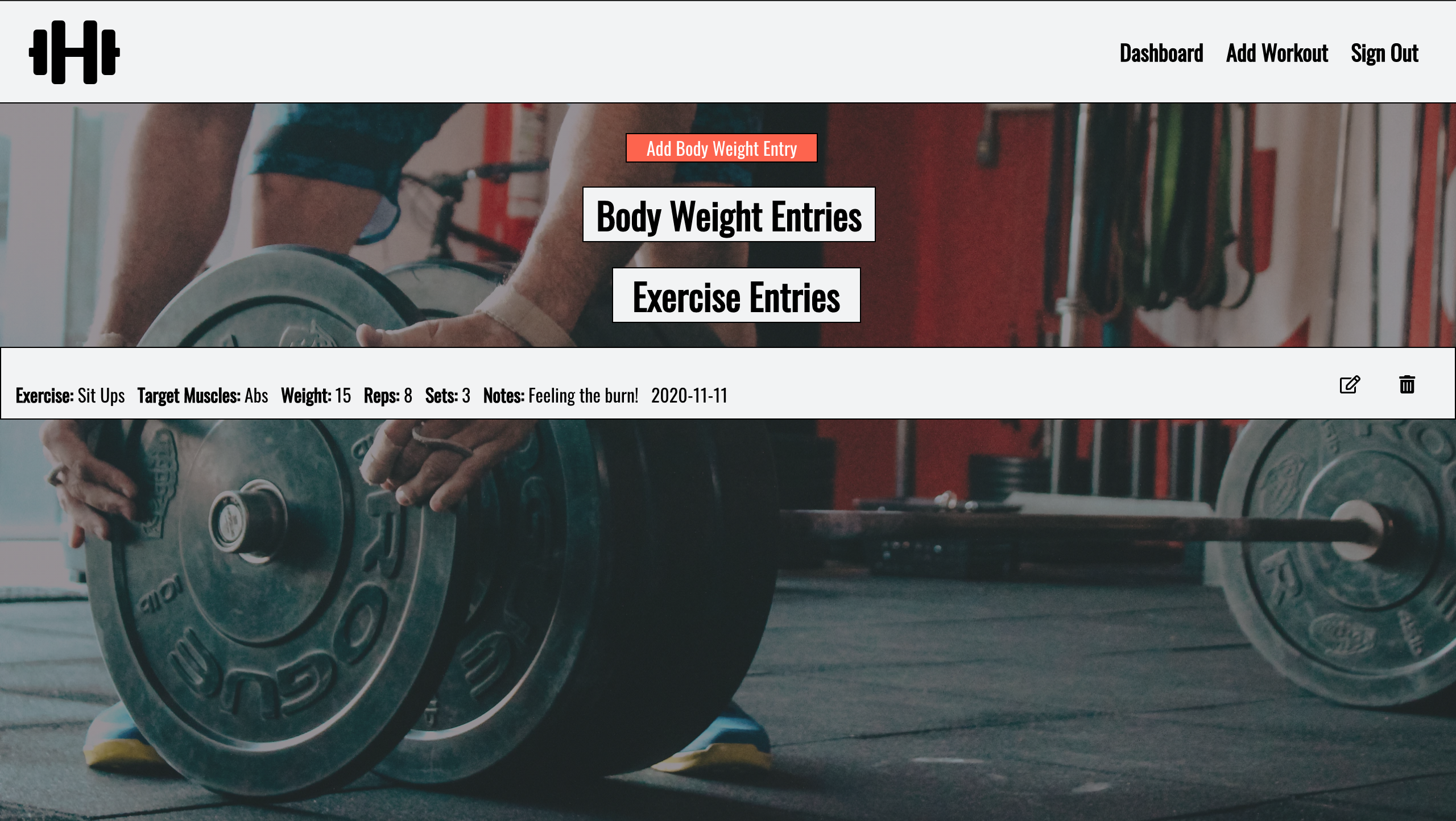






- Fork and clone the repository
- After the repo is cloned, navigate to the folder: src
- Install dependencies using the commands:
OS X:
yarn installWindows:
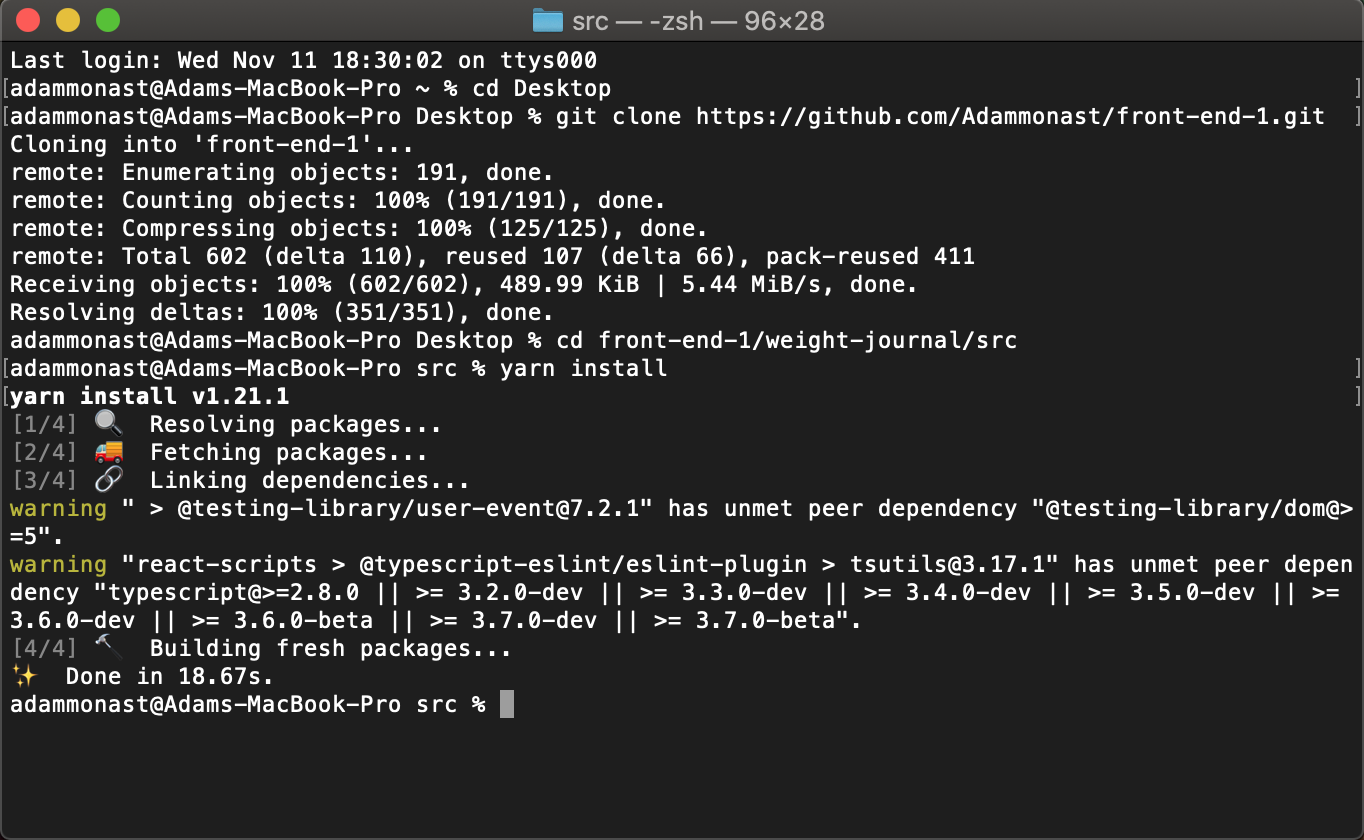
npm installIf those steps were followed correctly, your terminal should look like something like this:
- To get the developement server started after installation, simply run the command:
OS X:
yarn startWindows:
npm startOnce you start the development server you're good to start using Weight Lifting Journal! To get started, following this user flow guide:
- Sign Up: Once started, the development server directs you to the Sign Up page. In order to use the application, you must create an account! Follow the form and enter the information required. Once you enter your information and click the button, please wait 3-5 seconds as the response can be delayed. Do not worry about spam emails, we will NEVER send your email anything 😉
- Sign In: Once you create your account you will be redirected to the Sign In page. Enter the credentials you just created, click the button, and wait 3-5 seconds as the response can be delayed.
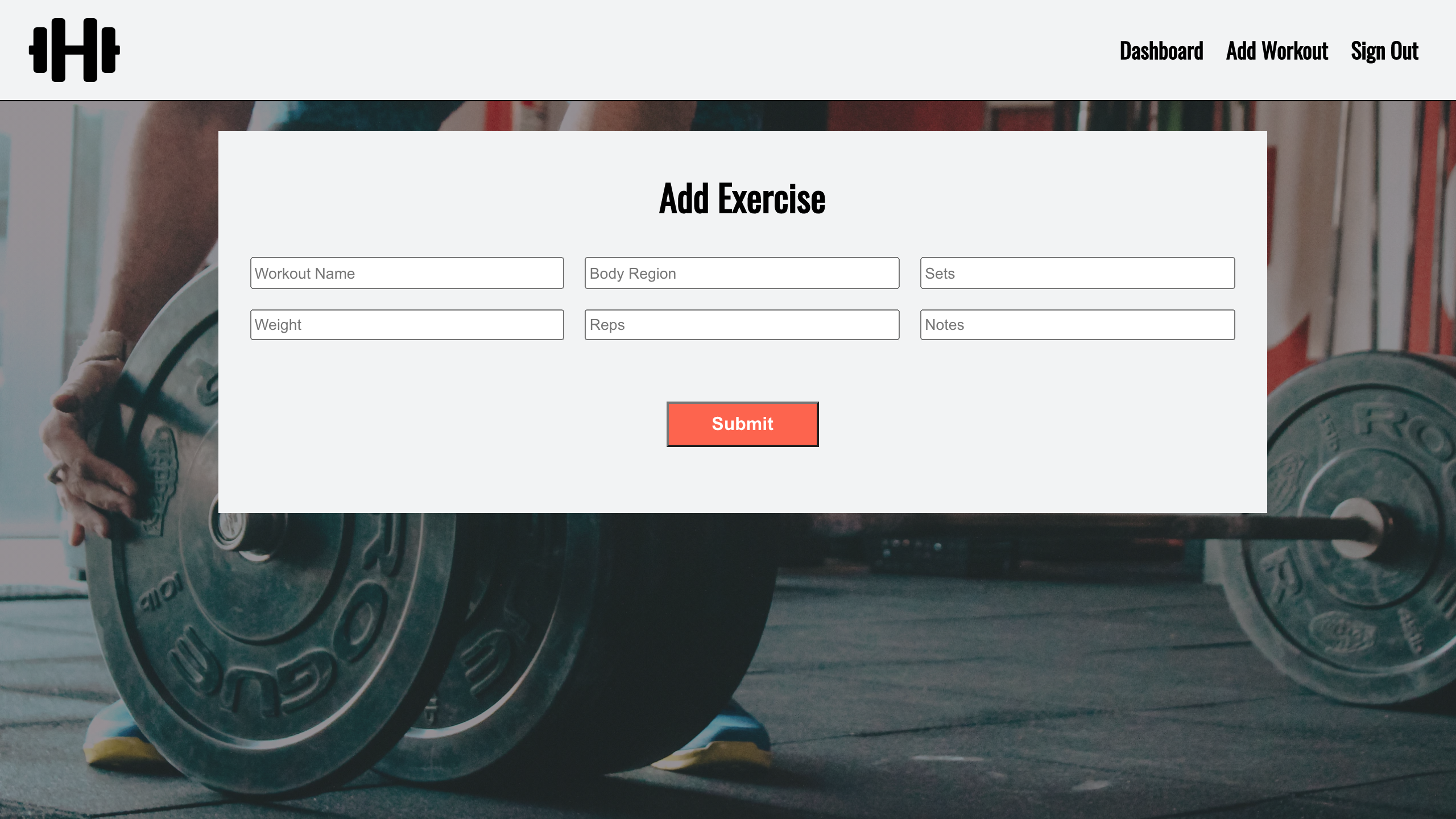
- Once you the sign-in/sign-up is flow is successfull, you're in the application! 🎉 You will be redirected to your Dashboard and from there the navigation bar links will change. You'll now have the ability to enter a workout entry!
Adam Monast – LinkedIn – adammonast@gmail.com