This is an enhanced version of MoneyPrinterTurbo with significant improvements to subtitle highlighting and TTS capabilities. Full credit goes to the original author and contributors.
- Word-by-word highlighting: Each word lights up exactly when spoken, making videos more engaging
- Real-time synchronization: Perfect timing with TTS word boundaries
- Multi-line support: Works with wrapped text and complex subtitle layouts
- Customizable colors: Configure highlight colors through the web interface
- Semantic search: Analyzes script content to find relevant video clips instead of random selection
- Text similarity: Matches video content to script meaning for better relevance
- Thumbnail analysis: Optional video thumbnail similarity for sources like Pexels
This fork includes Chatterbox TTS - a completely free alternative to Azure TTS that runs locally on your machine.
Key advantages:
- No API costs: Completely free to use, no rate limits
- Voice cloning: Clone any voice using 10-60 seconds of reference audio
- Word-level timing: Perfect subtitle synchronization with WhisperX integration
- Automatic speed control: Configurable speech pacing via environment variables
See the enhanced features in action:
Full-Length Video Example

YouTube Shorts Example
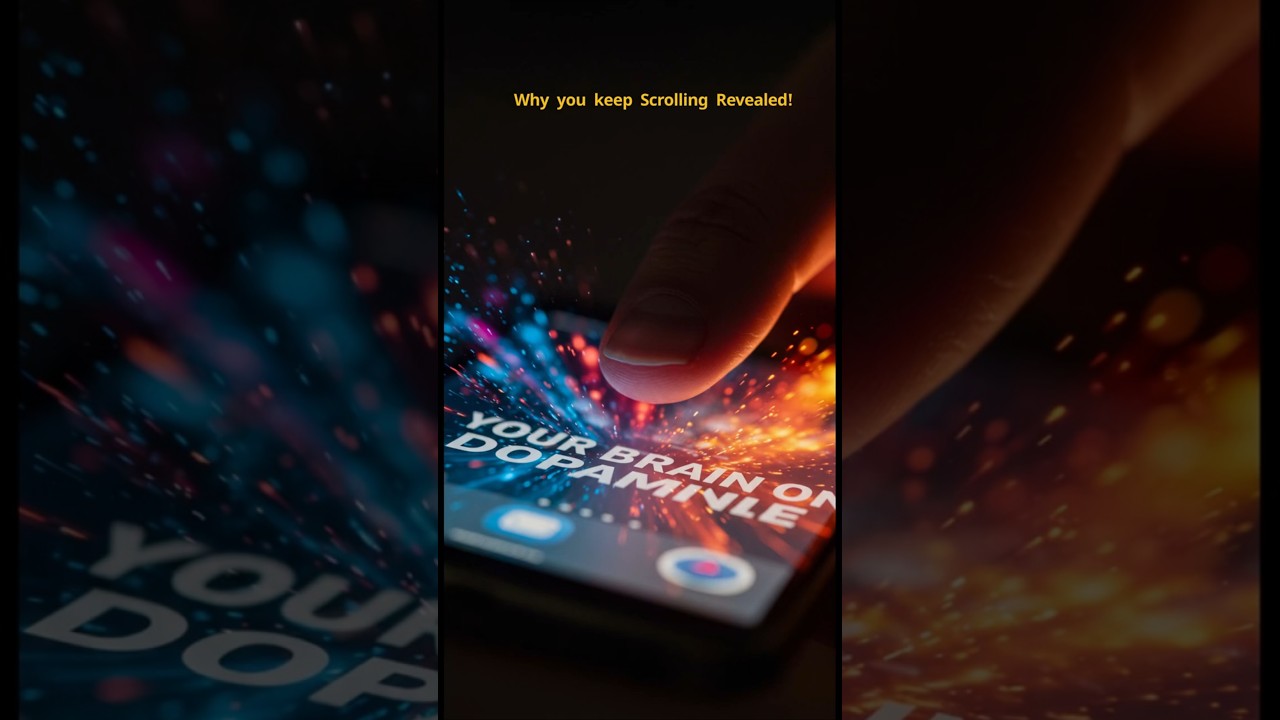
Chatterbox TTS Generated Video
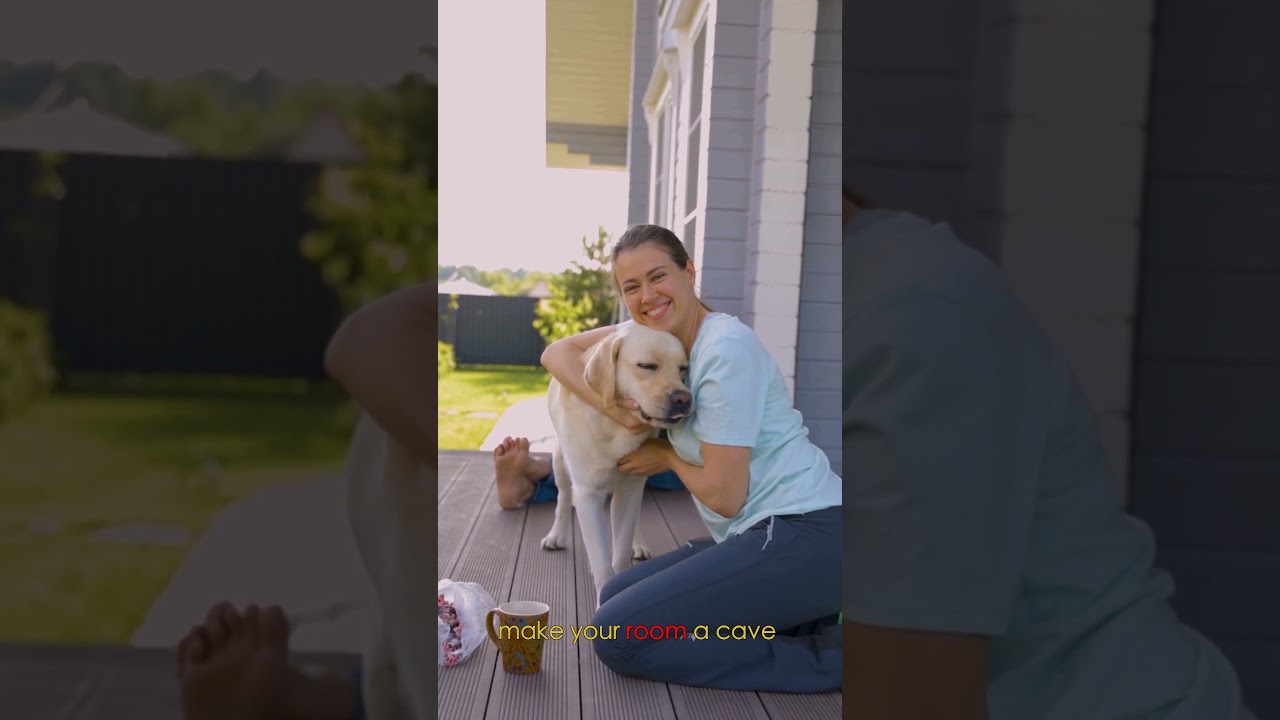
Features Showcased: Natural voice synthesis • Word-level subtitle highlighting • Timing synchronization • Open-source TTS quality
For complete tranparency and some reprodceability, please see below settings used to generate videos shown above


Here's the exact prompt system we use for generating engaging YouTube content:
Complete Video Generation Prompt For LLMs of your choice(Click to expand)
ROLE: You are an expert YouTube scriptwriter and content strategist specializing in creating engaging, science-backed content for a broad audience.

OBJECTIVE: Generate a complete text-based content package for a 5-minute YouTube video. The goal is to select a single, highly engaging topic and create all the necessary assets to produce the video, optimized for audience retention and YouTube's algorithm.

TOPIC SELECTION CRITERIA:
• Trending & Relevant: The topic must have high current interest and search volume
• Broad Appeal: Relatable to a wide audience (productivity, health, personal finance, psychology)
• Science-Based: Grounded in widely accepted, mainstream scientific consensus
• Safe & Non-Controversial: Focus on foundational, actionable knowledge

REQUIRED DELIVERABLES:

1. Video Title Options (3x)
   Goal: Create three distinct, clickable YouTube titles optimized for high CTR
   Style Example: "Rewire Your Anxious Brain in 3 Simple Steps"

2. Full Video Script
   Length: 800-900 words (~5-minute speaking time)
   Format: Single paragraph with proper punctuation for TTS optimization
   Tone: Authoritative yet encouraging, digestible for general audience
   TTS Optimization: End sentences with definitive punctuation for natural breaks

3. Pexels Video Search Keywords
   Structure: Keywords organized by script concepts for visual variety
   Output: Single line separated by commas
   Example: brain animation, neural network, person thinking, scrolling on phone

4. YouTube Description & Hashtags
   Description: SEO-optimized summary (2-3 lines) with clear call-to-action
   Hashtags: 10-15 relevant hashtags for maximum discoverability
Quick Start (Recommended):
# 1. Clone and setup
git clone https://github.com/harry0703/MoneyPrinterTurbo.git
cd MoneyPrinterTurbo
conda env create -f environment.yml
conda activate MoneyPrinterTurbo

# 2. Install Chatterbox TTS (voice cloning)
git clone https://github.com/resemble-ai/chatterbox.git
cd chatterbox && pip install -e . && cd ..

## For CUDA specific setup (if needed)
source ./setup_cuda_env.sh
Usage:
# Web Interface (Recommended)
./webui.sh

## Optional: Customize speech speed when using chatter box
export CHATTERBOX_CFG_WEIGHT=0.1  # Very slow
export CHATTERBOX_CFG_WEIGHT=0.2  # Slow (default)
export CHATTERBOX_CFG_WEIGHT=0.3  # Normal speed
The web interface opens at http://localhost:8501
Common Issues & Solutions (Click to expand)
Chatterbox TTS issues:
- Garbled audio: Text automatically preprocessed and chunked for clarity
- CUDA errors: System automatically falls back to CPU mode
- Force CPU mode:
export CHATTERBOX_DEVICE=cpu - Voice cloning problems: Ensure audio is clear and single-speaker
- Speed control: Use
CHATTERBOX_CFG_WEIGHTenvironment variable
CUDA/cuDNN compatibility issues:
- Error:
libcudnn_ops_infer.so.8: cannot open shared object file - Cause: Missing cuDNN 8.x libraries required by some packages
- Solution: Automatically handled by startup scripts (
setup_cuda_env.sh) - Manual fix:
pip install nvidia-cudnn-cu12==8.9.2.26
MoviePy TextClip issues:
- Error:
got an unexpected keyword argument 'align' - Cause: Newer MoviePy versions removed the
alignparameter - Solution: Remove or comment out
alignparameter inTextClipcalls
General issues:
- Check that all dependencies are installed correctly
- Ensure your Python environment is activated
- For GPU issues, CPU mode provides a reliable fallback
Advanced CUDA Setup: The project includes automatic CUDA environment configuration:
setup_cuda_env.sh- Shared CUDA environment setupwebui.sh- Web interface with CUDA support
If you encounter CUDA library issues, the startup scripts automatically:
- Add cuDNN library paths to
LD_LIBRARY_PATH(Linux) - Set optimal CUDA memory allocation settings
If you found this project useful please give it a star and consider contributing to it or open an issue if you have an idea that can make it more useful.
This fork maintains full compatibility with the original MoneyPrinterTurbo while adding new features. Check out the original repository for the base project documentation and additional features.
