Proposal: Add HTML to Markdown conversion for Discord embeds #16
Conversation
This file contains hidden or bidirectional Unicode text that may be interpreted or compiled differently than what appears below. To review, open the file in an editor that reveals hidden Unicode characters.
Learn more about bidirectional Unicode characters


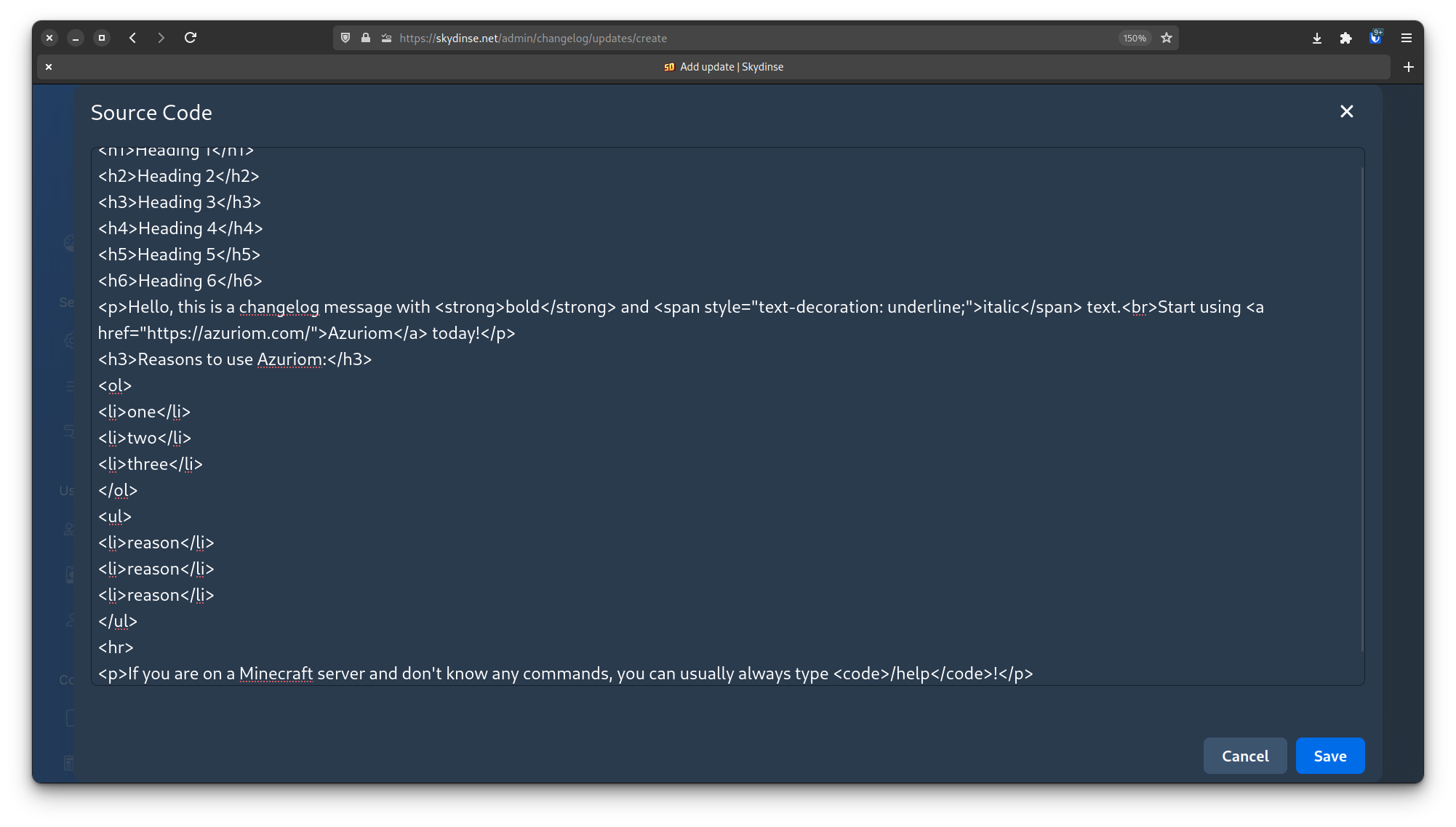
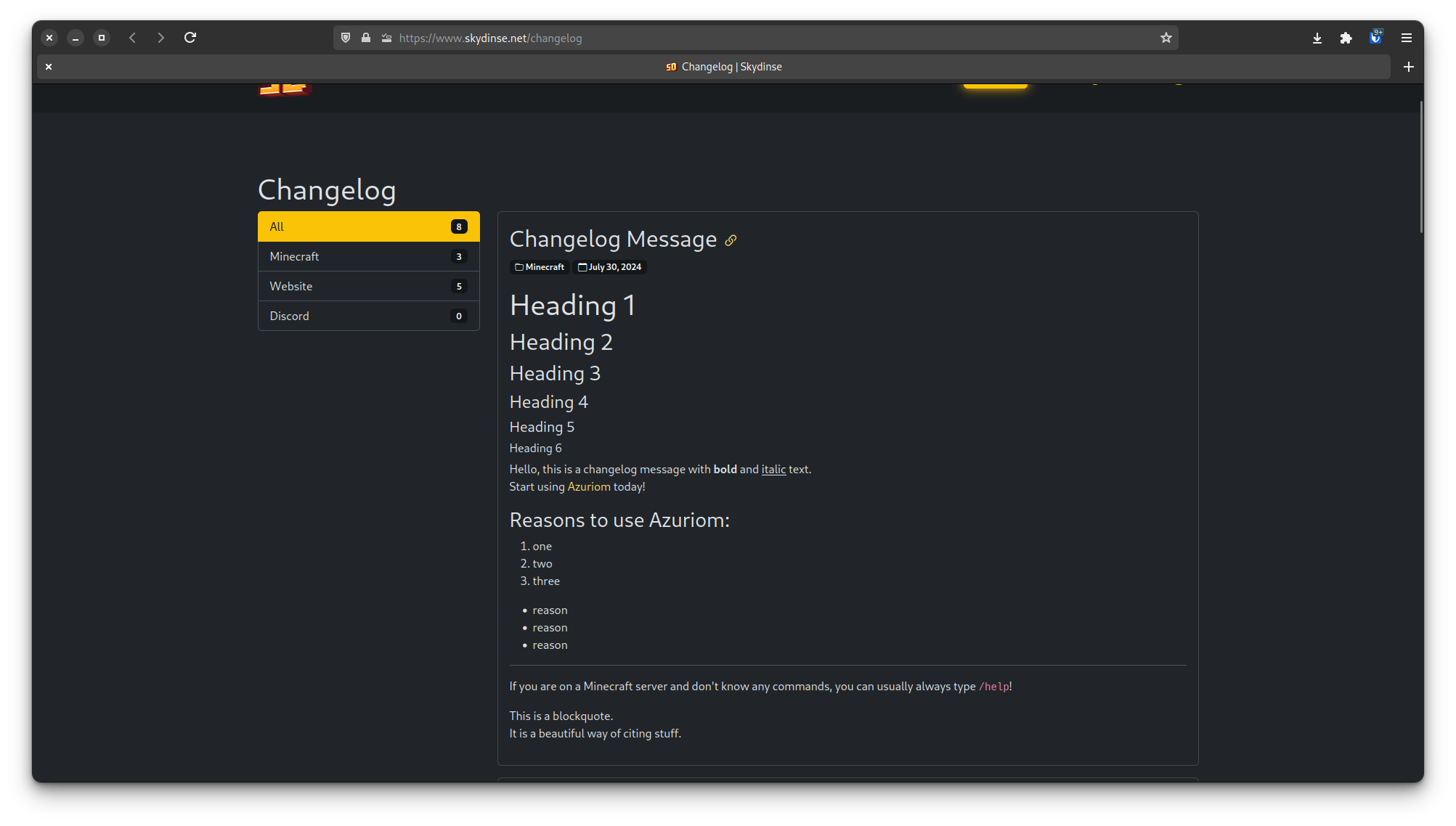
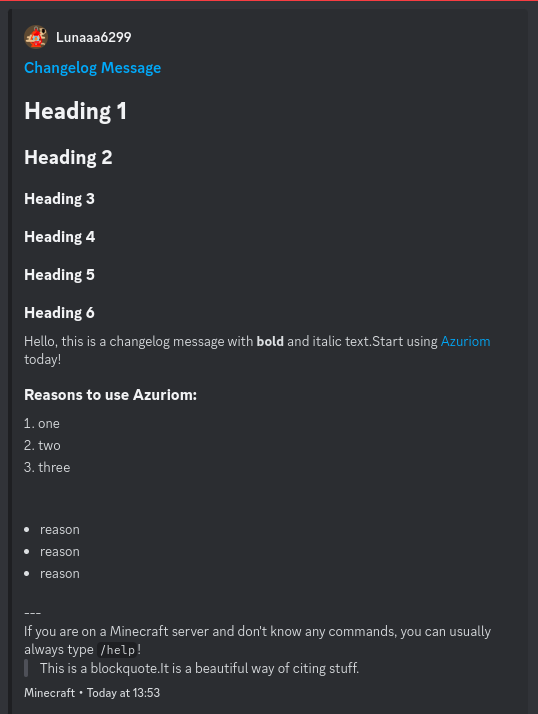
### Description Add the `convertHtmlToMarkdown` function to convert HTML content into Markdown format to increase the quality of the Discord Webhook feature. 1. **Anchor Tags (`<a>`)**: Converts links to Markdown links - Example: `<a href="https://www.example.com">Example</a>` becomes `[Example](https://www.example.com)` 2. **Headings (`<h1>` to `<h6>`)**: Converts HTML headings to Markdown headings, with a maximum of three `#` characters - Example: `<h1>Title</h1>` becomes `# Title` 3. **Unordered Lists (`<ul>` and `<li>`)**: Converts unorderd lists to Markdown lists with dashes - Example: ```html <ul> <li>Item 1</li> <li>Item 2</li> </ul> ``` becomes ``` - Item 1 - Item 2 ``` 4. **Ordered Lists (`<ol>` and `<li>`)**: Converts ordered lists to numbered Markdown lists - Example: ```html <ol> <li>First item</li> <li>Second item</li> </ol> ``` becomes ``` 1. First item 2. Second item ``` 5. **Bold Text (`<strong>`)**: Converts bold/strong text to markdown bold text - Example: `<strong>bold</strong>` becomes `**bold**` 6. **Italic Text (`<i>`)**: Converts italic text to Markdown italic text - Example: `<i>italic</i>` becomes `*italic*` 7. **Blockquotes (`<blockquote>`)**: Converts blockquotes to Markdown blockquotes - Example: `<blockquote>text</blockquote>` becomes `> text` 8. **Code (`<code>`)**: Converts code tags to Markdown code - Example: `<code>code</code>` becomes `` `code` `` 9. **Horizontal Rules (`<hr>`)**: Converts horizontal rules to Markdown horizontal rules - Example: `<hr>` becomes `---` (Discord does not yet support horizontal rules, but I think it's likely that they will be added in the future) Screenshots of my tests: 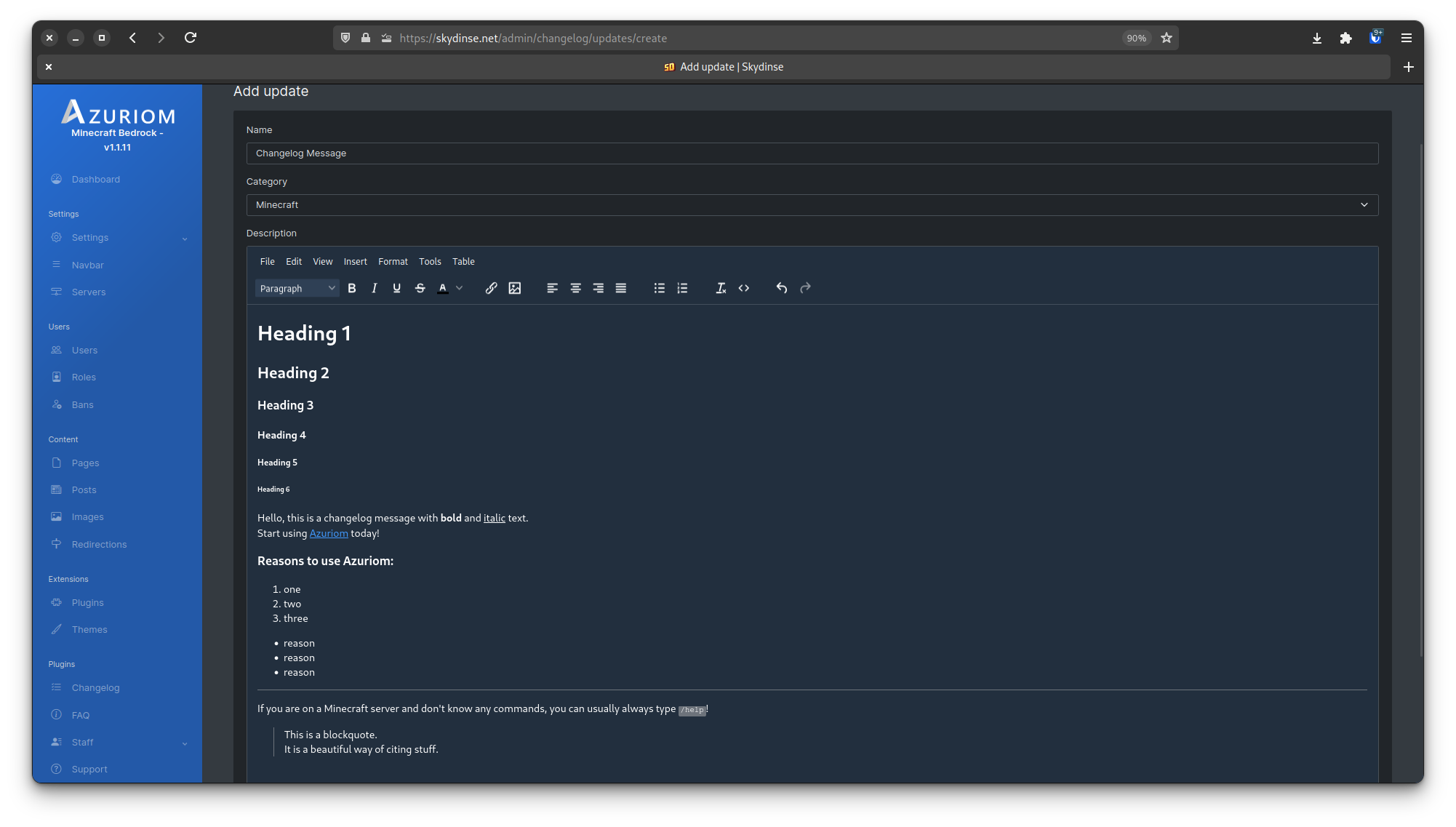 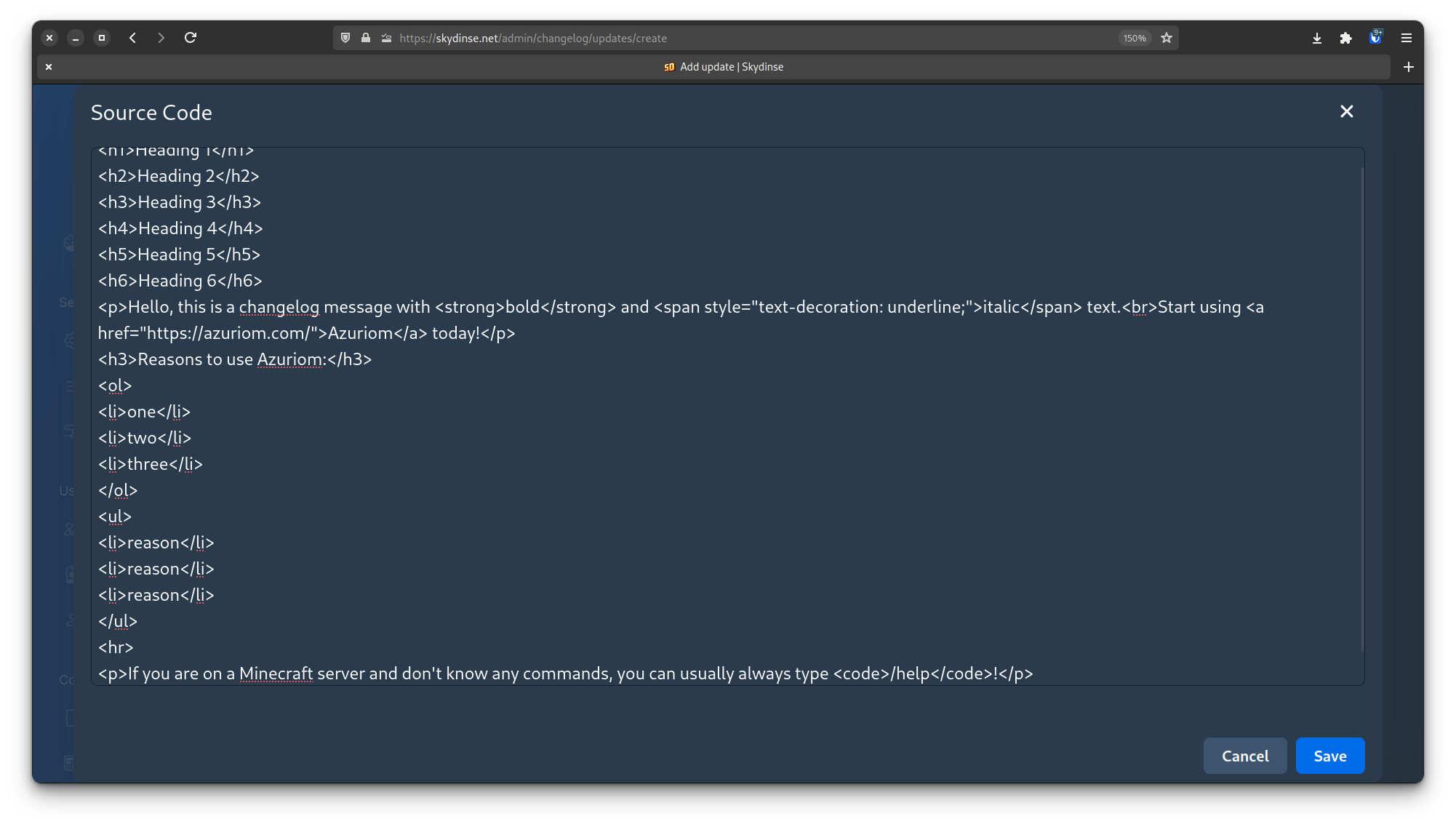 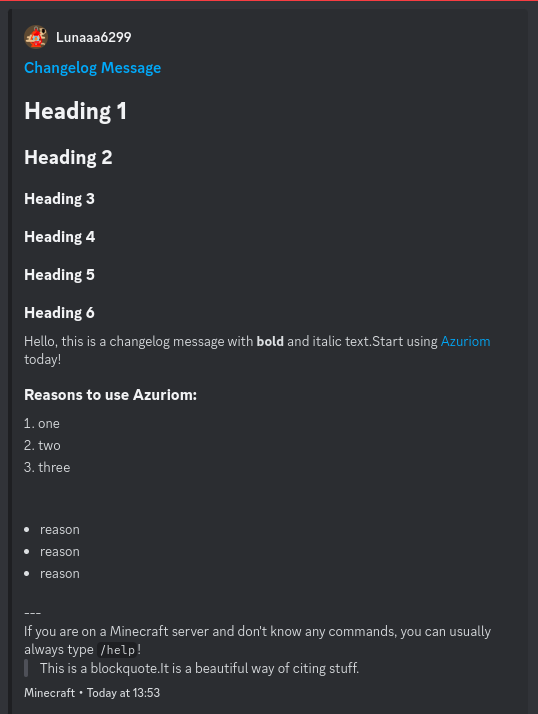



Sign up for free
to join this conversation on GitHub.
Already have an account?
Sign in to comment
1 participant

Add this suggestion to a batch that can be applied as a single commit.
This suggestion is invalid because no changes were made to the code.
Suggestions cannot be applied while the pull request is closed.
Suggestions cannot be applied while viewing a subset of changes.
Only one suggestion per line can be applied in a batch.
Add this suggestion to a batch that can be applied as a single commit.
Applying suggestions on deleted lines is not supported.
You must change the existing code in this line in order to create a valid suggestion.
Outdated suggestions cannot be applied.
This suggestion has been applied or marked resolved.
Suggestions cannot be applied from pending reviews.
Suggestions cannot be applied on multi-line comments.
Suggestions cannot be applied while the pull request is queued to merge.
Suggestion cannot be applied right now. Please check back later.
Description
Add the
convertHtmlToMarkdownfunction to convert HTML content into Markdown format to increase the quality of the Discord Webhook feature.Anchor Tags (
<a>): Converts links to Markdown links<a href="https://www.example.com">Example</a>becomes[Example](https://www.example.com)Headings (
<h1>to<h6>): Converts HTML headings to Markdown headings, with a maximum of three#characters<h1>Title</h1>becomes# TitleUnordered Lists (
<ul>and<li>): Converts unorderd lists to Markdown lists with dashes<ul><li>Item 1</li><li>Item 2</li></ul>becomes- Item 1 - Item 2Ordered Lists (
<ol>and<li>): Converts ordered lists to numbered Markdown lists<ol><li>First item</li><li>Second item</li></ol>becomes1. First item 2. Second itemBold Text (
<strong>): Converts bold/strong text to markdown bold text<strong>bold</strong>becomes**bold**Italic Text (
<i>): Converts italic text to Markdown italic text<i>italic</i>becomes*italic*Blockquotes (
<blockquote>): Converts blockquotes to Markdown blockquotes<blockquote>text</blockquote>becomes> textCode (
<code>): Converts code tags to Markdown code<code>code</code>becomes`code`Horizontal Rules (
<hr>): Converts horizontal rules to Markdown horizontal rules<hr>becomes---(Discord does not yet support horizontal rules, but I think it's likely that they will be added in the future)Screenshots of my tests: