GoRidey is an awesome platform for both Passengers and Riders to initiate, start and end a ride. The idea is very similar to Grab https://www.grab.com/sg/ or Gojek https://www.gojek.com/sg/ in Singapore.
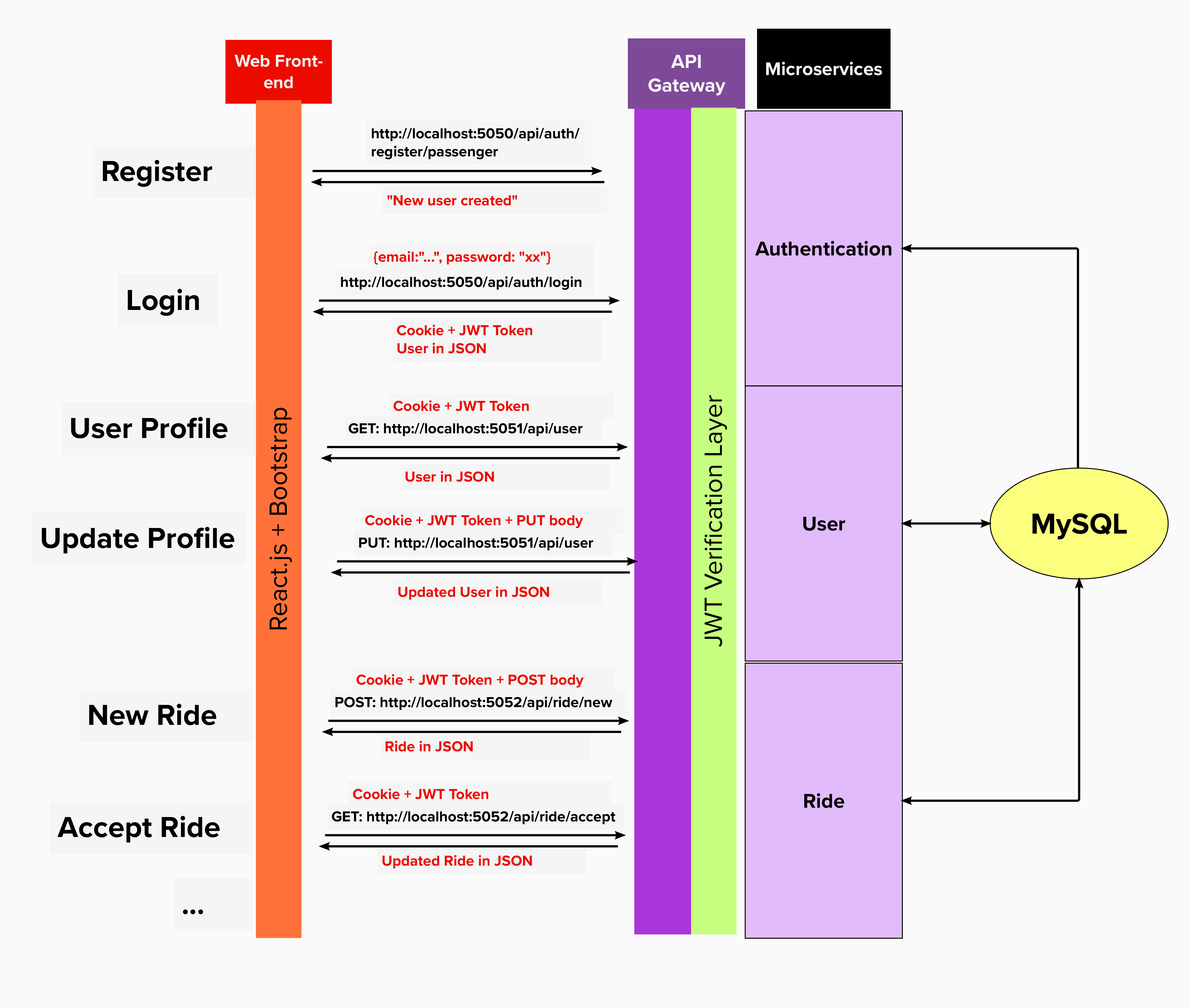 Created using Mural
- User Registration
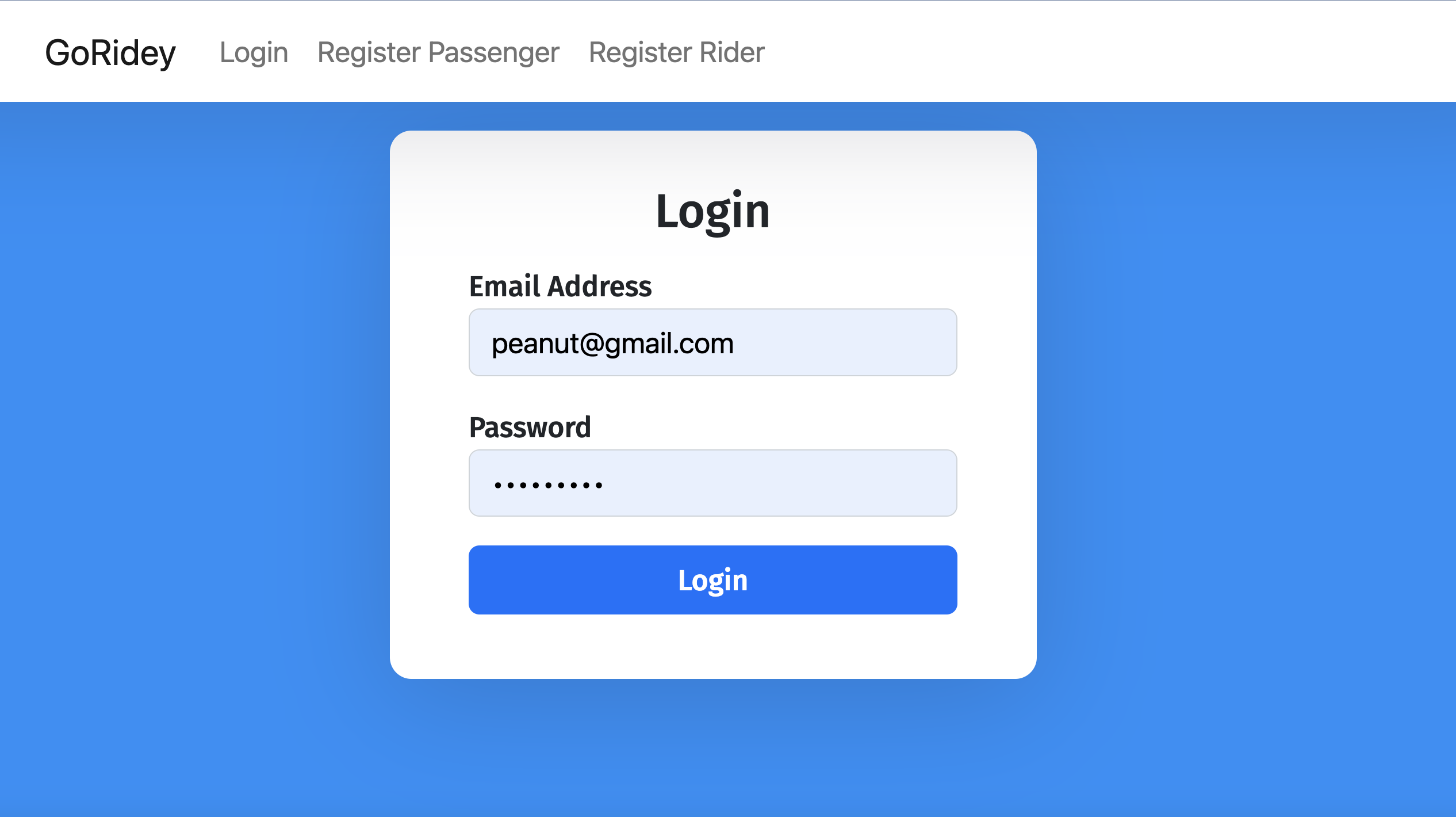
- User Login with credentials, assign JWT Token embeded in Cookie
- User Logout
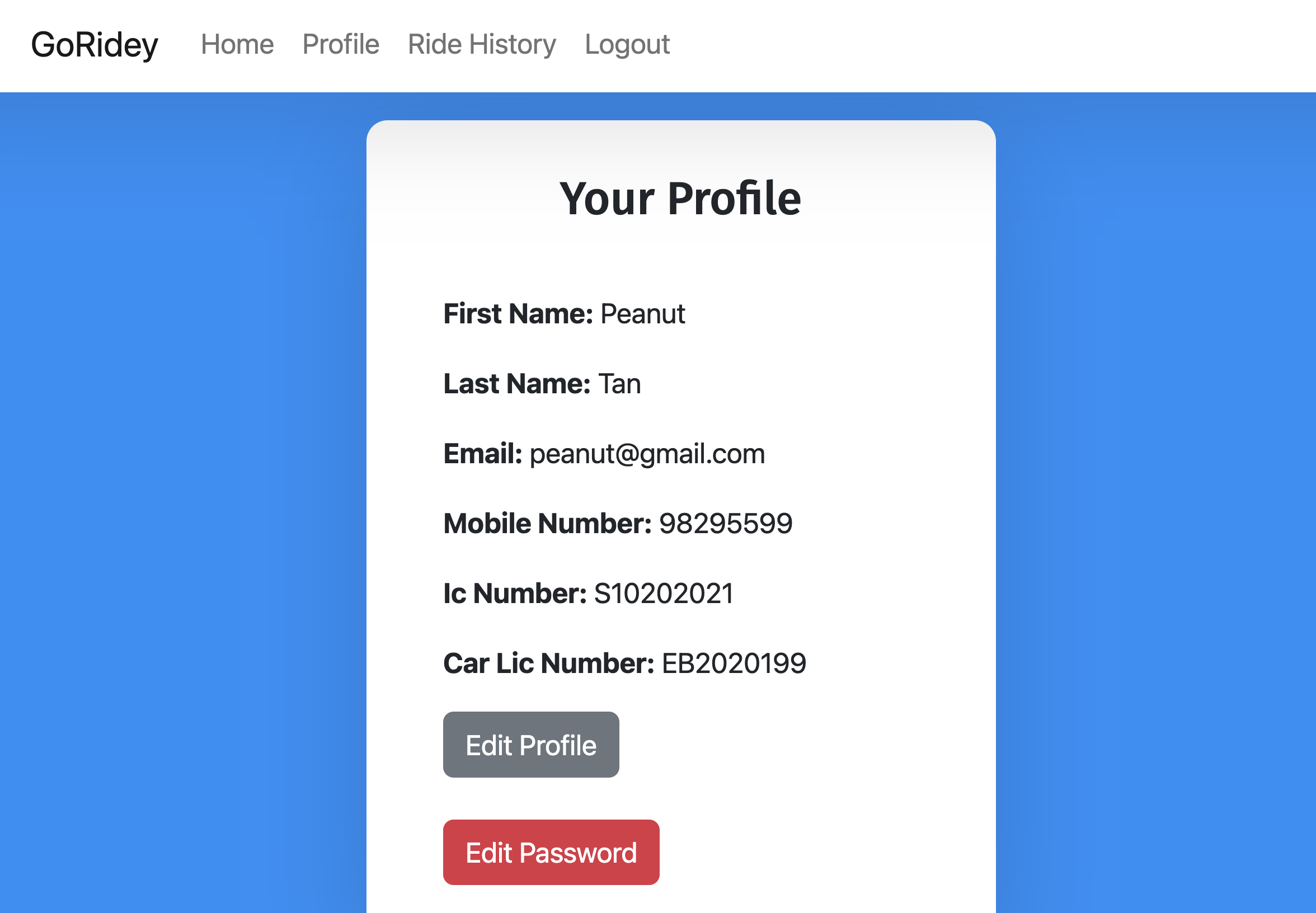
- User Get Profile Data
- User Update Profile Data
- User Update Password
- Ride Initialization by Passenger
- Get All Pending Ride Requests for Rider
- Ride Acception by Rider
- Ride Cancellation by Passenger for Pending Rides and Rider for On-going Rides
- Ride Completion by Rider upon reaching the destination
- Get All Ride Histories and Display in reverse choronological order
GoRidey is developed using the following tools:
- Developed using Microservice architecture, specifically Authentication, User and Ride Managements
- Back-end: Golang server using Mux Router
- Front-end: React.js & Bootstrap
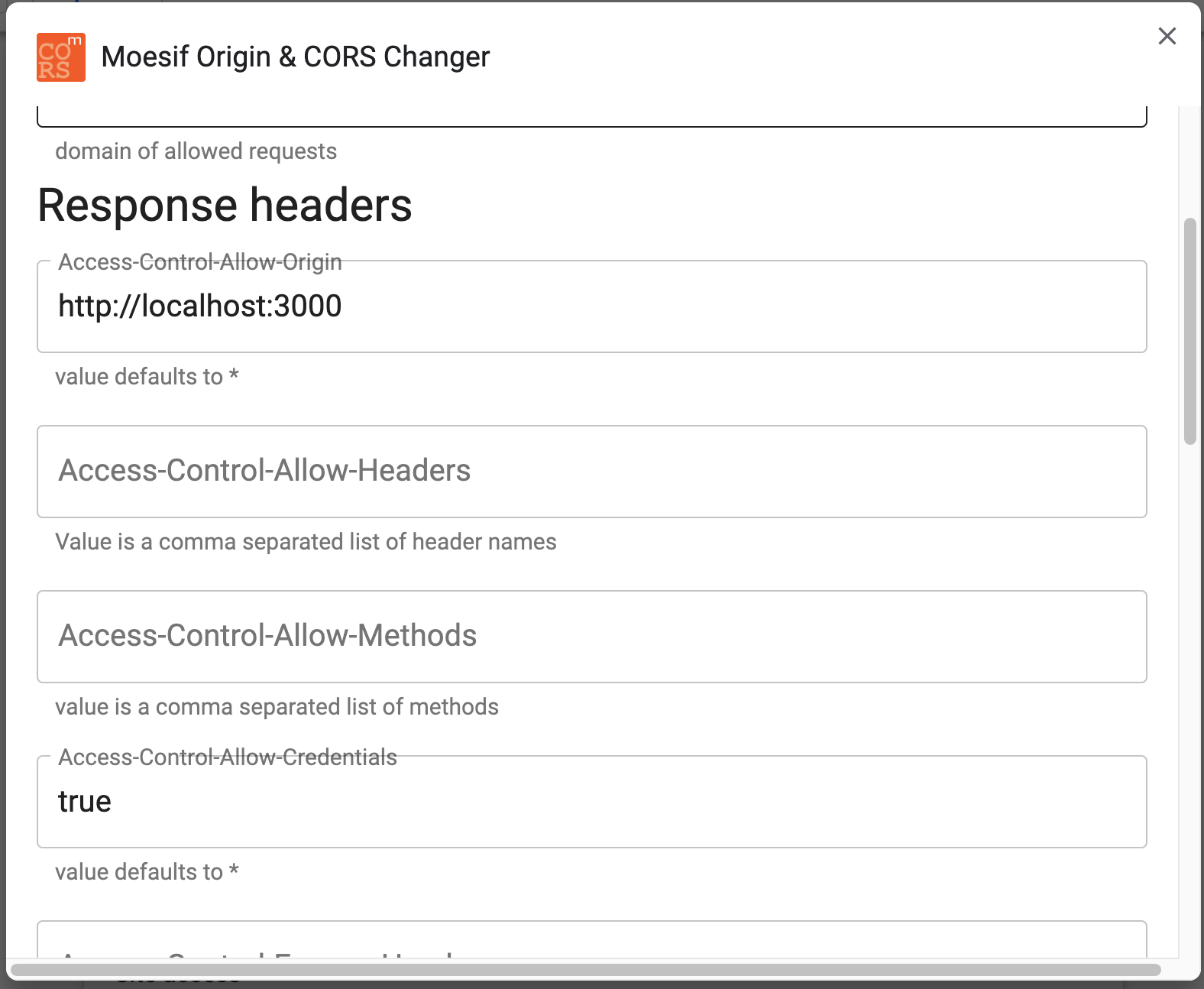
- CORS Middleware: Moesif Origin & CORS Changer
- Database: MySQL
Pre-requisites:
- Installed Node.js package and environment, able to run
npmcommands. - Installed Golang package and environment, able to run
gocommands. - Installed MySQL Workbench
- Installed Moesif Orgin & CORS Changer on Chrome.
- Clone https://github.com/Chen-Han-NP/ride-sharing-platform.git into your new working repository.
- Open your MySQL Workbench, make sure the server credentials are as followed: user is
root, password ispasswordand database server port number is3306, as the connection string in Golang server are set to"root:password@tcp(127.0.0.1:3306)/"in default. - MySQL script is located at:
RIDE-SHARING-PLATFORM/MySQL/RideSharingDBSetup.sql, please find and run the script to set up a database with two default Users and two default completed Rides. - To set up the Microservices, please run the following commands:
cd Microservices/Authenticationgo run auth.gocd Microservices/Usergo run user.gocd Microservices/Ridego run ride.go- Ports 5050, 5051, 5052 are used for these three Microservices.
- To start the front-end website, in your Terminal/Command Prompt, run:
npm run startto start the development mode for the React and the website is hosted on:- http://localhost:3000.
- It should automatically opens up your default browser, next, set up the Cors Middleware
Download: Moesif Orgin & CORS Changer
Under Advanced Settings:
- Change the Allow-Control-Allow-Origin as where the React website is hosted.
- Change the Set-Control-Allow-Credentials to true
- You're now free to explore!
- Branch
gh-pagesis set for future deployment at Github Pages, using commandnpm run deploy, page is currently active at https://chen-han-np.github.io/ride-sharing-platform/, but not up-to-date with developing codes.
- This project was bootstrapped with Create React App.
- Some part of the codes are referred from: https://www.bezkoder.com/react-login-example-jwt-hooks/ for Register and Login functions.
- Special credit to: https://www.youtube.com/watch?v=b9eMGE7QtTk&t=767s&ab_channel=JavaScriptMastery & https://www.youtube.com/watch?v=hQAHSlTtcmY&ab_channel=WebDevSimplified for teaching the basics of React.js
- And many more awesome Stack Overflowers for solving existing issues regarding Cors, Cookies and JWT tokens! :)