Assistant tools for VATPAC (VATSIM) ATC clearance and operation.
This repository only includes a small amount of sample data.
A version of the application using the sample data can be viewed here
For simulation use only
ATCTools has three main sections available
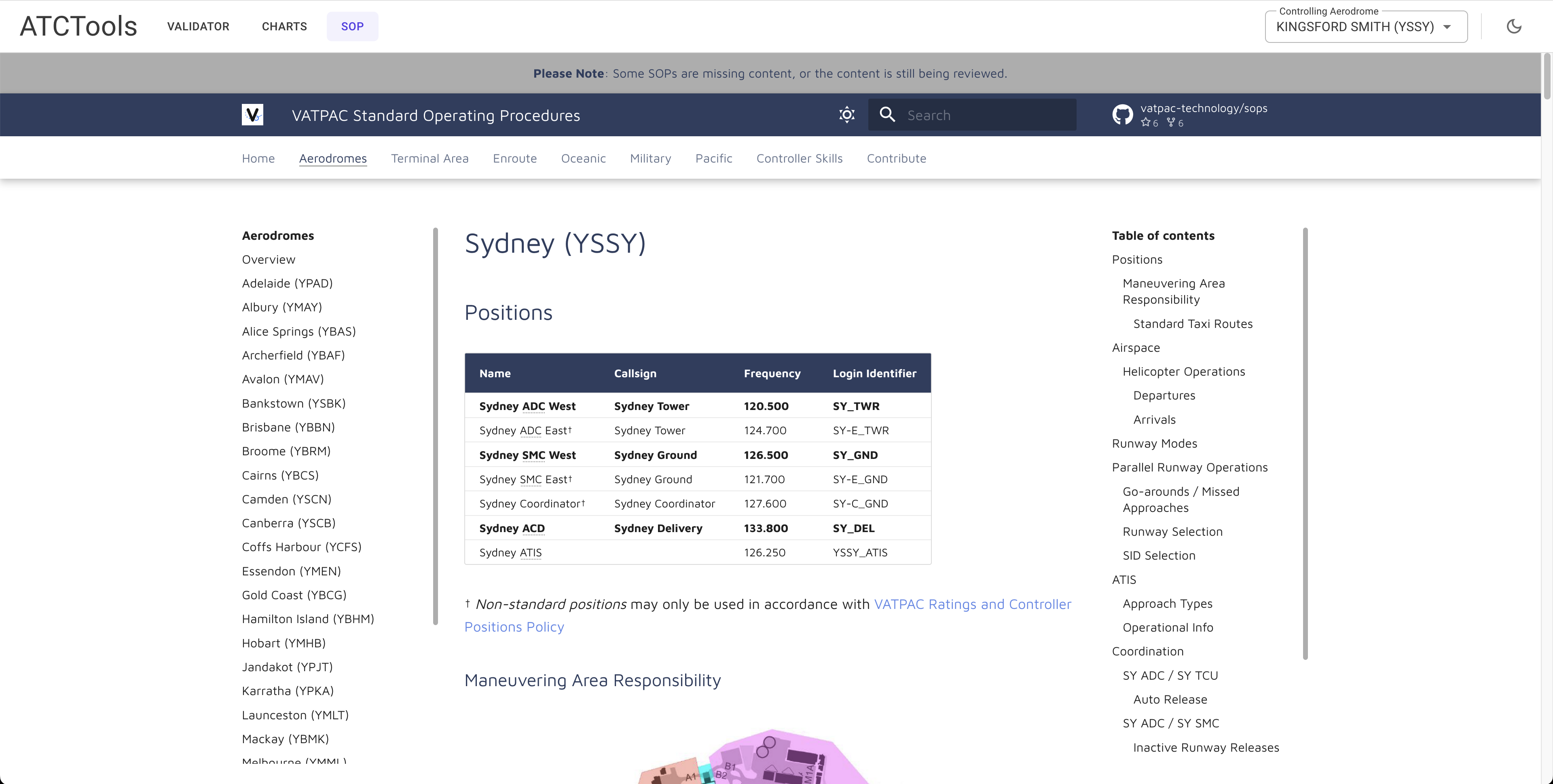
View the standard operating procedures for the aerodrome set as currently controlling.
The URL for the aerodrome can be set in the XML data files.
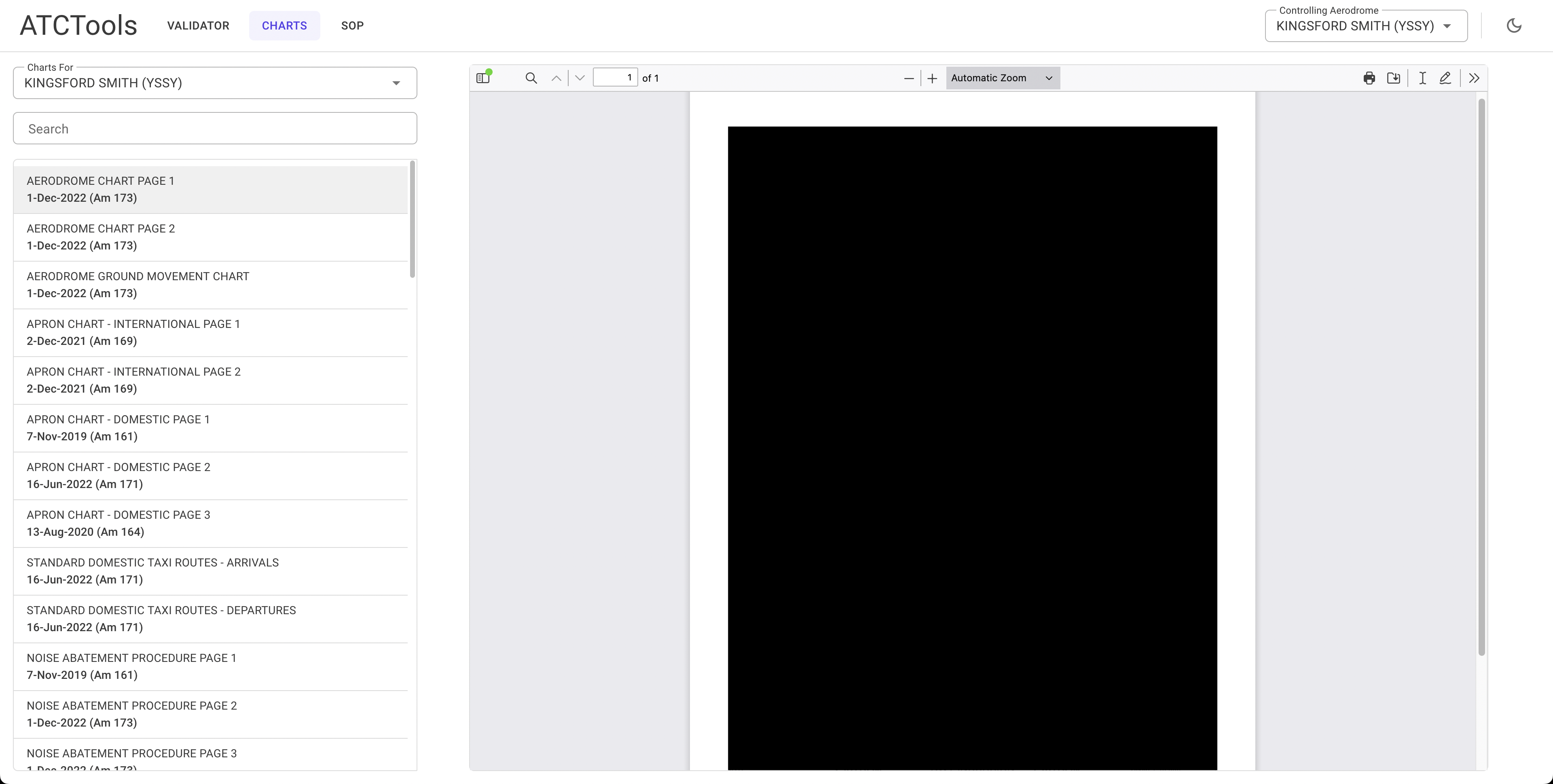
View the charts for the aerodrome set as currently controlling.
The base URL for charts is configured in the client appsettings.json. The path for each chart is set in the XML data files.
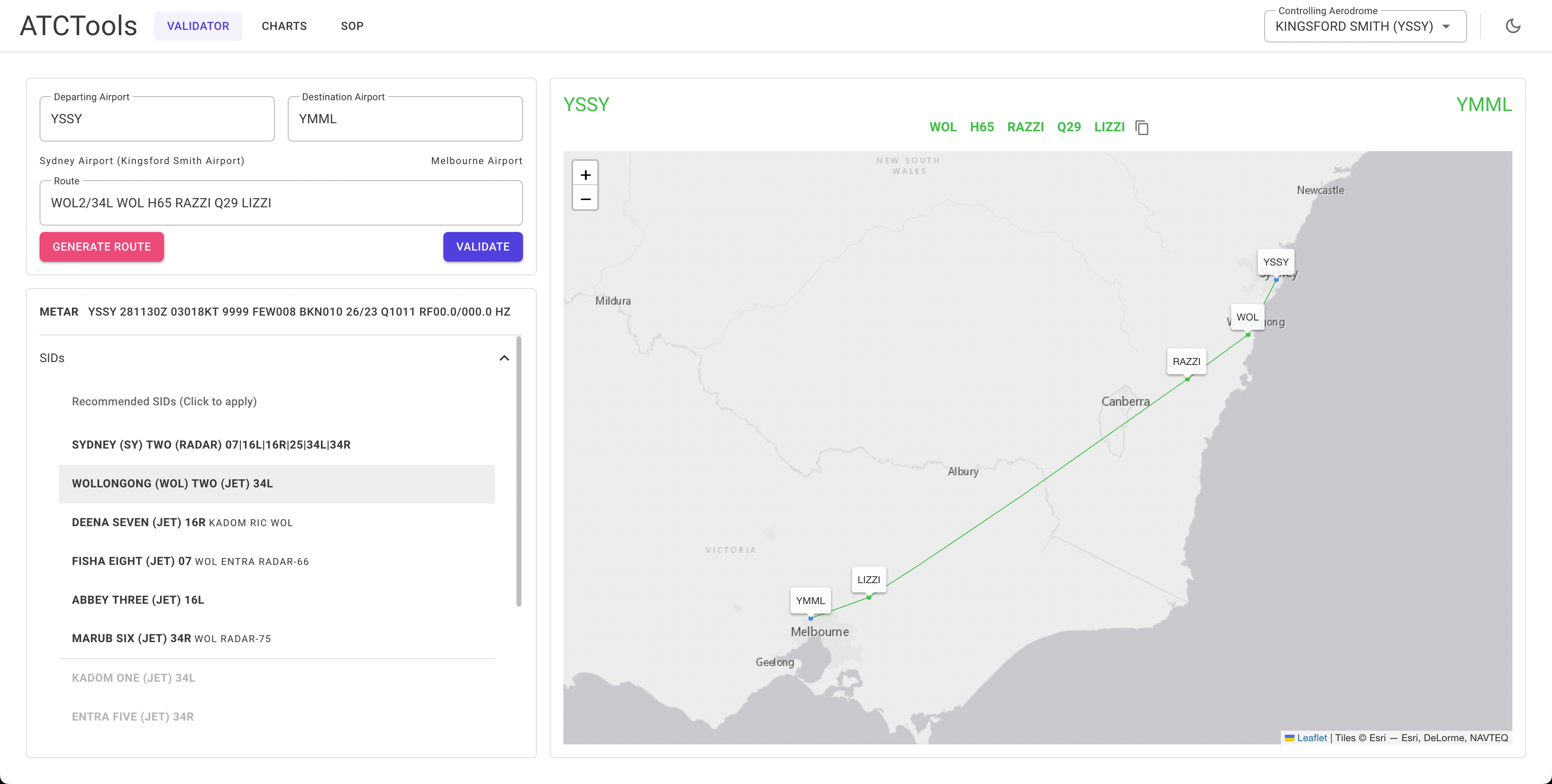
The primary function of the application. This page will allow you to validate a flight plan route and generate a new one if you need.
It supports validation of SIDs, STARs, airways (including direction), waypoints and navaids, and coordinates.
It has been built for Australian airspace, however in theory you could use it for anywhere you have the data for.
There are several XML files you will need to provide data for. This repository only includes a small amount of sample data. The XSD schema files are in the XmlSchemas folder.
The Aerodromes.xml contains information on the name, state, location, and ICAO code of each aerodrome you want to add.
There is also an optional sop attribute if you want the SOP section to appear when this aerodrome is selected for control.
The parent attribute for a city/area can be added but is currently unused.
The lat and long attributes should be formatted as 000000N, 0000000W.
<aerodromes>
  <aerodrome name="<Name>" state="<State Abbr.>" code="<ICAO Code>" sop="<SOP Url>" parent="<Parent Area>">
    <location lat="<Latitude>" long="<Longitude>" />
  </aerodrome>
</aerodromes>
e.g.
<aerodromes>
  <aerodrome name="KINGSFORD SMITH" state="NSW" code="YSSY" sop="https://sops.vatpac.org/aerodromes/sydney/" parent="SYDNEY">
    <location lat="335646S" long="1511038E" />
  </aerodrome>
</aerodromes>The AerodromeCharts.xml contains information on each chart you want to add to an aerodrome for the Charts section.
The aerodrome name attribute is required per the XSD but is currently unused.
The parent attribute for a city/area can be added but is currently unused.
<aerodromes>
  <aerodrome code="<ICAO Code>" name="<Airport Name>" parent="<Parent Area>">
    <chart name="<Chart Name>" path="<Path From Base Url>" updated="<Date Updated>" am="<Amendment No.>"  />
    <chart name="<Chart Name>" path="<Path From Base Url>" updated="<Date Updated>" am="<Amendment No.>"  />
  </aerodrome>
</aerodromes>
e.g.
<aerodromes>
  <aerodrome code="YSSY" name="KINGSFORD SMITH" parent="SYDNEY">
    <chart name="AERODROME CHART PAGE 1" path="SSYAD01-173_01DEC2022.pdf" updated="1-Dec-2022" am="173"  />
    <chart name="AERODROME CHART PAGE 2" path="SSYAD02-173_01DEC2022.pdf" updated="1-Dec-2022" am="173"  />
  </aerodrome>
</aerodromes>The AerodromeSIDs.xml contains information on each SID you want to add to an aerodrome.
When using the radar="true" attribute, self close the tag and do not add anything further.
The runways attribute should list all available runways for the departure separated by a | character.
The aircraft-type attribute should specify what aircraft the departure is for (j Jet, p Non-Jet, b Both).
The type attribute on the departure tag will always be 'nav', the type attribute on transition tag should be either nav or radar.
The transition tag supports waypoint and radar transitions. Radar transitions support a track attribute but it is not required.
<aerodromes>
  <aerodrome code="<ICAO Code>">
    <sid name="<SID Name>" code="<Flight Plan Code>" radar="true" runway="<Runways Available>" aircraft-type="<Aircraft Type>" />
    <sid name="<SID Name>" code="<Flight Plan Code>" runway="<Runways Available>" aircraft-type="<Aircraft Type>">
      <departure type="nav" code="<Waypoint Name>" />
      <transition type="nav" code="<Waypoint Name>" />
      <transition type="radar" track="<Track Heading>" />
    </sid>
  </aerodrome>
</aerodromes>
e.g.
<aerodromes>
  <aerodrome code="YSSY">
    <sid name="SYDNEY (SY) TWO" code="SY2" radar="true" runway="07|16L|16R|25|34L|34R" aircraft-type="b" />
    <sid name="KADOM ONE" code="KADOM1" runway="34L" aircraft-type="j">
      <departure type="nav" code="KADOM" />
    </sid>
    <sid name="MARUB SIX" code="MARUB6" runway="34R" aircraft-type="j">
      <departure type="nav" code="MARUB" />
      <transition type="nav" code="WOL" />
      <transition type="radar" track="075" />
    </sid>
  </aerodrome>
</aerodromes>The AerodromeSTARs.xml contains information on each STAR you want to add to an aerodrome.
The runways attribute should list all available runways for the arrival separated by a | character.
The aircraft-type attribute should specify what aircraft the arrival is for (j Jet, p Non-Jet, b Both).
The transition tag supports specifying a runway and/or aircraft type. Use the runway and aircraft-type attributes as per the star tag.
<aerodromes>
  <aerodrome code="<ICAO Code>">
    <star name="<STAR Name>" code="<Flight Plan Code>" runway="<Runways Available>" waypoint="<Waypoint Name>" aircraft-type="<Aircraft Type>" />
    <star name="<STAR Name>" code="<Flight Plan Code>" runway="<Runways Available>" waypoint="<Waypoint Name>" aircraft-type="<Aircraft Type>">
      <transition code="<Waypoint Name>" />
      <transition code="<Waypoint Name>" runway="<Specified Runway>" aircraft-type="<Specified Type> />
    </sid>
  </aerodrome>
</aerodromes>
e.g.
<aerodromes>
  <aerodrome code="YPJT">
    <star name="JANDAKOT TWO WHISKEY" code="JT2W" runway="06L|06R|12|24L|24R|30" waypoint="WUNGO" aircraft-type="b">
      <transition code="HAMTN" aircraft-type="p" />
    </star>
  </aerodrome>
  <aerodrome code="YPAD">
    <star name="SALTY THREE ZULU" code="SALTY3Z" runway="05|23" waypoint="SALTY" aircraft-type="b">
      <transition code="KLAVA" runway="05" />
    </star>
  </aerodrome>
</aerodromes>The Waypoints.xml contains information on each waypoint you want to add to the application.
The lat and long attributes should be formatted as 000000.0N, 0000000.0W.
<waypoints>
  <waypoint name="<Waypoint Name>">
	  <location lat="<Latitude>" long="<Longitude>" />
  </waypoint>
</waypoints>
e.g.
<waypoints>
  <waypoint name="TESAT">
	  <location lat="335637.7S" long="1511057.3E" />
  </waypoint>
</waypoints>The Navaids.xml contains information on each navaid you want to add to the application.
The lat and long attributes should be formatted as 000000.0N, 0000000.0W.
The type attribute should be one of DME, GP, ILS, LOC, VOR, NDB, MM, OM, TAC, GBAS, AD, ALA, HLS.
AD, ALA, and HLS are convinence types for when they are part of airways.
This file supports multiple entries having the same code if the type specified is different.
The lat and long attributes should be formatted as 000000.0N, 0000000.0W.
<navaids>
  <navaid name="<Navaid Name>" type="<Navaid Type>" code="<Navaid Code>">
	  <location lat="<Latitude>" long="<Longitude>" />
  </navaid>
</navaids>
e.g.
<navaids>
  <navaid name="SYDNEY" type="DME" code="SY">
    <location lat="335637.6S" long="1511057.4E" />
  </navaid>
  <navaid name="MELBOURNE" type="VOR" code="ML">
    <location lat="373936.5S" long="1445031.2E" />
  </navaid>
</navaids>The Airways.xml contains information on each airway you want to add to the application.
The two-way attribute specifies if you should be able to travel in the reverse direction of the waypoints listed.
The type attribute is the chart depiction type in the Airservices DAH. It is currently unused.
The track tag is used to detect international airways. If the first waypoint of an airway has an in attribute it is assumed it is an international airway. Likewise for the out attribute on the last waypoint.
The lsalt tag is for specifying lowest safe altitude. It is not required and is currently unused.
The lat and long attributes should be formatted as 000000.0N, 0000000.0W.
<airway name="<Airway Name>" two-way="<Is Two-Way>">
	<waypoint name="<Waypoint Name>" type="<Chart Depiction Type>" dist="<Distance from Previous Waypoint>" level="<IFR Level (H/L/B)>">
		<location lat="<Latitude>" long="<Longitude>" />
		<track in="<Heading In>" out="<Heading Out>" />
		<lsalt in="<LSALT In>" out="<LSALT Out>" />
	</waypoint>
	<waypoint name="<Waypoint Name>" type="<Chart Depiction Type>" dist="<Distance from Previous Waypoint>" level="<IFR Level (H/L/B)>">
		<location lat="<Latitude>" long="<Longitude>" />
		<track in="<Heading In>" out="<Heading Out>" />
		<lsalt in="<LSALT In>" out="<LSALT Out>" />
	</waypoint>
</airway>
e.g.
<airway name="B325" two-way="true">
	<waypoint name="AKUKO" type="4" dist="138.7" level="H">
		<location lat="090027.1S" long="1022107.5E" />
		<track in="240" out="239" />
		<lsalt in="0" out="0" />
	</waypoint>
	<waypoint name="EPGUP" type="3" dist="192.7" level="H">
		<location lat="103902.0S" long="0993305.6E" />
		<track in="240" out="240" />
		<lsalt in="1500" out="1500" />
	</waypoint>
	<waypoint name="CC VOR" type="2" dist="184.6" level="H">
		<location lat="121202.0S" long="0965027.3E" />
		<track in="242" />
		<lsalt in="1500" out="1500" />
	</waypoint>
</airway>