A comprehensive Discord bot for managing music requests, interacting with Traktor DJ software collections, and enhancing DJ workflow automation. This is a standalone GUI application suitable for personal DJ environments. Spout integration is included for cover art display in other supported applications. Automatically creates a flask webserver for web overlays, allowing real-time song updates in OBS or other streaming software. MIDI support is included for song transitions, when enabled, a simple note is played when a song is played, allowing you to use this with other MIDI listeners. (recommend Free software for non-commercial, LoopBe1 - https://www.nerds.de/en/download.html)
📝 Version: Current version in
version.pyWas monstly built in Python 3.11 but recently updated to 3.13, so may not work with 3.11 anymore.
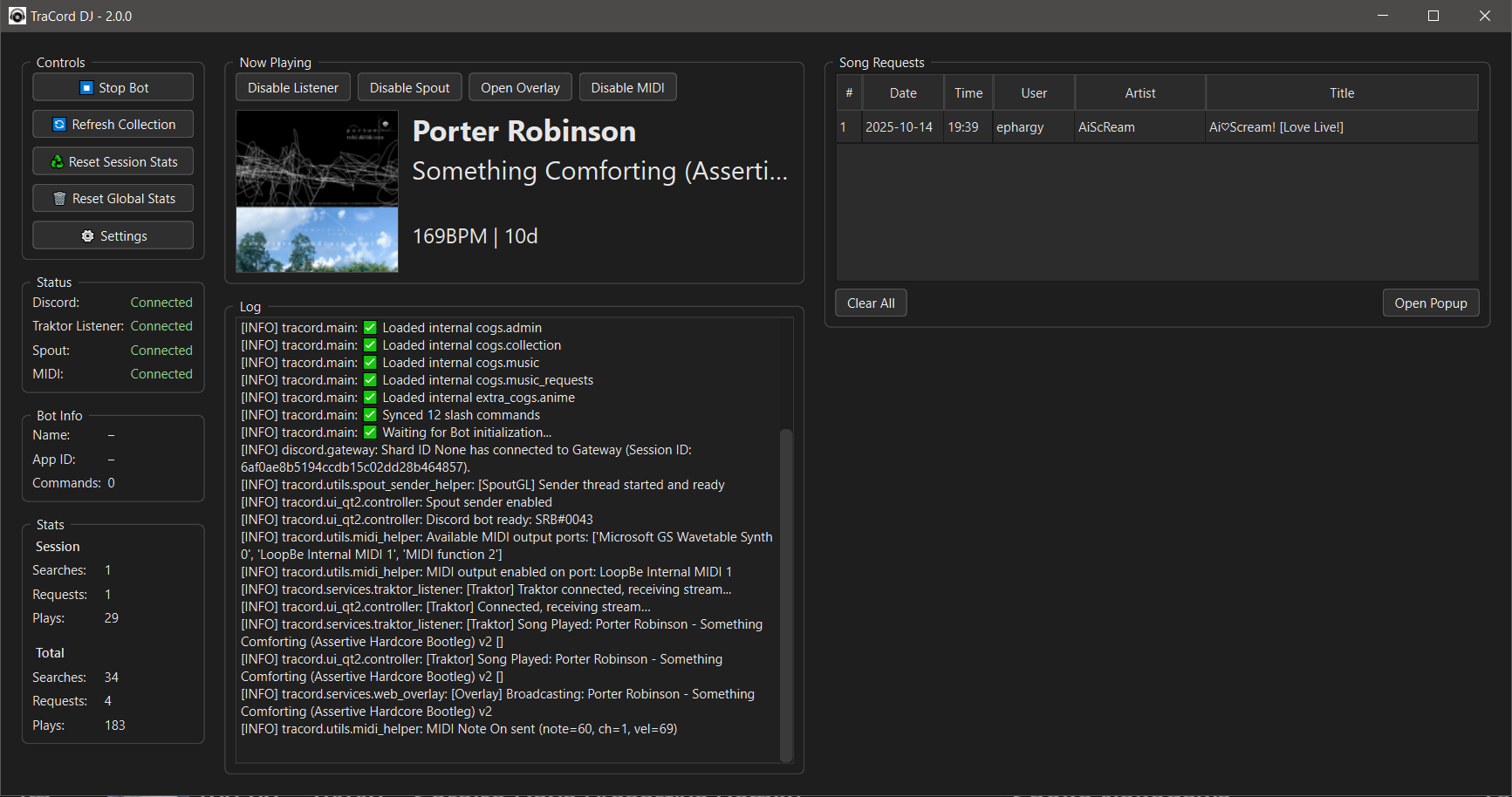
- 🖥️ Standalone GUI Application: Qt (PySide6) control panel with real-time monitoring
- 🎧 Now Playing Song: Traktor Broadcast Listening for Song/Artist details, integrated with collection details for advanced meta data (coverart, BPM, Key)
- 🖼️ Spout Cover Art Integration: Send cover art to other applications via Spout (Windows only)
- 🖼️ Webpage for OBS/Overlays: Flask webserver with Current Song Playing details. http://127.0.0.1:5000/
- 🖥️ MIDI: Simple MIDI note played on song change (can use this to trigger things via MIDI)
- 🎵 Dynamic Song Search: Intelligent search with interactive selection
- 📋 Song Request Management: Full CRUD operations with user permissions
- 📂 Collection Integration: Automatic Traktor collection integration for data
- 🆕 New Song Tracking: Display recently imported songs
- 📢 Live Streaming Notifications: Broadcast notifications with role mentions
- 🔒 Permission System: Granular access control for different user roles or channels
- 🧹 Admin Controls: Collection refresh and track history via GUI buttons
- 📊 Search Analytics: Track and display search statistics
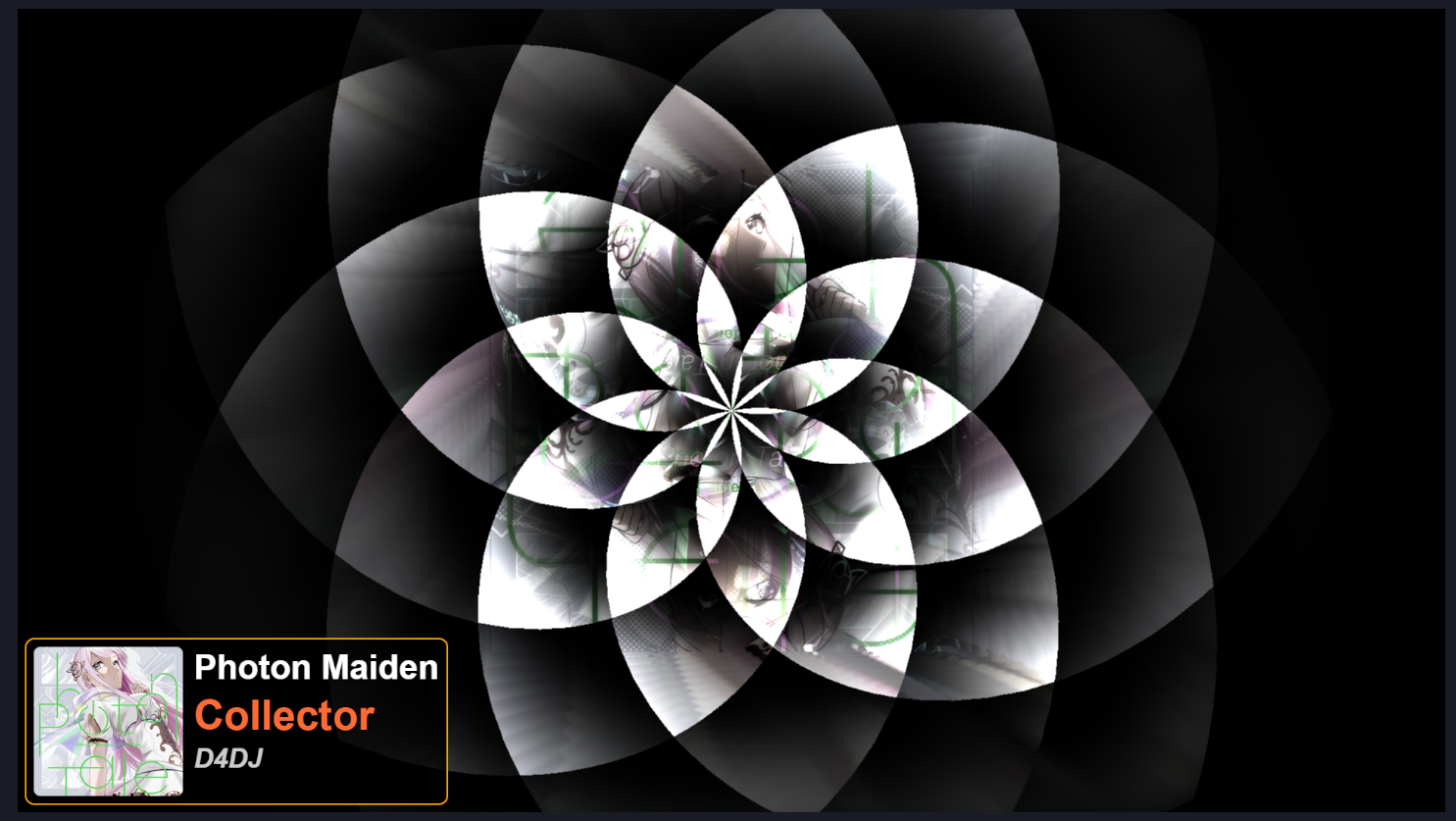
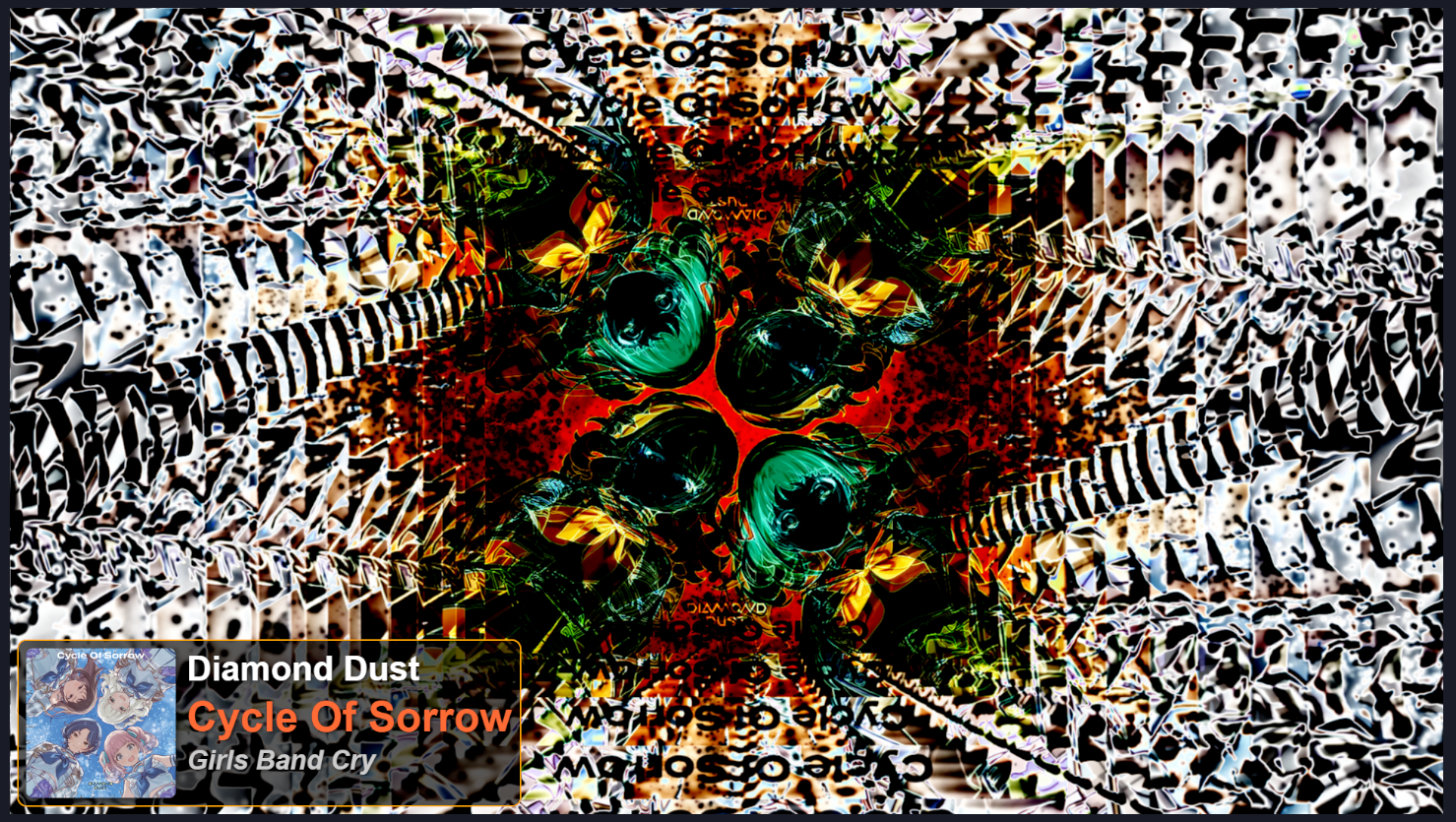
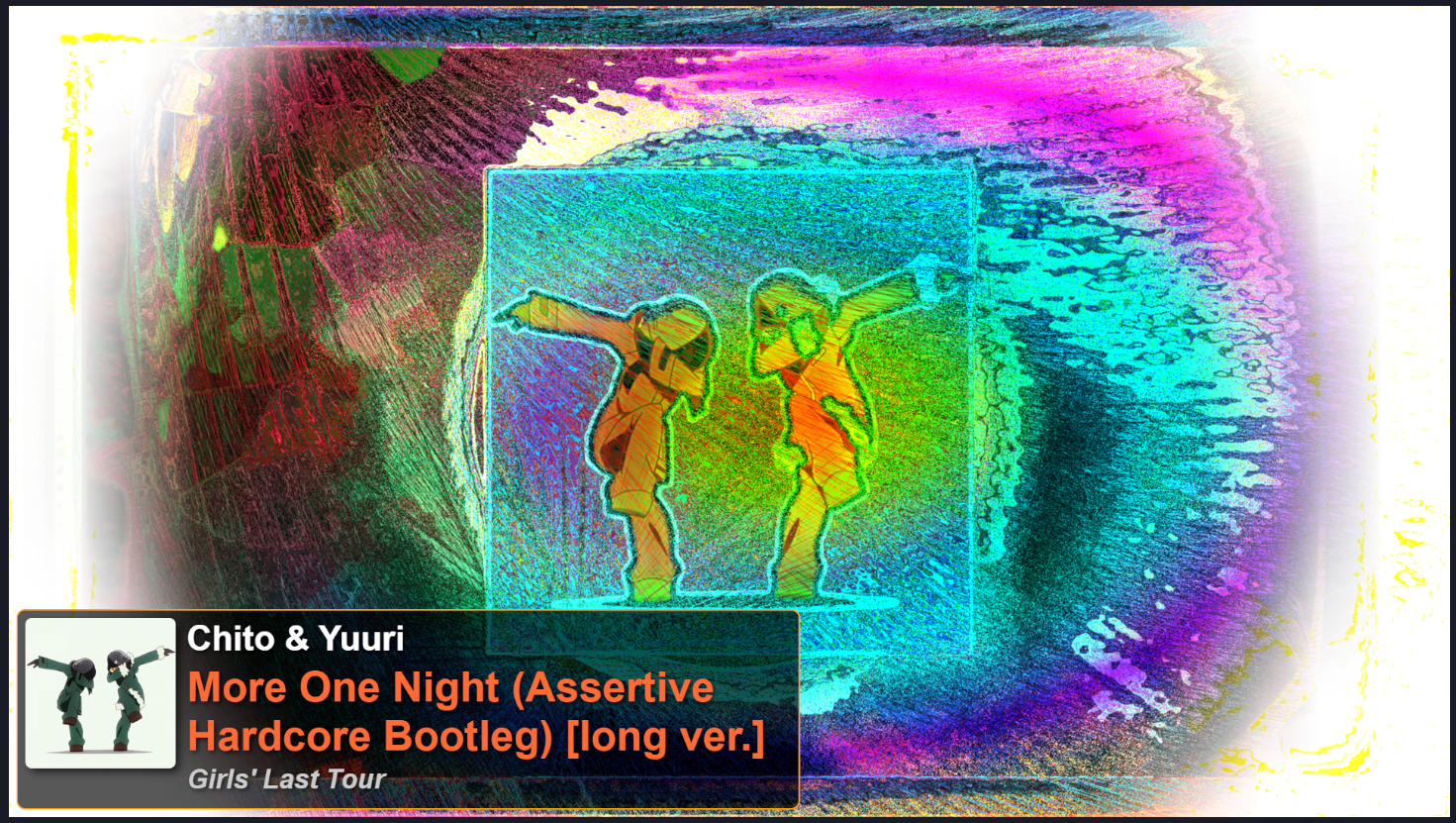
Any application that supports Spout can receive cover art from this bot, allowing you to display it in OBS or other software. (OBS does support spout directly via plugin)
Current workflow, Traktor -> TraCord DJ -> Spout/Web Overlay -> Nest Drop -> OBS
Setup notes: the first launch creates settings.json. Update it (or use the GUI Settings dialog) with your Traktor base path (for example C:/Users/<user>/Documents/Native Instruments/), Discord token, and channel IDs before connecting the bot.
Common launch commands:
python run_bot.py
docs/TODO-Main.md— active roadmap items
/song <search>- Search for songs with interactive selection (restricted to designated channels), reply to the bot's message with the number of the song to request it./srbnew [days]- Display newly added songs from the last N days (default: 7)
/srbreqlist- Display all pending song requests/srbreqdel <number|'all'|'self'|username>- Delete song requests with flexible options
/srblive <message>- Send live streaming notifications with role mentions (admin only)
The bot uses a settings.json file for configuration. This file is created on the first run and can be edited via the GUI settings panel.
The web overlay can be found at http://127.0.0.1:5000/. You can use this in OBS; by default, width is 1024px and height is 350px, which should be plenty in the case of text wrapping (entire panel has a default of 1024). By default cover art is 200px. Variables can be set at the top of the default_overlay.html file.
Branches available:
main- Stable releases onlydev- Active development (use this for contributions)
Quick start:
python run_bot.py # Run the application- Windows: Double-click
start_bot.bator run the built executable - Cross-platform: Run
python run_bot.py
The GUI provides real-time monitoring, admin controls, and automatic bot startup.
This bot uses a dynamic cog loader! To add new discord features or commands, simply drop a .py file into the cogs/ folder (if using EXE, create one where the exe is launched from). The bot will automatically load all cogs in this folder at startup—no need to edit the main code!
- To add a new cog:
- Place your
my_cool_feature.pyin thecogs/folder. - Restart the bot. That's it! Your cog will be loaded automatically.
- Place your
- To remove a cog:
- Delete or move the
.pyfile fromcogs/. - Restart the bot.
- Delete or move the
Note for Contributors: The
_internal_cogs.pyfile is auto-managed and contains an always-up-to-date list of internal cogs. Do not edit this file manually.
The bot uses a modular Discord.py Cogs architecture for better organization:
TraCord-DJ/
├── 🚀 Entry Points
│   ├── run_bot.py
│   ├── main.py
│   ├── run_bot.py
│   └── start_bot.bat
├── 📁 Core Application
│   ├── cogs/
│   │   ├── admin.py
│   │   ├── collection.py
│   │   ├── music.py
│   │   ├── music_requests.py
│   │   └── _internal_cogs.py
│   ├── config/
│   │   └── settings.py
│   ├── data/
│   │   ├── collection.json
│   │   ├── Debug_unmatched_songs.txt
│   │   ├── settings.json
│   │   ├── settings_example.json
│   │   ├── song_requests.json
│   │   ├── stats.json
│   │   └── _datafiles_stored_here.txt
│   ├── ui_qt2/
│   │   ├── app.py
│   │   ├── controller.py
│   │   ├── log_bridge.py
│   │   ├── main_window.py
│   │   ├── signals.py
│   │   └── panels/
│   │       ├── bot_info_panel.py
│   │       ├── controls_panel.py
│   │       ├── log_panel.py
│   │       ├── now_playing_panel.py
│   │       ├── song_requests_panel.py
│   │       ├── song_requests_popup.py
│   │       ├── stats_panel.py
│   │       └── status_panel.py
│   ├── services/
│   │   ├── discord_bot.py
│   │   ├── traktor_listener.py
│   │   └── web_overlay.py
│   ├── utils/
│   │   ├── events.py
│   │   ├── harmonic_keys.py
│   │   ├── helpers.py
│   │   ├── logger.py
│   │   ├── midi_helper.py
│   │   ├── song_matcher.py
│   │   ├── spout_sender_helper.py
│   │   ├── stats.py
│   │   └── traktor.py
│   ├── version.py
├── docs/
│   └── TODO-Main.md
├── assets/
│   ├── app_icon.ico
│   ├── icon.png
│   └── screenshots/
├── web_overlay/
│   ├── templates/
│   │   └── default_overlay.html
├── requirements.txt
├── LICENSE
├── README.md
└── TraCord DJ.code-workspace
Note: The
ui_qt2/folder contains the PySide6 GUI. Theservices/folder contains bot lifecycle logic. Theutils/folder contains helpers, logging, and Traktor utilities. Thedata/andextra_cogs/folders are generally ignored in releases.
- All cogs in
cogs/are always loaded and are considered part of the core bot functionality. - Any
.pyfiles inextra_cogs/(top-level only) are also loaded as cogs. - Errors for missing cogs in
extra_cogsare suppressed for a clean dev experience. - Use
extra_cogs/for personal, experimental, or private cogs and files. This folder is gitignored by default. Create the folder if it does not exist.
This app supports sending cover art to other applications via Spout (Windows only) using Python-SpoutGL.
- Spout is optional: The rest of the app works even if you do not install SpoutGL.
- If you click the Spout button in the GUI without SpoutGL installed, you will see a warning message.
-
Install dependencies:
pip install PyOpenGL glfw
-
Clone and install Python-SpoutGL:
git clone https://github.com/jlai/Python-SpoutGL.git
cd Python-SpoutGL
pip install .
-
Delete Python-SpoutGL source files after installation to avoid including them in your own repo:
cd ..
Remove-Item -Recurse -Force Python-SpoutGL
Do not include the Python-SpoutGL source in your own repo. Just document these steps for users who want Spout support.
This project is licensed under the MIT License - see the LICENSE file for details.
- Fork the repository
- Create a feature branch
- Commit your changes
- Push to the branch
- Create a Pull Request