Allows you to find restaurants based on dish recommendations
-
Clone Backend repository
-
Start Postgres and setup database
rails db:setup
rails db:migrate
rails db:seed
- Start backend server on port 3001
rails s -p 3001
- You'll need to register API keys from the Google Places API and Google Maps APIs
- Create a dotenv file to hide your api keys
- After placing your API keys in the dotenv file, you should be able to open the application
- Install npm dependencies and start the project
npm install
npm start
- Log in to the application
- Enter a location for the application to find a restaurant of
- Click on a restaurant
- Notice the restaurant has restaurant information on it from the Google Places API
- You can bookmark restaurants and add reviews on certain dishes
- Demo Video
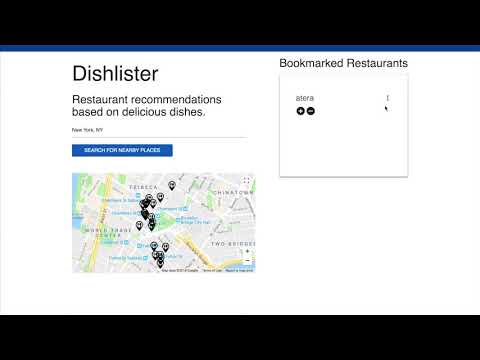
This project is built with React.JS and Ruby on Rails 5 API & PostgresSQL