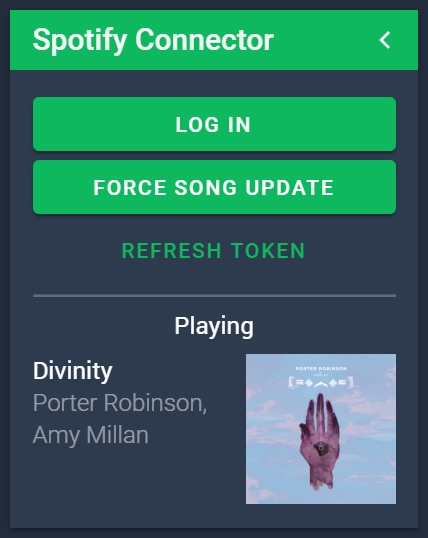
A NodeCG bundle to access the current song playing on spotify.
- Clone (or download & extract) to
nodecg/bundles/ncg-spotify cd nodecg/bundles/ncg-spotifyand runnpm install --production- If nodecg-cli is installed run
nodecg defaultconfigelse go tonodecg/cfgand createncg-spotify.jsonand refer to configschema.json - Create a spotify app from https://developer.spotify.com/dashboard/applications
- Click edit settings and set the redirect URI as
http://localhost:9090/bundles/ncg-spotify/spotify-callback/index.html - Copy the
Client IDandClient Secretto the ncg-spotify cfg innodecg/cfg/ncg-spotify.jsonlike thedefaultconfig.jsonis - Run the nodecg server:
node index.js(ornodecg startif you havenodecg-cliinstalled) from thenodecgroot directory - Click log in on the spotify connector panel
The token should refresh automatically but if something weird happens there is a refresh token button.
ncg-spotify creates the replicant currentSong.
To access it make a replicant like const song = nodecg.Replicant('currentSong', 'ncg-spotify');
currentSong properties
nameString - Name of the songartistString - Name of the artistsalbumArtString - URL of the album art, local files will not show album artplayingBoolean - True if the song is currently playing
const songRep = nodecg.Replicant('currentSong', 'ncg-spotify');

songRep.on('change', newVal => {
	songNameElement.innerHTML = newVal.name;
	artistElement.innerHTML = newVal.artist;
	albumImageElement.src = newVal.albumArt;
});
There is also a replicant rawSongData which is the value of all the data given when requesting the current song. Can be used for more advanced implementations.
Pull requests are welcome. For major changes, please open an issue first to discuss what you would like to change.