


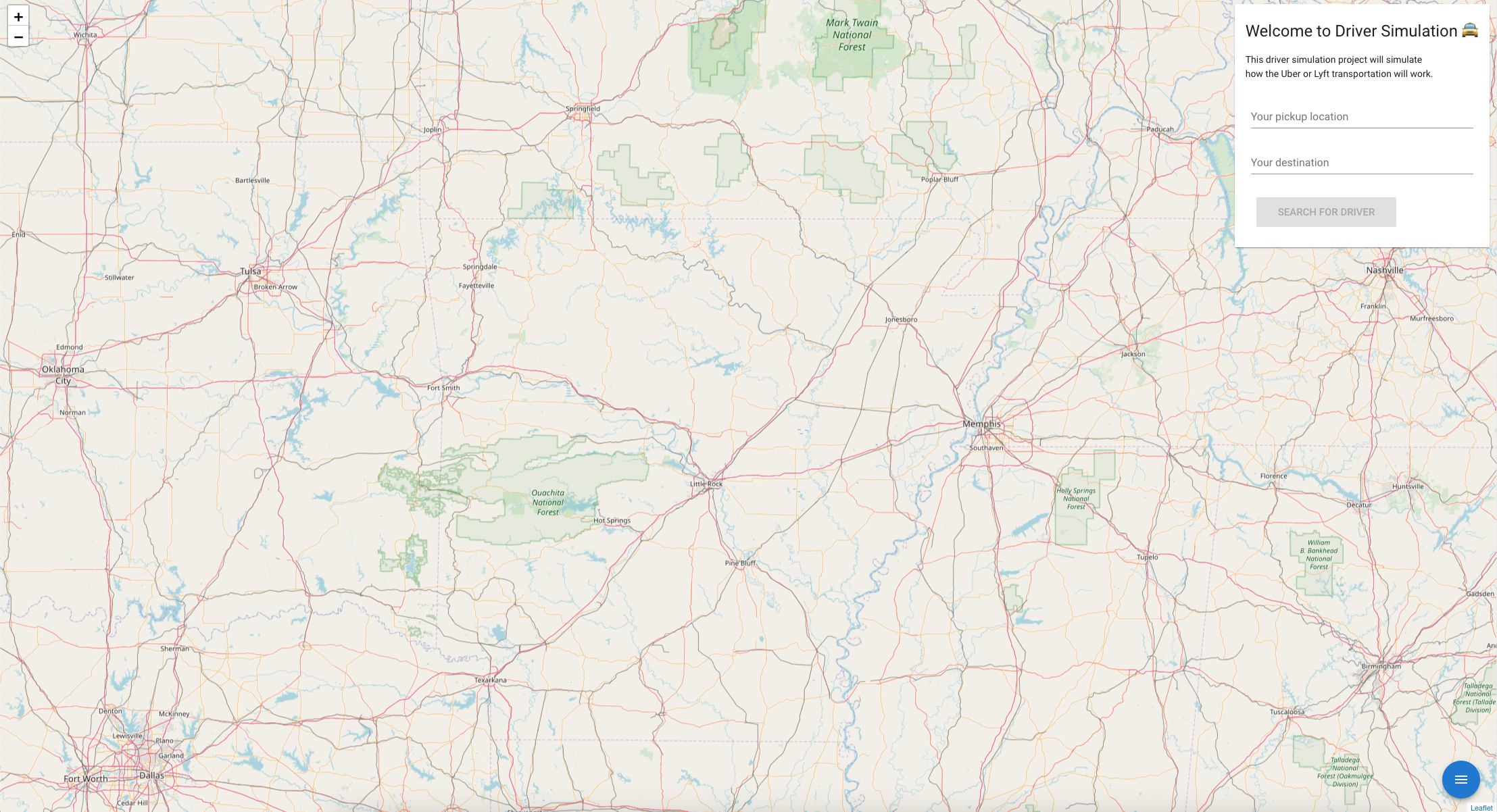
This guide will get you started with driver-simulator!
You need the latest npm version.
npm install npm@latest -g- Get a free API key at Open Route Service
- Clone the repo
git clone https://github.com/FlorianWoelki/driver-simulator.git- Install NPM packages
npm install- Create a new file in the src directory named
config.js
export const config = {
  API_KEY: 'YOUR API KEY HERE'
};- You are set up and now you can start the application
npm run serveYou can do whatever you want with this project. Notice, that it is only a simulation of drivers.
There is no real driving. I won't store any information about your location or something else!
In addition, you can click on the driver to see his information about him and you can navigate around using the bottom right button.
You can set your pickup and destination location and will draw a route for you.
If you want to contribute to this project, just visit the CONTRIBUTING file.
Here is a easy way to contribute:
- Fork the Project
- Create your feature branch (
git checkout -b feature/AwesomeFeature) - When finished use lint (
npm run lint) - Commt your changes (
git commit -m "Added some amazing features) - Push to the Branch (
git push origin feature/AwesomeFeature) - Open a Pull Request
Distributed under the MIT License. See LICENSE for more information.