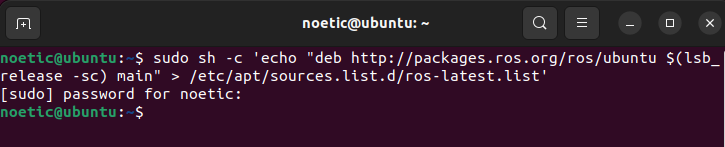
Setup your computer to accept software from packages.ros.org.
sudo sh -c 'echo "deb http://packages.ros.org/ros/ubuntu $(lsb_release -sc) main" > /etc/apt/sources.list.d/ros-latest.list'
sudo apt install curl # if you haven't already installed curl
curl -s https://raw.githubusercontent.com/ros/rosdistro/master/ros.asc | sudo apt-key add -

Make sure your Debian package is up-to-date:
sudo apt update
Desktop-Full Install:
sudo apt install ros-noetic-desktop-full
You must source this script in every bash terminal you use ROS in.
source /opt/ros/noetic/setup.bash
bash
echo "source /opt/ros/noetic/setup.bash" >> ~/.bashrc
source ~/.bashrc
zsh
echo "source /opt/ros/noetic/setup.zsh" >> ~/.zshrc
source ~/.zshrc
To install this tool and other dependencies for building ROS packages, run:
sudo apt install python3-rosdep python3-rosinstall python3-rosinstall-generator python3-wstool build-essential
rosdep enables you to easily install system dependencies for source you want to compile and is required to run some core components in ROS
sudo apt install python3-rosdep
With the following, you can initialize rosdep.
sudo rosdep init
rosdep update