This application was developed as my final project for ECE1895 Junior Design at the University of Pittsburgh.
While trying to think of ideas for my final project I was talking with some friends and one suggested an app that would allow us to share recipe ideas. The app is losely based on designs from photo sharing app Instagram as well as the exercise sharing app Strava. The app allows users to upload an image of a recipe they created along with a title and a description of the recipe itself. This description could either be the written version of the recipe or simply a link to a recipe found online. The user is also able to see a list of all users registered with the app and select which account they want to follow which in turn wil determine which posts are shown in their home feed.
- Expo
- React
- React Native
- Firebase
I decided to use React Native as I wanted a way to develop a cross platform app without needing to write code twice. I also wanted to gain more experience using JavaScript as a programming language as it is very similar to what I am doing at my Co-Op assignment and I hope to continue working with it in the future.
I also decided to use Expo as it made it much easier to rapidly prototype and test my application since I was able to run it directly on my phone with live updates when I changed my code. Rather than having to create a new build every time I was able to simply save the changes I made and see them appear in real time on my phone.
- React Navigation
- This package is used to create the tab navigation for the 3 main pages as well as the stack navigation for the account screens.
- React Native Vector Icons
- This package is used for the icons that appear at the bottom of the screen to select tabs.
- Expo Image Picker
- This package is used to enable the user to open the camera roll on their device and select the image they want to upload.
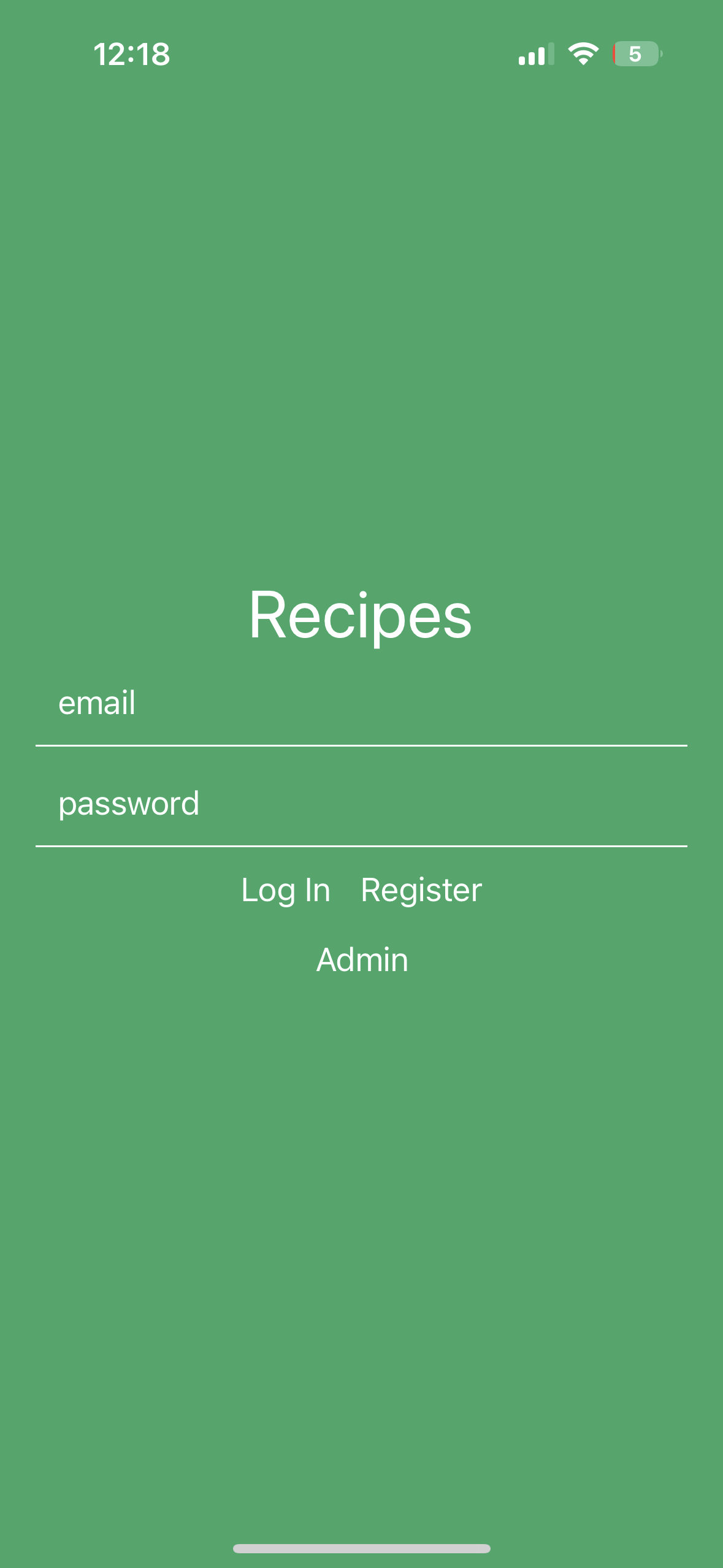
When the user launches the application they are met with a Login/Registration screen where they can either sign in to an existing account or create a new account. For ease of testing there is also a button to automatically sign in to the administrator account. This button will be removed in future iterations.
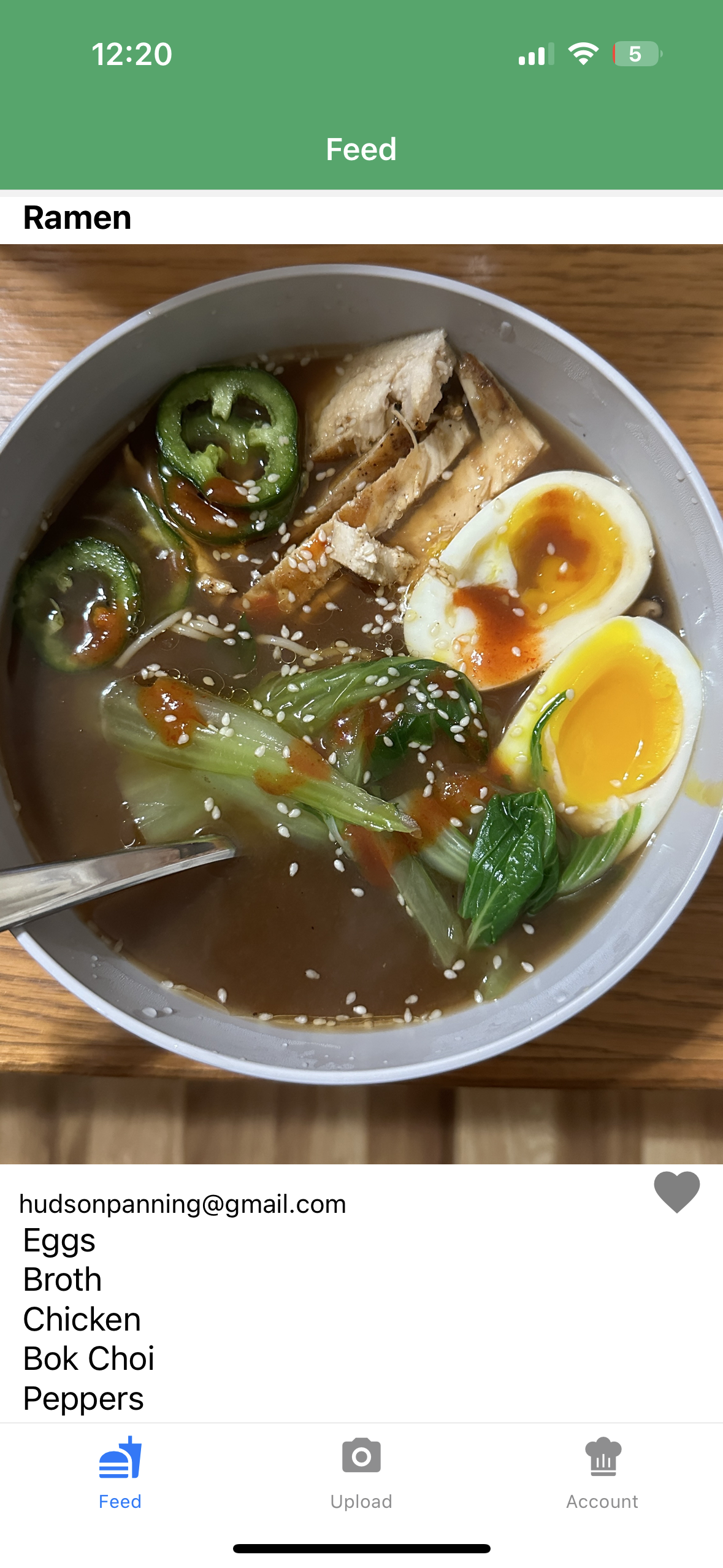
Once the user has signed in they are greeted with three main pages. The first page is the Home page where they are able to see all of the recipes uploaded from other users that they follow and they are able to like a post. This page is sorted such that the newest post always appears at the top and has pull to refresh implemented so new posts can be loaded dynamically.
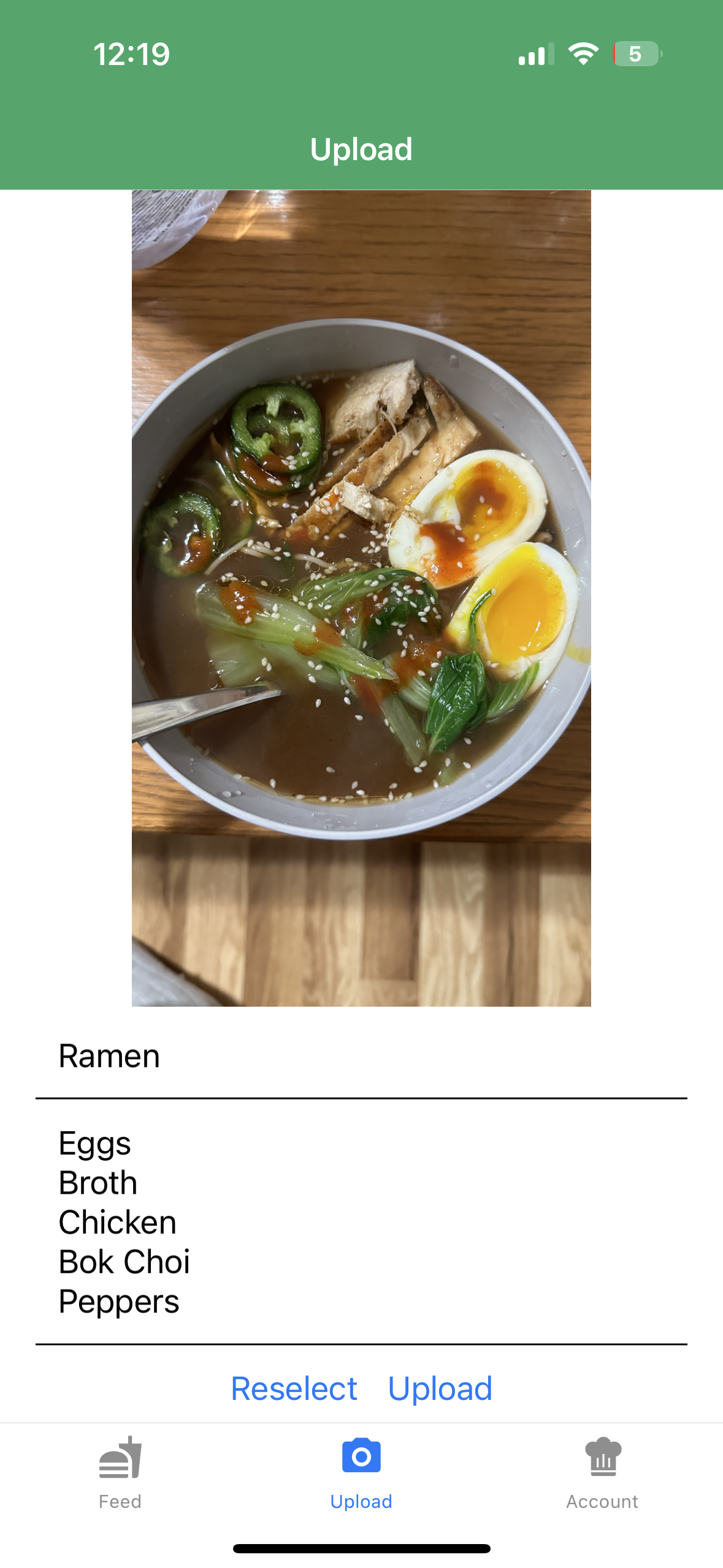
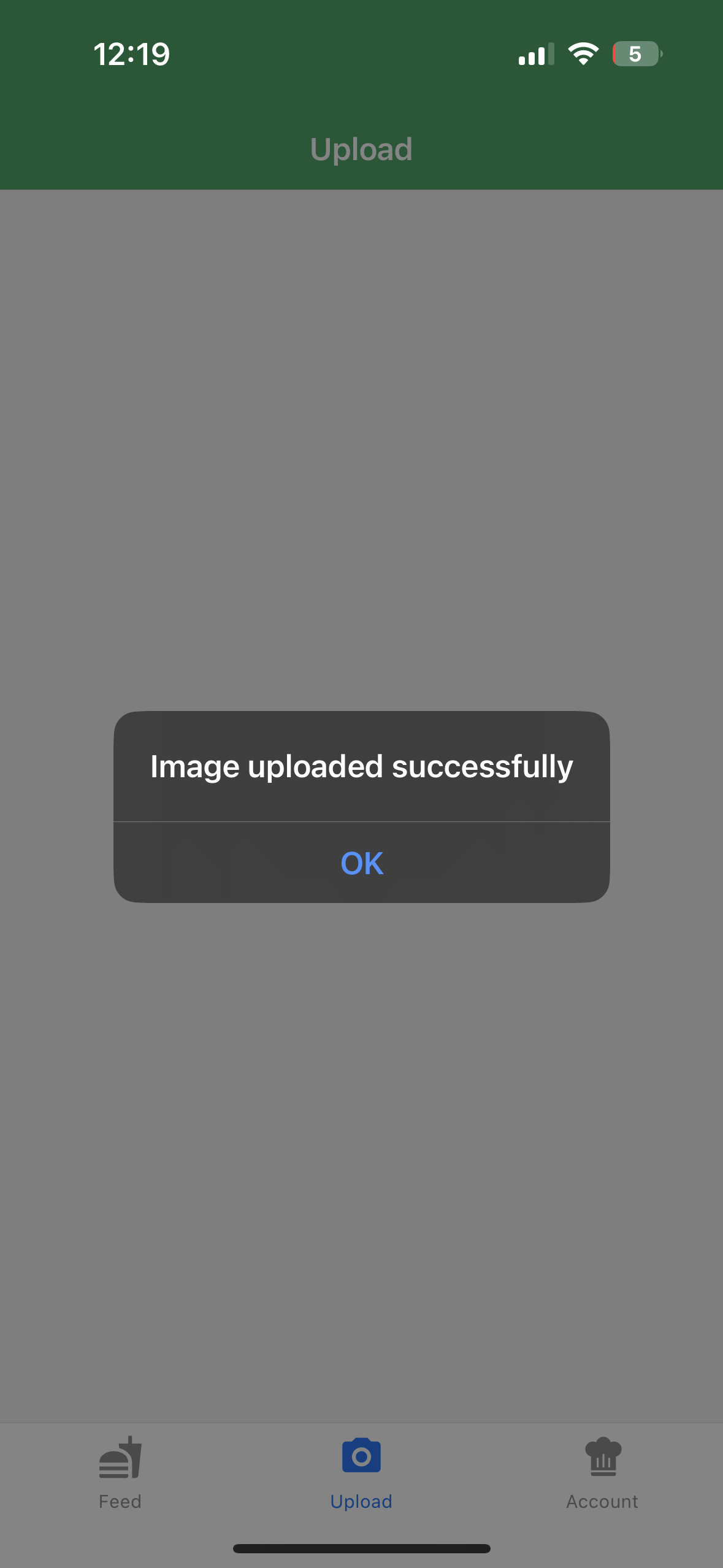
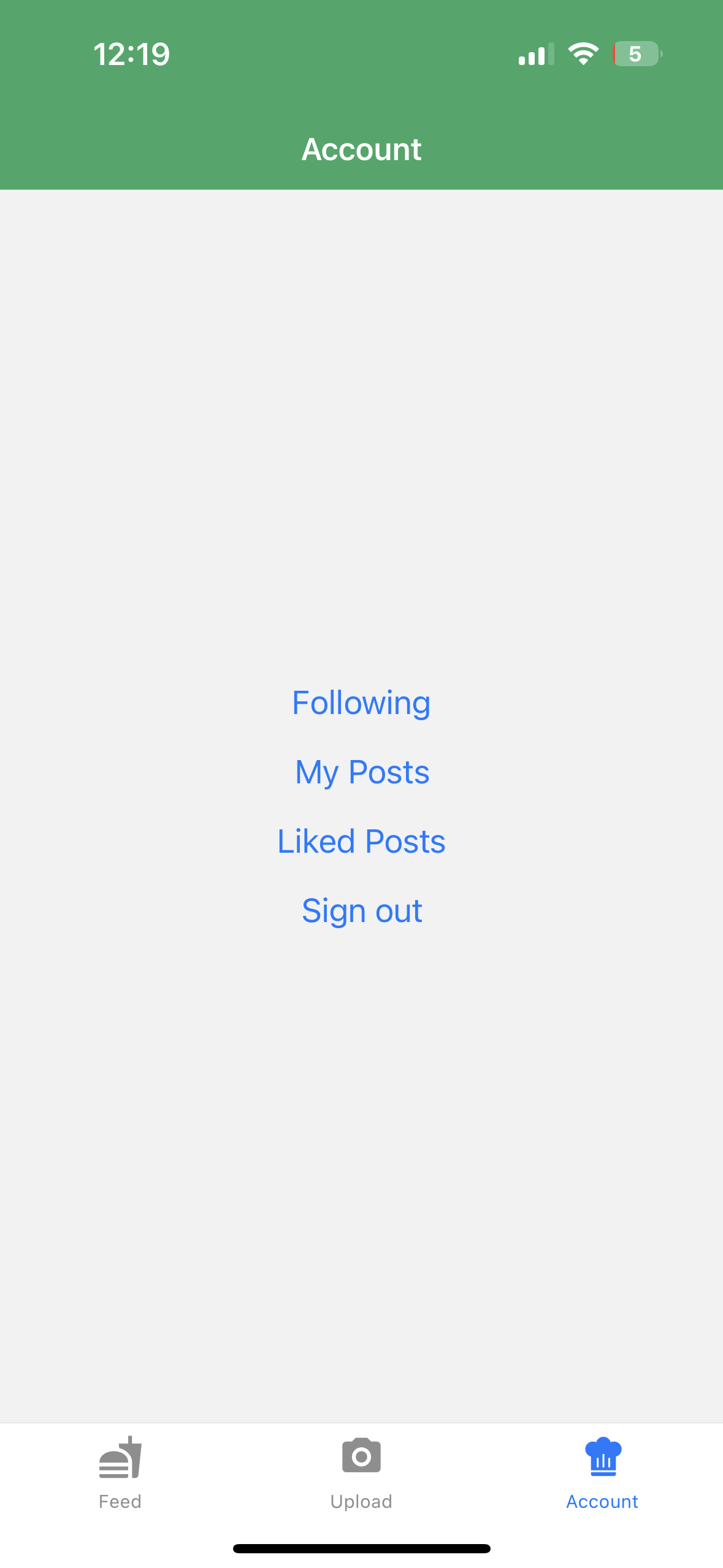
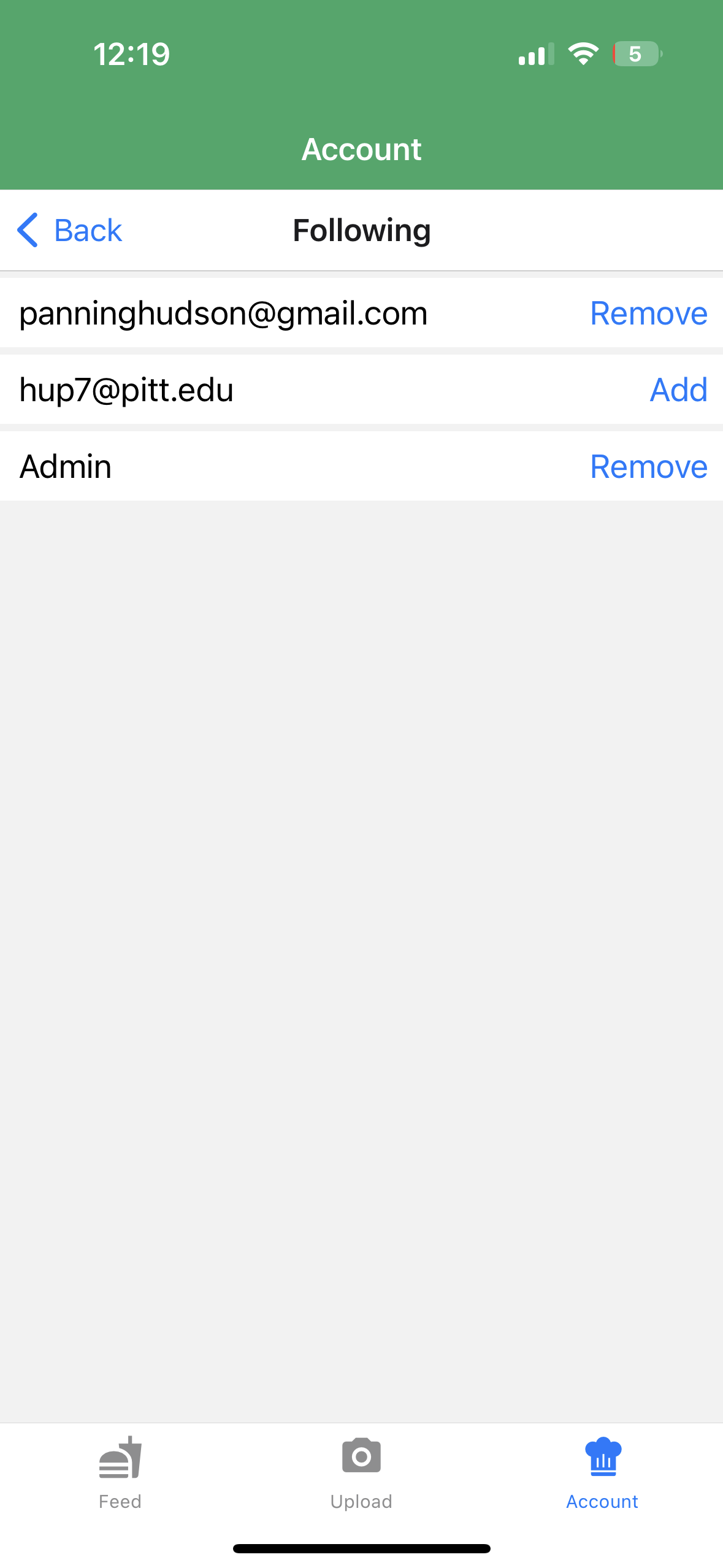
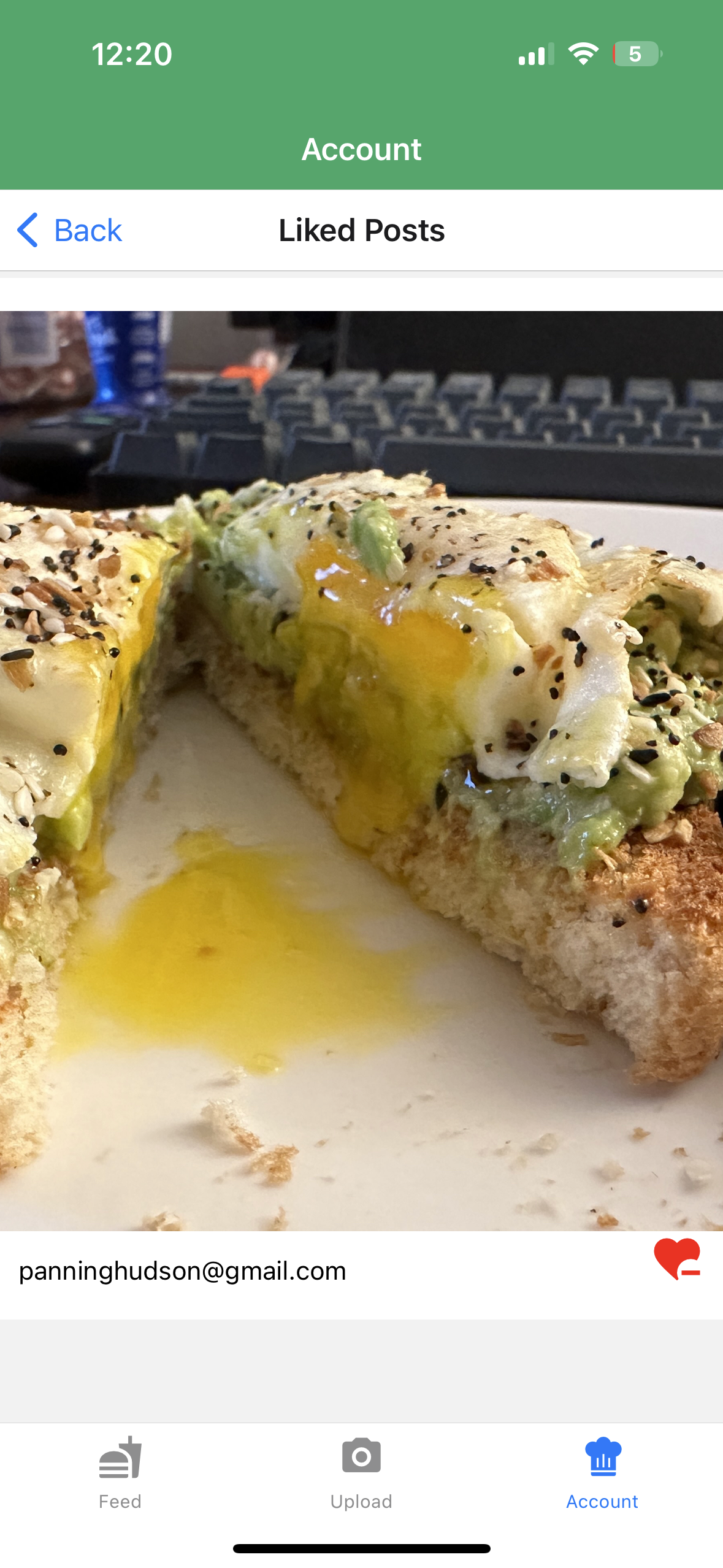
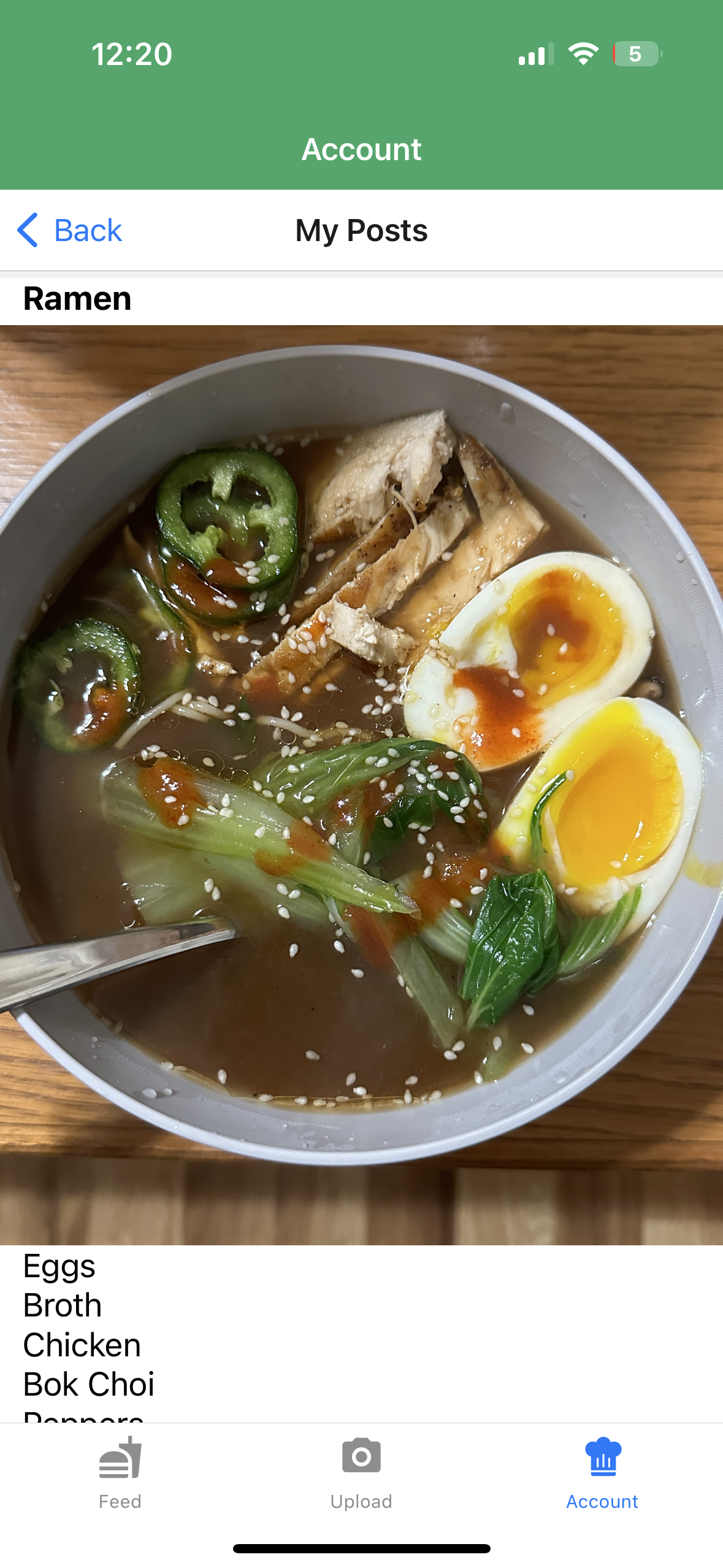
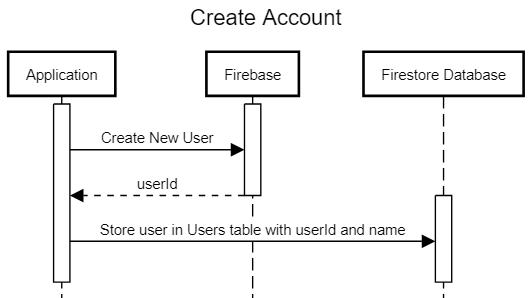
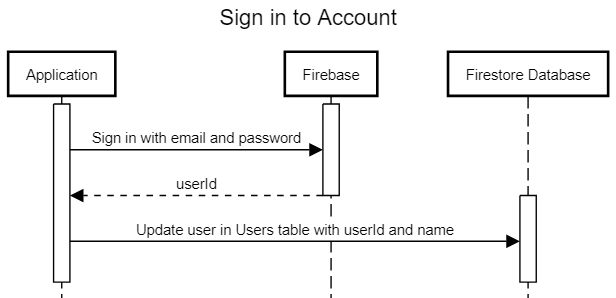
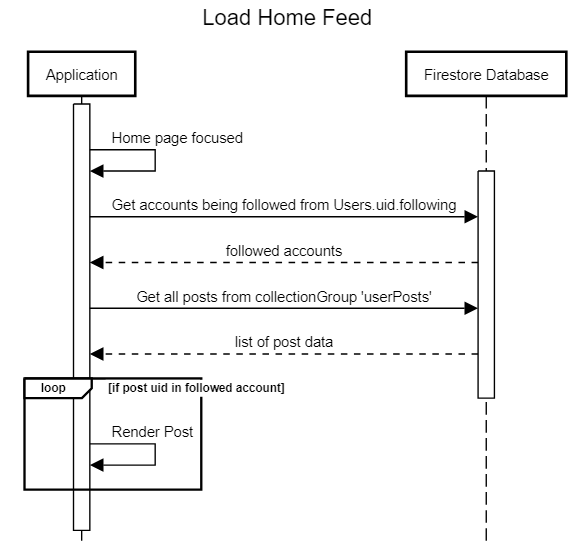
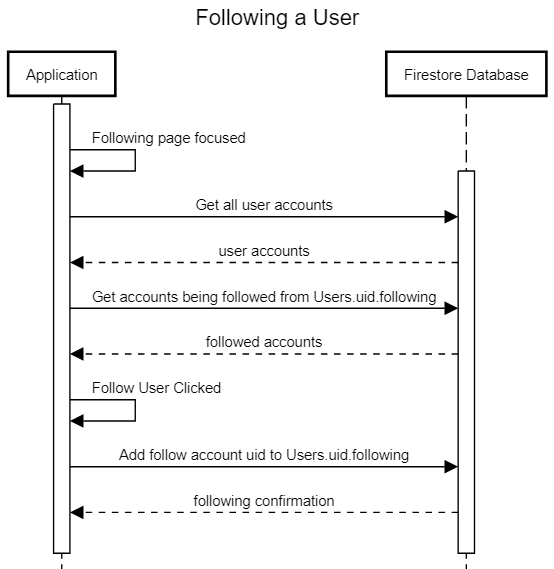
While building this app I decided to divide it into various iterations to track my progress.
I started with a user that was automatically signed in that would be able to upload a photo and nothing else.
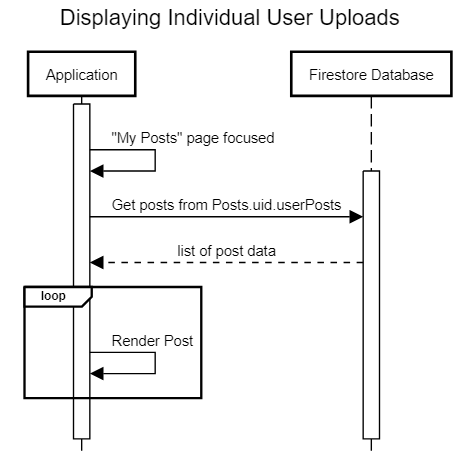
Next, I added a way for the user to see the posts that they uploaded along with a global feed of all posts that have been added to the database.
After that I created a way for a user to register for a new account and then also login to the same account in the future so that they could see their post individual posts.
From there I added a way for a user to select other accounts that they want to follow and implemented a filter on the home feed that would only show posts from the accounts being followed.
For the last iteration I created a system so that users could like a post and then see in a separate screen all of the posts that they have previously liked.
Since there were so many different components I decided that the best way to test and verify my project would be through manual testing. To do this I tested all of the functionality be hand, checked to ensure that the output was as expected, and then verified that the correct data had been updated in the Firebase datastore and storage from the online console.
In the future I would consider adding automatic tests in the code that could be run on every change to ensure that nothing would break when pushing new changes. For the purposes of this project though, I found that manual testing was thorough enough to catch all of the edge cases that I could think of.
In doing this testing I did uncover various issues that I had overlooked and it allowed me to add checks and catch statements to handle any errors that occured during use of the app.
During the development of this application I learned a lot about what goes into the building of an app. One of the major issues I ran into was the dependencies changing between different versions of packages. I had a lot of problems with compatability between packages and when reading through support forums often found that I needed to revert the version from the most updated for certain packages to work properly.
After completing this project I feel much more confident in my JavaScript skills as well as my ability to rapidly prototype and design a moblie application.
In the future I would like to add a way for users to search for account to follow rather than selecting from a list. I would also like to find a better way to compress and resize images before uploading them which will decrease the amount of time required to load images in the home feed as well as decreae total storage used and bandwidth sent to the Firebase Firestore. Another improvement I would include is updating the like icon color in real time to reflect the like status of a post.