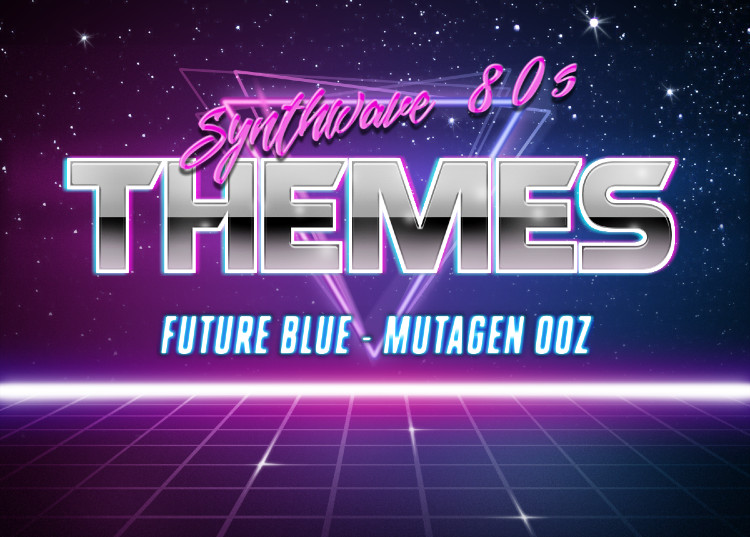
Flashy, retro, synthwave color themes for Visual Studio Code. Inspired by the neon-lit aesthetics of the 1980s.
Forked from BELCH theme by jbbelcher.
- Open Extensions sidebar in VS Code (
Ctrl+Shift+X/Cmd+Shift+X) - Search for
Synthwave 80's - Click Install
- Open Command Palette (
Ctrl+Shift+P/Cmd+Shift+P) - Select Preferences: Color Theme
- Choose one of the Synthwave 80's variants
A vibrant cyan and magenta theme with deep purple backgrounds.
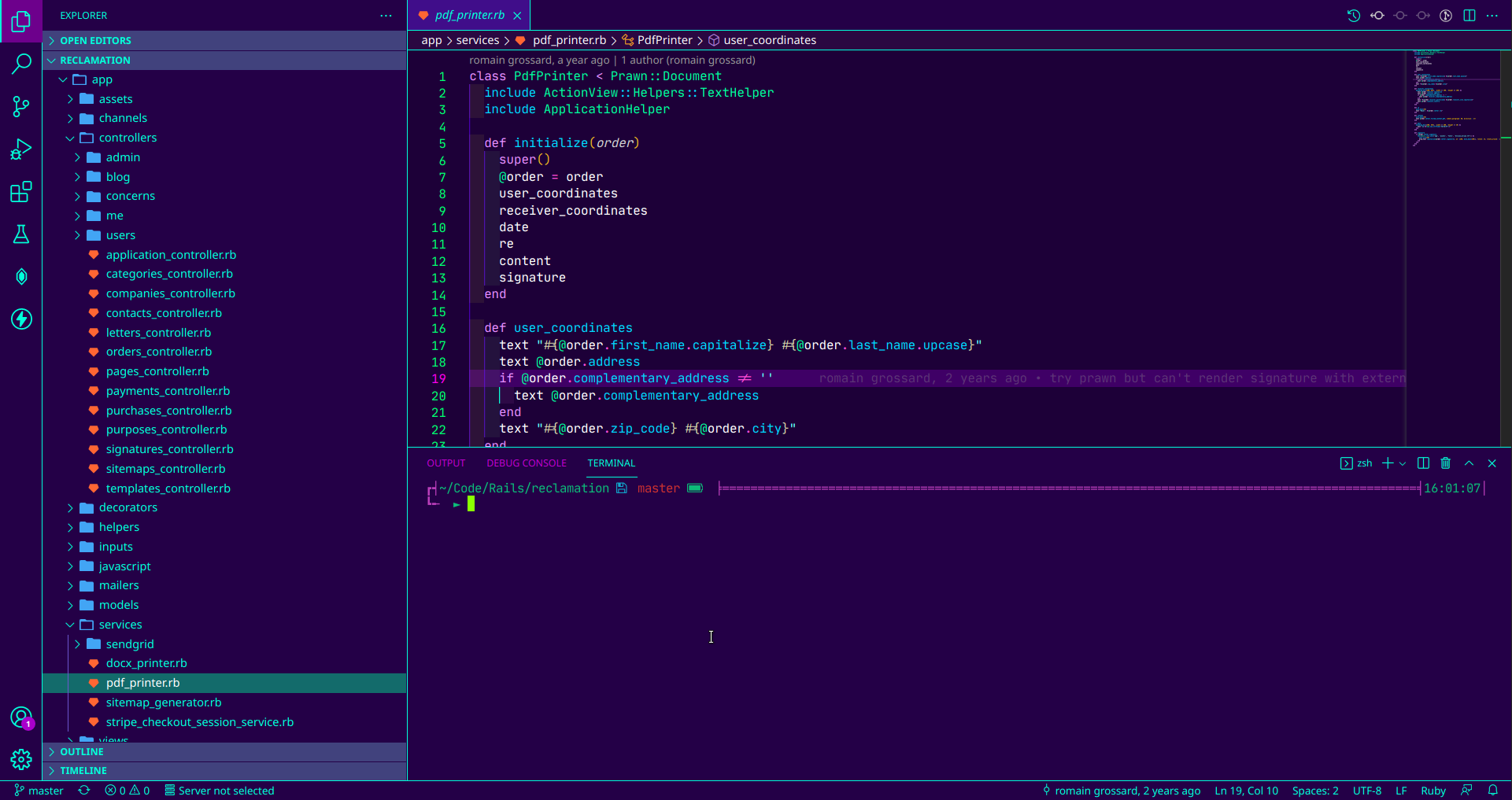
A toxic green and magenta variant for those who prefer green accents.
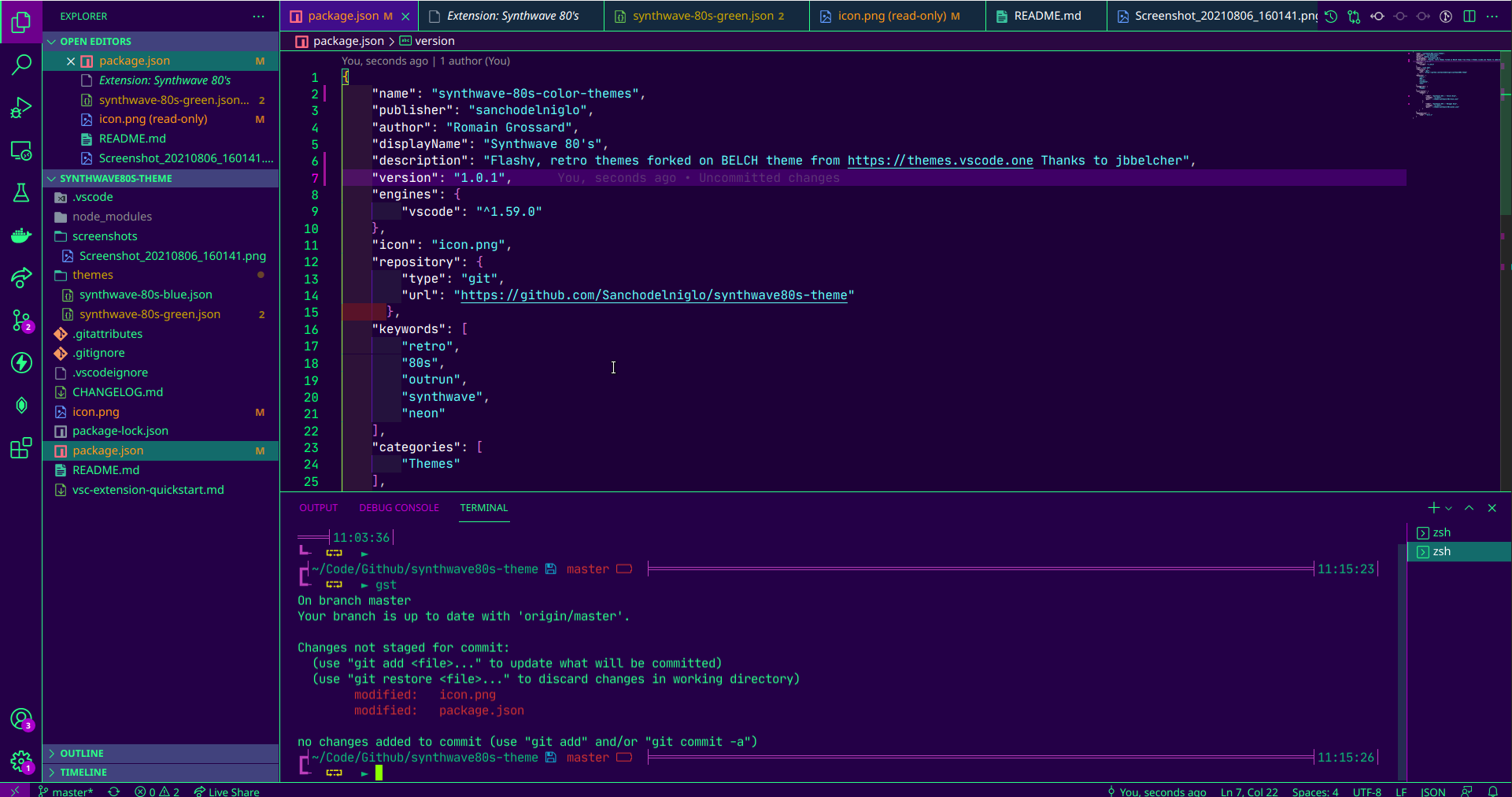
A more subdued variant with softer colors for extended coding sessions.

- 260+ workbench colors defined
- Comprehensive syntax highlighting for:
- JavaScript / TypeScript
- Python
- PHP
- Ruby
- Go
- Rust
- Java
- C / C++
- HTML / CSS / SCSS
- JSON
- Markdown
- And many more...
- Full terminal ANSI color support
- Git decoration colors
- Diff editor highlighting
- Semantic highlighting support
- Bracket pair colorization
For the best experience, add these to your settings.json:
{
  "editor.fontFamily": "'Fira Code', 'Cascadia Code', Consolas, monospace",
  "editor.fontLigatures": true,
  "editor.cursorBlinking": "phase",
  "editor.cursorSmoothCaretAnimation": "on",
  "workbench.colorTheme": "Synthwave 80's - Future Blue"
}If you enjoy this theme, consider supporting its development:


Found a bug or have a suggestion? Please open an issue on GitHub.
MIT License - see LICENSE for details.