Blobfish is a 3D "Metaverse" world in which users can create their own avatars, create and join a virtual 3D world with other users and communicate through both audio as well as visually through their avatar facial movements - which are mapped and rendered realtime using the user's webcam.
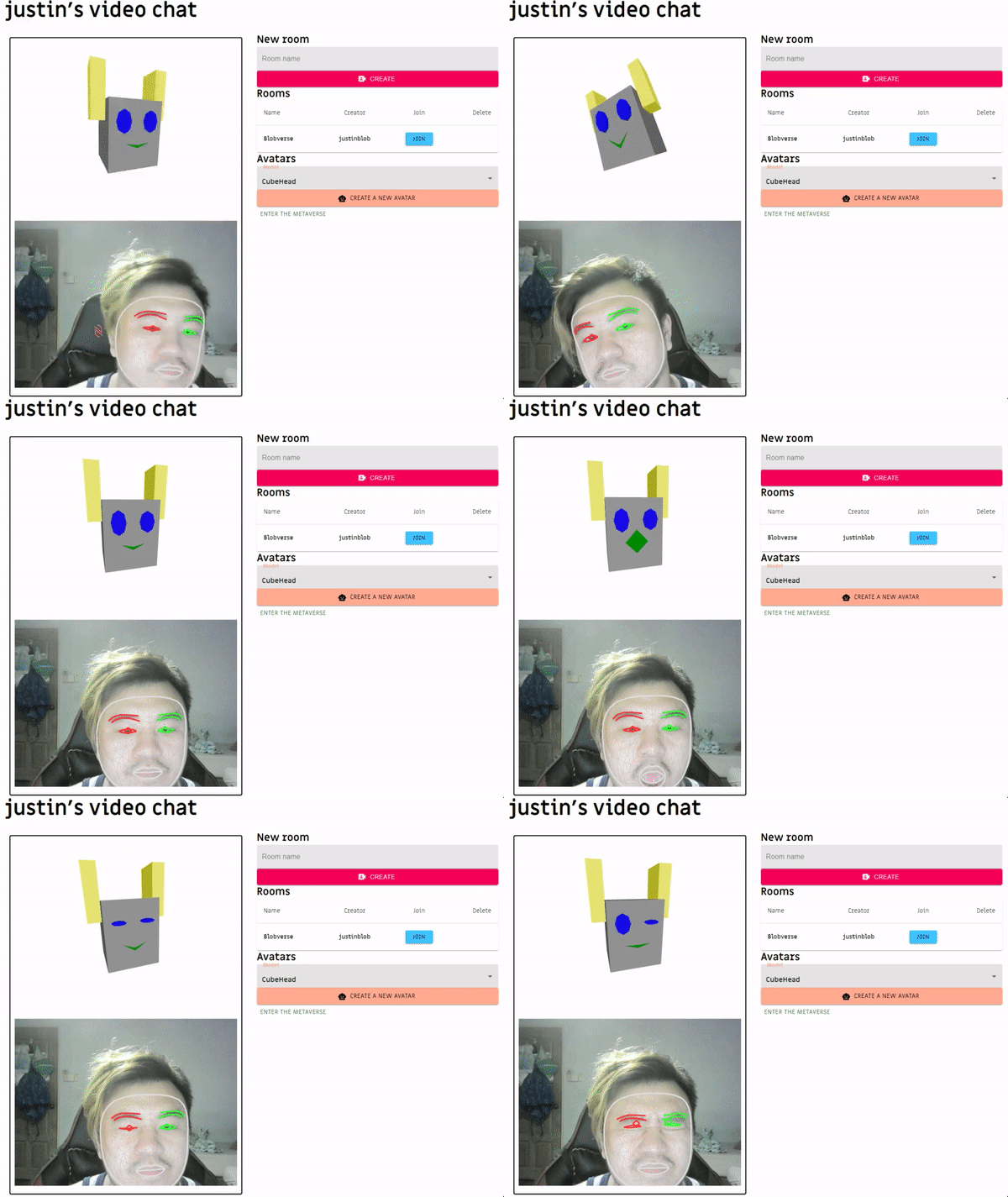
This project was created and developed by Jia En and Justin Wong, as a project for their bootcamp.
It spanned 2weeks (13 Nov - 29 Nov 2021)
You can find our deployed app here.
Do remember to enable your browser to access your webcam and your microphone.
- Create an account here, you should then be redirected to the dashboard.
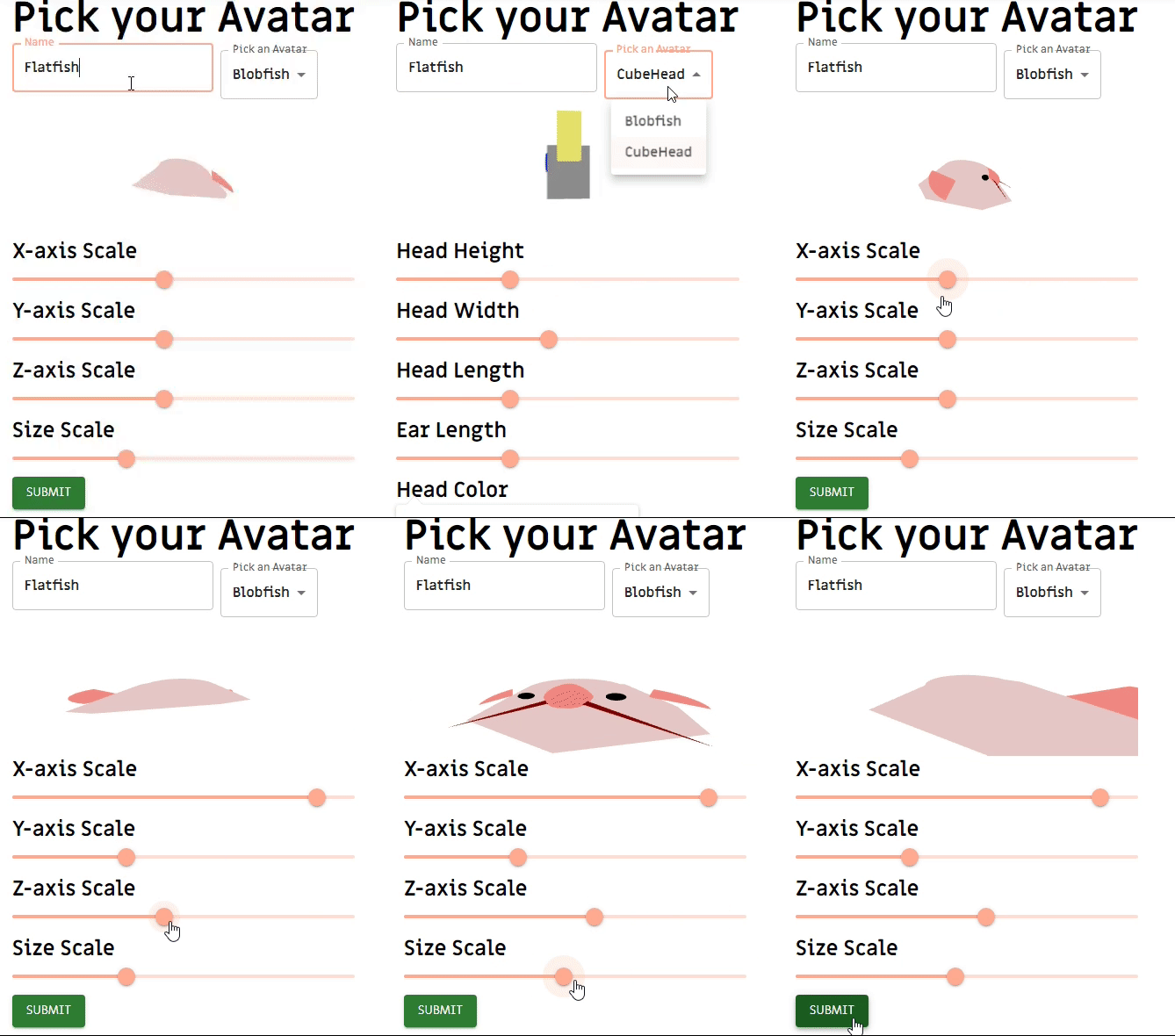
- Create a new avatar in our avatar creation page or choose a default model.
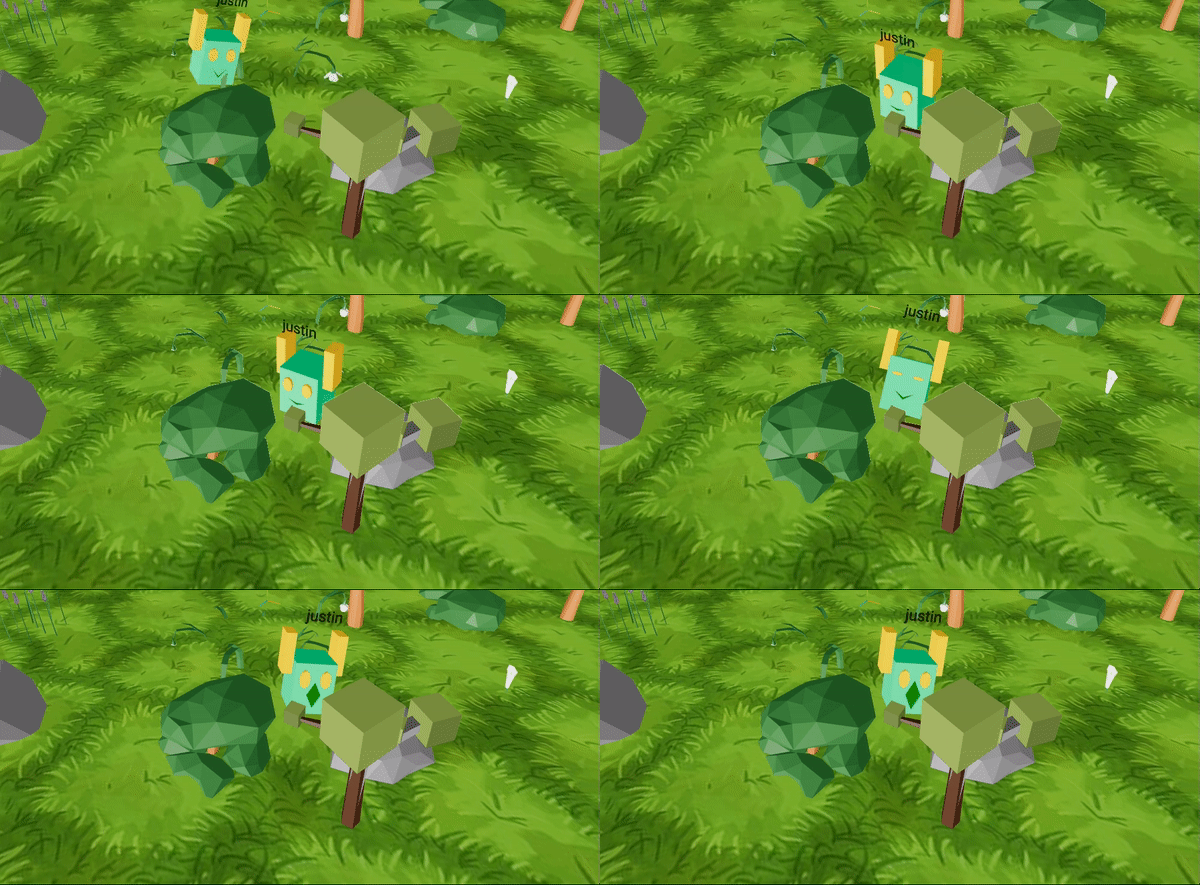
- Create or join a 3D world
- Avatars can be moved using the WASD keys inside the 3D world.

For our project, we used:
- Getting head orientation from facemesh coordinates returned by MediaPipe.
- Mapping facemesh data to eye and mouth expression on the 3D avatar.
- Creation of avatar models, making them customizable and reloadable by users.
- Positioning of avatars, objects, and camera.
- Updating facial expression using useFrame
- FPS issues rendering 3D world in browser together with avatars in a browser environment
- Typically used for client-client video conferencing. Had to adapt this for transmitting user's position and head data.
- Tried using the audio channel for transmitting both audio and avatar JSON data including avatar positioning and expression. Figured that a dedicated data channel has to be created between peers, this cannot be piggybacked.
- Handling disconnection of peers
- [] Further testing on audio transmission
See the open issues for a full list of proposed features (and known issues).
Contributions are what make the open source community such an amazing place to learn, inspire, and create. Any contributions you make are greatly appreciated.
If you have a suggestion that would make this better, please fork the repo and create a pull request. You can also simply open an issue with the tag "enhancement". Don't forget to give the project a star! Thanks again!
- Fork the Project
- Create your Feature Branch (
git checkout -b feature/AmazingFeature) - Commit your Changes (
git commit -m 'Add some AmazingFeature') - Push to the Branch (
git push origin feature/AmazingFeature) - Open a Pull Request
Distributed under the MIT License. See LICENSE.txt for more information.
Jia En - @ennnm_ - jiaen.1sc4@gmail.com Justin Wong -@wustinjongg - justinwong8991@gmail.com