Quotes powered by Astro, DynamoDB & GitHub issues
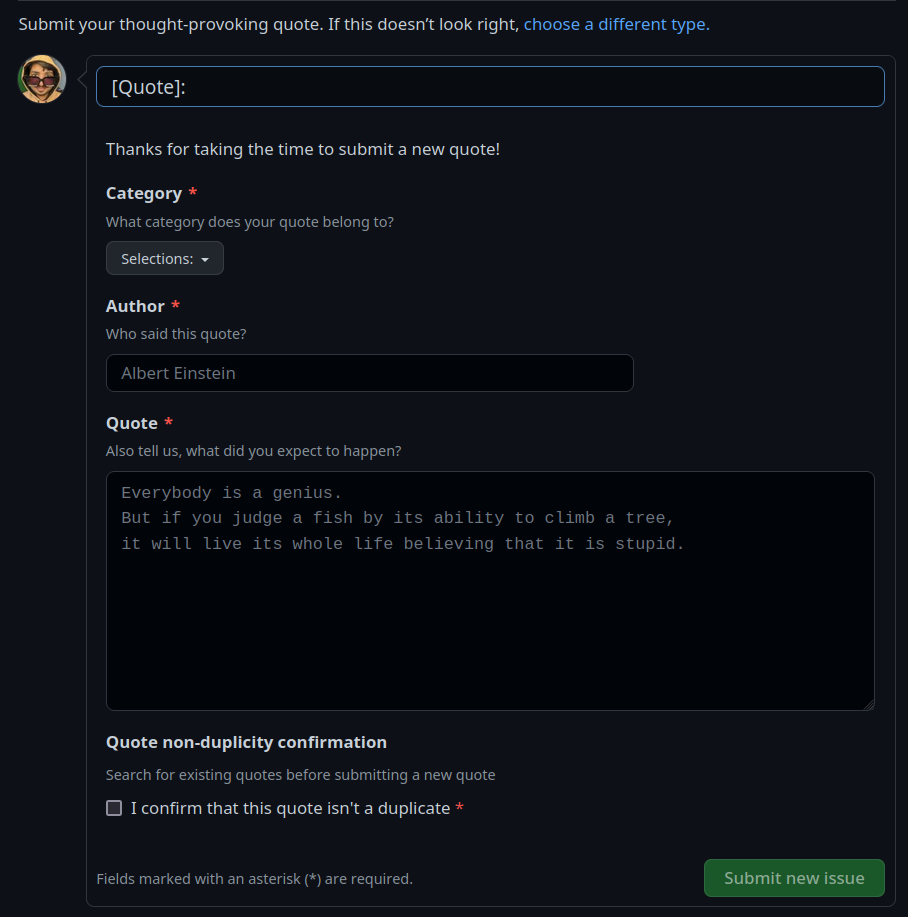
Add your quote by opening an issue
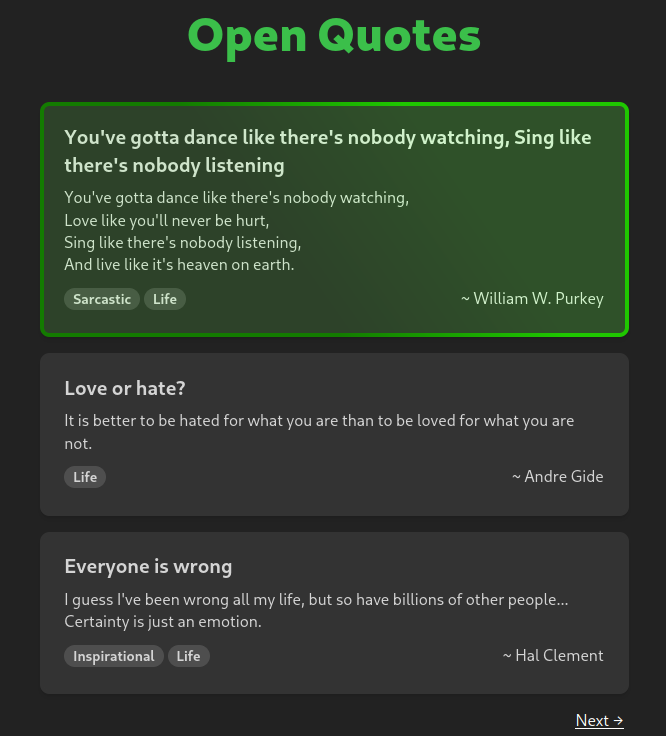
Browse the quotes on Quotes.learnaws.io
Your quote will get updated in almost realtime, to bypass the cache you can add ?refresh=<random-numbers>
Eg:
https://quotes.learnaws.io?refresh=6969
Grab the latest backend and frontend code for Open quotes from Open-Quotes-Website Repo
Special thanks to Ashish for helping me with DynamoDB design.
In this GitHub action, the main goal is to parse and save new quotes added as issues to a DynamoDB table, then update the issue accordingly. Let's break down the code and the process step-by-step.
-
The main function run is defined in index.ts. It starts by extracting the issue from the payload and processing the label names.
-
The code checks if the issue has the "new-quote" label. If not, it will log "Nothing to be done" and return.
-
If the "new-quote" label is present, the code fetches the necessary parameters such as the issue number, owner, and repository.
-
The function then attempts to parse the quote from the issue body and title using the parseMd function. If successful, it calls addQuote to save the quote and the user's name to the database.
-
After adding the quote to the database, the action updates the issue with the following:
- Adds the "accepted" label.
- Removes the "new-quote" label.
- Posts a comment to acknowledge the user's contribution and provide a link to the quote.
- Closes the issue.
-
If any errors occur while processing the quote, the "invalid" label will be added to the issue, and a comment describing the error will be posted.
-
The add-quote-to-db.yaml file specifies when the GitHub action will be triggered. In this case, it will be triggered on issues when they are opened or edited.
-
The jobs section in add-quote-to-db.yaml outlines the steps the action will perform, including:
- Checking out the repository.
- Running the Issue to Quote action with the required environment variables and inputs.
- The action.yml file provides a description of the action, its inputs, and how it will be executed (using Node.js 16 and running lib/index.mjs).
In summary, this GitHub action listens for new or edited issues with the "new-quote" label, parses the quote from the issue, saves it to a DynamoDB table, and updates the issue accordingly.