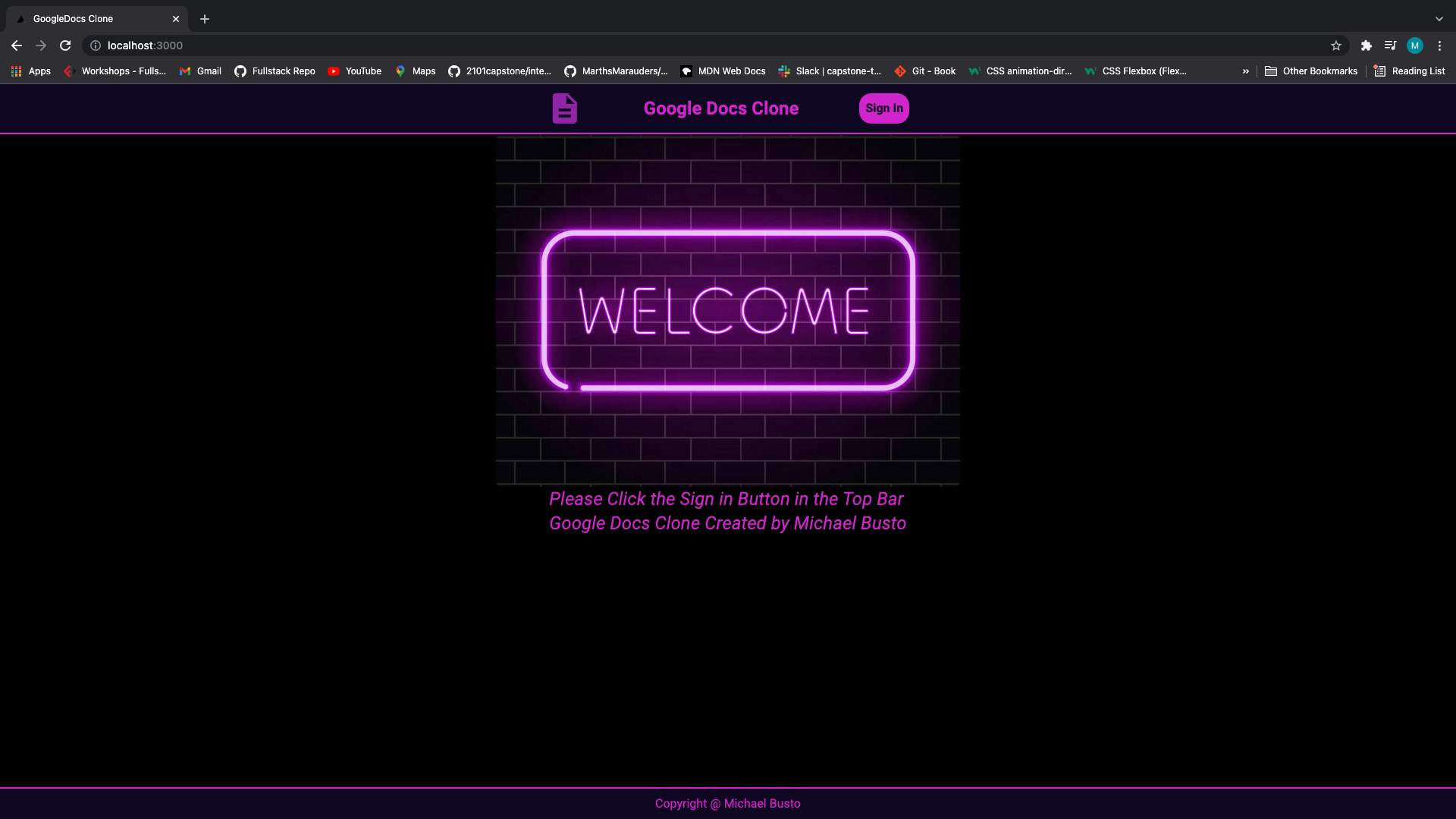

- Sign in with your Google account
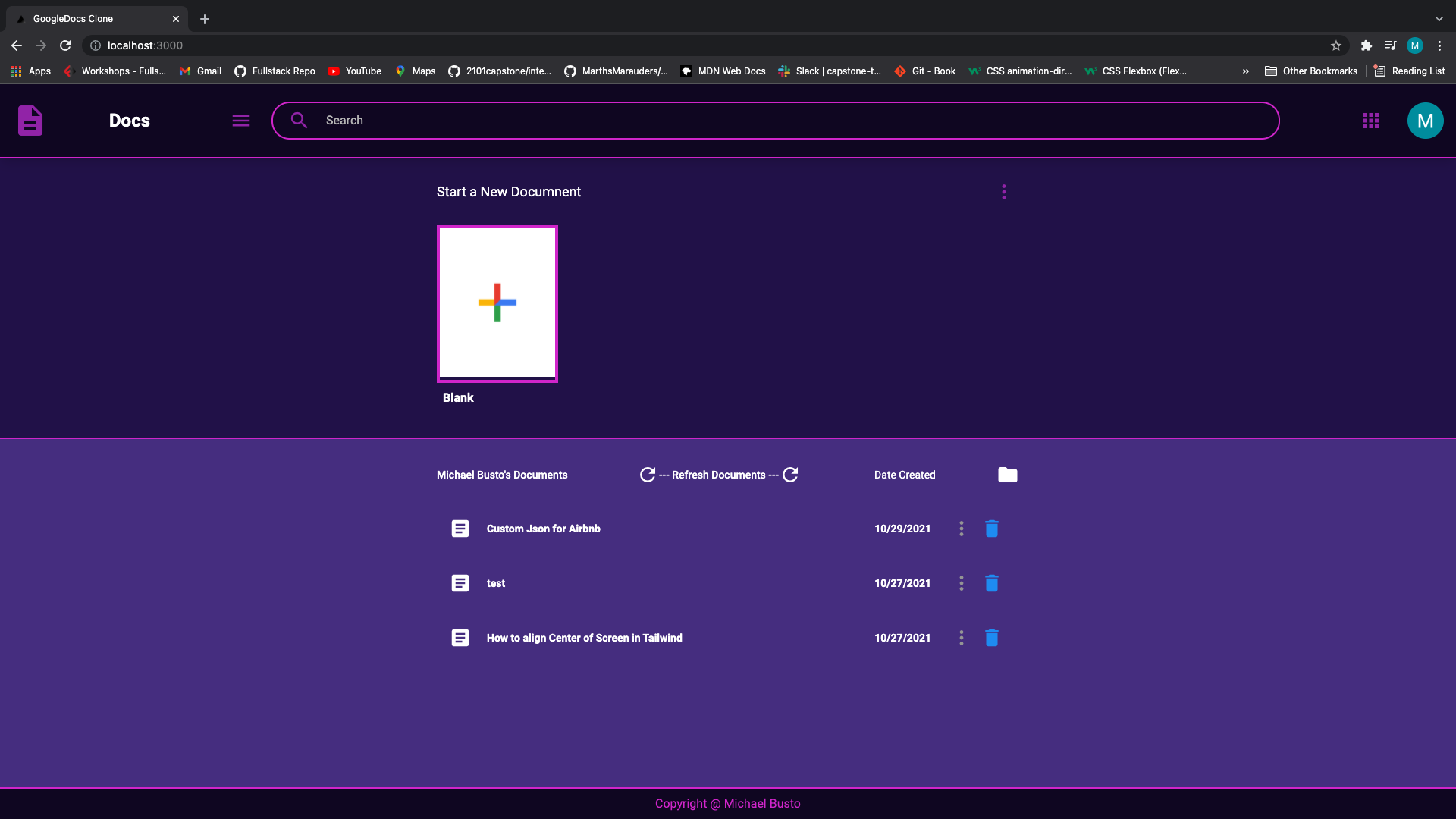
- Once logged in Simply click add a document
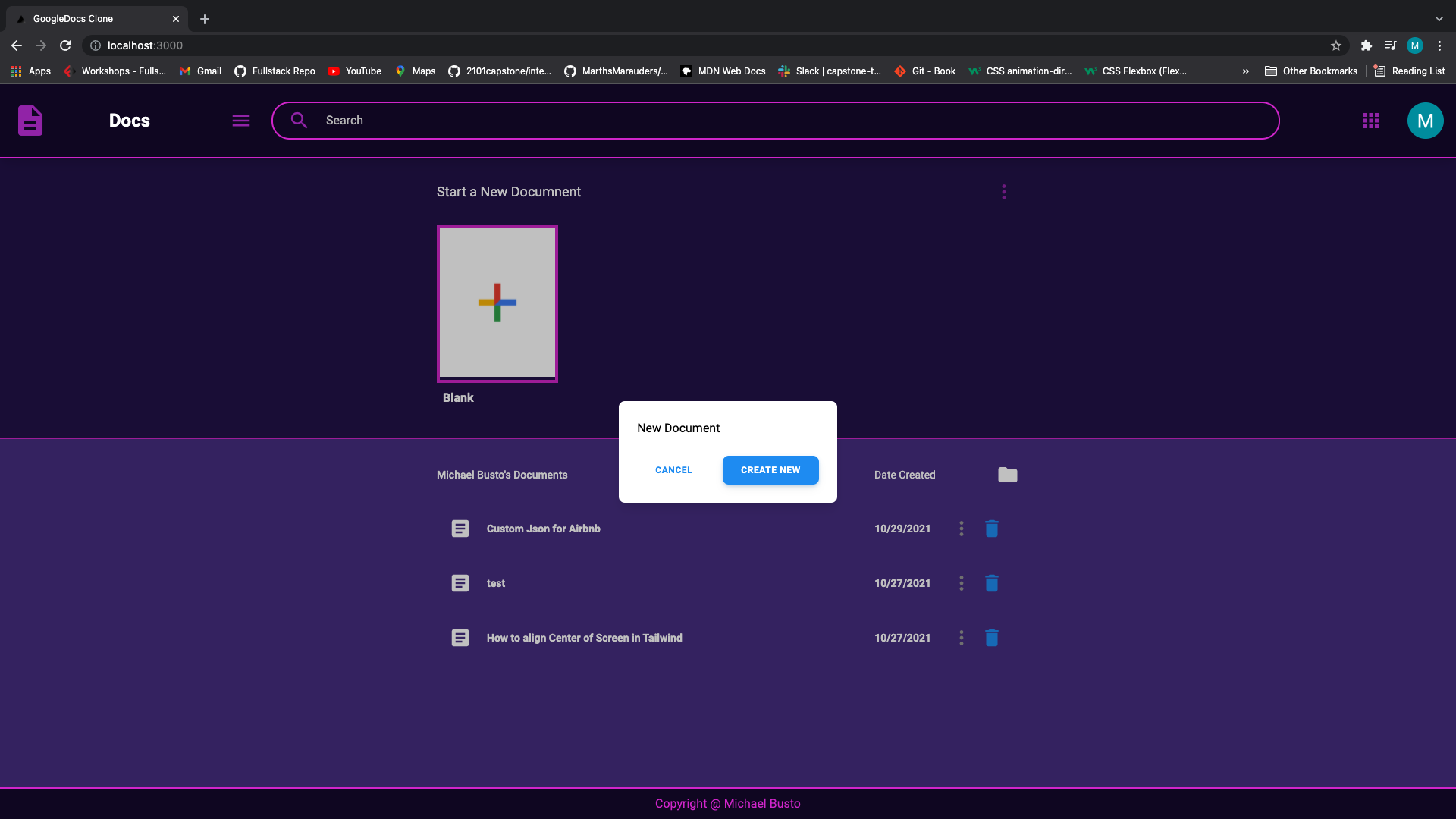
- Type the name of what you want to name your document
- Refresh page and see the new document added to your list
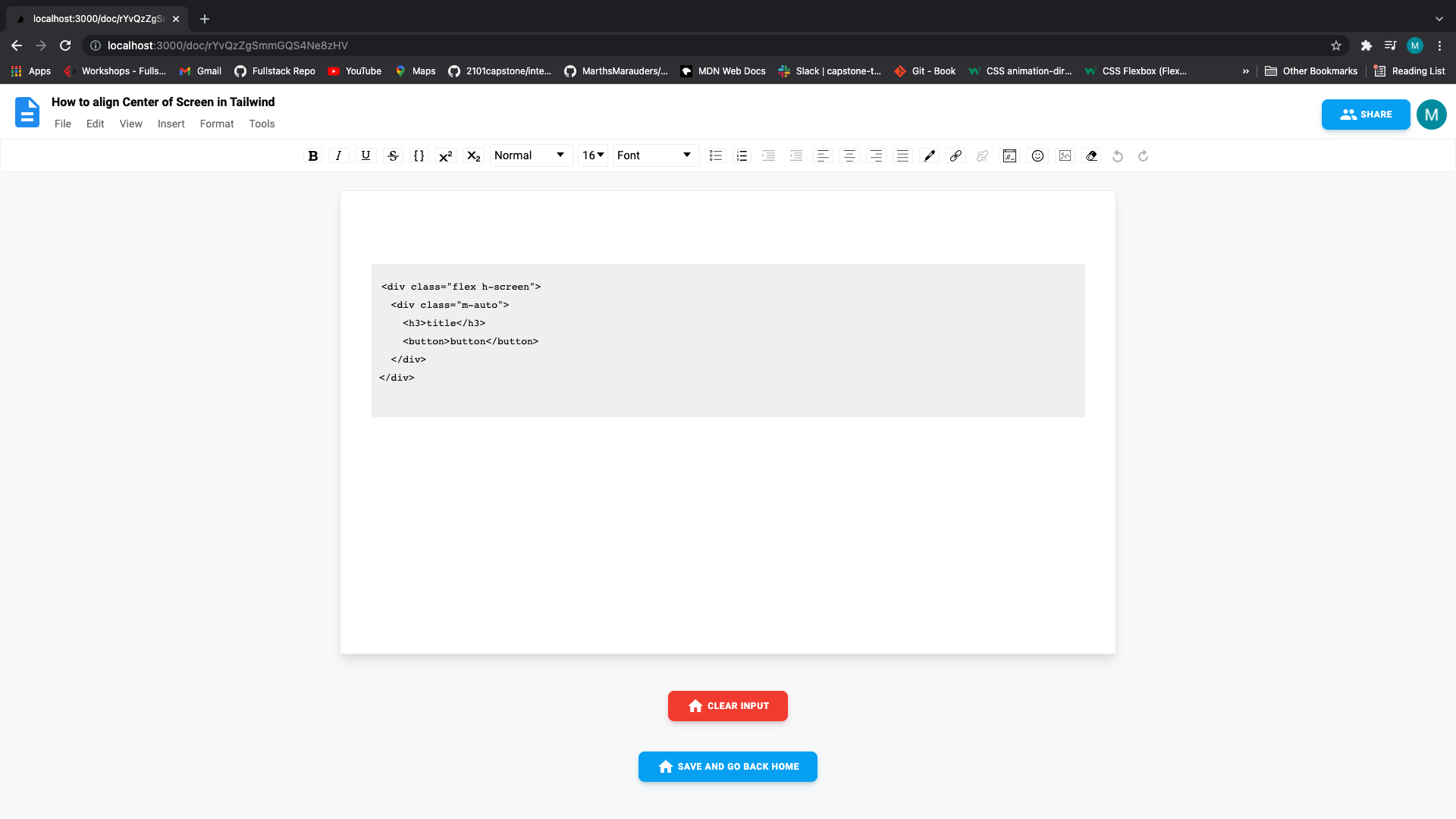
- A text editor will open up and you can type whatever you want similar to a google docs
- When done hit save and go back to the home screen and add more documents if you want
- Front-End
- React.js, Next.js, Tailwind Css, Material UI, Hero Icons
- Back-End
- Firebase - NoSQL Database
- NextAuth
- External API/Libraries
- Draft.js
- To install all dependencies:
npm install - cd into the directory of google-docs-clone
- To Run App!:
npm run dev - Then just visit https://localhost:3000