EDITOR 3D is a program written in C++ using the winbgi version of the graphics.h library, capable of creating, editing and visualizing 3D shapes, both simple and more complicated ones.
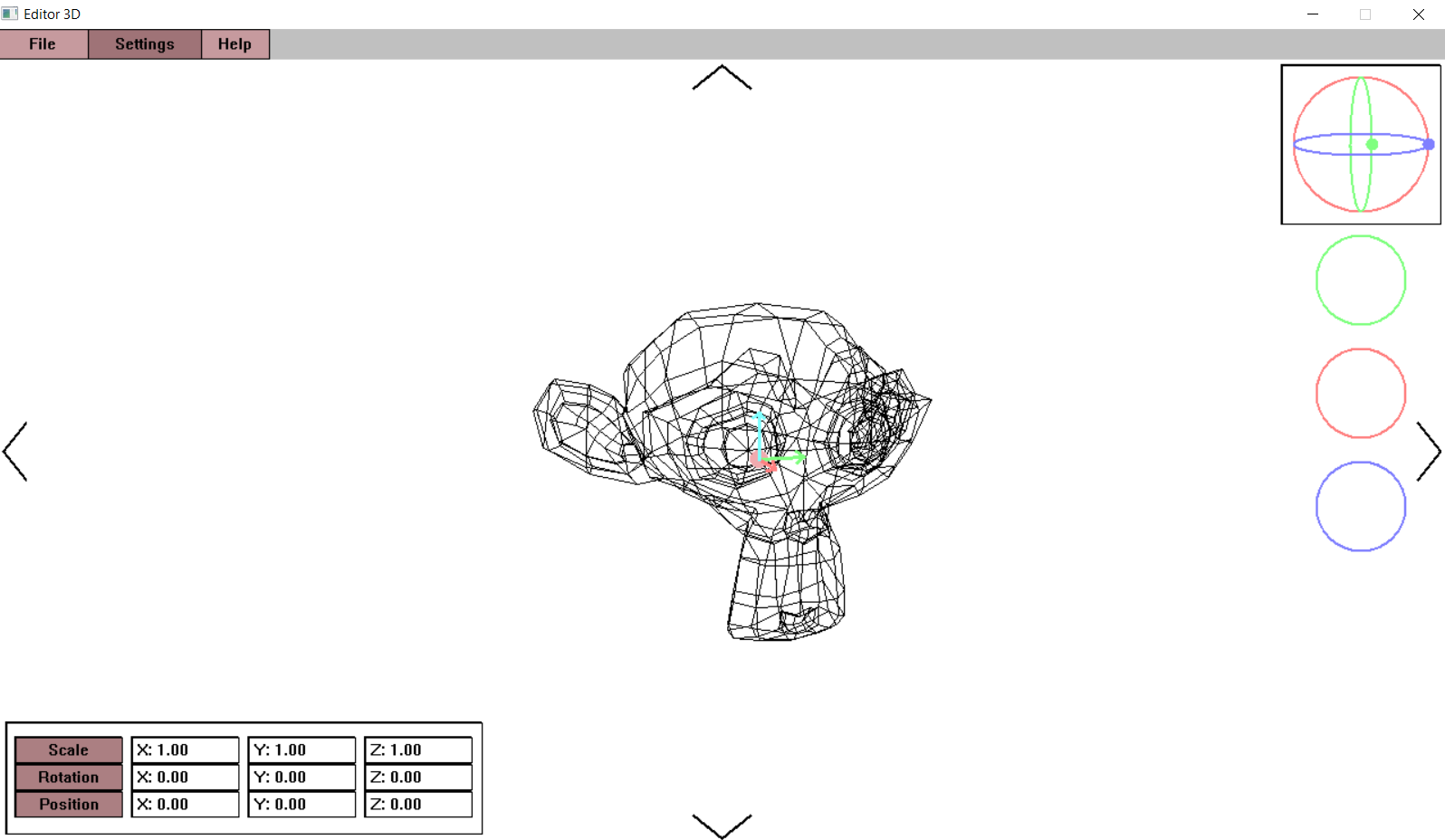
- perspective camera fully capable of movement in space, rotation, and FOV change
- quaternion-based rotation for camera and meshes
- basic mesh transforms such as Rotation, Scale, and Translation, with keybinds for the latter two
- fully functional translation gizmo, size relative to viewport
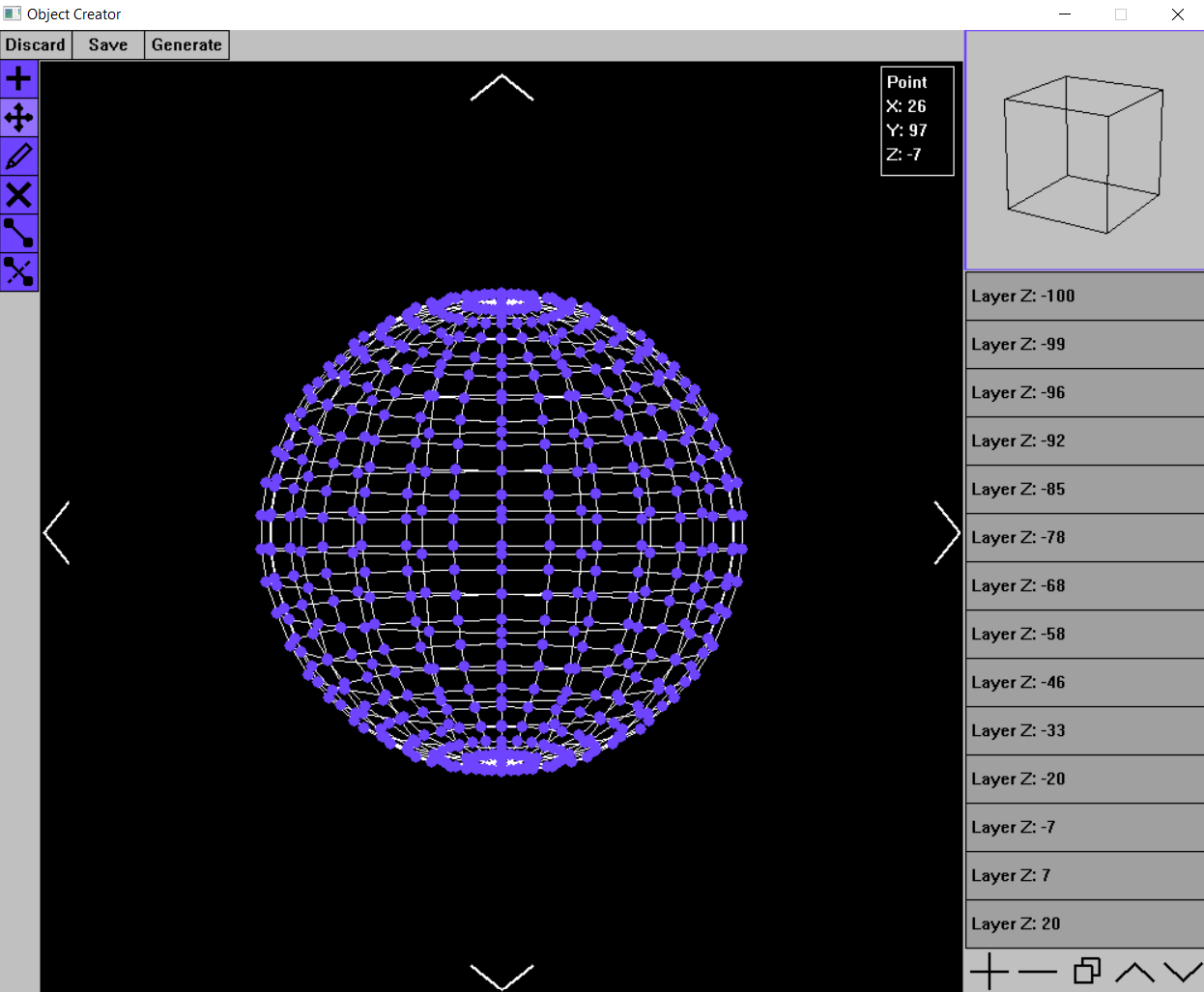
- layer-based mesh editing in Object Creator interface
- various tools for creation, manipulation, and deletion of points, edges, and layers
- saving and loading spaces from .e3dspc files
- multiple color schemes and resolutions available
- minimal reliance on STL, with custom implementations of containers such as Vectors, Lists, Maps, Hashmaps
- Create a new 3D Space, save it, or open sample spaces from the "spaces" folder by pressing the File button and choosing the appropriate option
- Move camera with WASD, Q, and E keys, change FOV with Z and X keys, rotate with arrows at the edges of the screen
- Select Mesh by clicking on its center (circular button)
- Show Mesh context menu by right clicking on any Mesh, or Space context menu by right clicking anywhere else
- Scale either through the Mesh context menu or by pressing F
- Move by interacting with the gizmo (arrows on Mesh) or by pressing G
- Rotate by pressing on Spinball (top right, after selecting Mesh) and dragging along either of the 3 donut buttons
- Switch between local and global transform mode either through the Space context menu or by pressing L
- Add mesh through Space context menu
- Edit mesh through Mesh context menu
- Double click layer to change its height
- Use Tool Buttons on the top left to change current Tool (New Point, Move, Edit Point, Delete Point, Add Line, Delete Line)
- Click on layer button to enter Layer View mode, where you can add new points to layer
- Move point on Layer by dragging on a point button in Layer View, move Layer View by dragging anywhere else
- Switch back to 3D view by pressing the Minimized Space button (top right)
- Generate a predefined Mesh using the Generate dropdown (top left)
- Add, delete, or duplicate layers using the tools at the bottom of the layer list
This project was made by Matei Chirvasa and Sabina Prodan, first year students at FII, UAIC.