User Guide
This is a quick rundown for a first time user, granted that they installed everything correctly.
- Run the
english_teacher.pyfile through an IDE, or through terminal. (The examples in this guide were created through PyCharm)
- First run might take a little longer due to models downloads and initial installations.
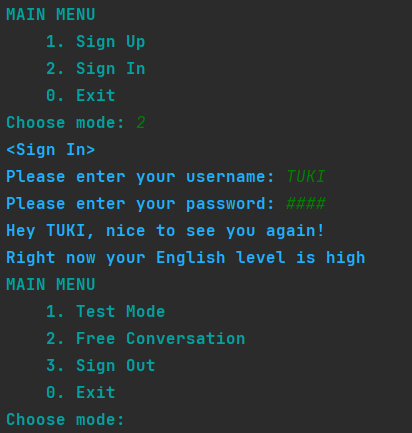
- In the MAIN MENU, choose "Sign Up", and enter your credentials with your keyboard. Press enter to move forward.
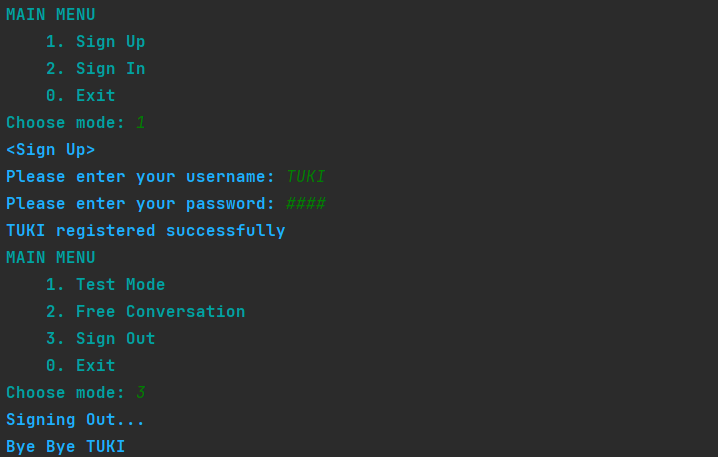
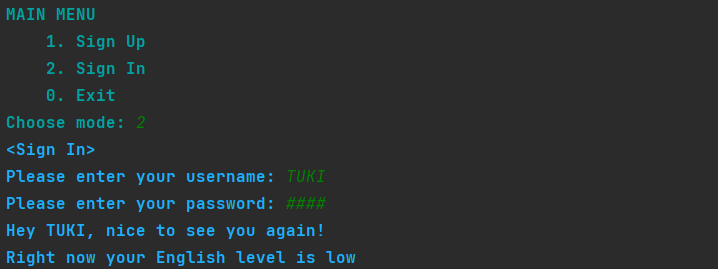
- Now you can logout and re-login.
- Start by trying out "Conversation Mode" to get a feel of the system. You will be greeted by the assistant and will be offered some topics to discuss. Feel free to initiate the conversation on any topic that comes to your head.
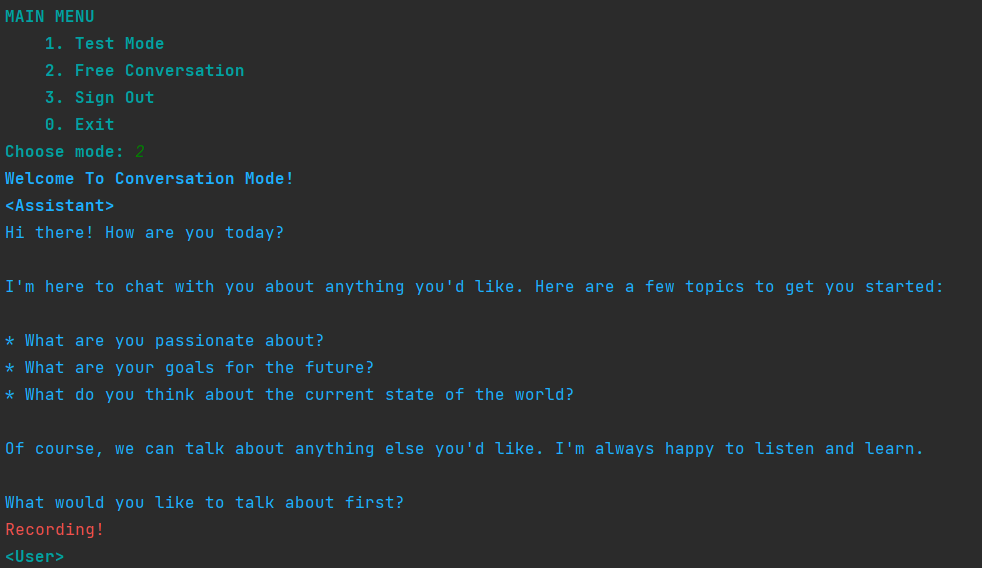
- When the red text saying Recording! shows up, you will be recorded, all while your recording being transcribed. If you will quit talking for a few seconds, the system will recognize this as you being done with your sentence. A red text saying Recording Stopped will show, and your sentence will be moved to continue the conversation.
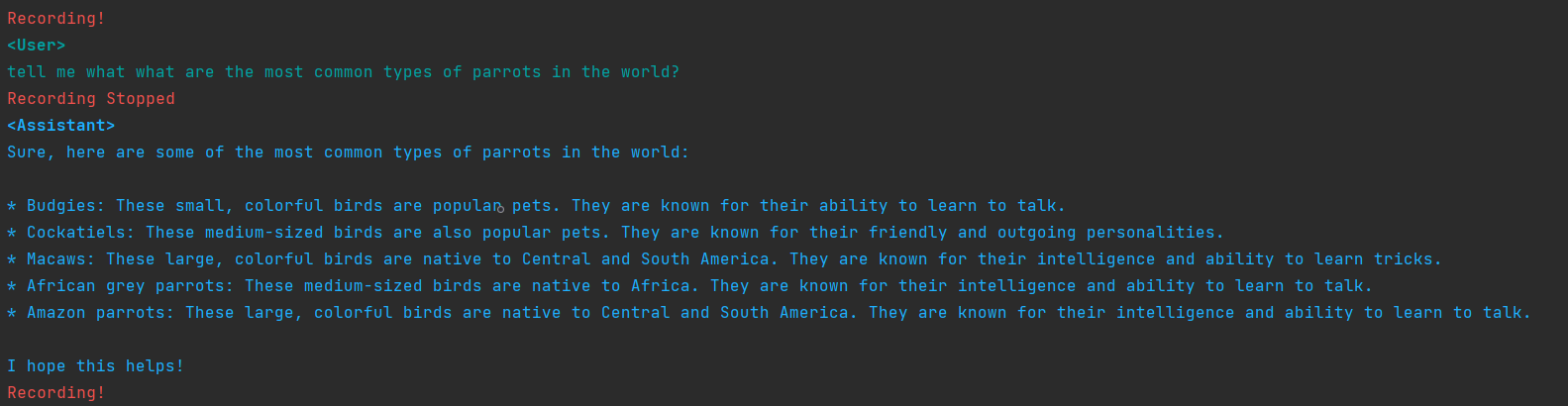
- After the assitant replies to your sentence, you will once again be able to say anything you want. If no audio will be detected, the conversation will be over.
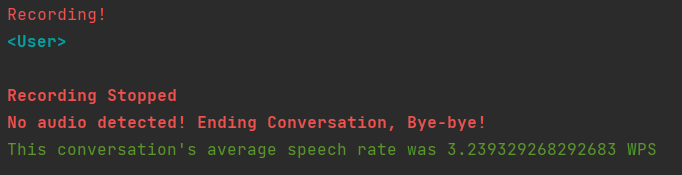
- Now you will be redirected to the main menu.
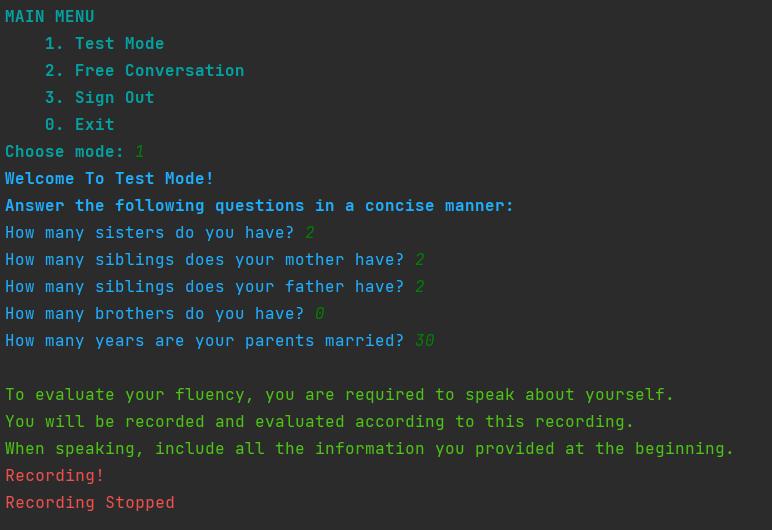
- Try out "Test Mode", in which you will be evaluated according to your grammar, your speech rate and your ability to provide accurate information. Answer the qustions by entering your answer and Press enter to move forward.
After answering 5 questions, you will be required to speak about yourself while presenting the information you provided. This time, your speech will not be immediately transcribed and presented.
- Now, your speech will be evaluated and printed to the screen, along with your scores, an explanation for your grammar score, your speech rate and your newly assigned level.
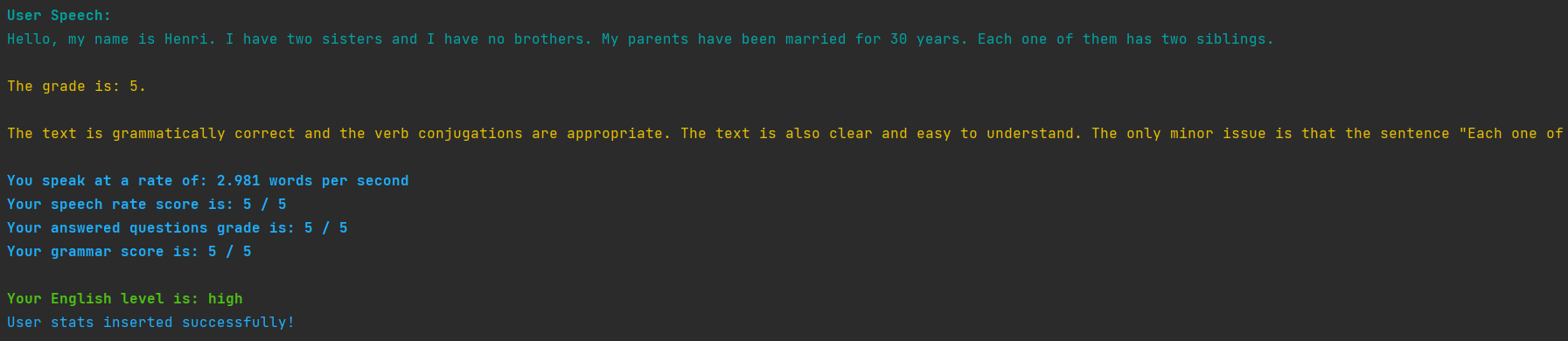
- Once again, you will be redirected to the main menu.
- Now you can Exit the app.
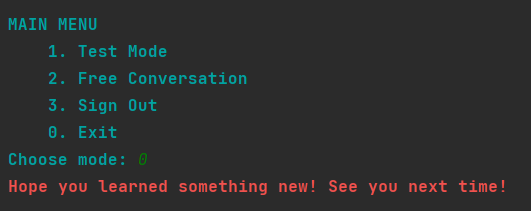
- Next time you will log in, your new level will be presented!