QuiteKill is a KernelSU/Magisk module that force-stops background apps to free memory, save battery, and keep your device smooth. It can be triggered automatically when you lock your device using power button or controlled manually through a built-in WebUI.
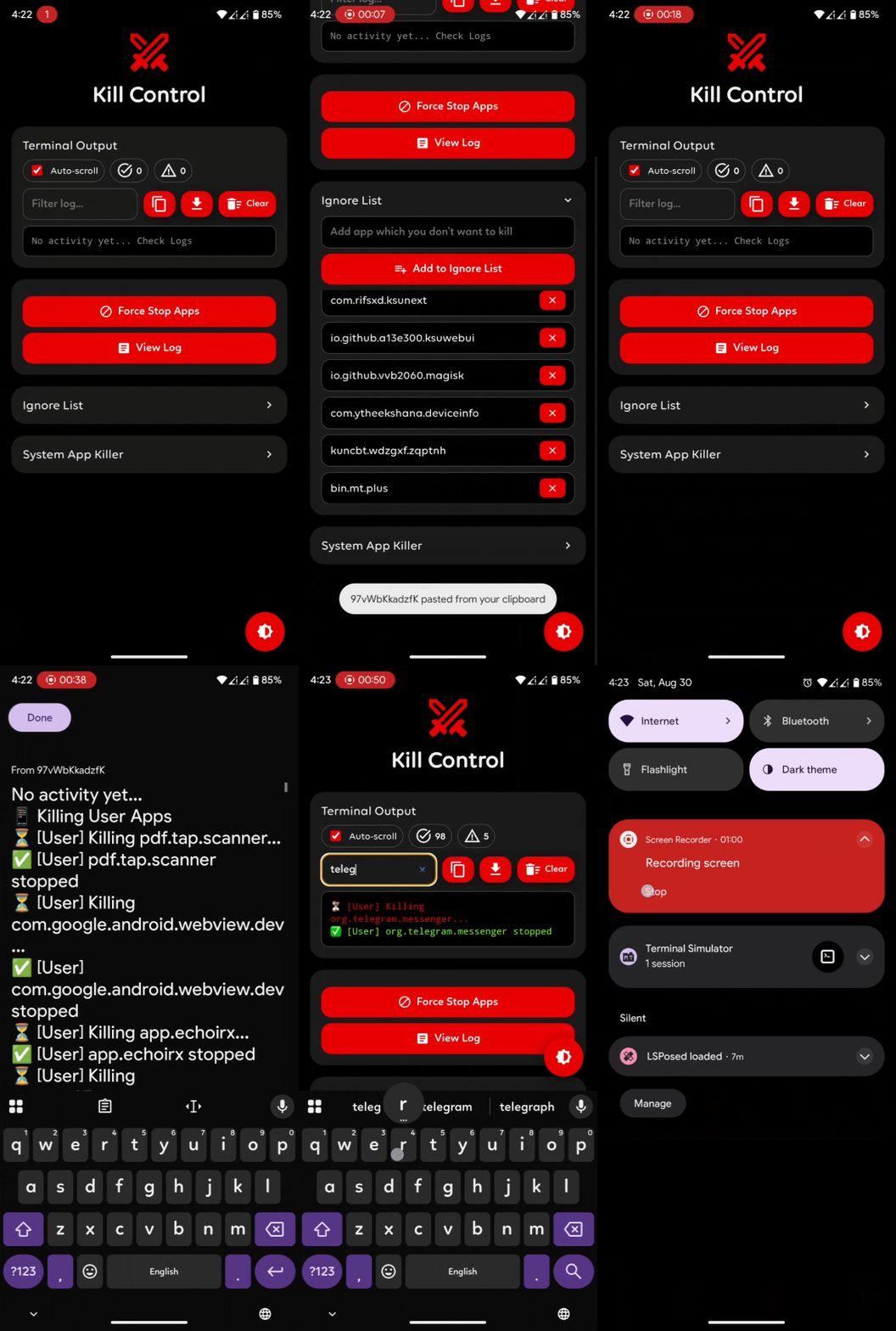
-
Automatic App Killer
A short tap of the power button instantly stops all running user apps. -
Ignore List
Add package names of apps you want to keep alive. These apps will never be killed. -
System App Killer
Pre-installed Google services on non-vanilla ROMs such as Photos, Gmail, Gdrive etc. are system apps and not killed by default. Add them to the Force Kill list if you want them stopped. -
WebUI Control Panel
A clean and responsive interface to:- Run the killer on demand
- View, filter, copy, and export logs
- Manage ignore and force-kill lists
- Monitor killed vs. skipped apps in real time
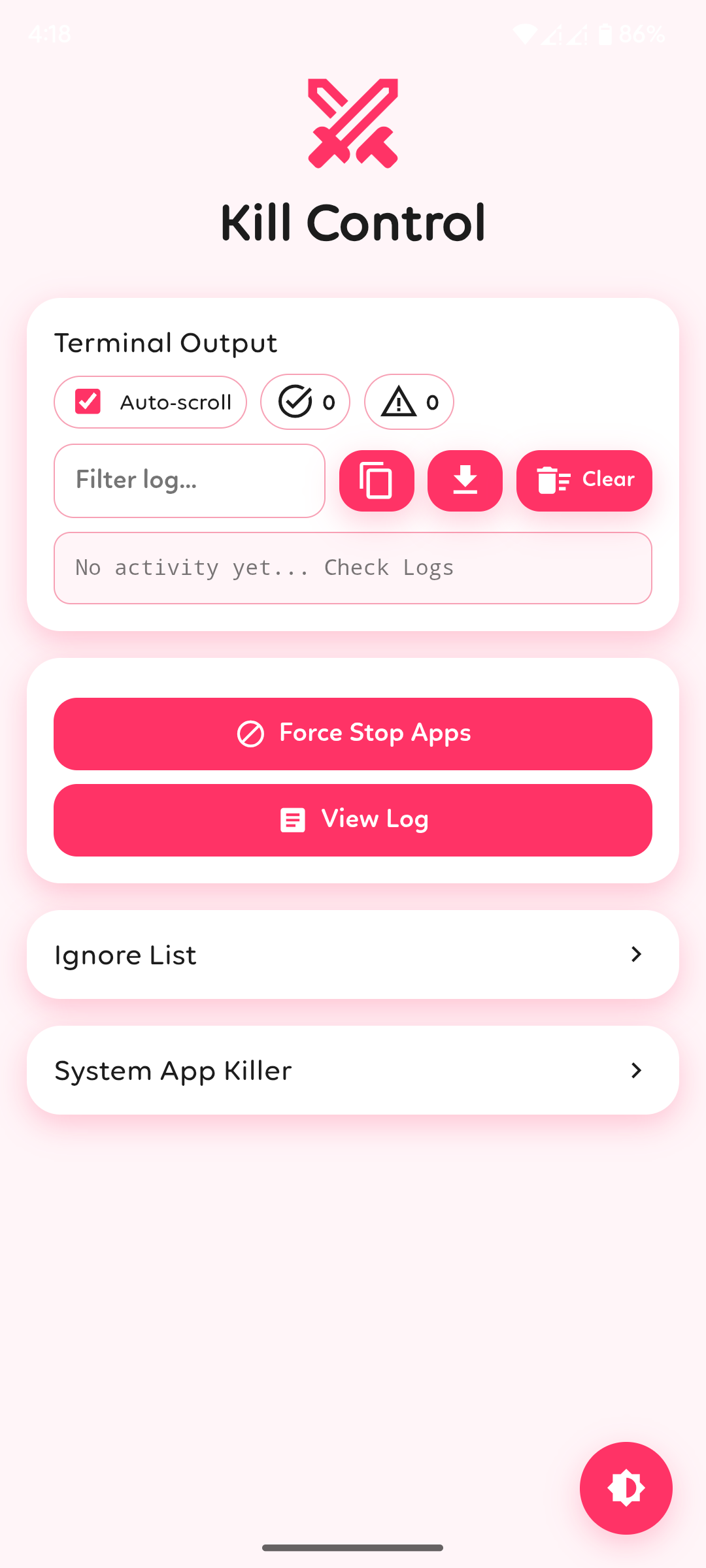
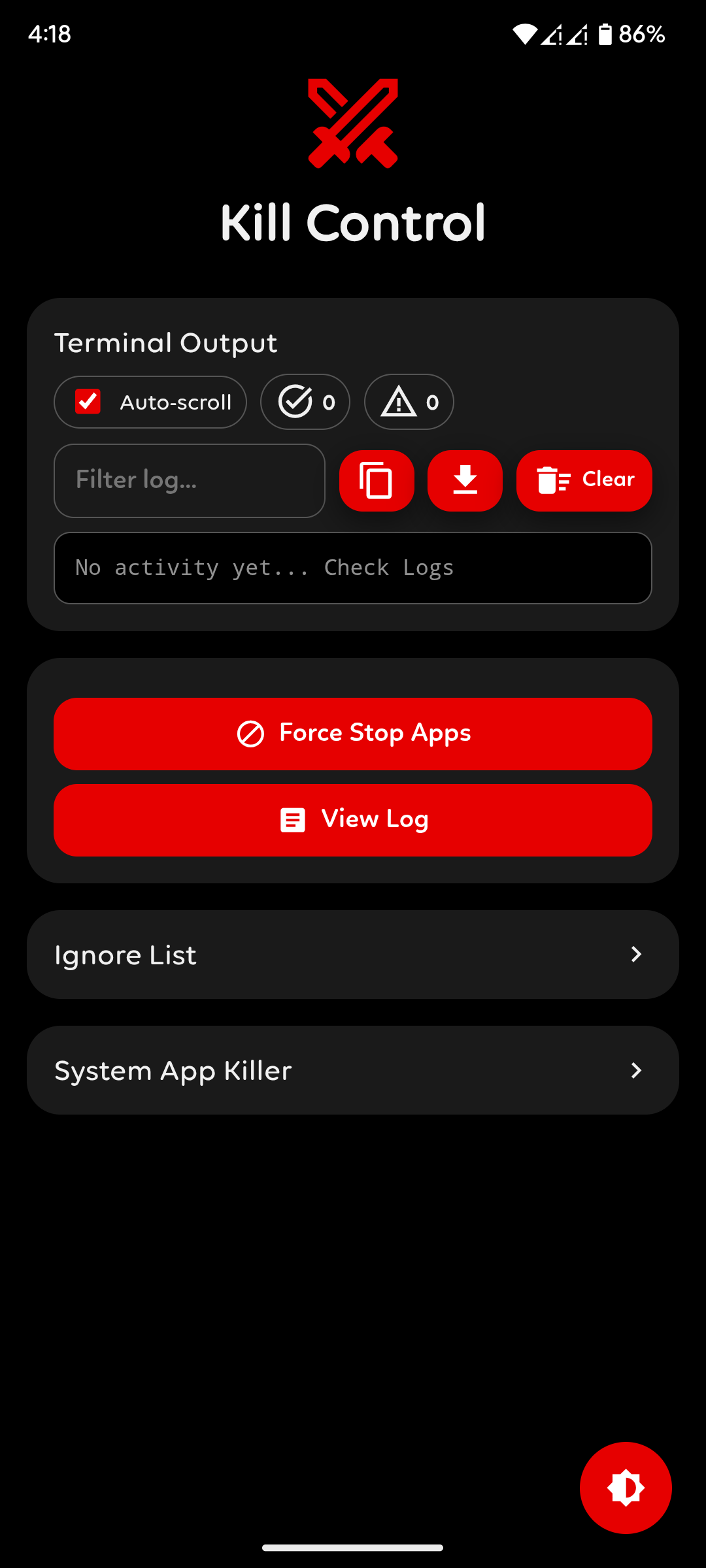
- Switch between light and dark themes
-
Stop Trigger Option
You can disable the power button trigger by clicking on the module's action button if you only want to run QuiteKill manually.
- User Apps – All user-installed apps are killed by default
- System Apps – Only killed if explicitly added to the Force Kill list
- Ignored Apps – Always protected and never killed, regardless of trigger
PATH : /data/adb/modules/QuiteKill/config.txt
# Edit values as needed (0 = off, 1 = on)

# Kill multiple apps at the same time (faster)
PARALLEL=1

# Maximum number of apps to kill at the same time in parallel mode
MAX_JOBS=4

# Kill only apps that are currently running (1 = only running, 0 = all apps)
ONLY_RUNNING=1

# Skip critical system apps to avoid crashes (1 = skip, 0 = allow)
SKIP_CRITICAL=1

# Generate & save logs (1 = save, 0 = don't save)
VERBOSE=1

# Use wildcard patterns in ignore list (1 = enable, 0 = exact match only)
WILDCARD_IGNORE=0
- Flash via Magisk, KernelSU, or Apatch
- Reboot your device
- Open the WebUI and configure the settings as per your needs
Force-stopping apps may affect notifications, background sync, and system stability.
Use the ignore list for critical apps and be careful with the system kill list.