



See the companion blog post about the rationale behind this approach. This repo demonstrates how to create an eager and responsive async component that does not block the Grasshopper UI thread while doing heavy work in the background, reports on progress and - theoretically - makes your life easier.
We're not so sure about the last part! We've put this repo out in the hope that others will find something useful inside - even just inspiration for the approach.
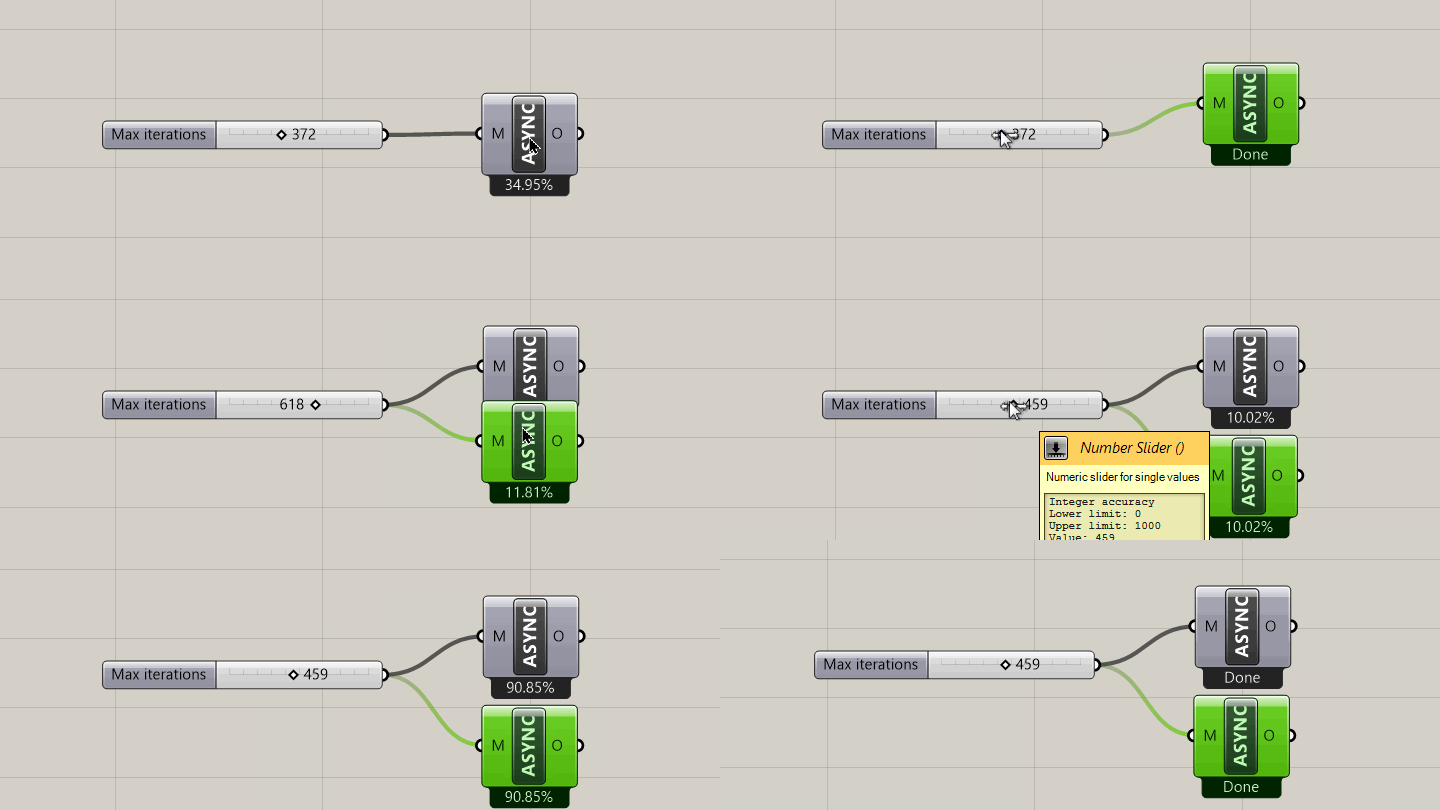
Looks nice, doesn't it? Notice that the solution runs "eagerly" - every time the input changes, the the computation restarts and cancels any previous tasks that are still running. Once everything is done calculating, the results are set. And the best parts:
- Grasshopper and Rhino are still responsive!
- There's progress reporting! (personally I hate waiting for Gh to unfreeze...).
- Thread safe: 99% of the times this won't explode in your face. It still might though!
Provides an abstract GH_AsyncComponent which you can inherit from to scaffold your own async component. There's more info in the blogpost on how to go about it.
- Prime number calculator Calculates the n'th prime. Can actually spin your computer's fans quite a bit for numbers > 100.000!
- Usless spinner does no meaningfull CPU work, just keeps a thread busy with SpinWait().
Main current limitation is around data matching. Solved! See this PR. Components inheriting from the GH_AsyncComponent class can now nicely handle multiple runs and any kind of data matching:

Flash of null data Solved! These Async Components now only expire their downstream dependants when they're done with their tasks.

Other limitations:
-
This approach is most efficient if you can batch together as many iterations as possible. Ideally you'd work with trees straight away.
-
Task cancellation is up to the developer: this approach won't be too well suited for components calling code from other libraries that you don't, or can't, manage.
Q: Does this component use all my cores? A: OH YES. It goes WROOOM.
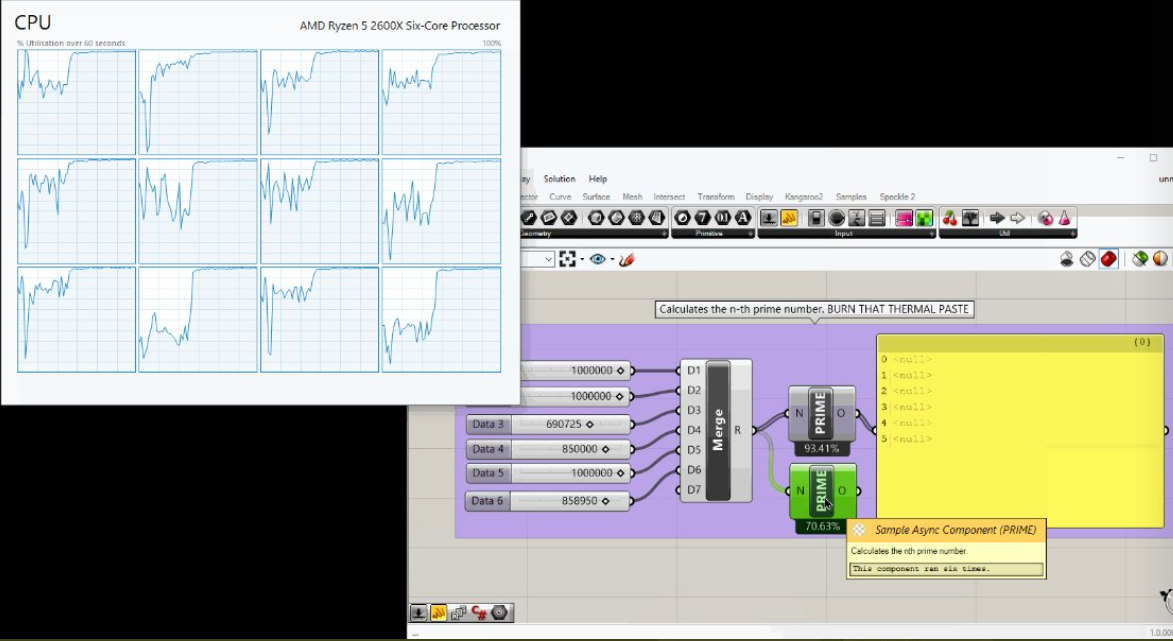
Q: Can I enable cancellation of a longer running task?
A: Yes, now you can! In your component, just add a right click menu action like so:
    public override void AppendAdditionalMenuItems(ToolStripDropDown menu)
    {
      base.AppendAdditionalMenuItems(menu);
      Menu_AppendItem(menu, "Cancel", (s, e) =>
      {
        RequestCancellation();
      });
}Quite easy:
- Clone this repository and open up the solution in Visual Studio.
- Once you've built it, add the
binfolder to the Grasshopper Developer Settings (typeGrasshopperDeveloperSettingsin the Rhino command line) and open up Grasshopper. - You should see a new component popping up under "Samples > Async" in the ribbon.
- A simple
Before embarking on submitting a patch, please make sure you read:
Unless otherwise described, the code in this repository is licensed under the Apache-2.0 license.