
GOAL: We are promoting the Air Jordan 1’s and Air Jordan 2’s. Your goal with this exercise is to take the pre-existing HTML and style it up using CSS! Take what we have provided in the repo and use your knowledge of CSS Selectors and Properties in order to transform it to the goal provided!

There is some placeholder text, but the company would like you to do the following:
- Connect the
style.cssfile to theindex.htmlusing a<link>tag. - Render the images inside
div id = "row1-section1"anddiv id = "row2-section-1"with the following attributes: - Update the
<p>text to include a link to buy Jordan 1's and Jordan 2's- Jordan 1 Link: https://www.jordan.com/collection/air-jordan-1
- Jordan 2 Link: https://www.jordan.com/collection/air-jordan-2

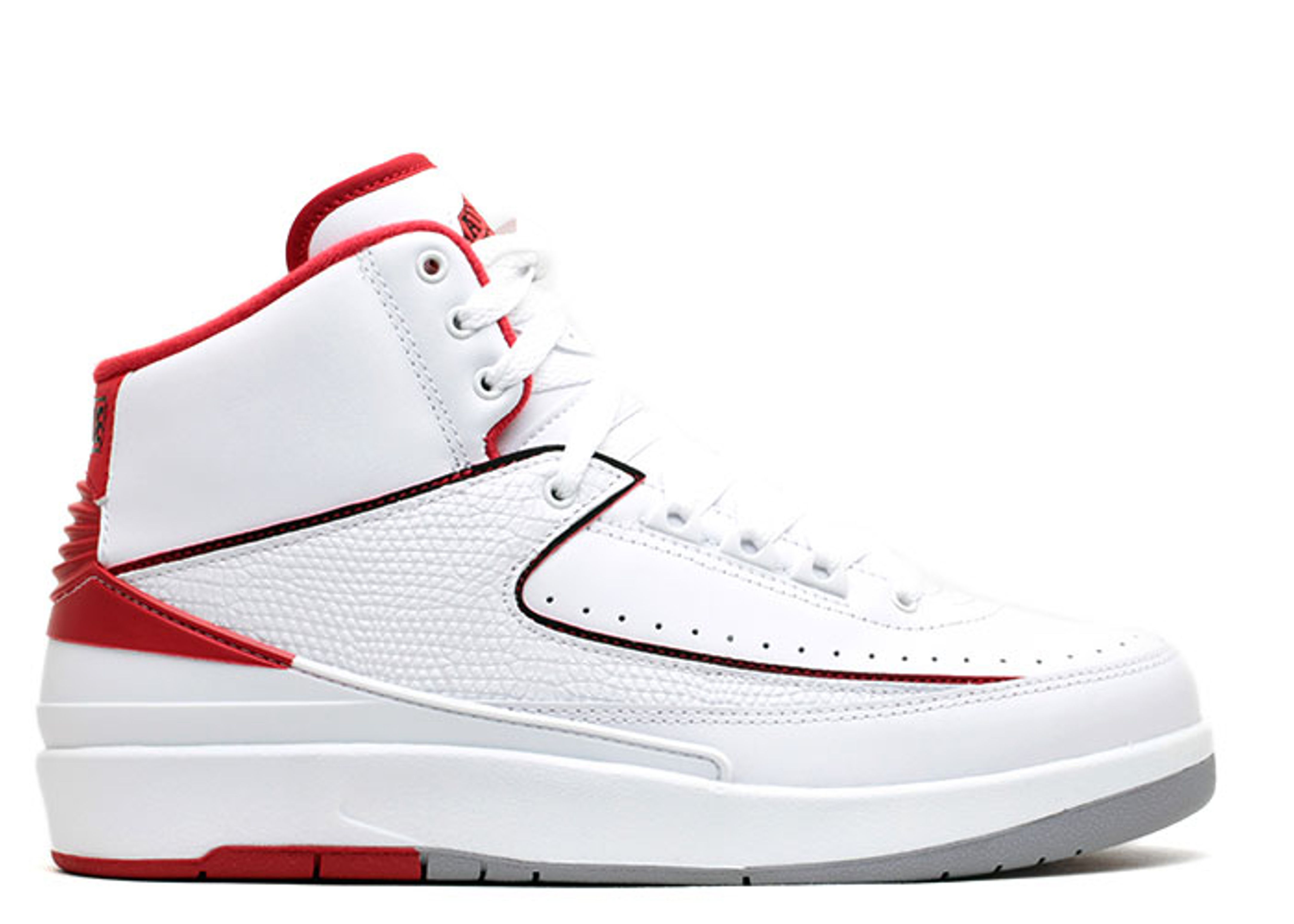
The company you are producing the website has given you the following specs (also found on the style.css file) to help guide the website that you design. To achieve the desired design, you should utilize the following properties inside your selectors:
background-colorbackground-imagebackground-sizeborderborder-radiusbox-shadowcolorfont-sizefont-familylinear-gradientheighttext-aligntext-decorationtext-shadowwidth
Utilize the following design specifications below with the properties above to achieve the desired output:
- yellow
- red
#f3b76a#f17500#0d6e00#6d00fb#dbff39#74c9f1#fb4040
100%70%25%auto1.5em3rem0.5em
- Copperplate
- You can also use any font that you'd like though! Some other common fonts can be found here 🔍.

- Explore using
marginandpaddingto align the images and text in the center of the page

- Get all the images and text to be in the same row
