Quick Blog is a dynamic Full Stack Blog Application built using the MERN stack (MongoDB, Express.js, React.js, Node.js). It enables users to read, write, edit, and delete blog posts with ease. The platform includes modern UI design, secure backend APIs, and real-time blog management.

🔗 Live Site: https://quick-blog-fullstack.vercel.app
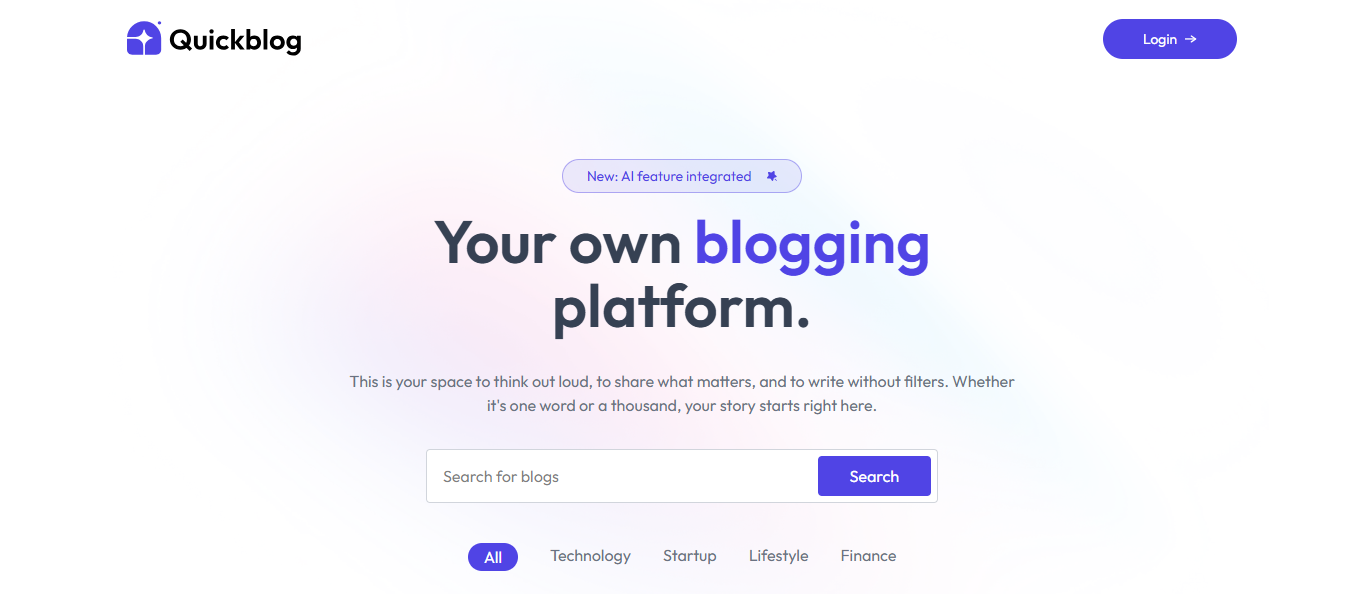
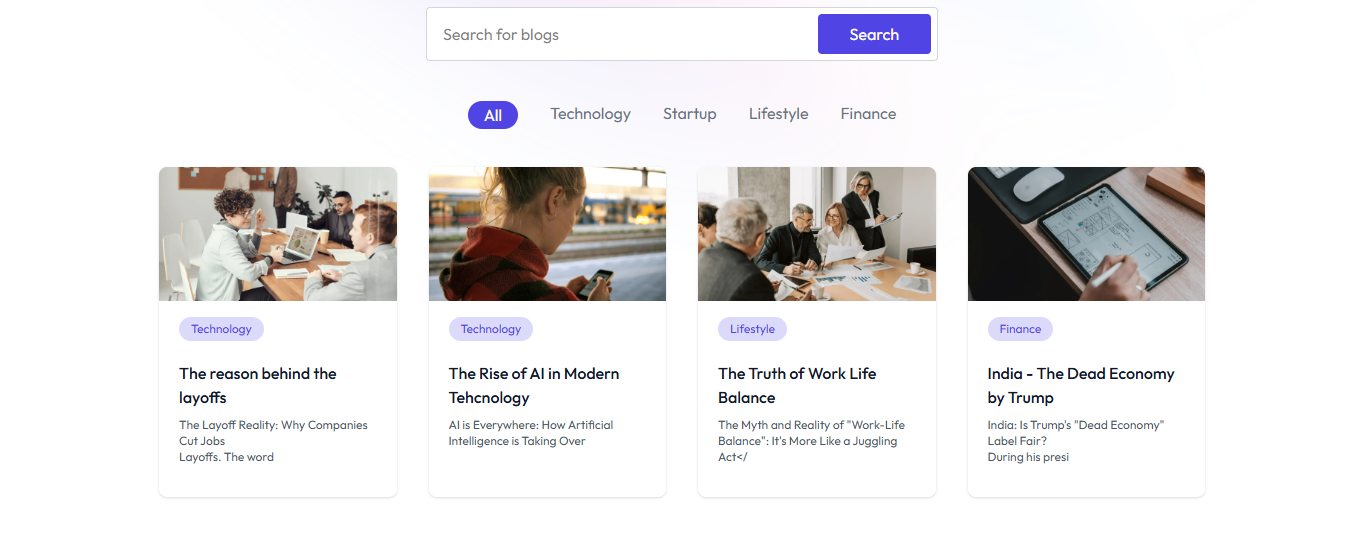
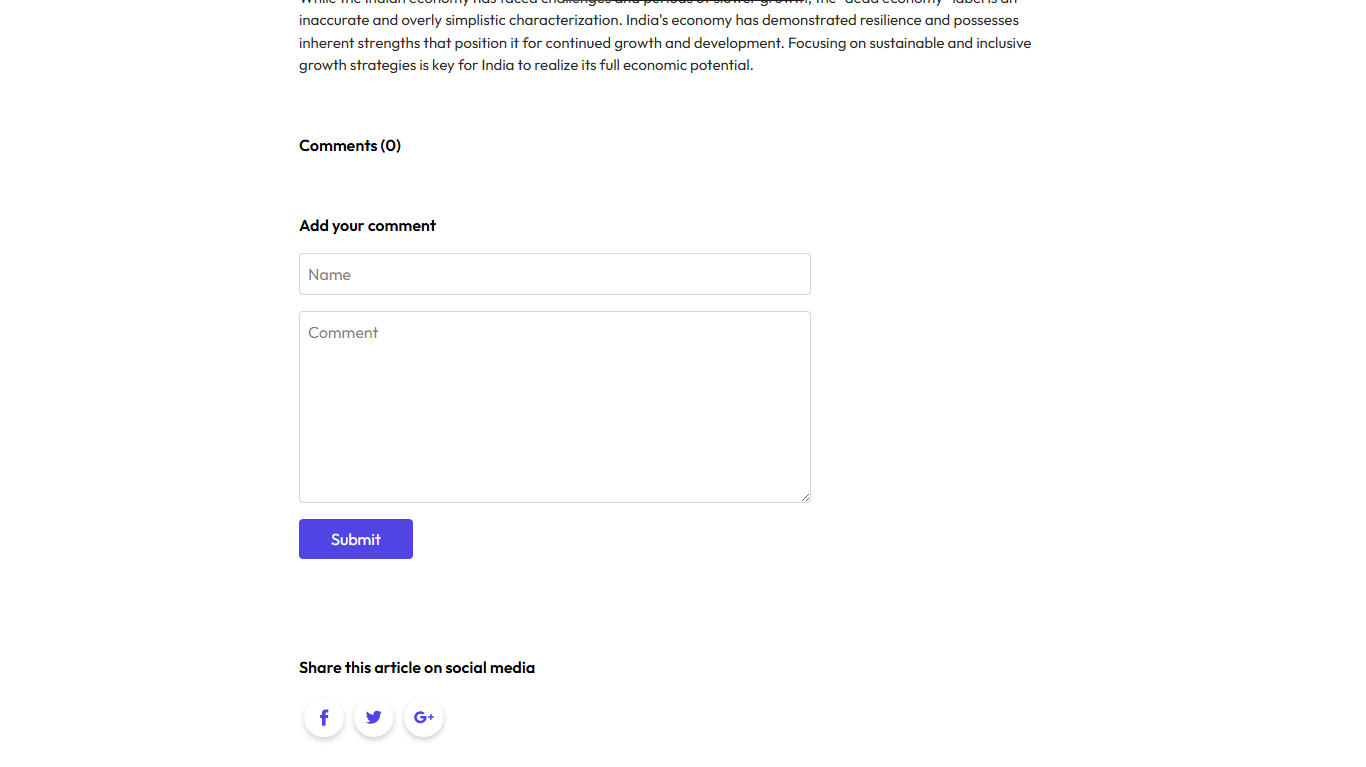
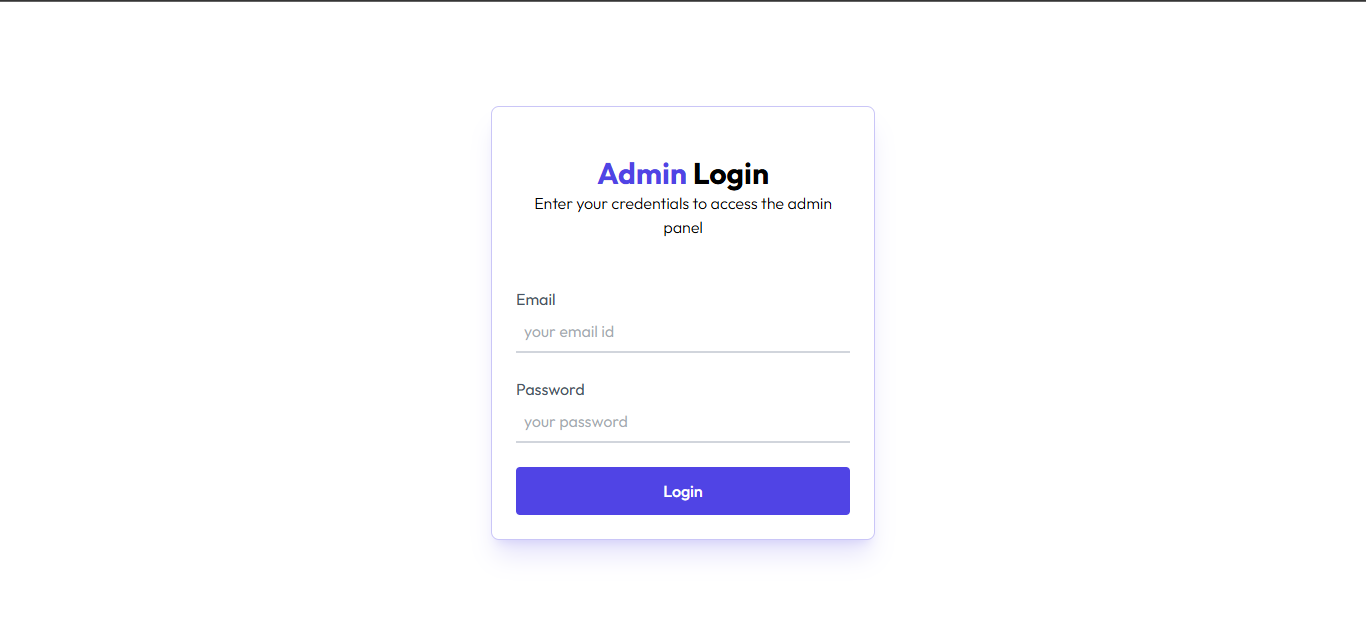
- 📝 Create, Edit, and Delete Blog Posts
- 🔐 User Authentication (Clerk or custom auth)
- 📚 View all published blogs
- 🗂️ User dashboard to manage personal blogs
- 🔍 Blog search & category filtering
- 💬 Comment system (optional)
- 📁 Cloud-based media/image upload
- 🎨 Modern, responsive UI using TailwindCSS
- 🚀 Fast and scalable backend APIs
- React.js
- TailwindCSS
- Axios
- Node.js
- Express.js
- MongoDB
- Vite
- dotenv
- nodemon
- Cloudinary (for image uploads)
Clone both the frontend and backend repositories: -https://github.com/Om20An00/Quick-Blog-Public.git
git clone https://github.com/Om20An00/quickblog-frontend
git clone https://github.com/Om20An00/quickblog-backend

⚙️ Backend Setup
Navigate to the backend folder:

-cd quickblog-backend

Install dependencies:

-npm install
-Create a .env file in the root of the backend directory and configure the following:


-PORT=5000
-MONGO_URI=your_mongodb_connection_string
-JWT_SECRET=your_jwt_secret

Start the backend server:

-npm start
The backend should now run on http://localhost:5000.

🎨 Frontend Setup
Navigate to the frontend folder:

-cd ../quickblog-frontend

Install dependencies:

-npm install
-Create a .env file in the root of the frontend directory and configure the following:

-VITE_BACKEND_URL=http://localhost:5000

Start the frontend development server:

-npm run dev

The frontend should now run on http://localhost:5173.

🚀 Access the Application
Open your browser and go to http://localhost:5173

Register/Login to start creating and managing blog posts.

🛠 Tech Stack
-Frontend: React, Vite, TailwindCSS

-Backend: Node.js, Express.js, MongoDB

-Authentication: JWT (JSON Web Tokens)

Deployed on Vercel.