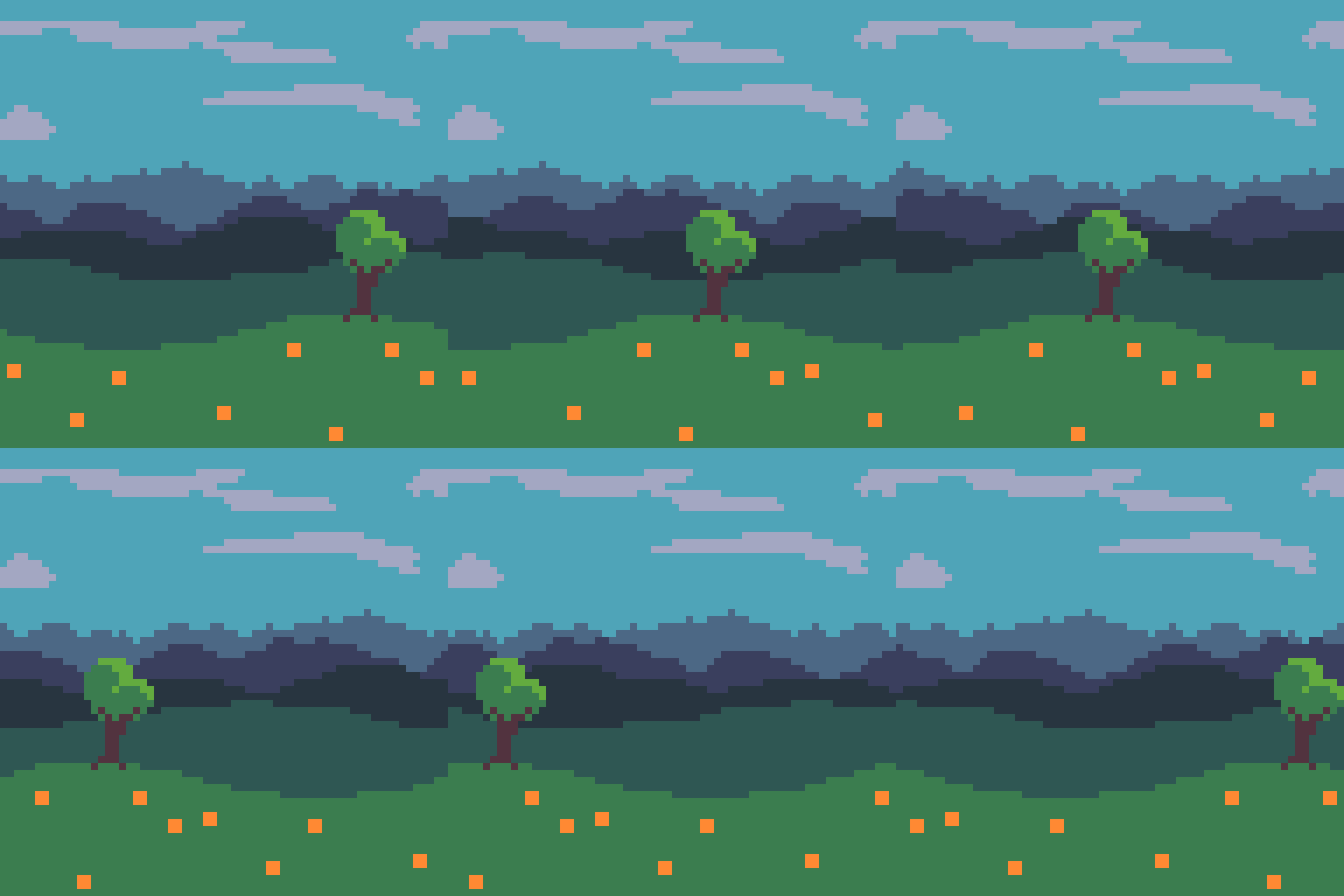
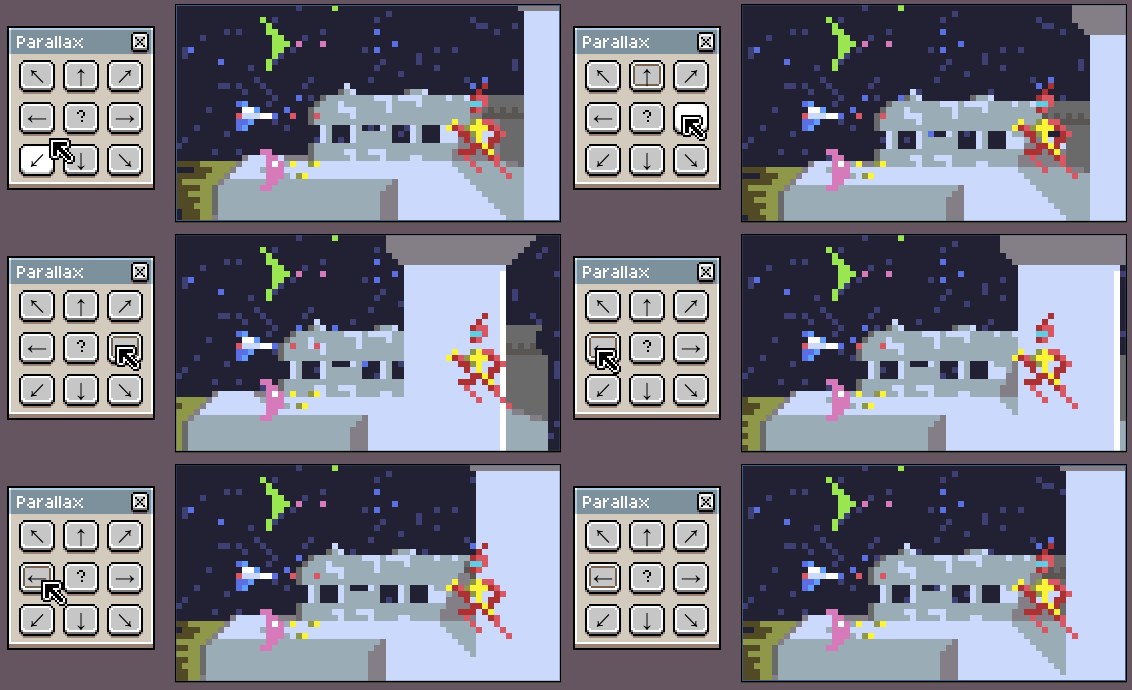
To use, download the .lua files and put them in Aseprite's user script folder.
parallax.lua (Right-click and "Save as")

By default each layer moves twice as fast as the one below.
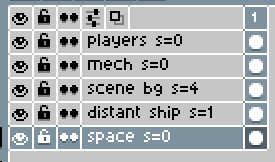
To control speed manually, add s=<speed> to the layer names, like this:
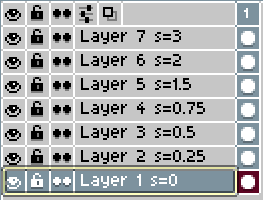
It also supports non-integer speeds. For example a speed of 1.5 will move alternately between moving by 1 pixel or 2 pixels, to give an average movement of 1.5 pixels.
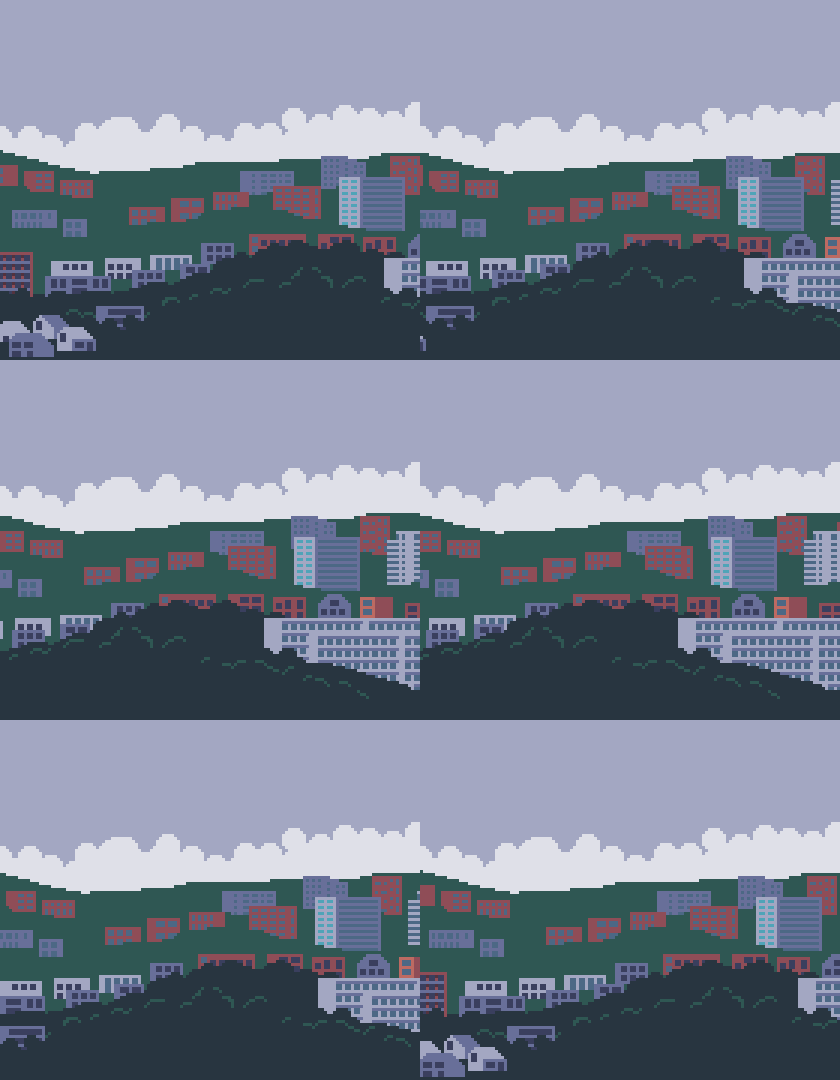
Put "w=x", "w=y", or "w=xy" in the layer name to wrap the layer on the x and/or y axes. It wraps at either the layer bounds or the image bounds - whichever's bigger.