Understanding Icons & Statuses
The controller icon shows what controller is detected by the application. Either the normal DualSense controller or the DualSense Edge controller.

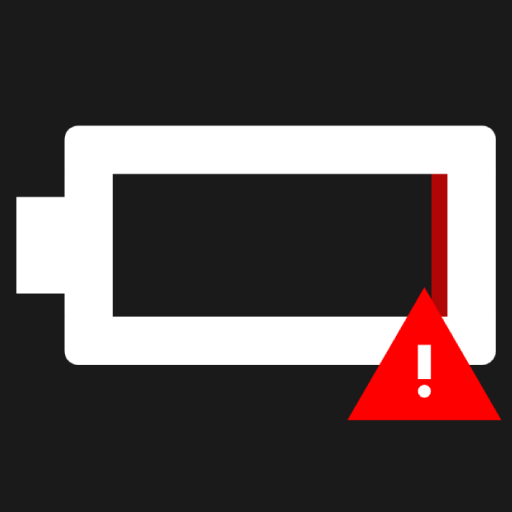
The battery icon shows how much battery is left in the controller. The inside of the battery is contains a slider that shrinks and turns more red the lower the battery level is.

A warning triangle appears next the the battery when the battery percentage is lower than 15%.
The icon placement be seen on the image below.
The player index shows what index the controller is using (1-4)
The player index placement be seen on the image below in the purple hexagon.
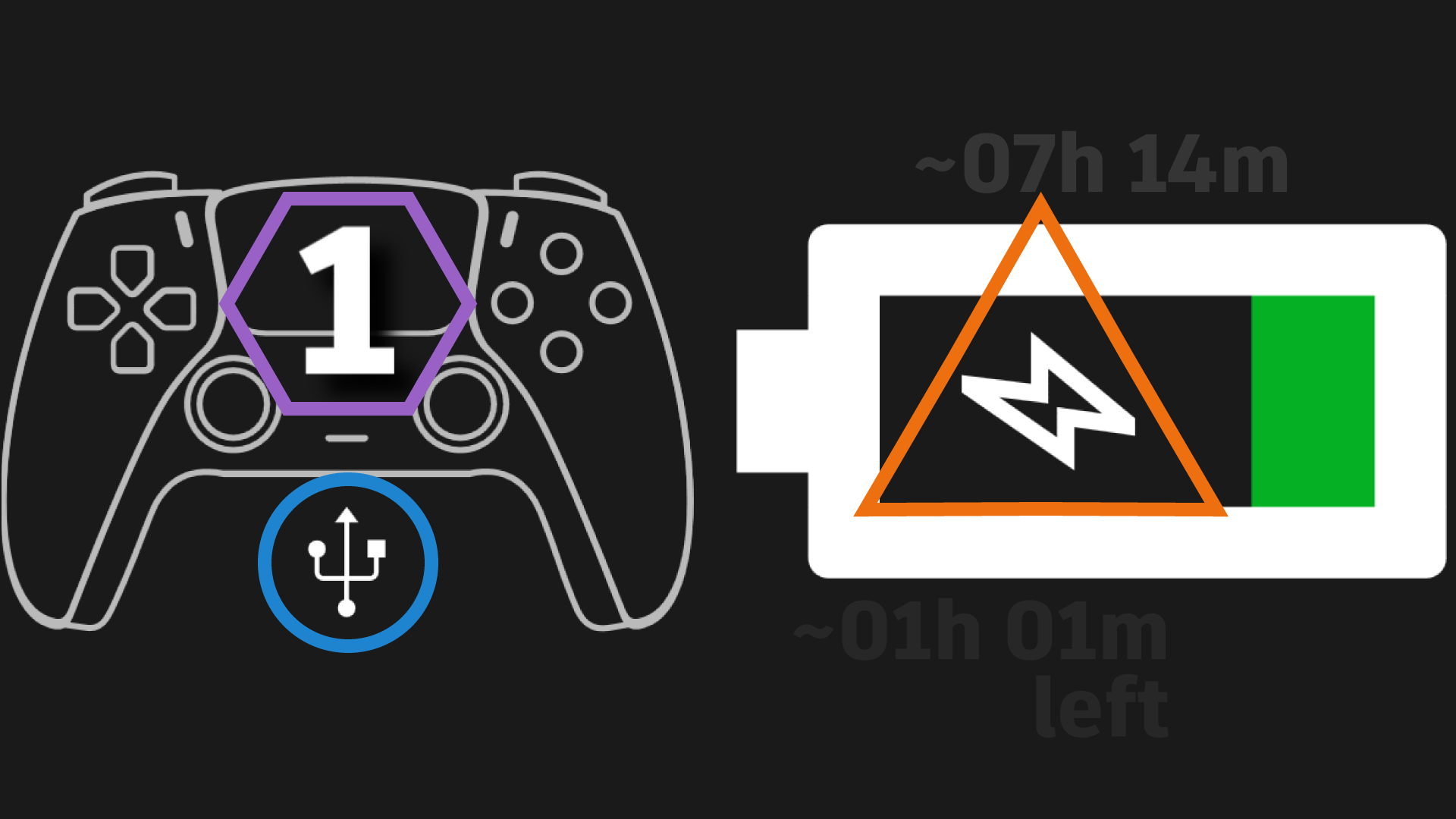
The connection type icon shows what connection is being used by the controller. This can either be: Unknown, USB or Bluetooth.
The icon placement be seen on the image below in the blue circle.
The charging icon shows if the controller is being charged. If visible, the controller is being charged.
The icon placement be seen on the image below in the orange triangle.
The estimated battery duration displays how many hours and minutes a full charge would last approximately.
The estimated battery duration can be seen on the image above the battery icon.
Note
This only appears when Don't save battery stats is turned off and Show full charge duration is turned on
The Estimated battery duration left displays how many hours and minutes (approximately) you would be able to use your controller before it running out of battery.
The Estimated battery duration left can be seen on the image underneath the battery icon with the left text beneath it.
Note
This only appears when Don't save battery stats is turned off and Show battery time remaining is turned on
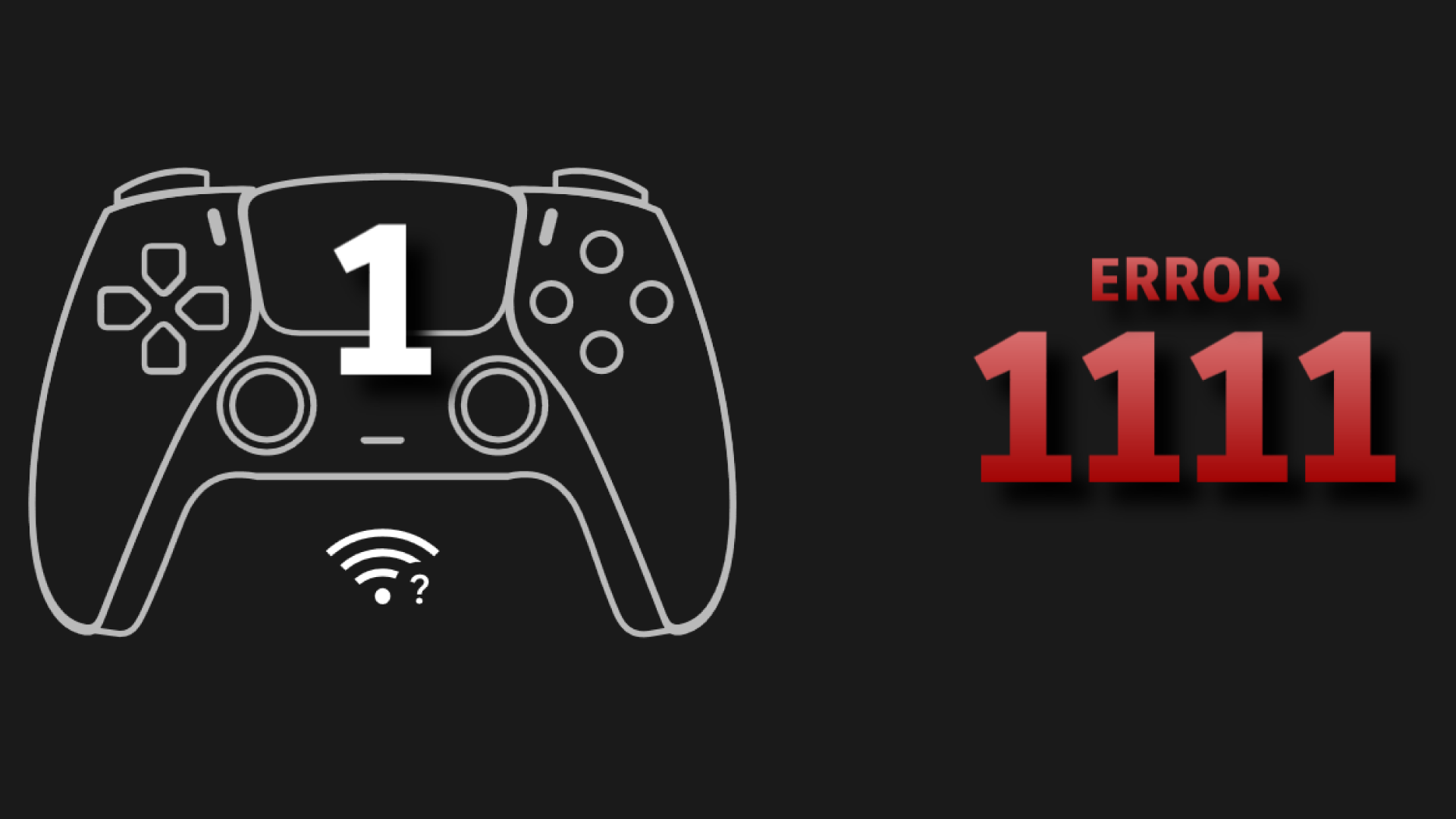
When an error code appears, the battery level will be replaced with the error code.
A example error code can be seen on the image below.