Live demo : Link
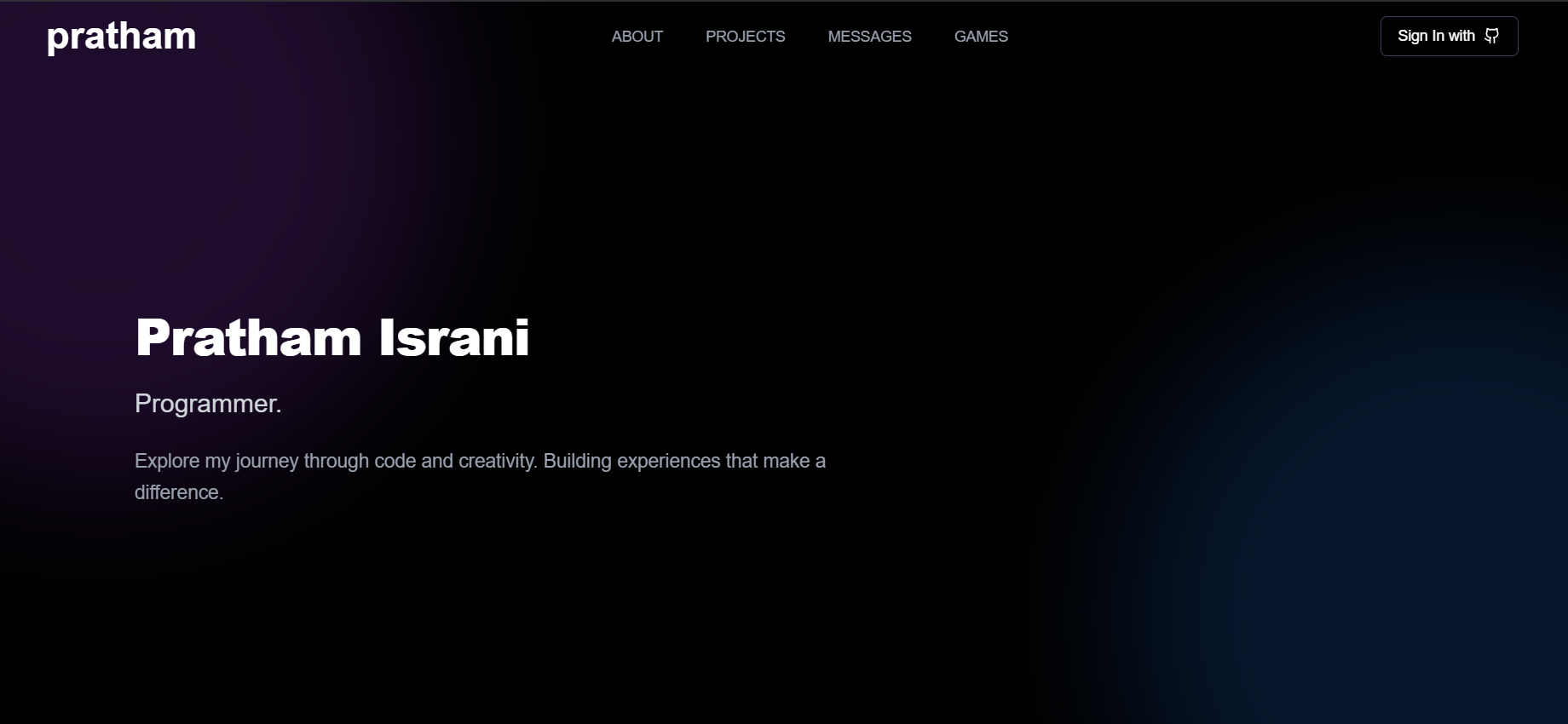
A modern, interactive portfolio website showcasing my skills, projects, and offering unique ways to connect.
A clean, minimalist landing page featuring my name with elegant background artifacts, setting the tone for a professional yet creative portfolio.
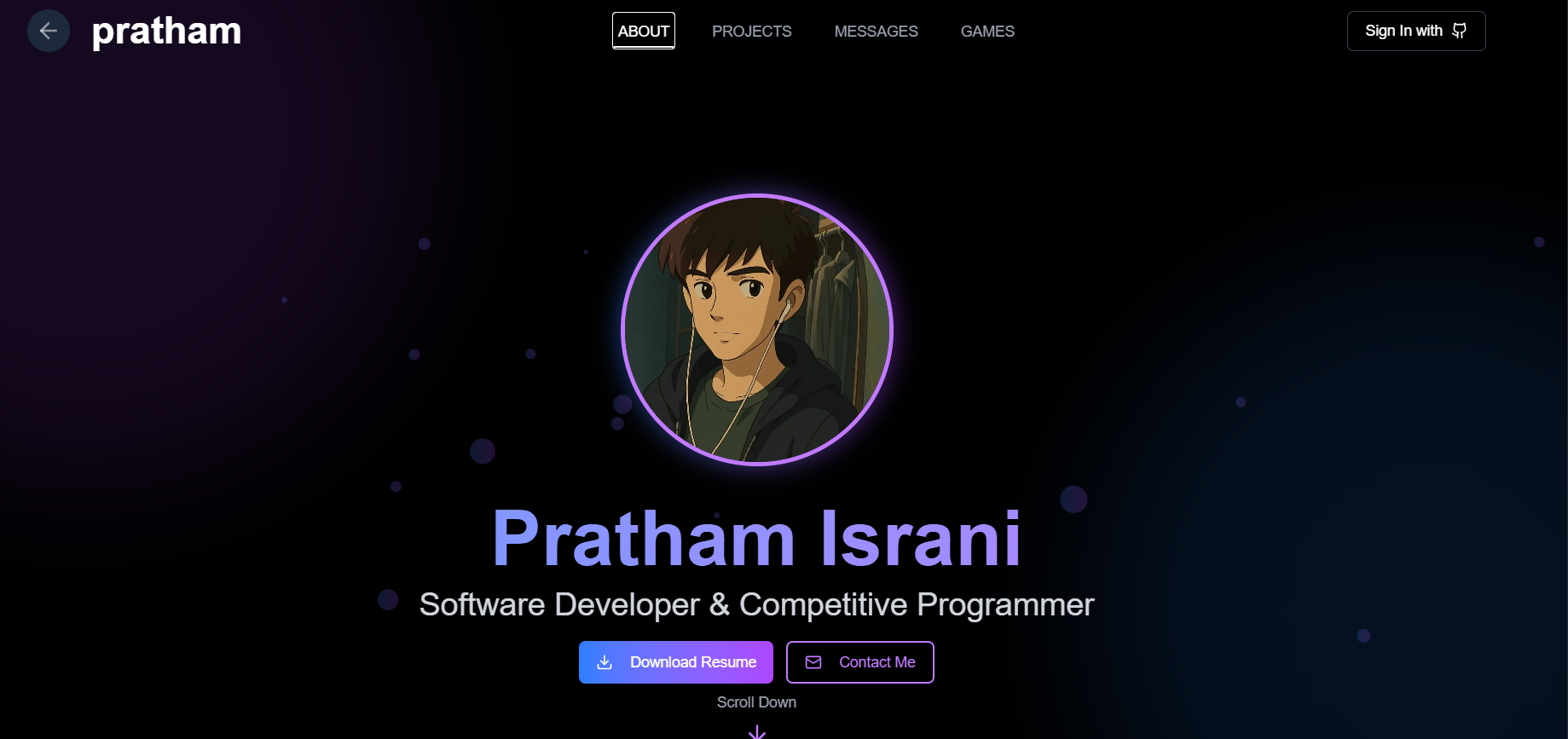
- Resume: Download my latest resume
- About Me: Learn about my background and interests
- Education: My academic journey
- Skills: Technologies and tools I'm proficient in
- Achievements: Notable accomplishments in my career
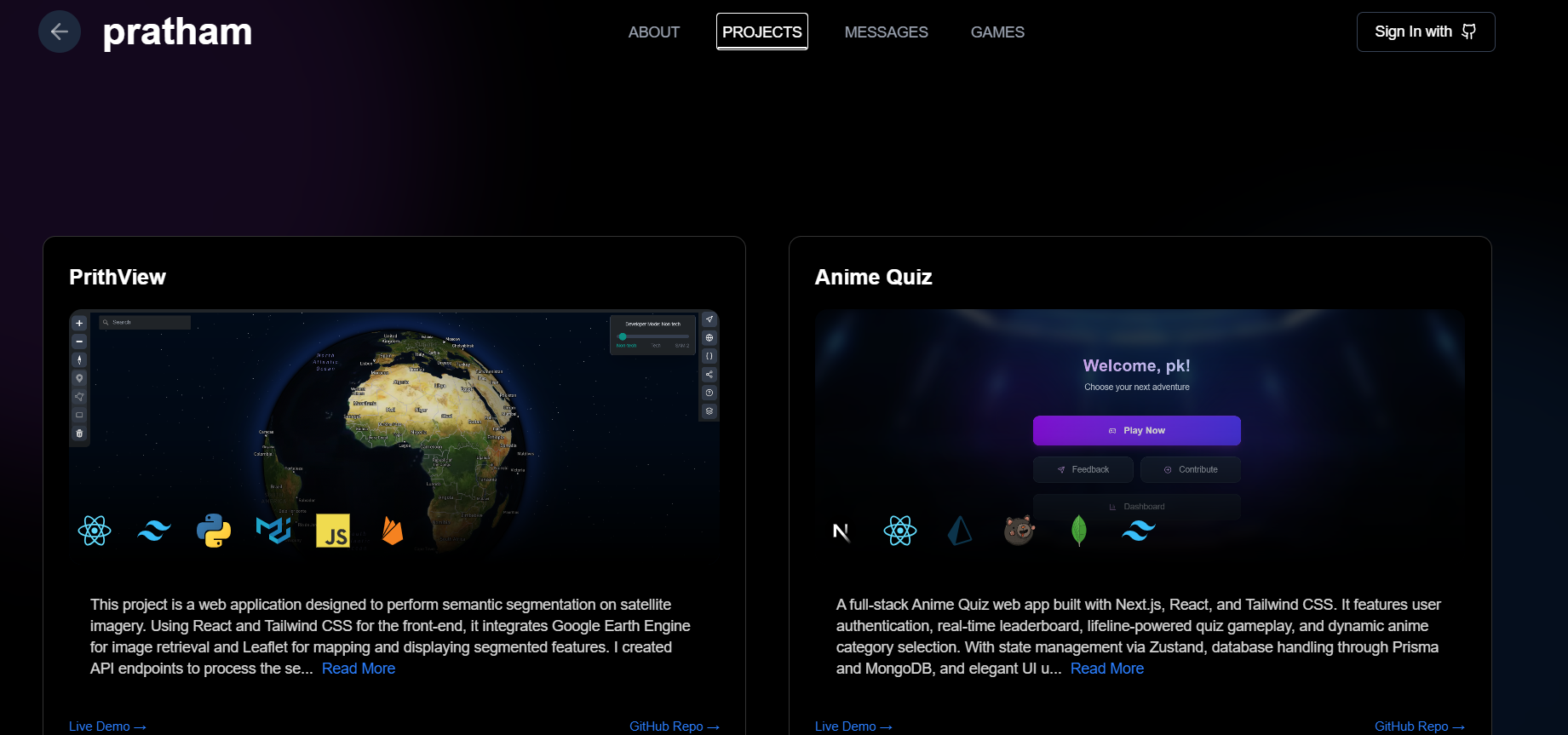
A showcase of my work across various technologies, demonstrating my growth as a developer. Each project includes:
- Description
- Technologies used
- Live demo link
- GitHub repository link
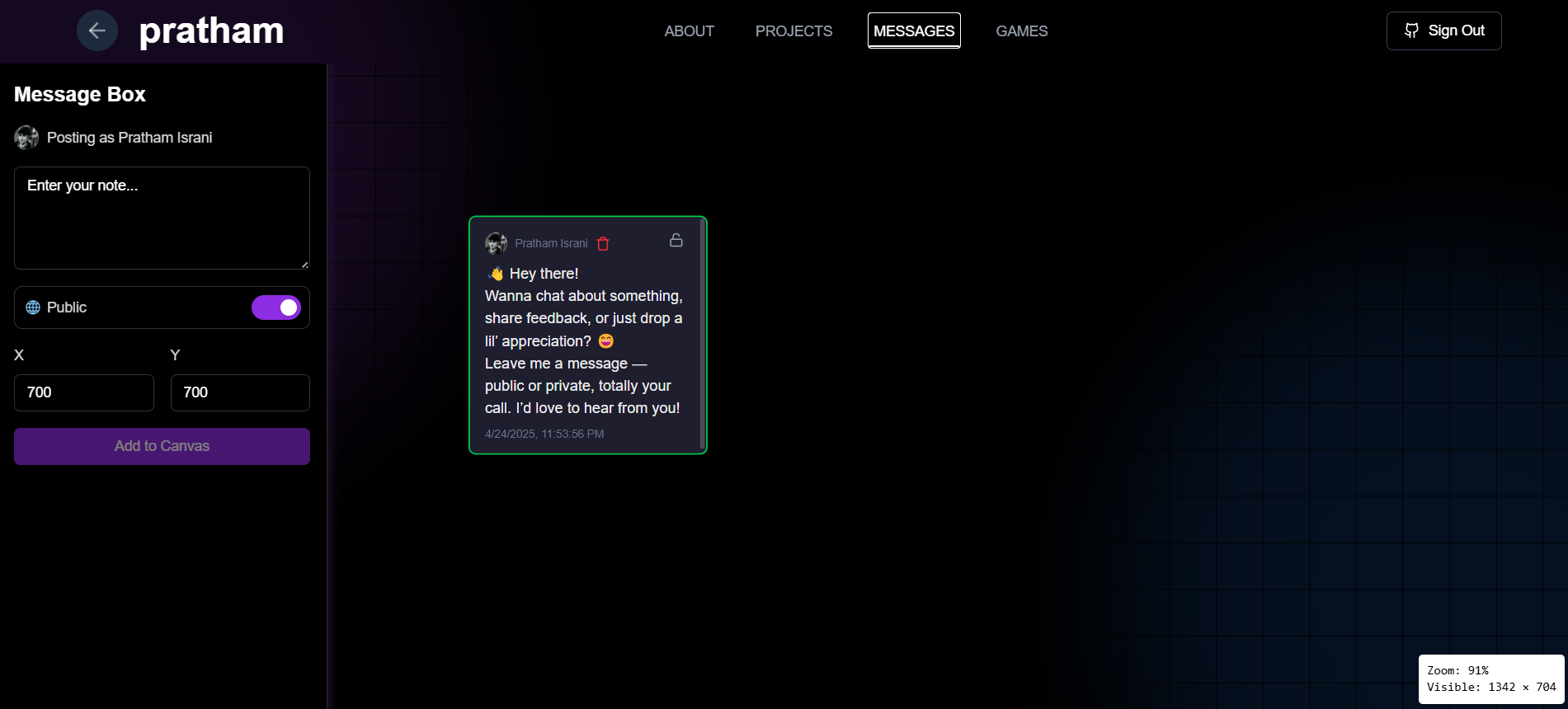
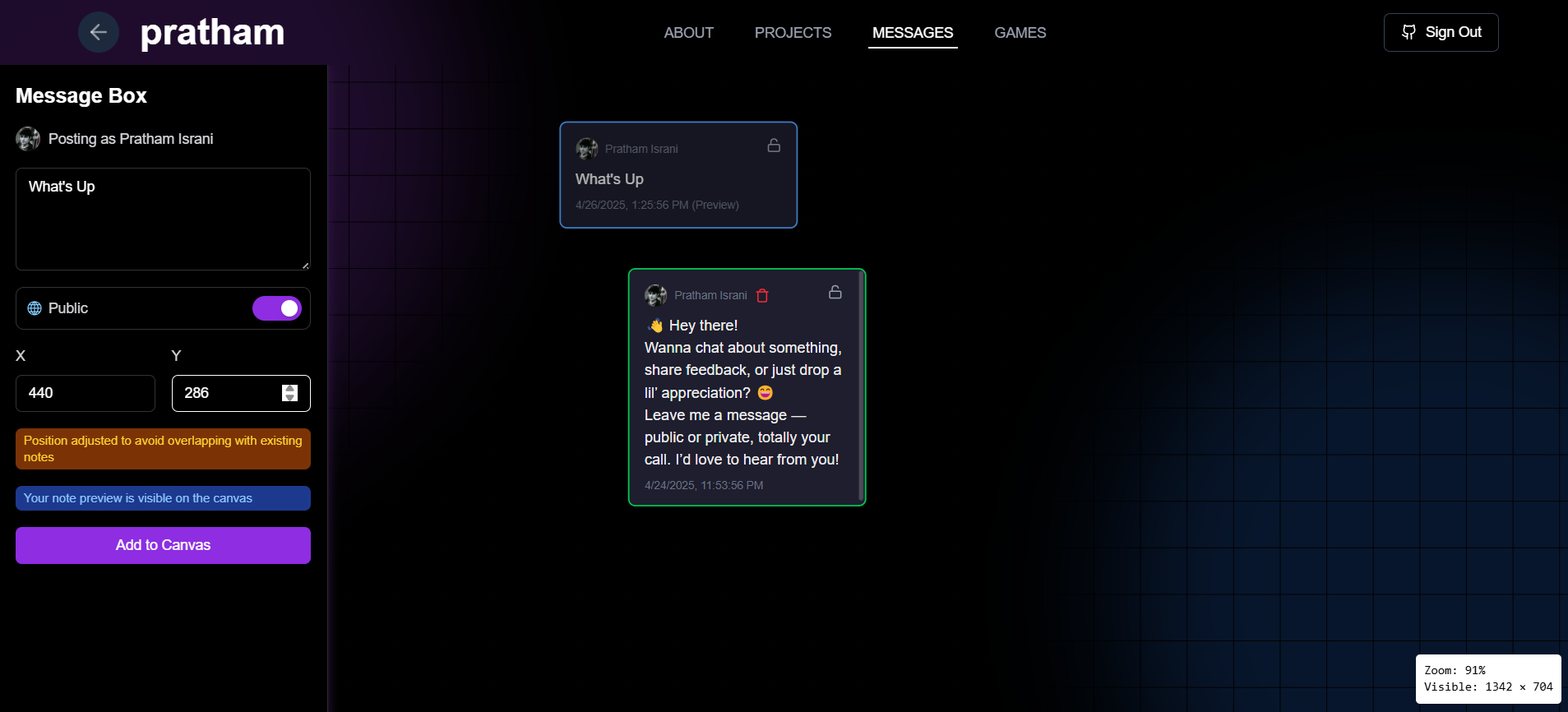
A unique interactive feature that allows visitors to leave messages on a virtual canvas:
- Public Messages: Visible to all visitors
- Private Messages: Only visible to me
- Drag and drop functionality to place messages anywhere on the canvas
- Real-time preview of message placement
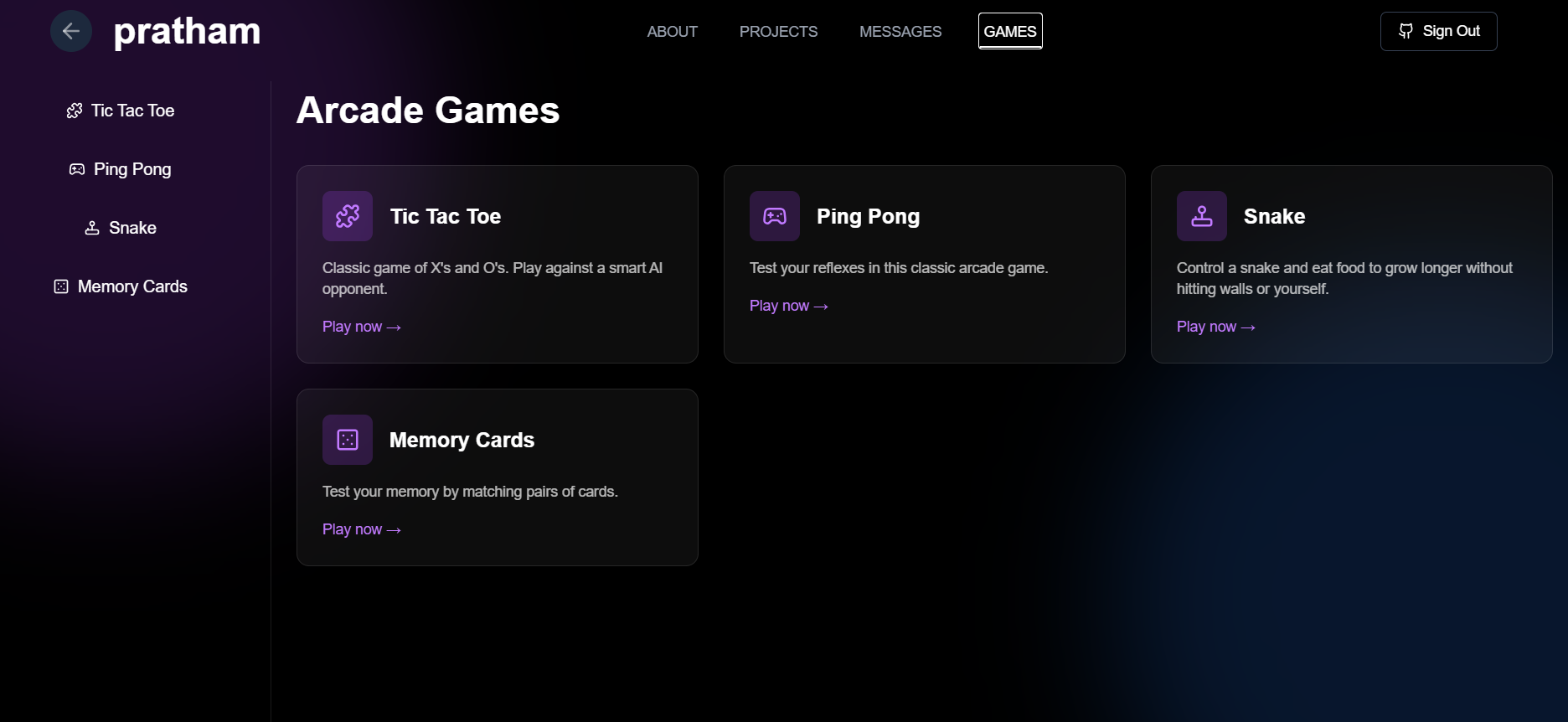
A collection of interactive games I've developed:
- Tic Tac Toe: Classic game with AI opponent
- Ping Pong: Test your reflexes against a bot
- Memory Cards: Match pairs of cards to test your memory
- Snake: Navigate and grow your snake without hitting walls
This portfolio is built with modern technologies:
- Frontend: Next.js, React, Tailwind CSS
- Authentication: NextAuth.js
- Database: MongoDB
- ORM: Prisma
- UI Components: shadcn/ui
- Node.js (v18 or higher)
- npm or yarn
- MongoDB connection
- Clone the repository
git clone https://github.com/Pratham2703005/Next_Portfolio.git
cd Next_Portfolio- Install dependencies
npm install
# or
yarn install- Set up environment variables
Create a
.env.localfile in the root directory with the following variables:
DATABASE_URL=your_mongodb_connection_string
NEXTAUTH_URL=http://localhost:3000
NEXTAUTH_SECRET=your_nextauth_secret
# Add any other required environment variables
- Run the development server
npm run dev
# or
yarn dev- Open http://localhost:3000 in your browser to see the portfolio
Feel free to fork this repository and use it as a template for your own portfolio. If you have suggestions for improvements, please open an issue or submit a pull request.
This project is licensed under the MIT License - see the LICENSE file for details.
Feel free to reach out to me through the Messages section of my portfolio or connect with me on:
- GitHub: Pratham2703005
- LinkedIn: pratham-israni-a6b672275