Please make sure to follow steps listed here to get a repo cloned: https://github.com/PuMProfessionals/github-git-practice
Everything else should pretty much be the exact same up to the cloning part. Please make sure you can list npm start on your command line. On your browser it should appear:
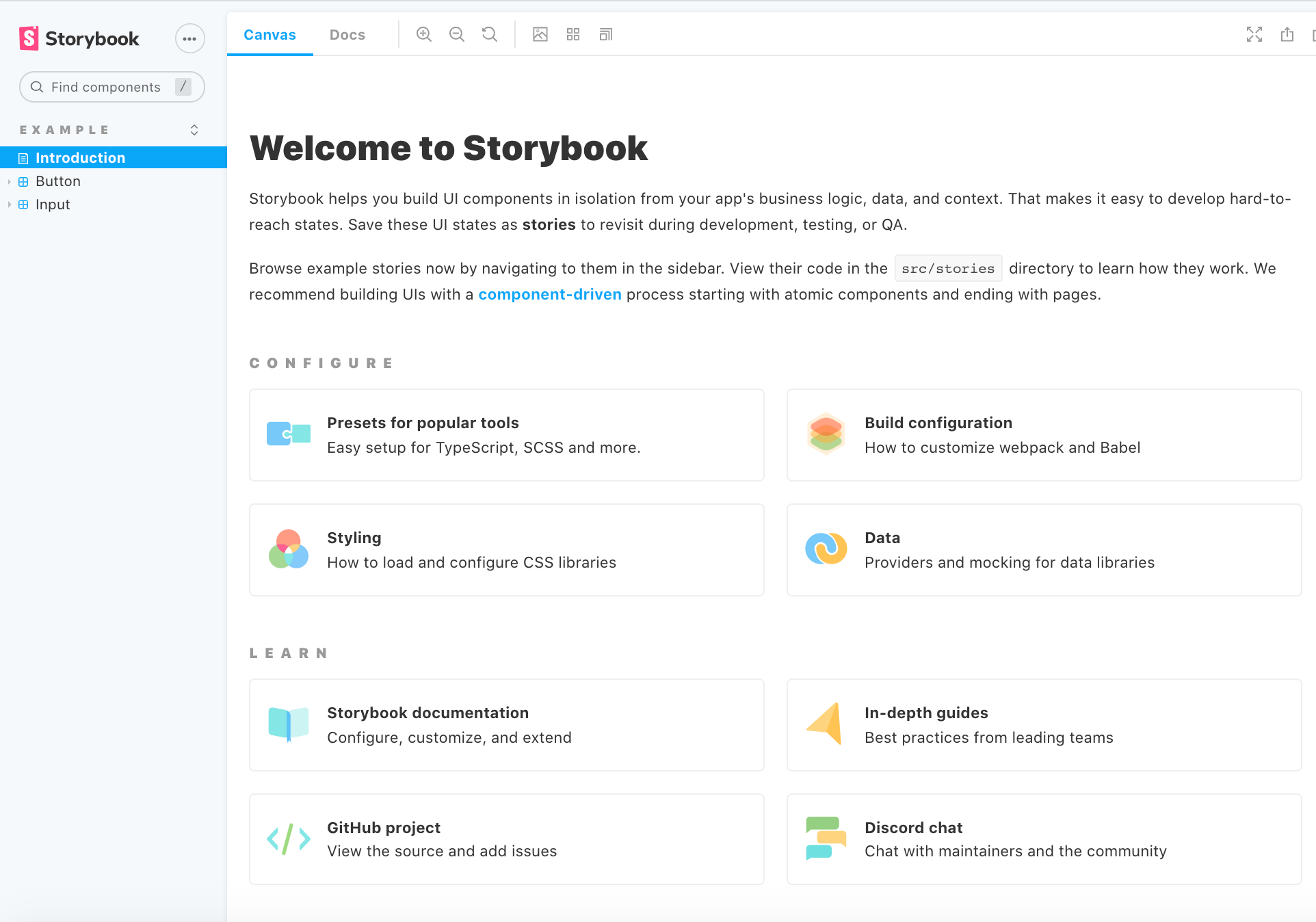
Before using this UI library, I highly recommend the documentation here: https://storybook.js.org/docs/react/get-started/introduction about what Storybook is and how it works. Generally, for each component, you have a "story" for them. This allows you to view the component as a UI piece, so we do not break future applications! The idea is to get a component working at a time so we can later reuse. We want to code as little as possible for our sake and for future maintenance's sake!
Current version of Storybook deployed can be found: https://www.chromatic.com/library?appId=602c32c50baee80023c0351b&groupPrefix=Example using Chromatic.
- Not having the proper node modules installed: please type in `npm install`; if the command does not work make sure that you have installed `node` (steps in the above link) so you can get access to the `node package manager`