Clean alternative to "RG-Adguard Files Project" scripts. Lightweight, open-source, and works perfectly on 32-bit (x86) systems.
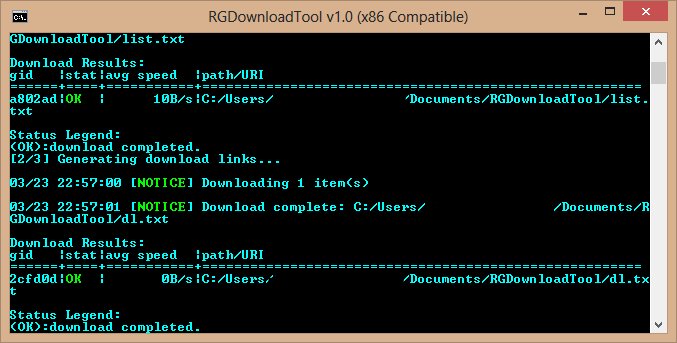
❗❗Attention❗❗ Script might give a false errors while downloading a file. Errors comes from the RG-Adguard's server. Just ignore them and proceed downloading.


Website: https://files.rg-adguard.net/
Download the latest RGDownloadTool.zip from the Releases section.
Extract the archive to any folder on your drive.
Ensure the binaries folder is located in the same directory as RGDownloadTool.cmd.
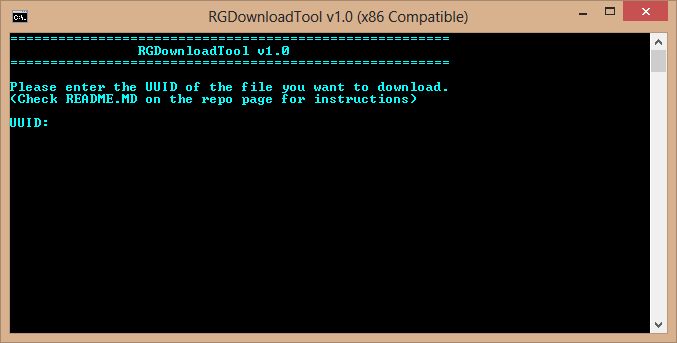
Run RGDownloadTool.cmd to start.
All downloads are automatically saved to a "tmp" folder in the script directory.
The downloaded archives are encrypted by the original server provider (RG-Adguard).
Password: ms_by_rgadguard
This password is not needed anymore, because since Version 1.1 batch file automatically extracts all archives in "tmp" folder to the new folders with the names of Archives.
Why: This is the standard password used by RG-Adguard to protect original Microsoft archives from being flagged or deleted by hosting services.
- Use at your own risk: I am not responsible for any data loss or system damage.
- No Affiliation: This project is NOT affiliated with Microsoft or RG-Adguard.
- Educational only: This tool is for backup and educational purposes.
- No Piracy: This script does NOT include cracks, activators, or licenses.
RG-Adguard — For providing the original Windows file lists and server infrastructure.
Tatsuhiro Tsujikawa — For the amazing aria2c download engine.
Igor Pavlov - For the lightweight "7za" archivator.
Open Source Community — For keeping x86 software alive!