This is a plugin for using Godot Tween in a node-based way. A more convenient and simpler way to use Tween.
- You can view the Tween effects in real-time in the editor.
- Easily and quickly adjust the order and effects of multiple complex Tweens without modifying code.
- Multiple Tween Nodes can be saved as scenes for reuse.
- Supports Tween replay for easy UI animation creation.
-
Install the plugin by placing the folder in your Godot project's addons/ directory
-
Enable the plugin in Project > Project Settings > Plugins
-
Create a new TweenProperty node in your scene
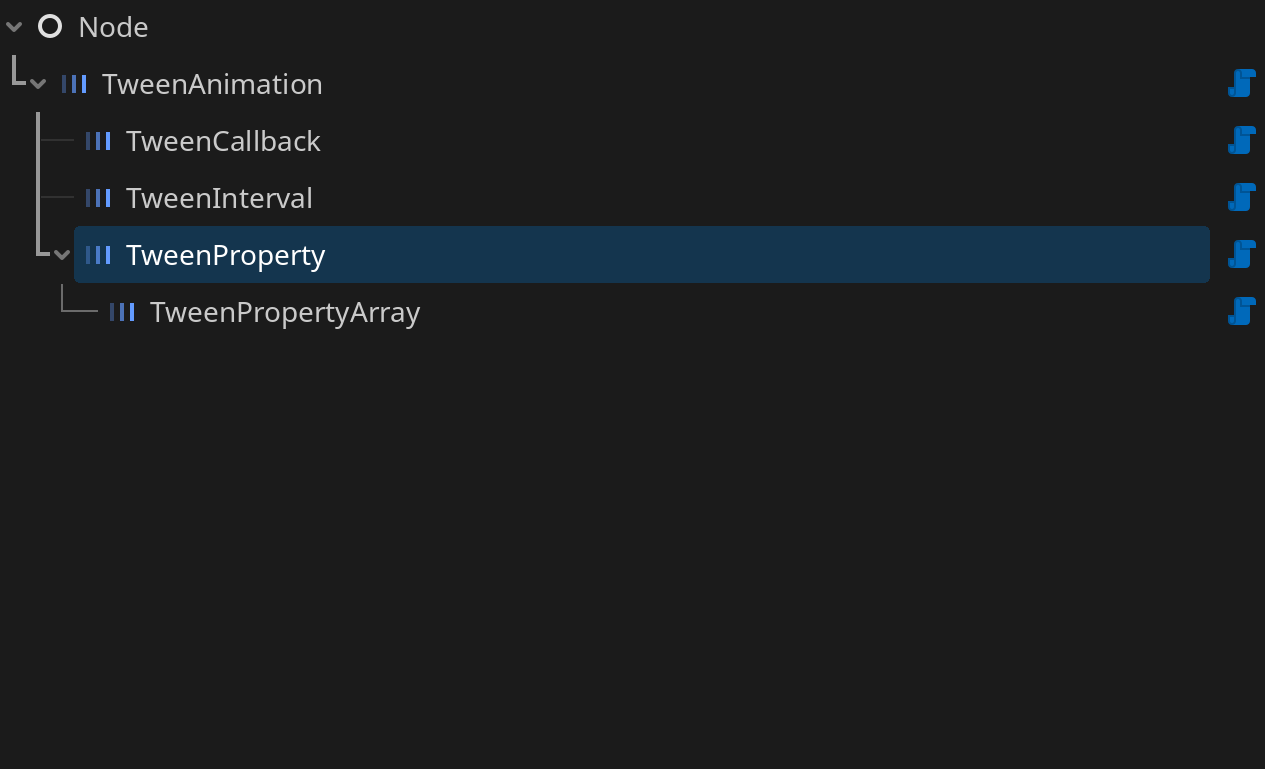
-
Configure properties like duration, ease_type, and final_value
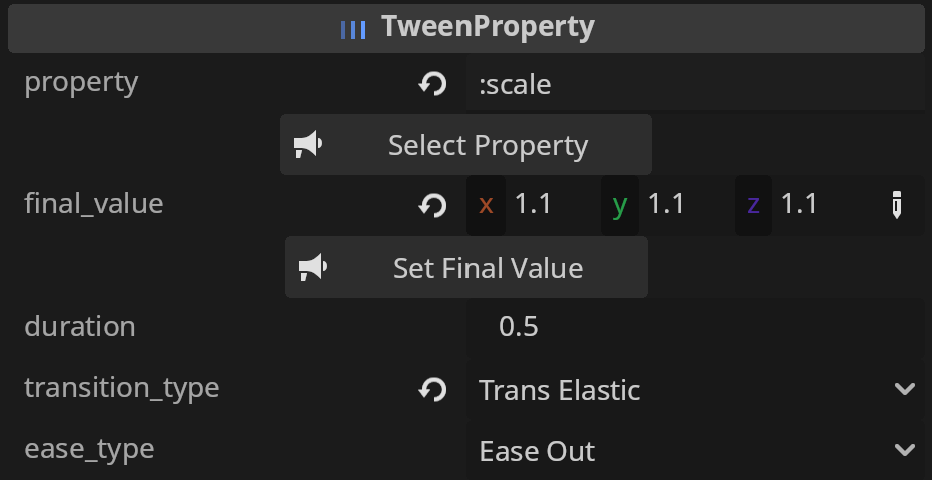
-
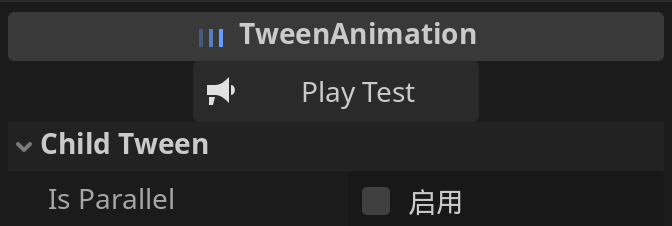
Click Play Test button to show your tween
-
For programmatic control, you can call play() or playback() to start the tween
- You can combine multiple nodes into a complex Tween where the execution order is controlled by parent nodes.
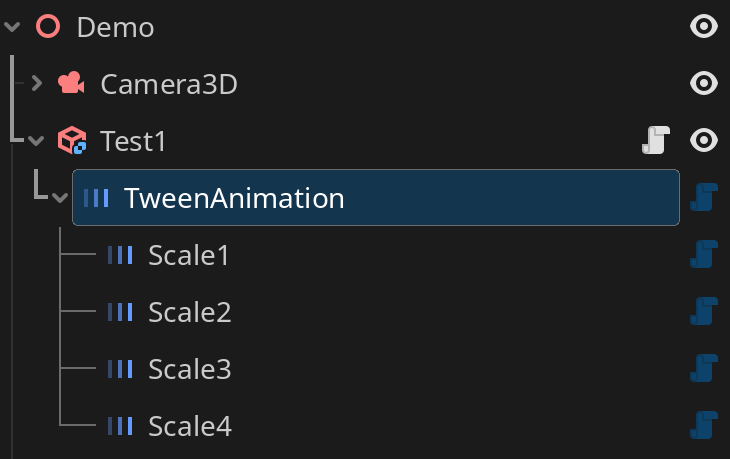
- You can adjust the order of Tween nodes at any time to quickly modify your Tween animation sequence.
- Set child tween is_parallel or not
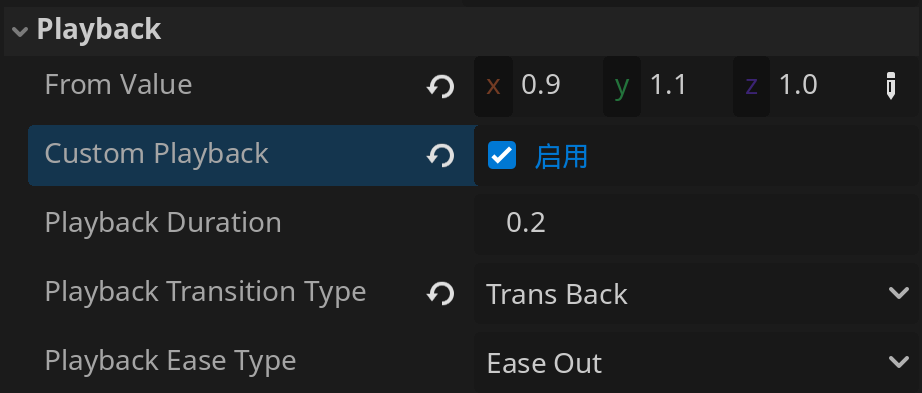
- Default playback will play the animation in reverse. If you want more control over curves or speed, you can check the 'custom_playback' option.
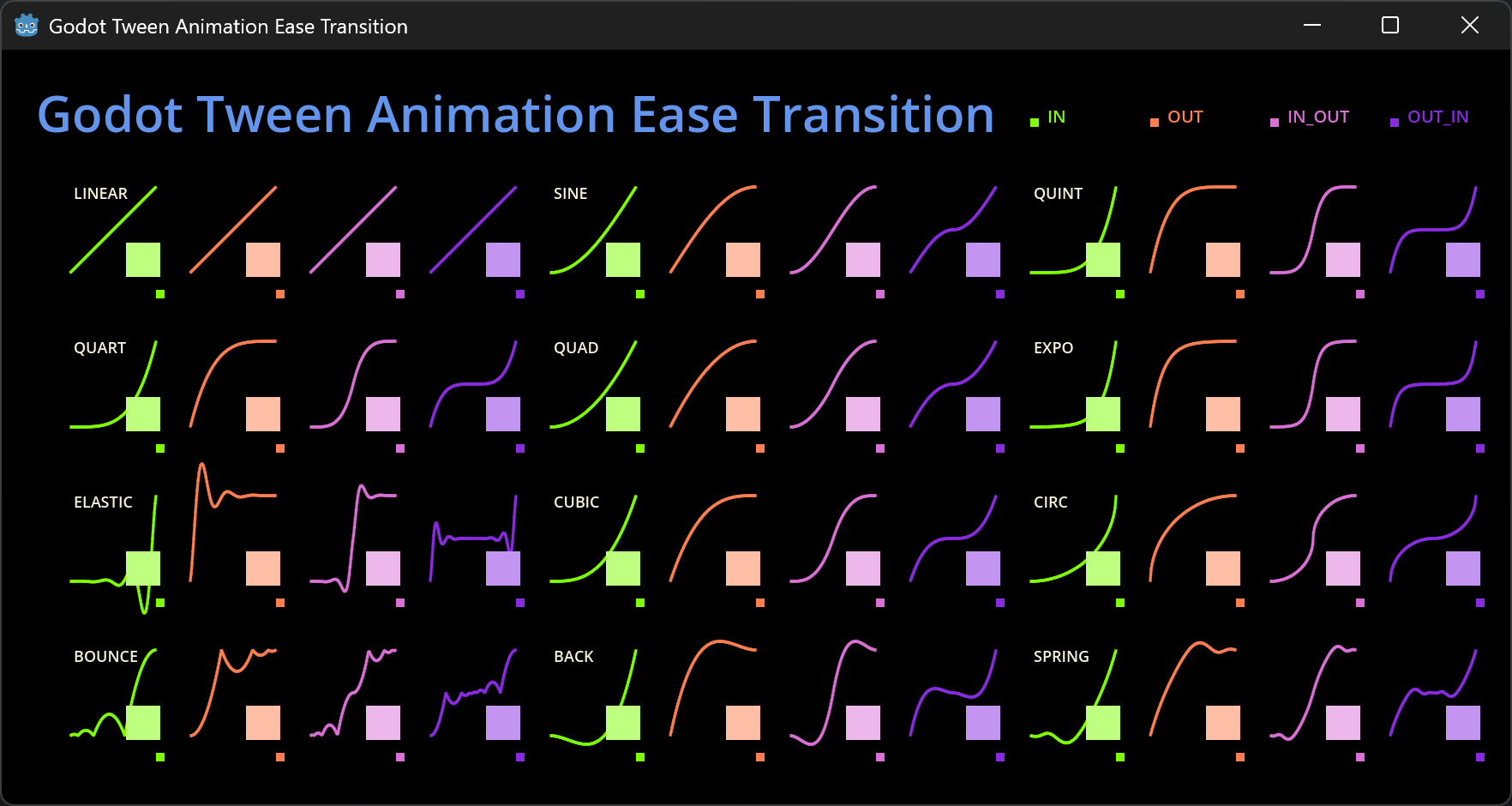
- You can run the TweenAnimationEaseTransition script in the editor to display all tween ease transition effects.