Skip to content

PaleNight Theme, a dark and elegant theme for Visual Studio 2019

License

Notifications You must be signed in to change notification settings

RJCodeAdvance/PaleNight-VS-Theme

Folders and files

NameName
Last commit message
Last commit date

Latest commit


History

4 Commits


Repository files navigation

PaleNight-VS-Theme

PaleNight Theme, a dark and elegant theme for Visual Studio 2019, based on PaleNight Theme for VS Code and the gjactat project.

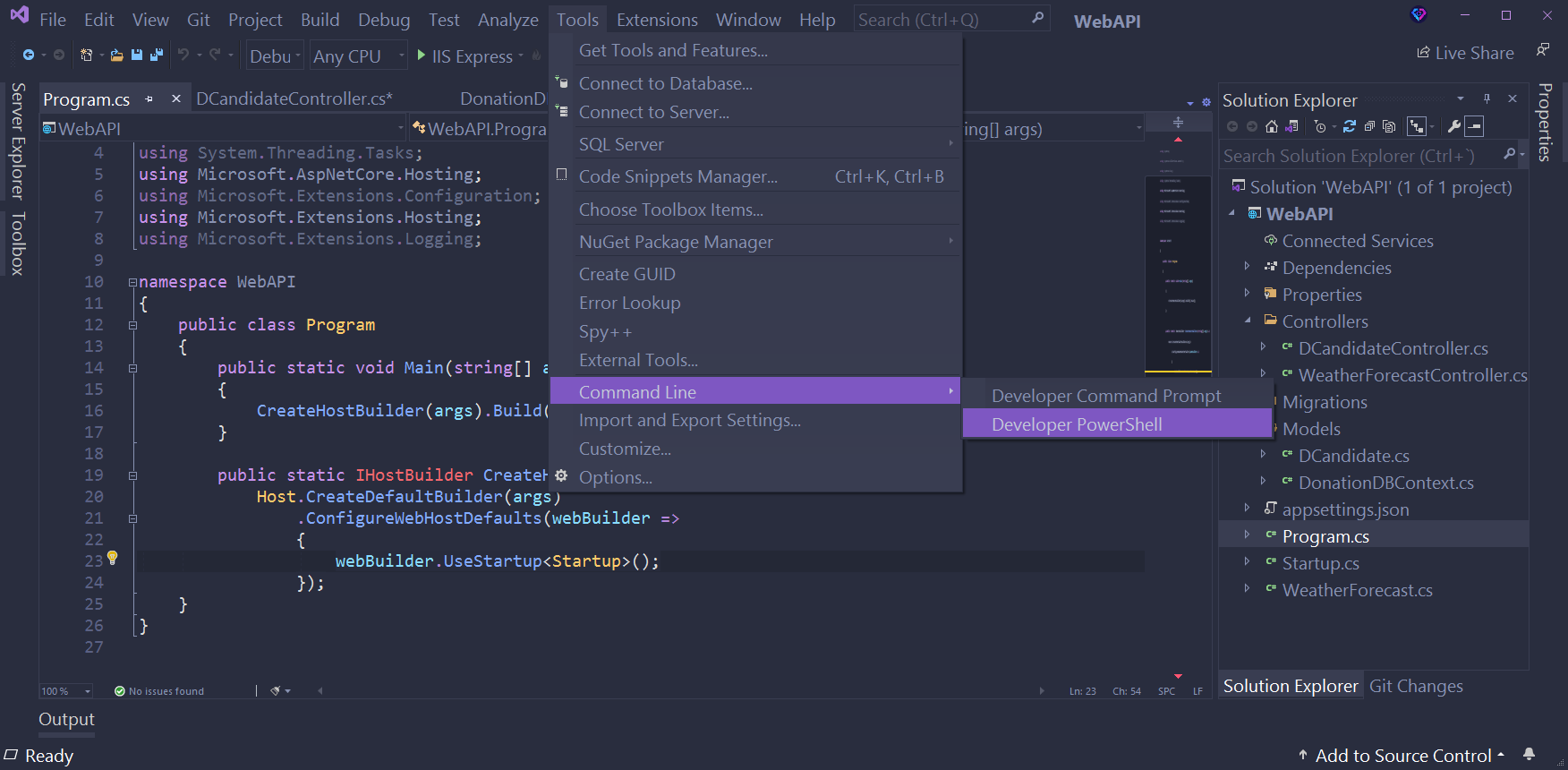
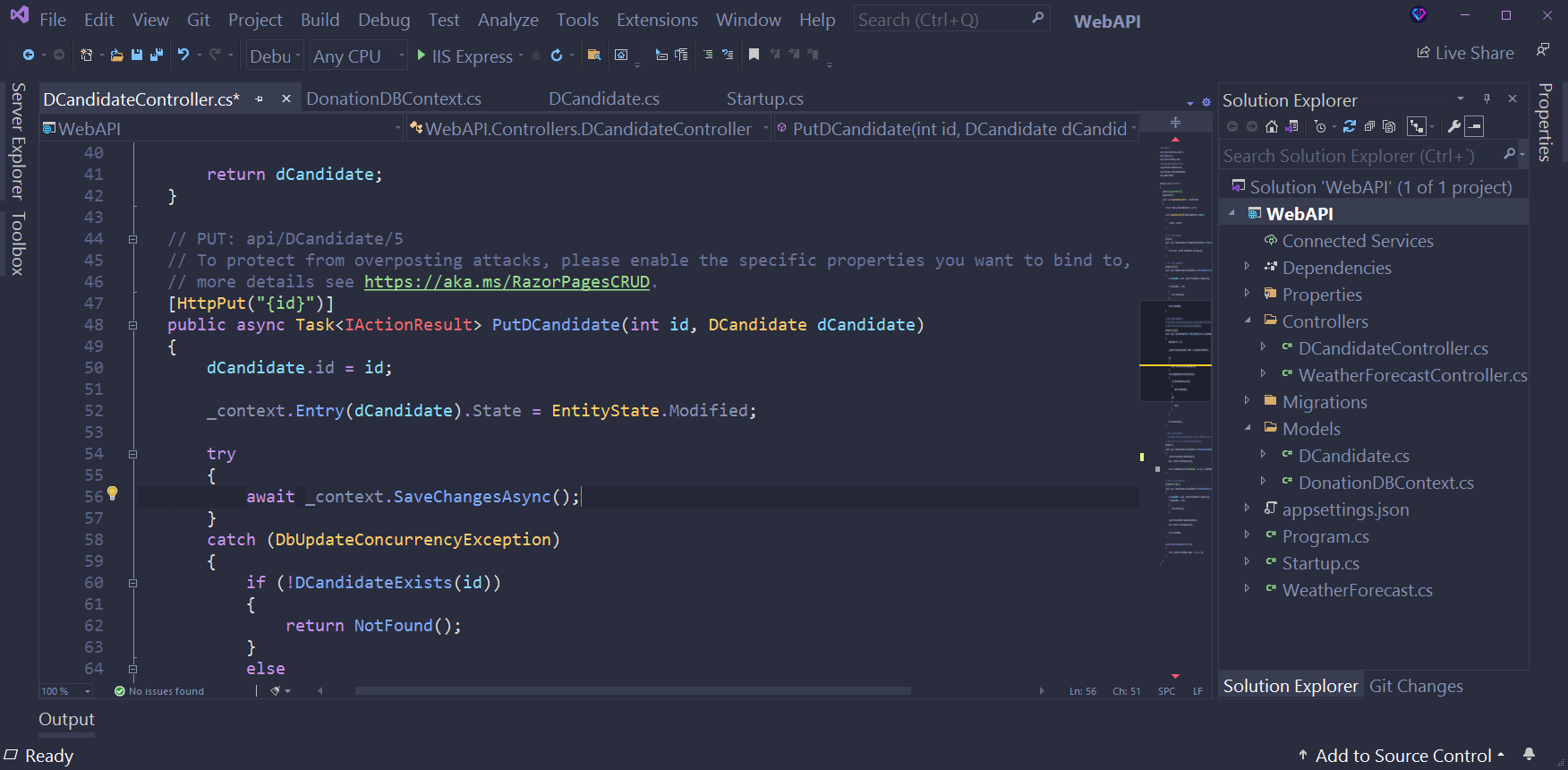
ScreenShots

PaleNight_Theme_II.PNG

C#

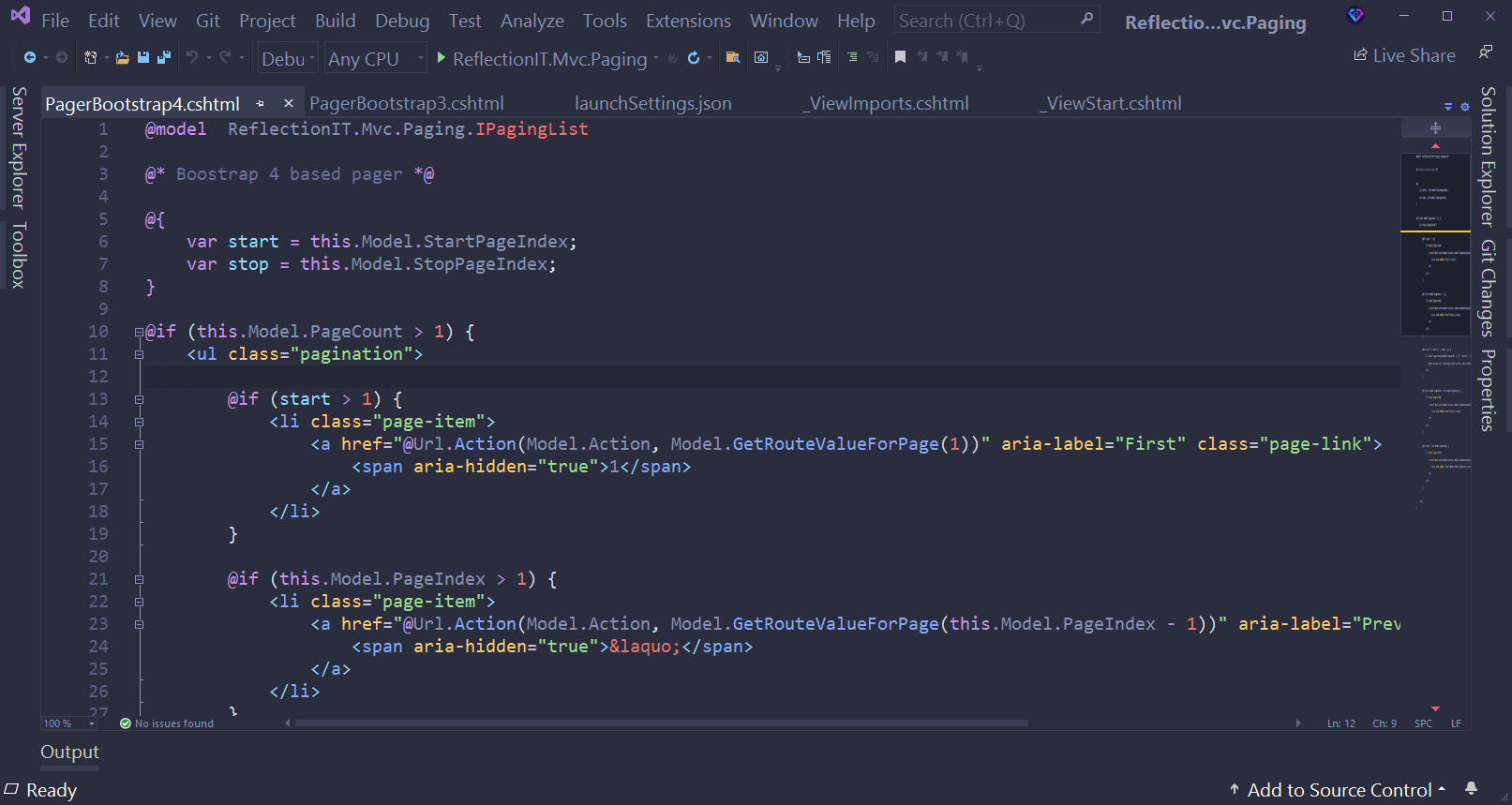
PaleNight_Theme_I__1.PNG

HTML

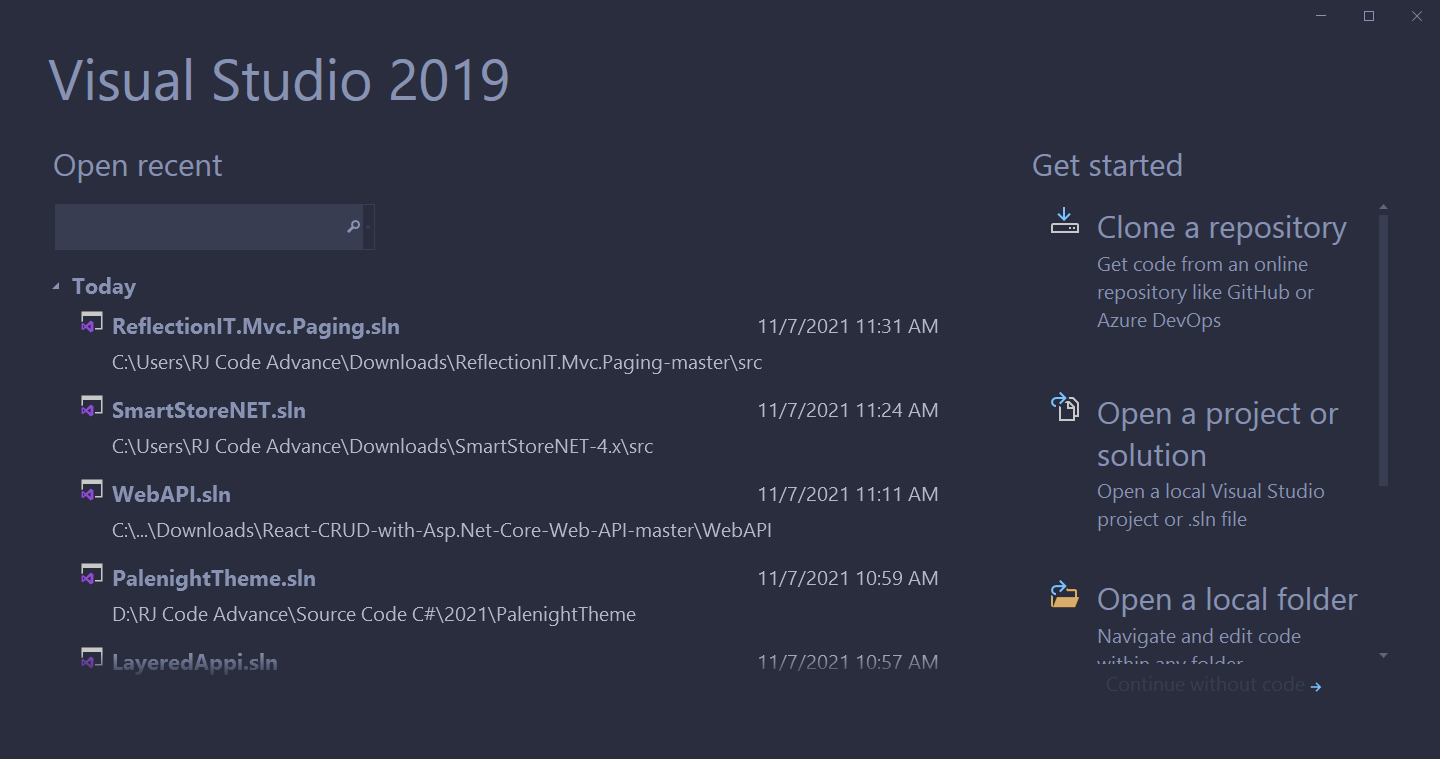
PaleNight_Theme_III.PNG

Start

PaleNight_Theme_IV.PNG

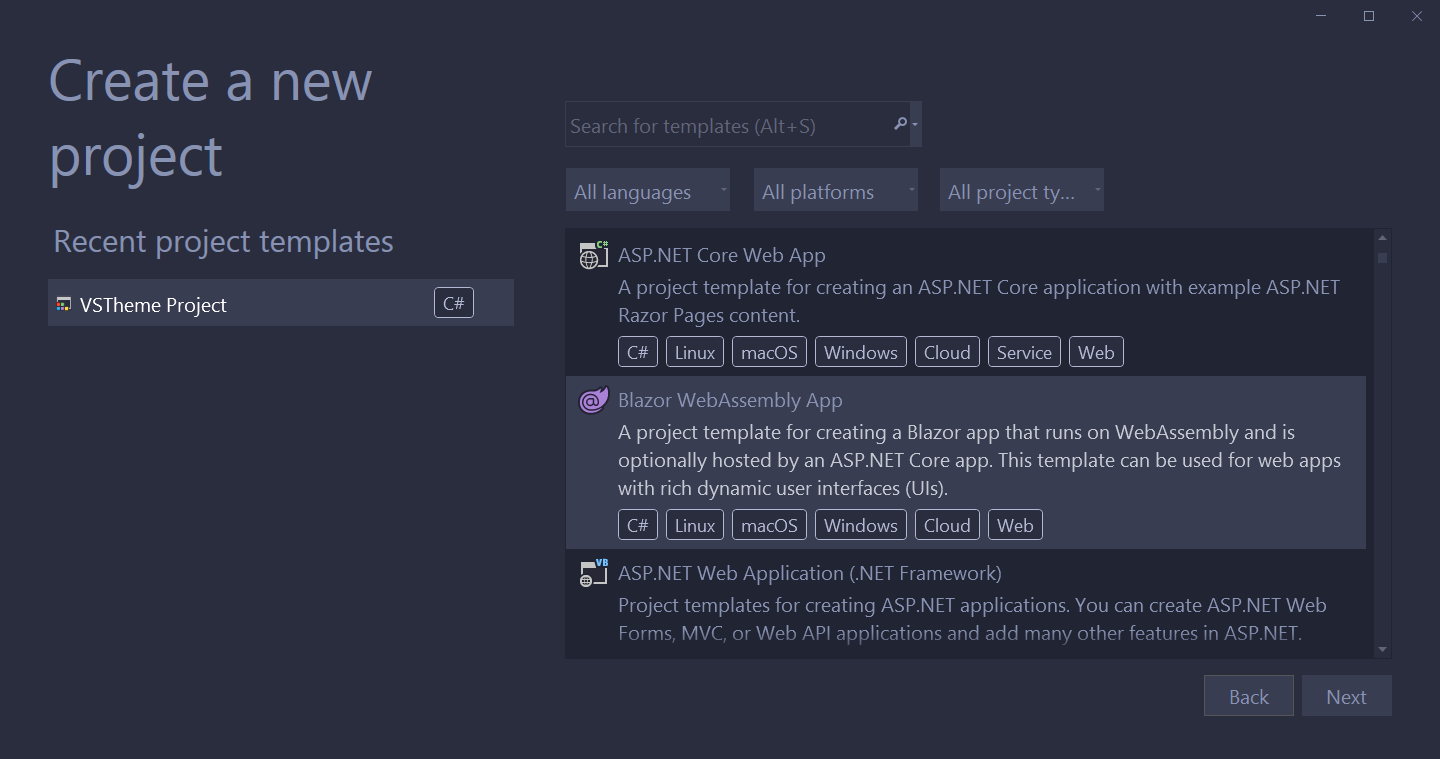
Create a new project

PaleNight_Theme_V.PNG

How to install

  1. Download the theme (https://marketplace.visualstudio.com/items?itemName=RJCodeAdvance.PaleNightVS)
  2. Run PaleNightTheme.vsix (Visual Studio must be closed)
  3. Run Visual Studio
  4. Go to Tools-> options
  5. Choose PaleNight Theme from the drop down box
  6. Click OK.

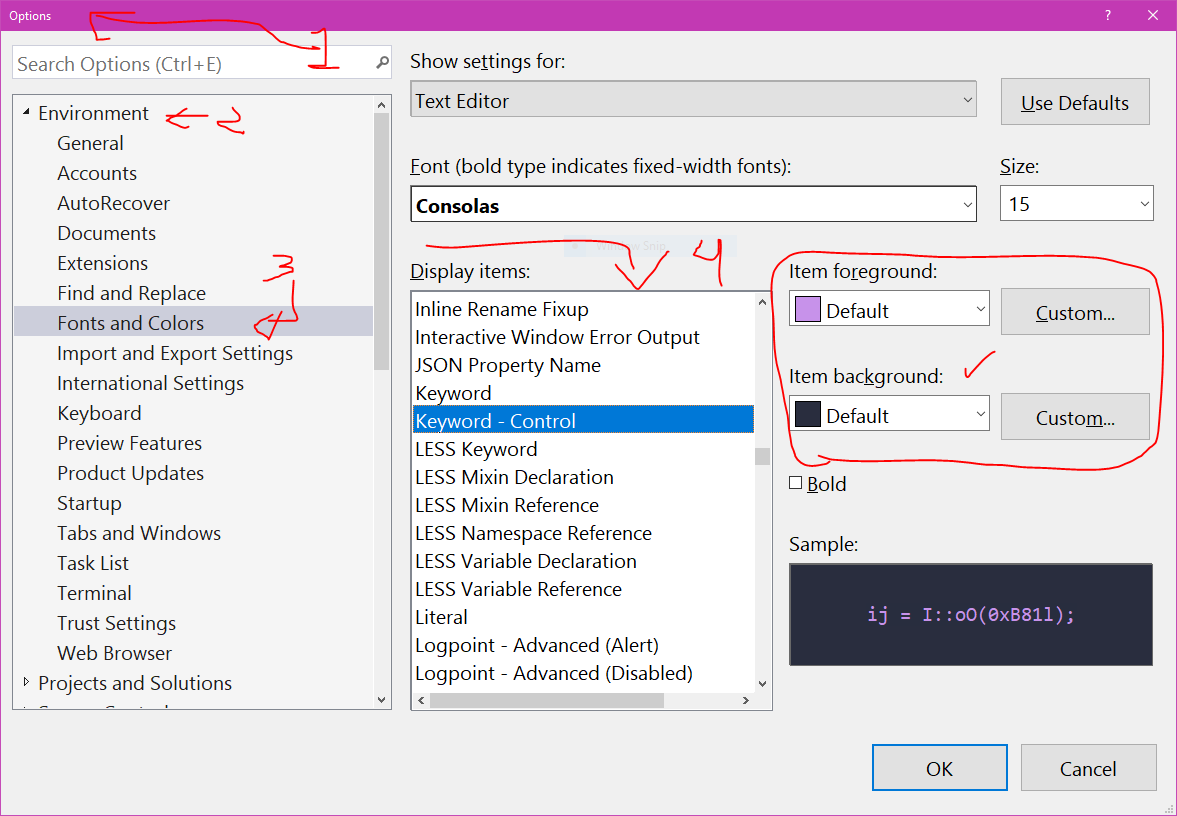
Let me know if you find errors or want me to make some changes. You can also customize the colors from Fonts and Colors in Visual Studio options PaleNight_Theme_VI.PNG Or download the project from the repository to modify it in your own way and generate a new theme (Extension), for this you will need to have the Visual Studio Color Theme Designer Extension installed
About

PaleNight Theme, a dark and elegant theme for Visual Studio 2019

Resources

License

Stars

Watchers

Forks

Releases

No releases published

Packages