Compiling server
This tutorial will guide you through the process of building a Rigs of Rods multiplayer server from source.
Please read thoroughly and do not skip any steps.
If you just want to run a server without any hassle, you can use a pre-built package.
The programs listed below are required to build the server, restart your computer after installing all the below tools!
-
Visual Studio 2022 Community (In the "Workloads" tab enable Desktop development with C++ and in "Individual components" enable "Windows Universal CRT SDK")
-
Git (Leave all options to their defaults)
Open up a terminal and run the following command:
conan remote add ror-conan https://git.anotherfoxguy.com/api/packages/rorbot/conan
Create a folder where you want the source to be (I will be using C:\Users\%username%\Documents\GitHub\ror-server)
While in the folder, press SHIFT + Right click -> Open command prompt window here.
If you are running Windows 10, click Open PowerShell window here.
Then run this command to download the source:
git clone https://github.com/RigsOfRods/ror-server.git .
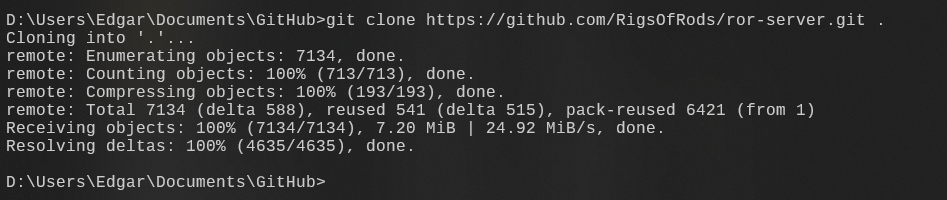
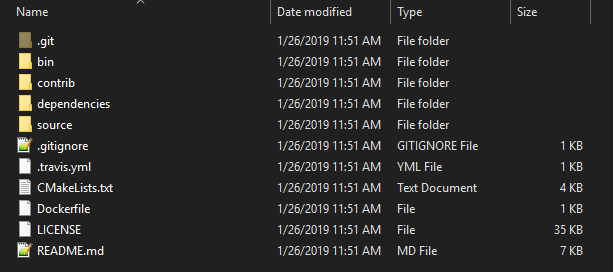
The directory should now be populated with the source:
Open CMake, input the source and build paths:

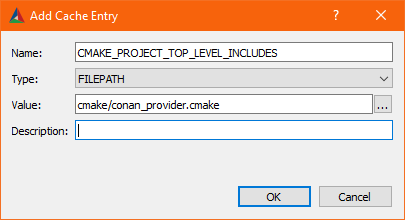
Click the Add Entry and add the following values:
Name: CMAKE_PROJECT_TOP_LEVEL_INCLUDES
Type: filepath
Value: cmake/conan_provider.cmake
Click Configure and set the generator to Visual Studio 2022:
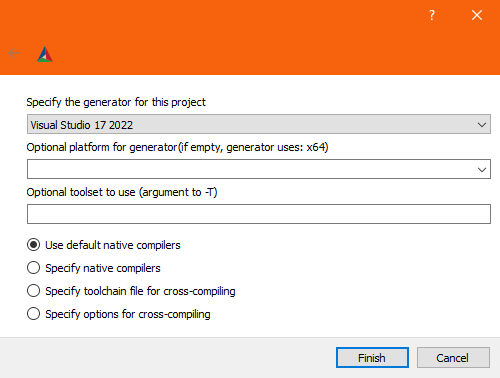
Click Finish and let it generate. Once it's done, it should display some build options highlighted in red:

(Optional) Enable Angelscript support if you plan on using scripts.
Now click Configure again until all options turn white:
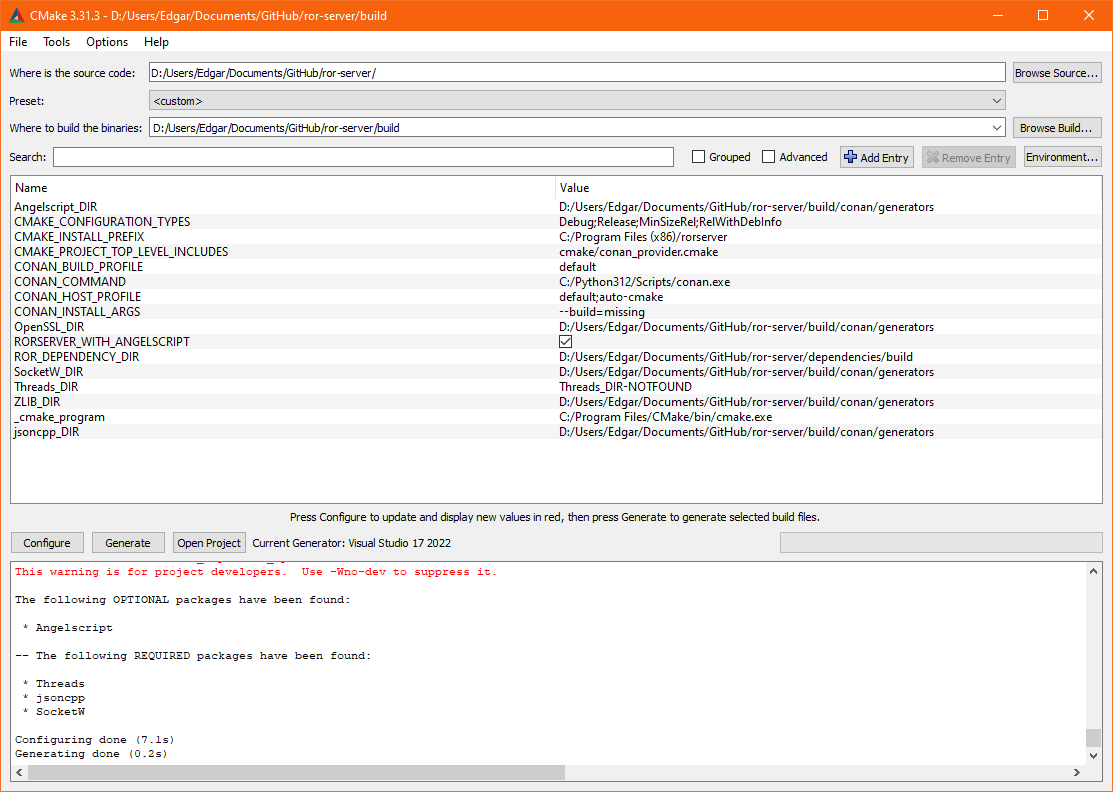
And finally, click Generate to create the Visual Studio project.
Click Open Project to open Visual Studio.
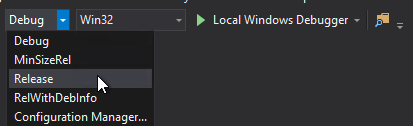
Once open, set the build to Release
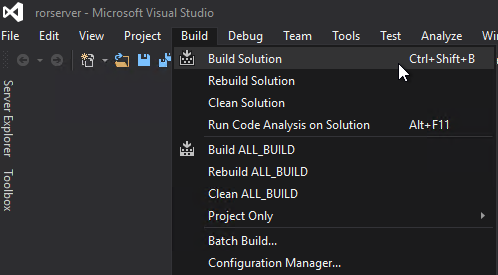
Click Build then Build Solution
Wait for it to compile. Your build should be successful:

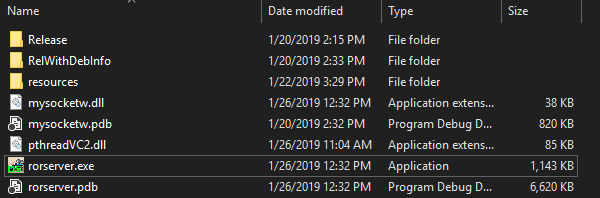
Congratulations! You should now have a rorserver.exe inside the bin directory:
You can now follow these steps on running the server.
(requires a terminal and sudo access)
(Debian/Ubuntu)
sudo apt-get install build-essential nano cmake git
(Fedora/CentOS/RPM)
sudo dnf group install "Development Tools"sudo dnf install nano cmake git
Open up a terminal and run the following command:
conan remote add ror-conan https://git.anotherfoxguy.com/api/packages/rorbot/conan
Create rorserver user with no login rights:
useradd rorserver -s /bin/false
Make a directory where you want your source to be:
mkdir ror-server
Change into the created directory:
cd ror-server
Download the source:
git clone https://github.com/RigsOfRods/ror-server.git .
The folder should now be populated with the source.
cmake . -Bbuild \
  -DCMAKE_INSTALL_PREFIX:STRING=/usr \
  -DCMAKE_BUILD_TYPE=Release \
  -DCMAKE_PROJECT_TOP_LEVEL_INCLUDES=cmake/conan_provider.cmake \
  -DRORSERVER_WITH_ANGELSCRIPT:BOOL=ON \
  -DRORSERVER_WITH_CURL:BOOL=ON
$ cd build
$ make -j$(nproc)
Your build should be successful:

Congratulations! You should now have a rorserver binary inside the /bin directory.
You can now follow these steps on running the server.