Comic-AI (🌐Live Demo)


Turn any YouTube video or uploaded video into a comic strip using AI! 🎨 Transform your favorite moments into shareable comic art with just a few clicks.
- Convert Videos to Comics: Turn YouTube videos or uploaded videos into 4-panel comic strips
- AI-Powered: Uses advanced AI models (OpenAI + Google Imagen) to generate high-quality comics
- Natural Language Prompts: Describe your comic in plain English
- Dual AI Engine: Primary and fallback AI models for maximum reliability
- Professional Quality: High-resolution 1024×1024 comic strips
- Easy to Use: Simple web interface with Streamlit
- Free & Open Source: No cost for setup and deployment
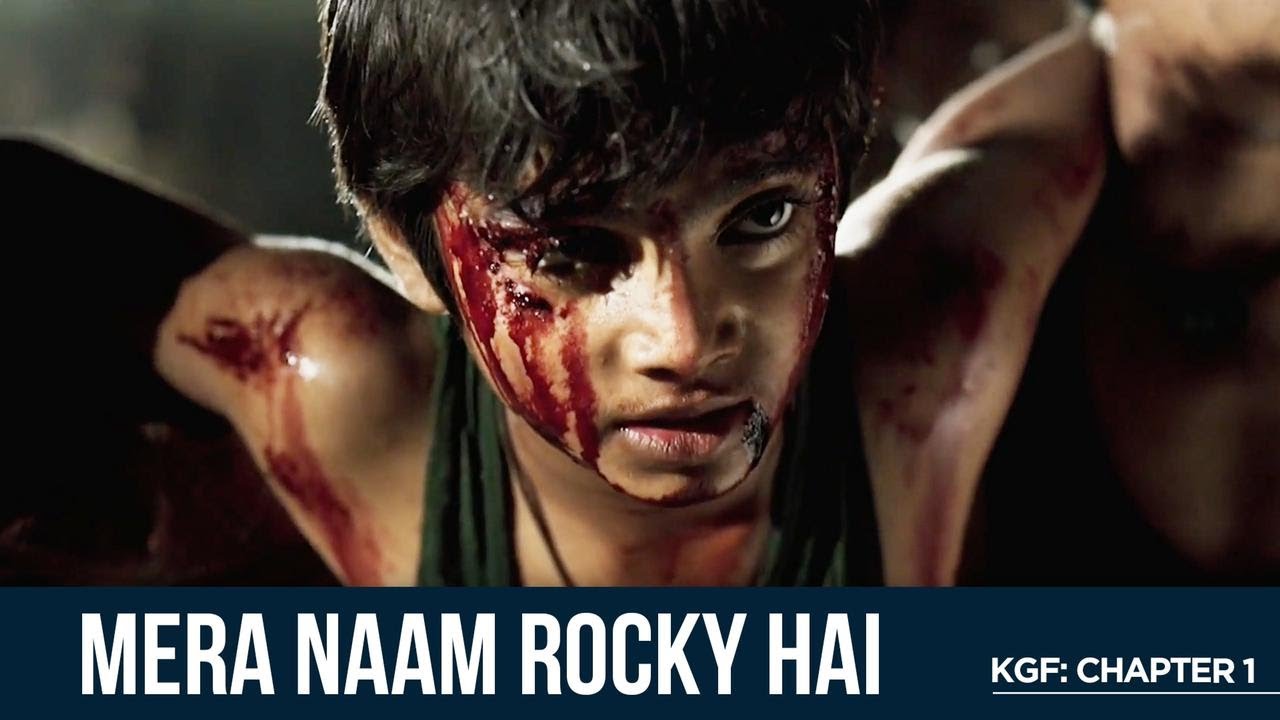

- Video Analysis: Uses Gemini AI to analyze video content and context
- Prompt Enhancement: Transforms user descriptions into detailed AI prompts
- Comic Generation: Generates comics using OpenAI's gpt-image-1 or Google's Imagen
- Fallback System: Automatic fallback to secondary AI if primary fails
- Web Interface: Streamlit-based UI for easy interaction
- Python 3.8+
- YouTube video URL or video file
- API keys (see below)
Clone the repository
git clone https://github.com/SannidhyaDas/Comic-AI.git
cd Comic-AI
Create virtual environment (recommended)
python -m venv venv
source venv/bin/activate # On Windows: venv\Scripts\activate
Install dependencies
pip install -r requirements.txt- Create a
.envfile in the project root:
GEMINI_API_KEY=your_gemini_api_key_here
OPENAI_API_KEY=your_openai_api_key_here- Get your API keys:
- Gemini API Key: Google AI Studio
- OpenAI API Key: OpenAI Platform
Run the Streamlit app
streamlit run app2.pyOpen your browser to http://localhost:8501
---
config:
  look: neo
  layout: fixed
---
flowchart LR
    A["User Input"] --> B("YouTube Video URL + Comic Description")
    B --> C{"Video Analysis"}
    C -- Gemini API --> D("Prompt Enhancement")
    D --> E{"Comic Generation"}
    E -- "Primary: OpenAI gpt-image-1" --> F["Comic Strip"]
    E -- Fallback: Google Imagen --> F
    F --> G["Streamlit Web Interface"]
    G --> H["User Output"]
Comic-AI/
│
├── assets/                        # Streamlit web interface
│   ├── appInterface_1.png            # Yt video & prompt example
│   ├── appInterface_2.png            # generated comic example
│   └── generated_img1.png            # comic example
│
├── v1/             # Gemini free image gen model
│   ├── requirements.txt            # Python dependencies
│   ├── main.py             # Core logic and LLM pipelines
│   ├── example1.ipynb      # example with functions of main.py
│   └── app.py              # Streamlit user interface
│
├── v2/              # paid models(OpenAI + Gemini Imagen)
│   ├── requirements.txt            # Python dependencies
│   ├── main2.py             # Core logic and LLM pipelines
│   ├── example2.ipynb      # example with functions of main2.py
│   └── app2.py              # Streamlit user interface
│
└── README.md                   # Project documentation
This repository contains two versions of the application:
- Uses
gemini-2.0-flash-preview-image-generation(free image generation model) - Limitations:
- Text rendering quality is inconsistent
- Image quality can be suboptimal
- Text in speech bubbles may appear blurry or garbled
- Implements a fallback strategy using paid models:
- Primary: OpenAI's
gpt-image-1(superior text rendering) - Fallback: Google's
imagen-4.0-generate-001(high-quality image generation)
- Primary: OpenAI's
- Benefits:
- Significantly improved text clarity
- Higher overall image quality
- More reliable comic generation
The deployed version uses v1 due to the payment requirements of the premium models. However, the v2 code is fully functional - users only need to provide their own API keys and have active billing with the respective services to use the premium models.
Sannidhya Das - @LinkedIn - dassannidhya003@gmail.com
Project Link: https://github.com/SannidhyaDas/Comic-AI