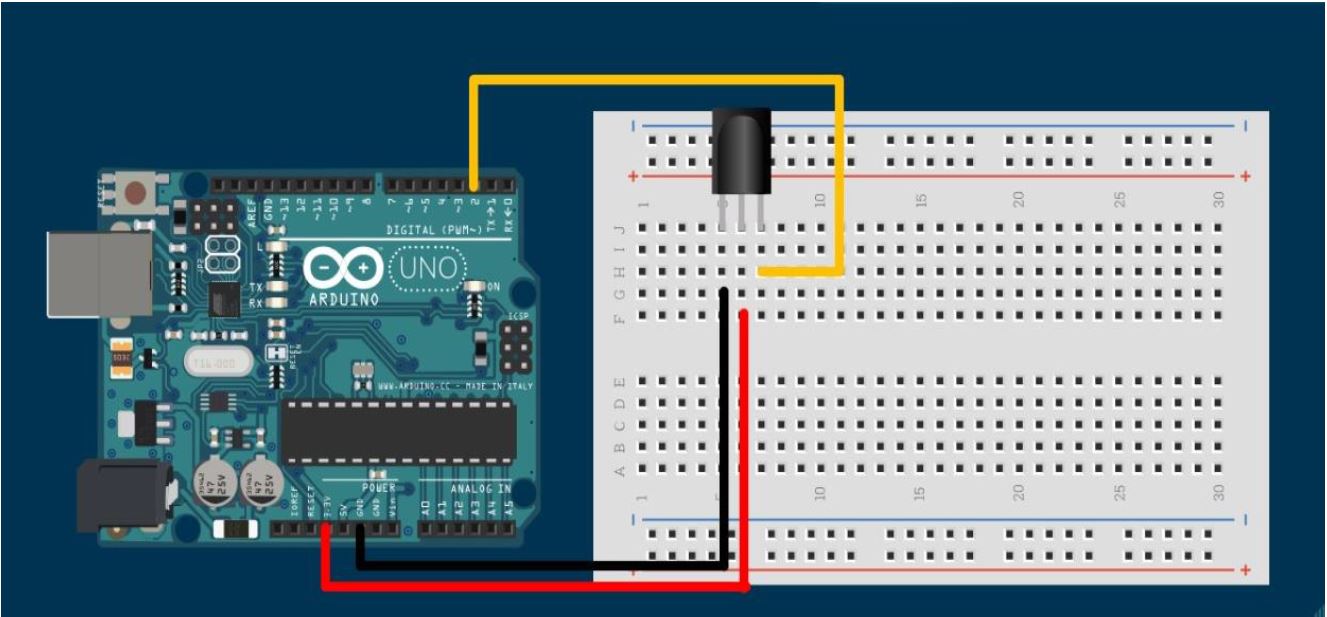
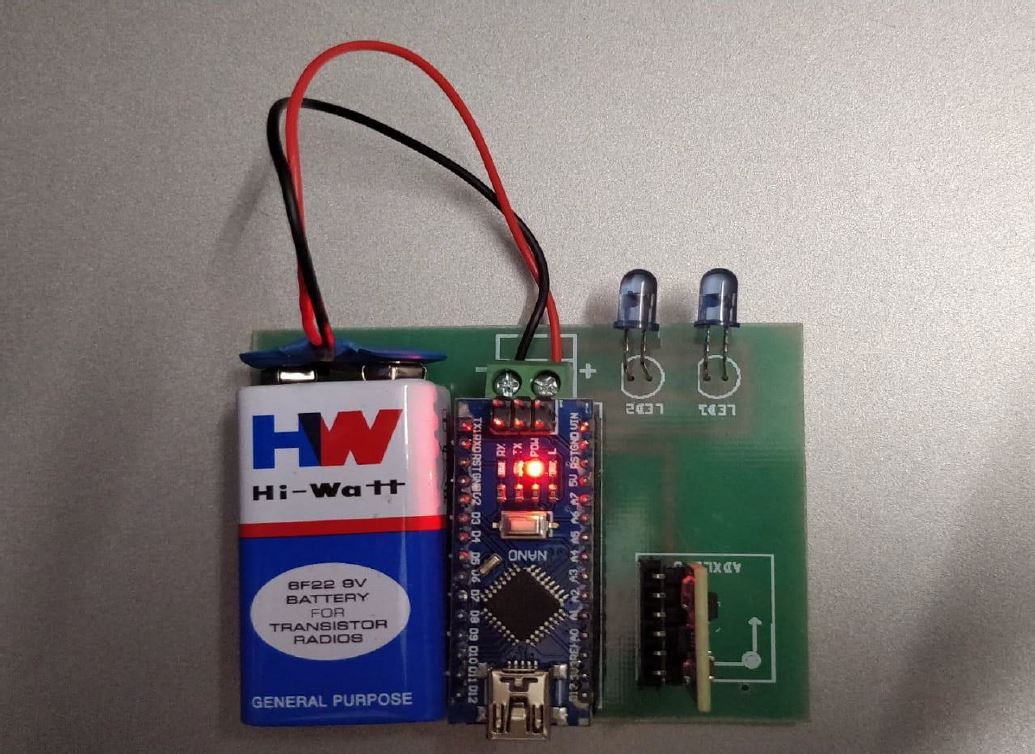
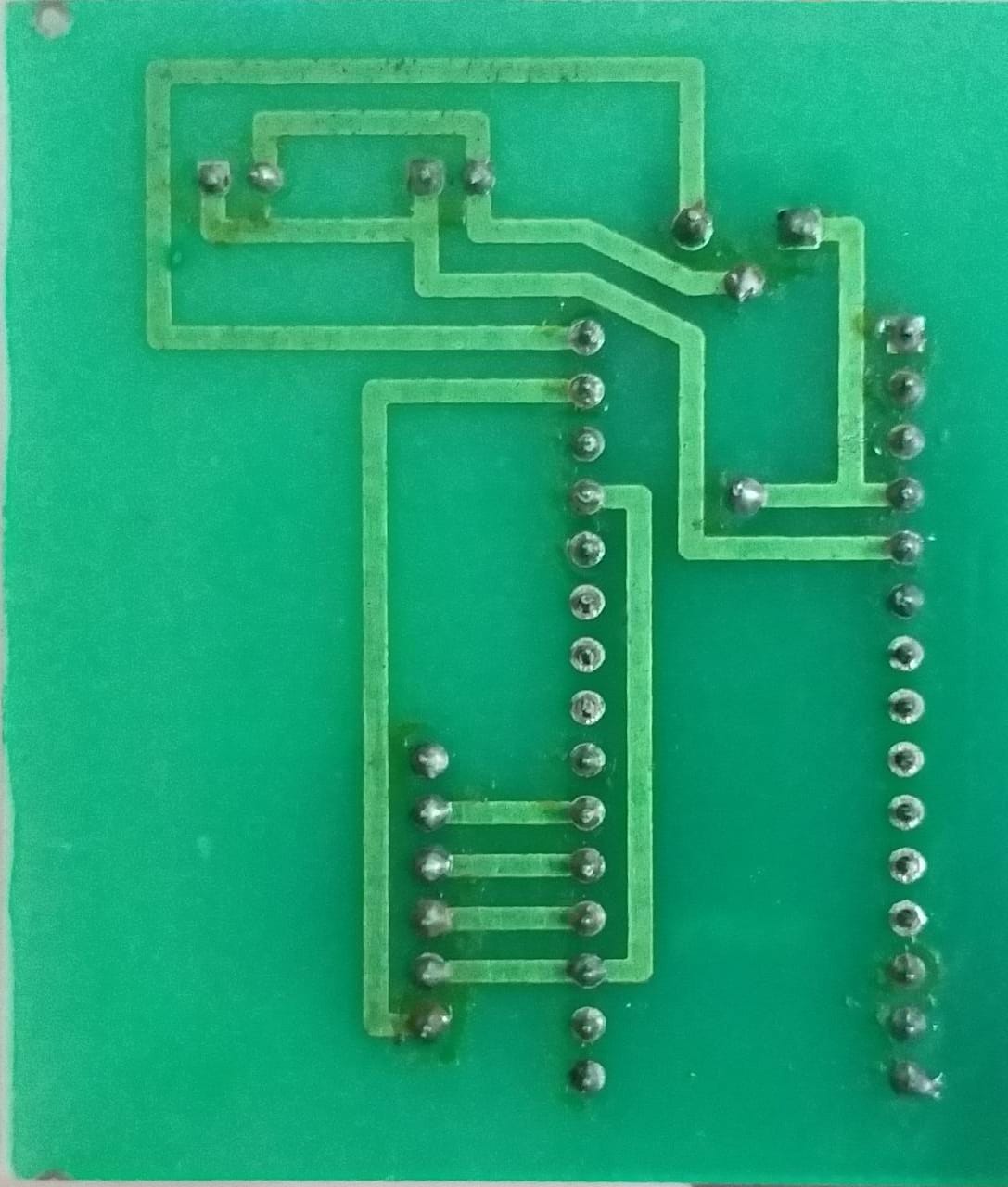
The following Repository contains code that can be used to play the Asphalt 8 Game on PC using an Arduino UNO and a Nano board with a custom PCB Layout.
- Install Asphalt 8 in your PC/Laptop. As I had used windows, I installed the game using Microsoft Store.
- Clone the repository or download the code as a ZIP File.
- Go inside the embedded folder and upload the transmitter code in Nano and receiver code in Uno. Make sure that the ports and board type are selected correctly.
- Open the corresponding python folder and right click the python file, click edit with IDLE.
- Open the corresponding game. Now go back to the IDLE and run the code.
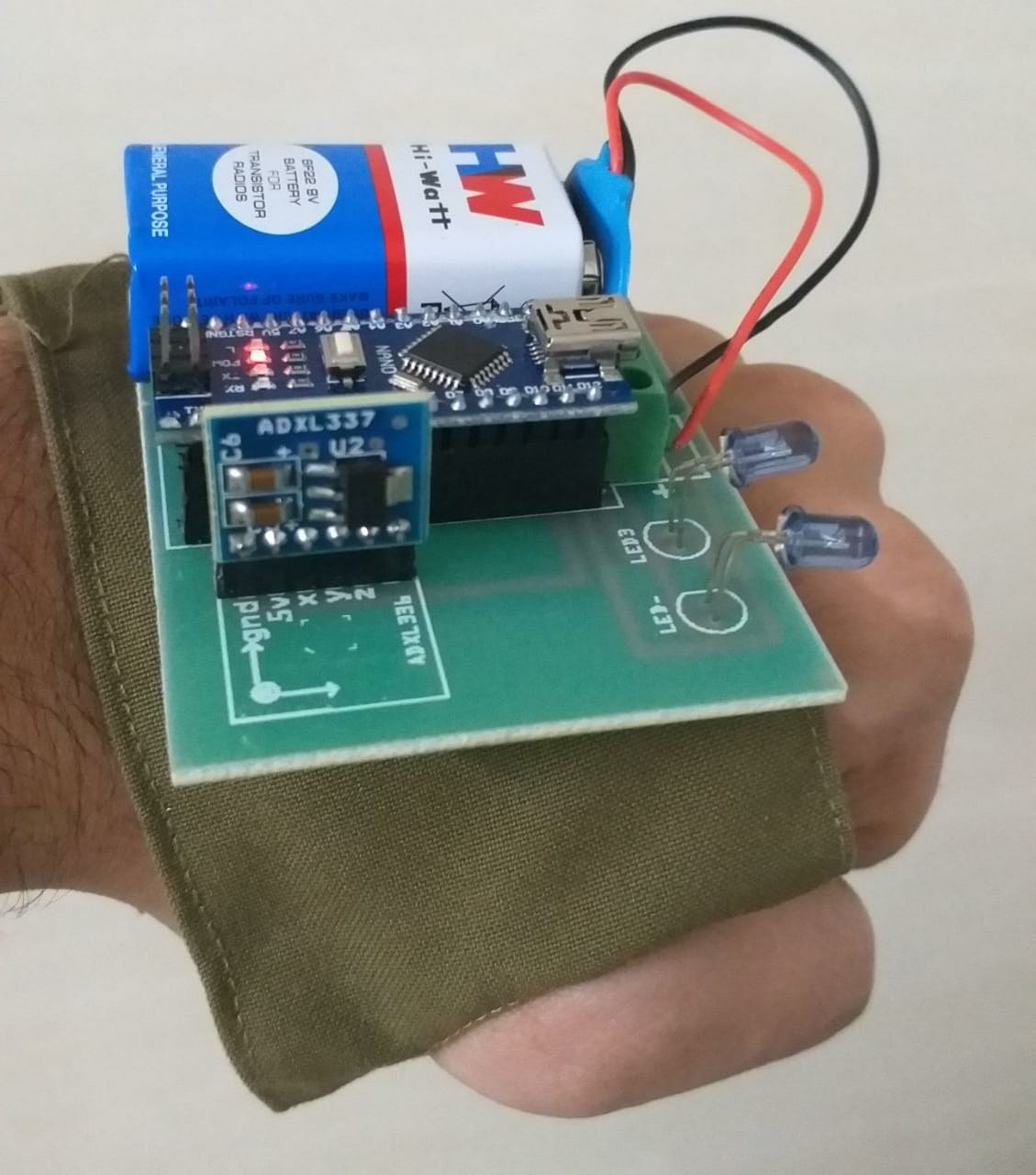
Enjoy the Game!
If you are interested in the working of the code, information is given in the code files as comments.