You signed in with another tab or window. Reload to refresh your session.You signed out in another tab or window. Reload to refresh your session.You switched accounts on another tab or window. Reload to refresh your session.Dismiss alert
classFilterPageextendsStatelessWidget {
constFilterPage({Key? key, this.selectedUserList})
:super(key: key);
finalList<User>? selectedUserList;
@overrideWidgetbuild(BuildContext context) {
returnScaffold(
body:FilterListWidget<User>(
listData: userList,
selectedListData: selectedUserList,
onApplyButtonClick: (list) {
// do something with list ..
},
choiceChipLabel: (item) {
/// Used to display text on chipreturn item!.name;
},
validateSelectedItem: (list, val) {
/// identify if item is selected or notreturn list!.contains(val);
},
onItemSearch: (user, query) {
/// When search query change in search bar then this method will be called /// /// Check if items contains queryreturn user.name!.toLowerCase().contains(query.toLowerCase());
},
),
);
}
}
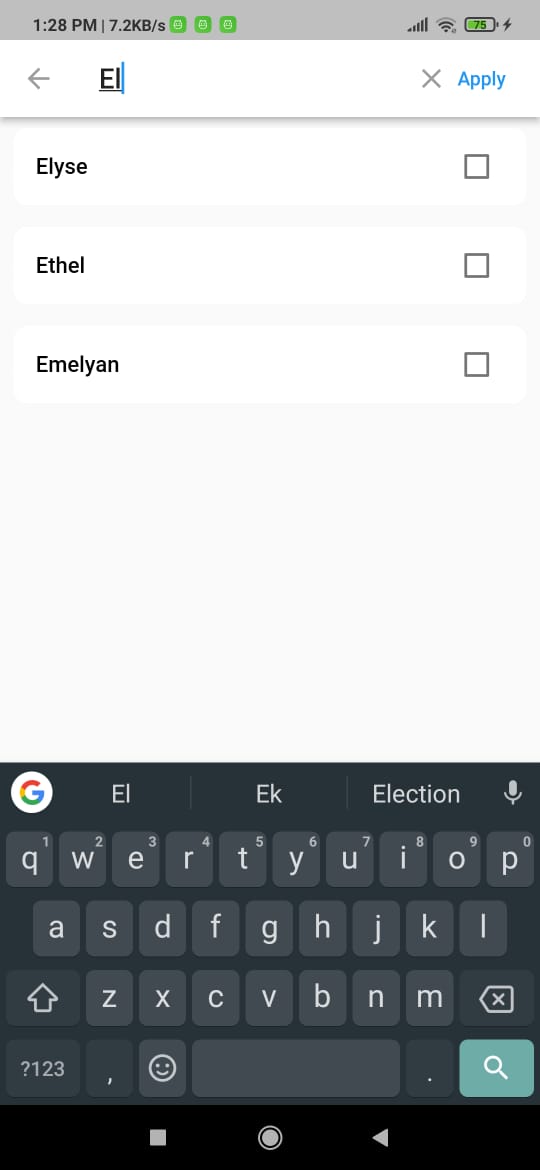
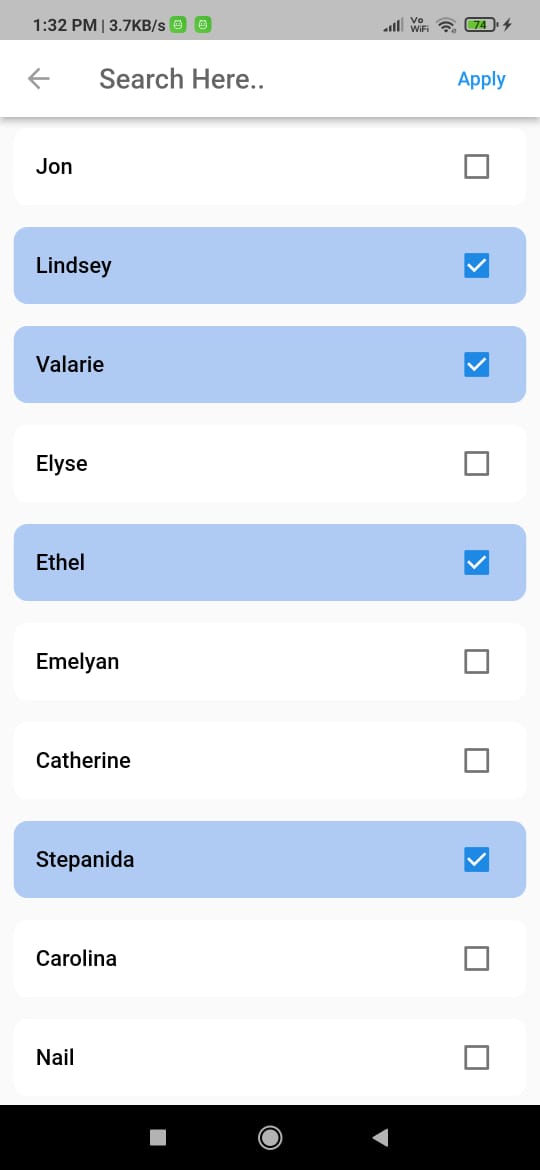
How to use FilterListDelegate.
Create a function and call FilterListDelegate.open() on button tap.
voidopenFilterDelegate() async {
awaitFilterListDelegate.open<User>(
context: context,
list: userList,
onItemSearch: (user, query) {
return user.name!.toLowerCase().contains(query.toLowerCase());
},
tileLabel: (user) => user!.name,
emptySearchChild:Center(child:Text('No user found')),
searchFieldHint:'Search Here..',
onApplyButtonClick: (list) {
// Do something with selected list
},
);
}
Screenshots
Empty screen
FilterListDialog
Selected chip
Result from dialog
Customized Dialog Header
Customized Choice chip
FilterListWidget
Default
Customized
customized
FilterListDelegate
Single selection
Multiple selection
Multiple selection
Search through list
Customized Tile
Parameters
Parameter
Type
Description
height
double
Set height of filter dialog.
width
double
Set width of filter dialog.
hideCloseIcon
bool
Hide close Icon.
hideHeader
bool
Hide complete header section from filter dialog.
headerCloseIcon
Widget
Widget to close the dialog.
hideSelectedTextCount
bool
Hide selected text count.
hideSearchField
bool
Hide search text field.
headlineText
String
Set header text of filter dialog.
backgroundColor
Color
Set background color of filter color
listData
List<T>()
Populate filter dialog with text list.
selectedListData
List<T>()
Marked selected text in filter dialog.
choiceChipLabel
String Function(T item)
Display text on choice chip.
validateSelectedItem
bool Function(List<T>? list, T item)
Identifies weather a item is selected or not
onItemSearch
List<T> Function(List<T>? list, String text)
Perform search operation and returns filtered list