This app is developed to make your wallet container decryption as safe as possible. You’ll find the detailed HOW TO bellow.
Security notice: Starbase NEVER gets, stores or requests your decrypted data. All the decryption happens inside your PC and should NOT be shared with any third parties!
Follow the next steps to decrypt your wallet container:
-
Download the app according to your OS(Mac, Windows 32-bit, Windows 64-bits, Linux 32-bits, Linux-64-bits) or the full repository to your local computer. https://github.com/StarbaseCo/StarbaseMnemonicRecovery/releases
-
Extract the zip file to your local computer and open the extracted folder.
-
Only If you download the full repository, In extracted folder open folder src. The other files are the executable files, you just need to run it. (Only If you download the full repository) Go to the src folder, find file index.html and open it with your web browser (avoid using IE browsers).
-
Copy the encrypted container which was emailed to you.
-
Paste your encrypted container (1) and your matching password (2) at the html page
-
Press button "Decrypt", the result will be your mnemonic.
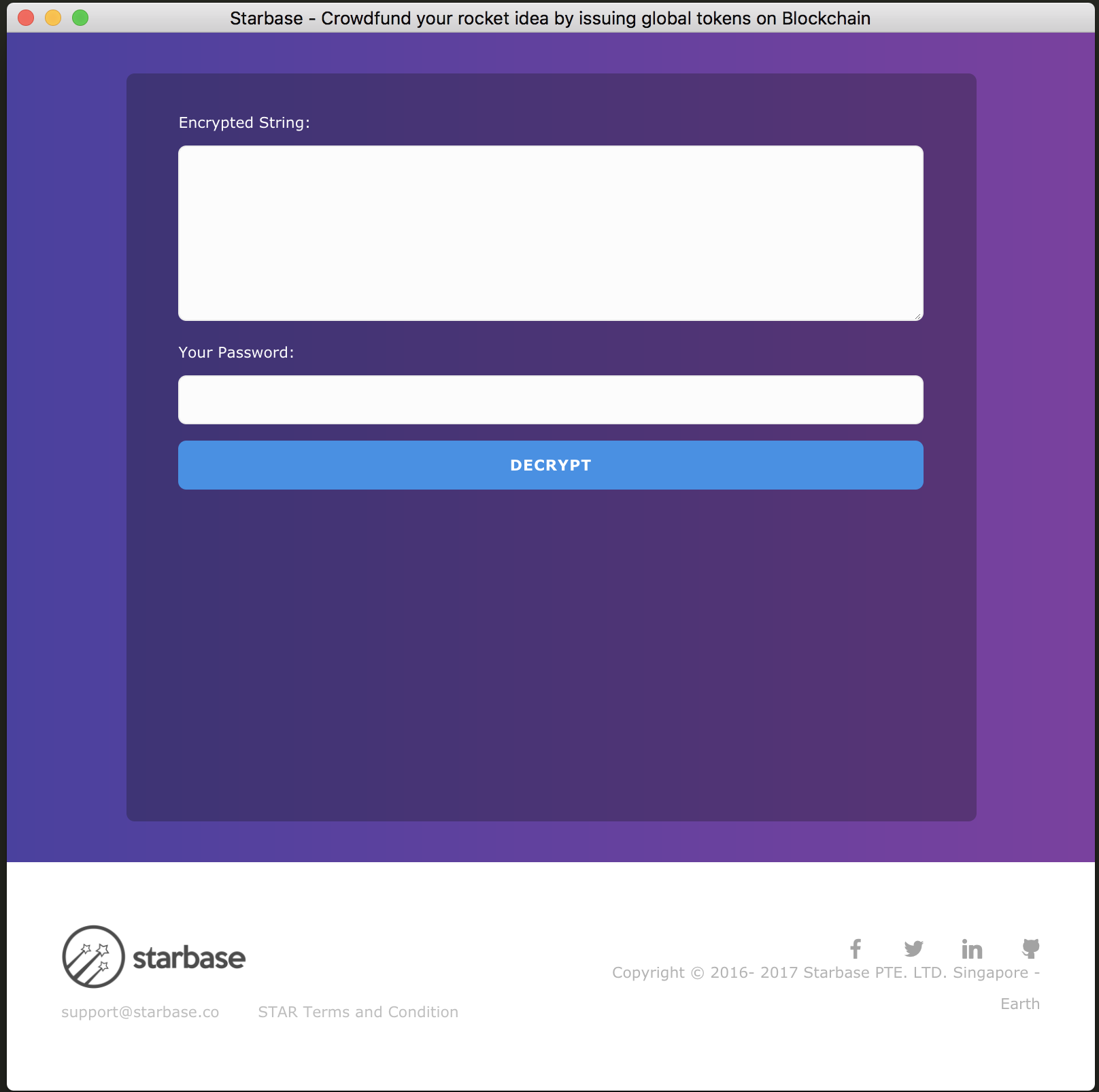
- Save this decrypted data and never share your decrypted private key with any third parties. Keep in mind that the person who has access to your decrypted private key has full control over your assets.