


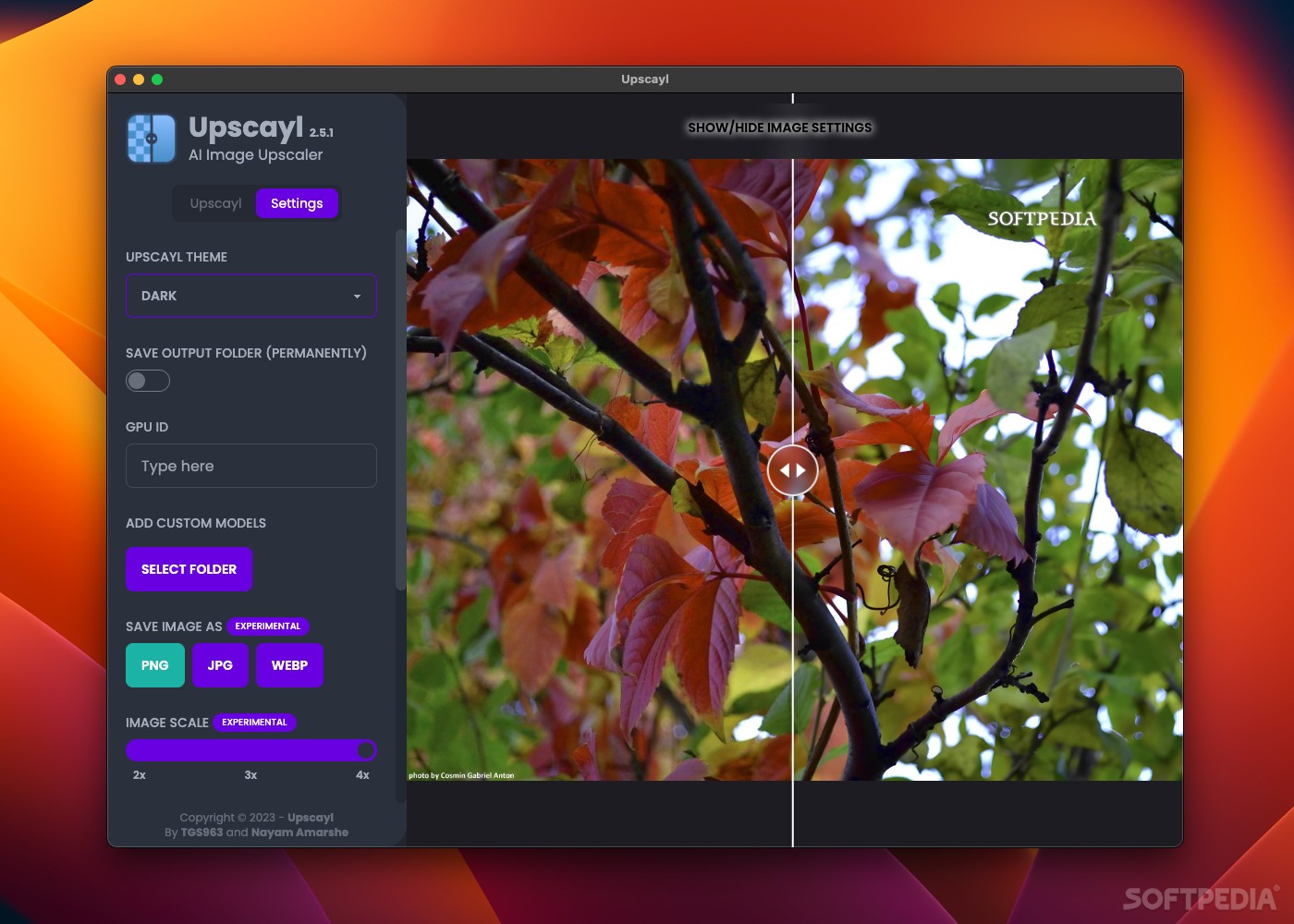
The limitations of low-resolution imagery have long been a frustrating constraint for photographers, designers, and content creators who need to work with archival photos, web-sourced images, or material captured on older hardware. Traditional interpolation-based upscaling algorithms produce blurry, artifact-laden results when images are enlarged significantly, because they lack the intelligence to reconstruct detail that was never present in the source. Upscayl takes a fundamentally different approach using deep neural networks trained on millions of image pairs to learn the relationship between low-resolution and high-resolution image content, enabling the synthesis of plausible high-frequency detail that transforms genuinely low-resolution images into sharp, detailed upscaled versions. The results regularly achieve what interpolation-based methods simply cannot — convincing texture, crisp edges, and natural detail at magnifications up to sixteen times the original resolution.
What distinguishes Upscayl in the AI upscaling market is its commitment to being completely free, fully open-source, and entirely privacy-preserving. All neural network inference runs locally on your Mac's GPU, meaning images never need to be uploaded to a cloud service, no subscription is required, and there are no per-image processing fees or usage limitations. The application bundles several distinct AI model variants optimized for different content types — photorealistic images, anime artwork, digital illustrations, and general-purpose content — allowing users to select the most appropriate neural architecture for their specific material. The Real-ESRGAN model, which forms the foundation of Upscayl's photo upscaling capability, is one of the most highly regarded open-source upscaling models available, with a track record of producing commercially viable results for print production, video production, and digital publication.
Upscayl's practical workflow accommodates both individual image enhancement and high-volume batch processing scenarios. Single images can be dragged directly into the application interface, upscaled with selected parameters, and exported to the desired output format in minutes. For bulk processing of image collections — archival photo digitization projects, e-commerce product image enhancement, or social media asset preparation — the folder batch mode processes entire directories sequentially while you focus on other work. The before/after comparison view provides a reliable quality check before committing to export, and the variety of output format options ensures compatibility with downstream workflows. For Mac users who need professional-quality AI image upscaling without ongoing cost, Upscayl OSX is the definitive free solution.
- Free and open-source AI upscaling with no subscription or cloud upload required
- Upscale images up to 16x resolution while preserving and enhancing fine detail
- Multiple AI model options including Real-ESRGAN, Remacri, and UltraMix
- Fully offline processing with all computation performed locally on your Mac
- Batch upscaling of entire image folders with consistent settings
- Output in PNG, JPEG, and WebP formats with adjustable quality settings
- Custom output scale selection from 2x to 16x magnification
- GPU-accelerated neural inference for fast processing on supported hardware
- Support for PNG, JPEG, WebP, and TIFF input formats
- Clean, intuitive drag-and-drop interface requiring no technical knowledge
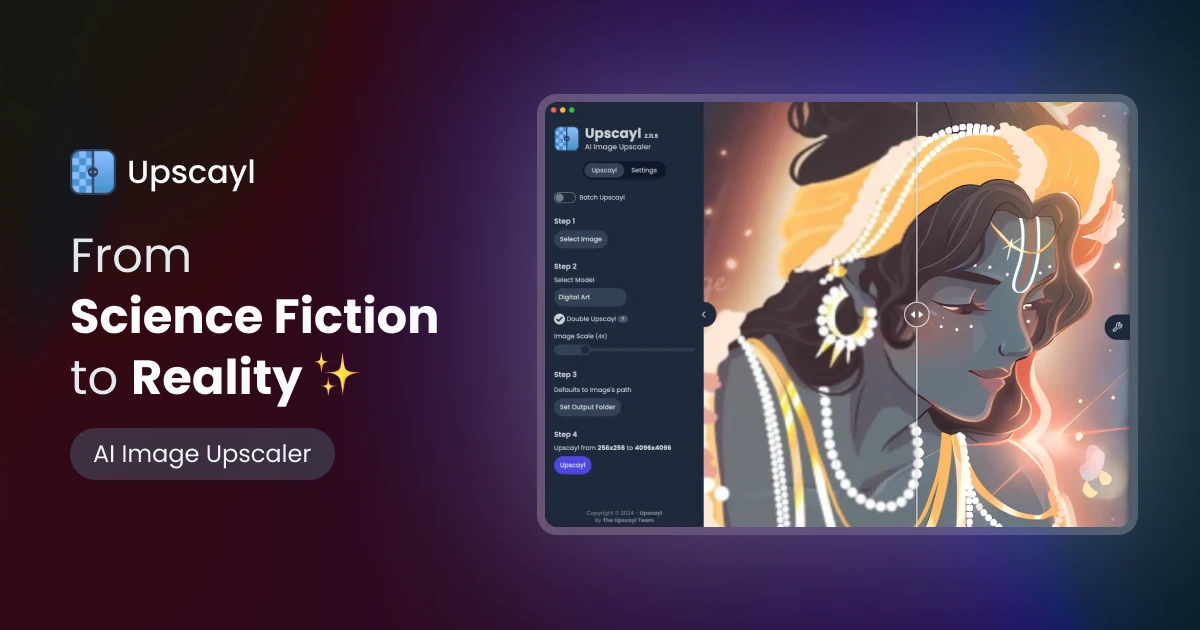
Upscayl is completely free and open-source, available for macOS 11.0 Big Sur and later. GPU acceleration works with both Apple Silicon and AMD/Intel GPUs. The application is distributed via GitHub and the Mac App Store with no purchase required.