
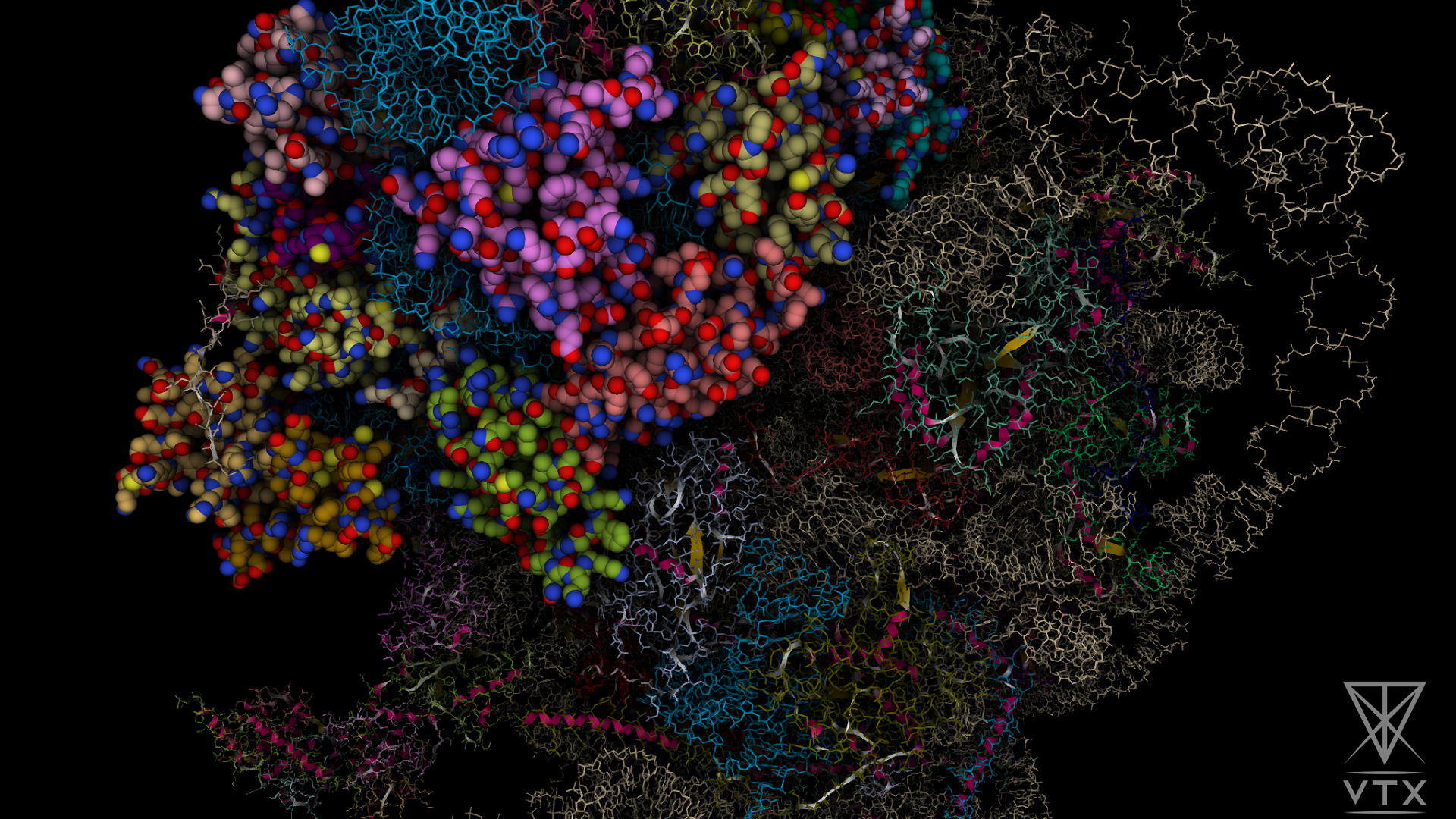
Maxime Maria, Simon Guionnière, Nicolas Dacquay, Cyprien Plateau–Holleville, Valentin Guillaume, Vincent Larroque, Jean Lardé, Yassine Naimi, Jean-Philip Piquemal, Guillaume Levieux, Nathalie Lagarde, Stéphane Mérillou, Matthieu Montes, VTX: Real-time high-performance molecular structure and dynamics visualization software, Bioinformatics, 2025; btaf295, https://doi.org/10.1093/bioinformatics/btaf295
- Install Visual C++
- Download last release
- Run the installer (it will automatically extract files in the current folder)
- Launch VTX shortcut, or run in command line
Requirements :
-
Ubuntu 20.04
-
GLIBC 2.29
-
GLIBCXX 3.4.28
Needed packages :
libegl1 libopengl0 libfontconfig1 libgl1 libharfbuzz0b libpcre2-16-0 libxkbcommon0 libjpeg8 libtiff5 libxkbcommon-x11-0 libxcb-icccm4 libxcb-image0 libxcb-render-util0 libxcb-keysyms1 libxcb-shape0 libsm6 libdbus-1-3
Step by step :
-
Install all the needed packages
-
Download last release
-
Run bin/VTX
Examples:
- ./VTX
- ./VTX 4hhb 4v6x
- ./VTX C:/save.vtx
- ./VTX C:/mol1.pdb C:/mol2.mmtf C:/mol3.mmcif
Please take a look there.
- Hold left/right mouse button and move to rotate the scene
- Hold wheel button and move to translate the rotation center
- Use wheel to zoom
- ADQERF to rotate
- WS to zoom
- Hold Shift to speed up translation
- ZASD or arrows keys to move the camera
- Hold left mouse button and move to look around
- Hold right mouse button and move to rotate on the side
- Hold Shift to speed up translation
-
Ctrl + N : New session
-
Ctrl + S : Save
-
Ctrl + Shift + S : Save as...
-
Ctrl + O : Open session/Molecule
-
Ctrl + Shift + O : Download Molecule...
-
F6: Restore the default layout
-
F11: Toggle fullscreen
-
Ctrl + A : Select all
-
Escape: Clear the selection
-
Ctrl + D : Duplicate selection
-
Ctrl + E : Export selection
-
Delete : Delete the selection
-
O : Orient
-
F1: Toggle camera controller
-
CTRL + F1: Reset current camera controller
-
F2: Switch current projection
-
F3: Save current viewpoint
-
F4: Toggle overlays visibility
-
F5: Take a snapshot
-
P : Switch to selection Picker mode
-
M : Switch to Measure mode
- Snapshots are saved in the /snapshots folder
- Render presets are saved in /libraries/render_effects folder
- You can manually add/remove files (will be updated at the next launch), this allows you to share presets between users
- Report bugs, features, ideas or anything else by creating a new issue
- A log file is saved in the /logs folder, please attach this file with your ticket
A step-by-step tutorial is available on vtx.drugdesign.fr
- C++17 compiler (MSVC or GCC)
- Git
- CMake
- Qt 6.2.2
- Install Visual Studio, or Visual Code, or just MSVC compiler if you don't want to use any IDE
- Install Qt 6.2.2 with Qt Online Installer (only "MSVC 64-bit" is needed)
- Add CMake to your "Path" environment variable: <dir>/CMake/bin
- Create an environment variable "CMAKE_PREFIX_PATH" with value: <dir>/Qt/6.2.2/msvc2019_64/lib/cmake
git clone https://github.com/VTX-Molecular-Visualization/VTX.git
cd VTX
cmake -B build .
It will build external libraries and create the solution in the build folder. Others dependencies are downloaded during the first compilation.
If you don't want to use Visual Studio, you can also build executable from command line:
cd VTX
cmake --build build --config <Release|Debug>
git clone https://github.com/VTX-Molecular-Visualization/VTX.git
cd VTX
cmake -B build --config <Release|Debug> .
cd VTX
cd build
make
- DEFINE_PRODUCTION: build for production usage (disable some dev features)
- BUILD_LIB: build libraries (you can disable this option once the /lib folder is generated
Example:
cmake -B build -DDEFINE_PRODUCTION=ON -DBUILD_LIB=OFF .
Please look at the license.txt file