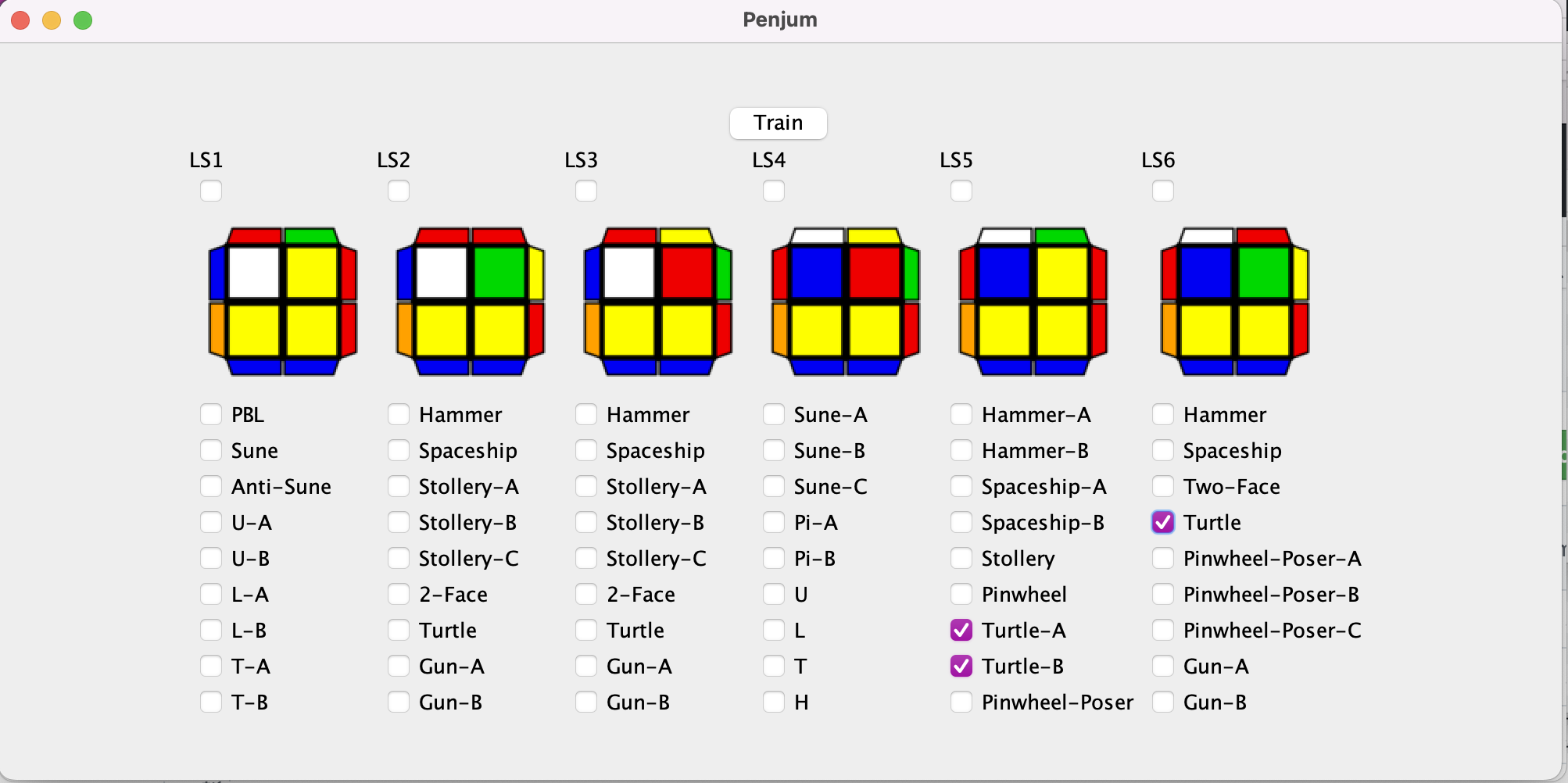
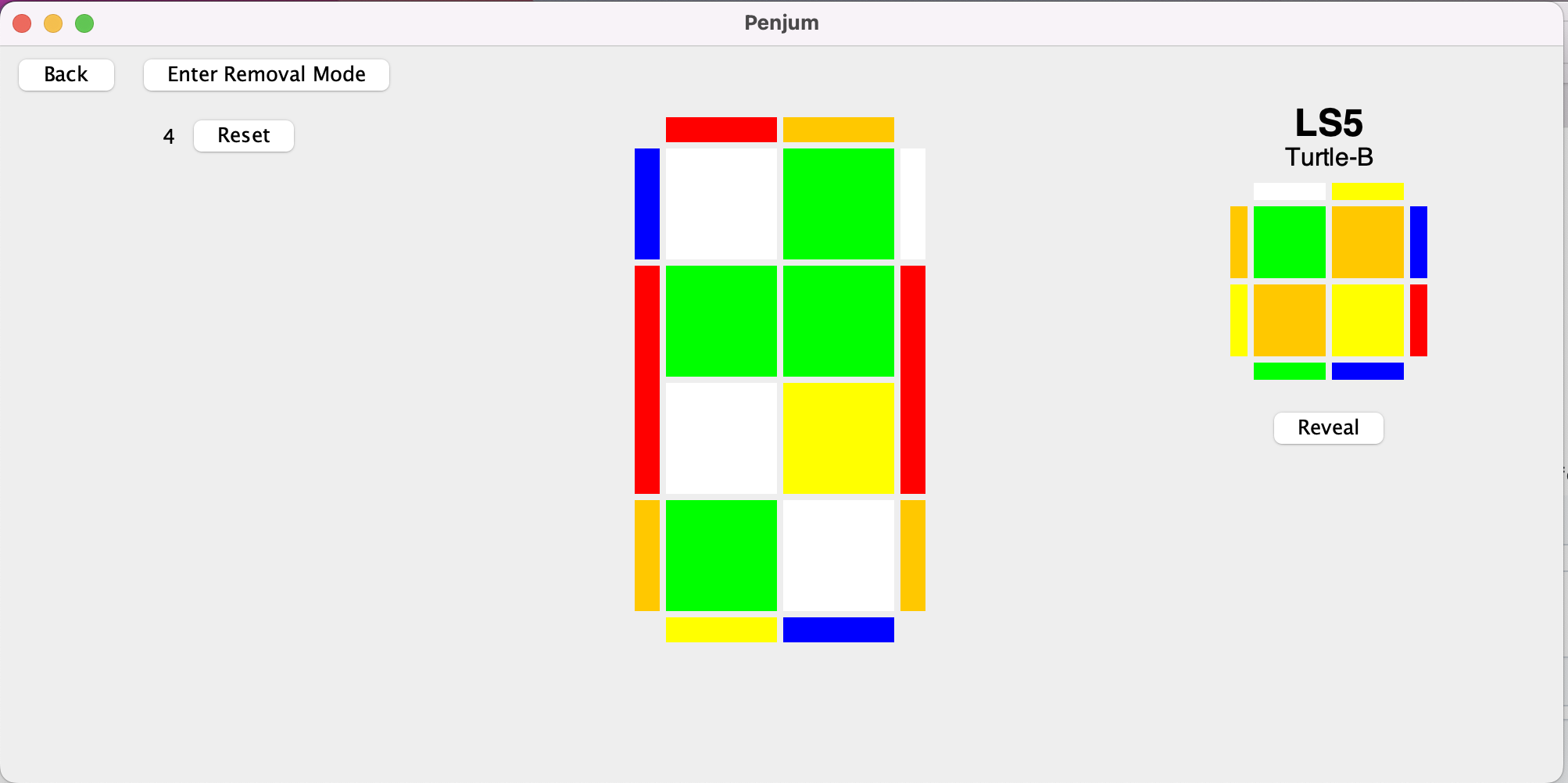
Click on the cube to re-gain control if you lose focus. Cube controls should generally match CSTimer key mappings. Ensure Caps-Lock is off.
Extra controls:
9 -> Next scramble (skip)
1 -> Previous scramble
spacebar -> reset current case (use when you mess up the alg)
You can toggle between these modes once you've selected the cases you want to train.
In removal mode, all the cases youve enabled will be shown to you once before a case can be shown a second time. This is useful when you want to ensure you remember every algorithm for a set.
In replacement mode, cases will be shown from those enabled at random, and you may get the same case multiple times in a short period. The same case will not appear twice in a row.
In algs.txt you can add Sets (Like LS-1) and Subsets (Like LS-1 Sune) like shown below. You define a Set, with Subsets defined before the Set ends. Inside subset definitions should be one alg for each case. If the alg contains a rotation, it is recommended you invert that rotation at the end of the alg.
#SET LS1
#SUBSET PBL
F2 R2 U' R' F R' F2 R U' R'
R' F R F' R' F R F' R' F R F'
R U' R U' R' F R' F' R U R'
R U' R' U2 R U R'
R' F R F' U R U2 R'
R U' R' F R F' R U R' U R'
END
#SUBSET Sune
(U2) y' R' U2 R U' F R2 F' y
(U2) R U R' U2 F R' F' R2 U R'
U y R’ F R U2 R’ F R2 U’ R’ F y'
(U) F R’ F’ R U’ F R’ F’ R
(U’) F R’ F’ R U F R’ F’ R
y R' F2 R U2 R' F R U' R' F R y'
END
END
This project comes packaged with algs.txt filled for LS sets 1-6.