The travel app to end all travel apps! Your Next Stop will allow users to create unique routes + customize their trip spontaneously. Whether you want to plan your trip on our desktop app or take it with our mobile version, this app is meant to be used as much as you want it and no more.

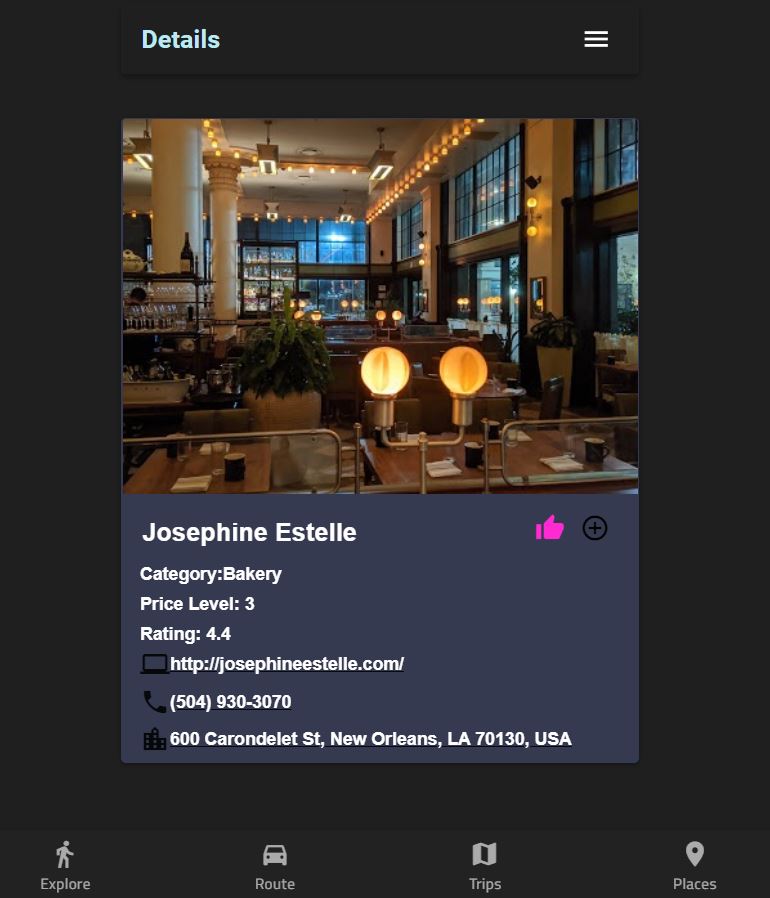
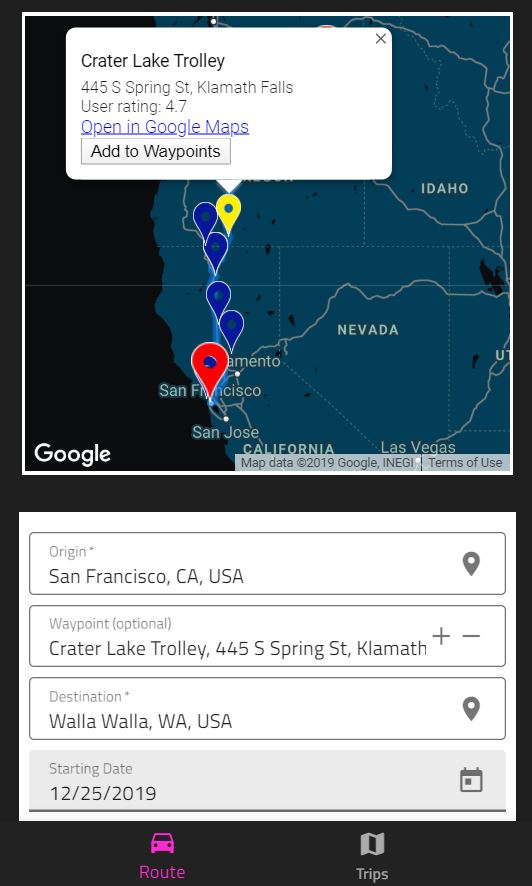
These instructions will allow you to get a copy of this project running on your local machine.
Before starting, ensure you have met the following requirements:
You have installed the latest version of npm and node. If not, follow the instructions from this link:
https://www.npmjs.com/get-npm
You have installed PostgreSQL on your local machine. If not, you can install it golbally by running the following command:
npm install -g pg
Fork this repository as well as the Back-End repo and clone them to your local machine.
your-next-stop is the client-side repo while Back-End is the server-side one. Inside each of these run the followwing to install dependencies:
npm install
Cd into the your-next-stop directory and run the following command to run the client:
npm start
In order to start the server, you will need PostgreSQL installed on your machine and a .env file with appropriate variables:
- DATABASE = 'yournextstop'
- USER_NAME = whatever username you use to access PostgreSQL
- USER_PASSWORD = whatever passport you use to access PostgreSQL
- HOST = 'localhost'
- PORT = 5432
- GOOGLE_MAPS_API_KEY= API key you recieve from Google Maps API Platform. (You can get one here: https://developers.google.com/maps/documentation/directions/get-api-key)
- FRONTEND_BASE_URL=http://localhost:4200 (This is used to connect to your client. Can be changed to client-repo deployed URL for production.)
Run ng serve to start the dev server. Navigate to http://localhost:4200/. The app will automatically reload if you change any of the source files.
Run ng generate component component-name to generate a new component. You can also use ng generate directive|pipe|service|class|guard|interface|enum|module.
Run ng build to build the project. The build artifacts will be stored in the dist/ directory. Use the --prod flag for a production build.
- Angular 8 + Angular CLI - The web framework used
- Ignite UI for Angular - Front end design
- Node.js - Server-side runtime environment
- Express - Server-side framework
- PostgreSQL - RDBMS
- Passport.js - Authentication using Google Sign-In Strategy
Run ng test to execute the unit tests via Karma.
- Raphael Khan - Scrum Master/Back-End
- Samantha De La Fuente - Back-End
- Gary Marino Jr. - Front-End
- David Polk - Front-End
This project is licensed under the MIT License - see the LICENSE.md file for details
- The friendly staff at Operation Spark