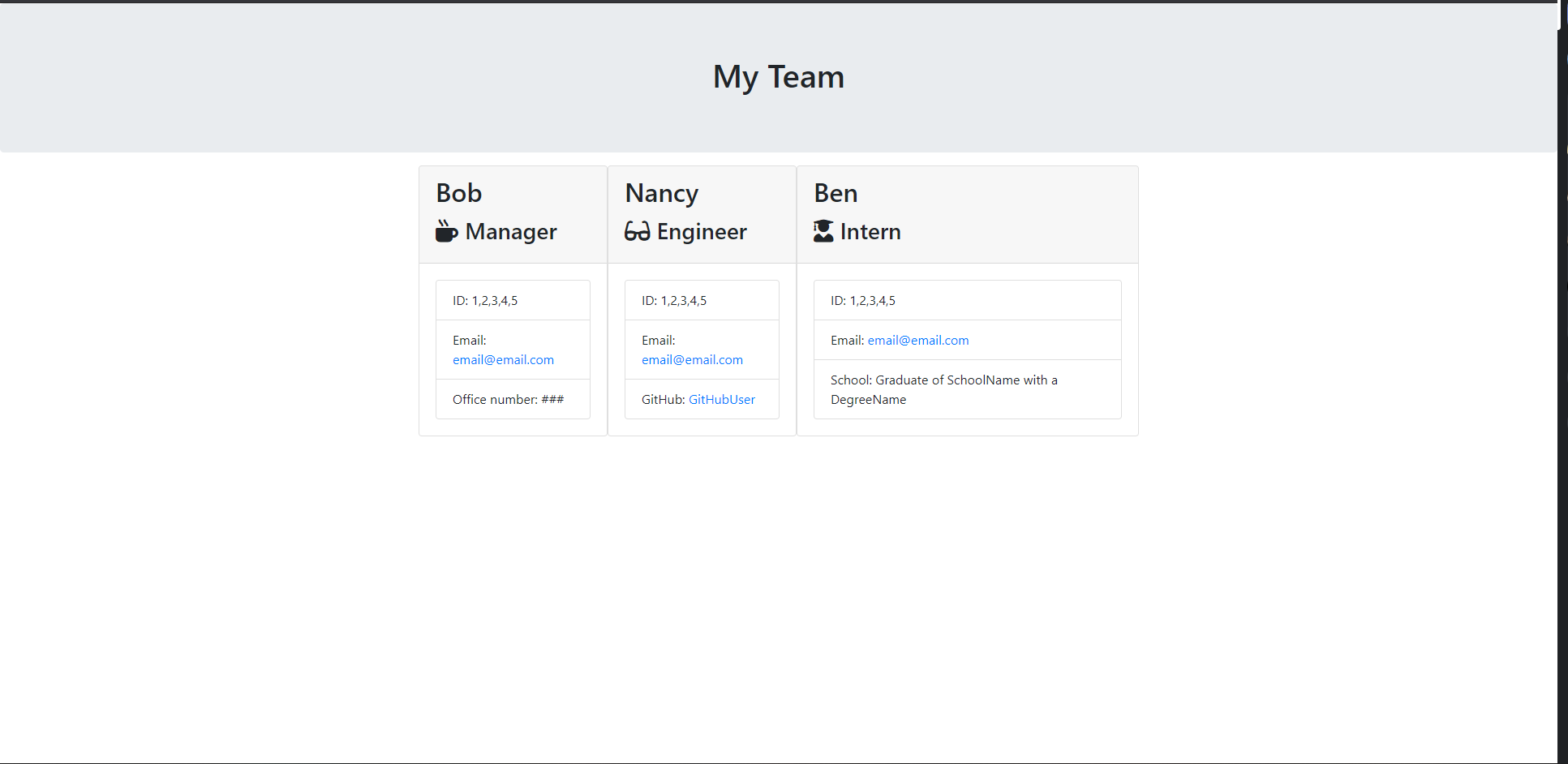
This application is a CLI that allows you to put your entire programming team's information in one place. Allowing a manager to enter into their employees' name, email address, ID, and role. Depending on that role it will ask you for specific information. Like your Engineers' GitHub username, which will also create a link to their GitHub account. Along with your Interns' graduate school and their accompanying degree if they have one to boste of. As well as your own office number to show which office your team is based in. It will then put each persons info onto an individual card for easy access and accessibility. All processes have built-in tests for fully fledged out functionality.
As a manager
I want to generate a webpage that displays my team's basic info
so that I have quick access to emails and GitHub profiles
lib/           // classes and helper code
output/        // rendered output
templates/     // HTML template(s)
test/          // jest tests
  Employee.test.js
  Engineer.test.js
  Intern.test.js
  Manager.test.js
app.js         // Runs the application
Classes: Employee, Manager, Engineer, Intern.
Employee
- name
- id
- getName()
- getId()
- getEmail()
- getRole() // Returns 'Employee'
Manager
-
officeNumber
-
getRole() // Overridden to return 'Manager'
Engineer
-
github // GitHub username
-
getGithub()
-
getRole() // Overridden to return 'Engineer'
Intern
-
school
-
getSchool()
-
getRole() // Overridden to return 'Intern'
Prompts the user to build an engineering team. An engineering team consists of a manager, and any number of engineers and interns.
Generates a team.html page in the output directory, that displays a nicely formatted team roster. Each team member displays the following in no particular order:
-
Name
-
Role
-
ID
-
Role-specific property (School, link to GitHub profile, or office number)