A movie player application .
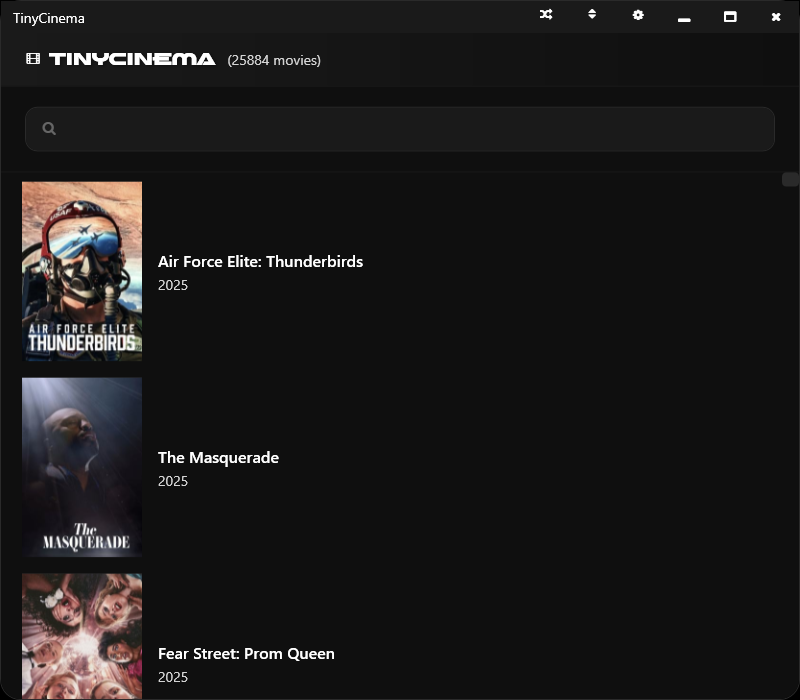
TinyCinema comes pre-loaded with 25k movies.
From classic films to modern movies.
- Browse through a collection of 25k movies
- Search functionality to quickly find your favorite films
- Shuffle feature to discover movies randomly
- Sort movies by year
- Play movies directly in the application (ffplay, VLC, or TinyPlayer)
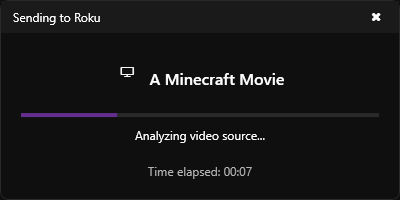
- Stream to Roku devices (developer mode needs to be enabled)
- Open movie URLs in your preferred browser (chrome preferred)
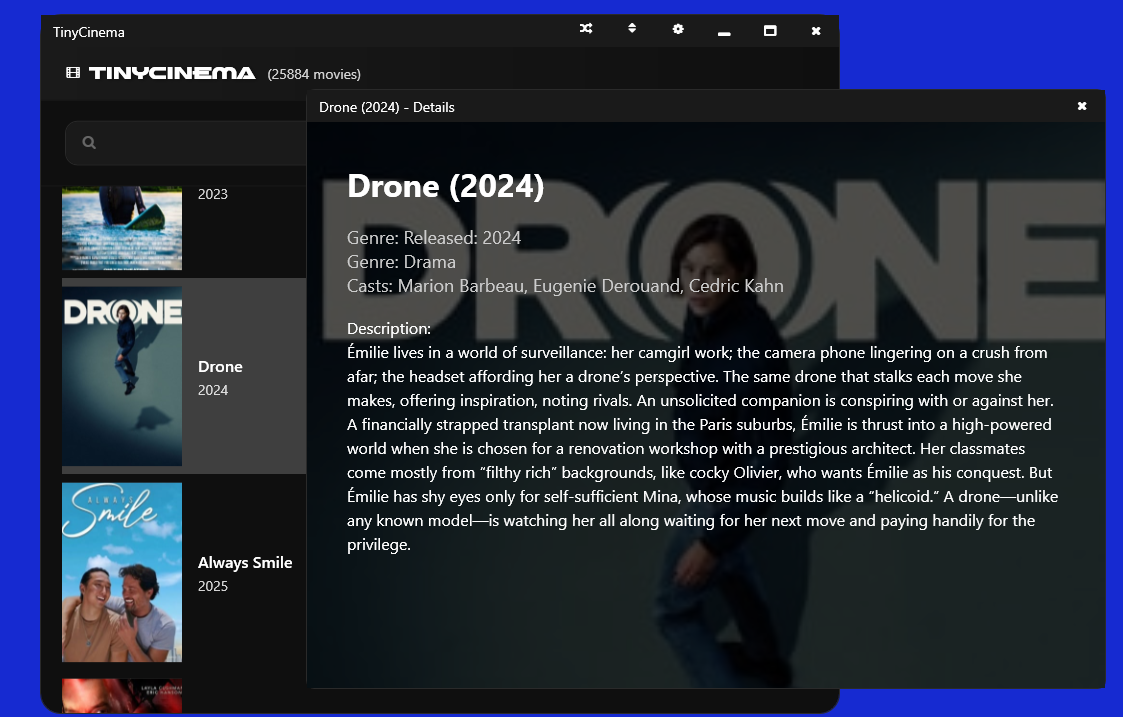
- View detailed movie information
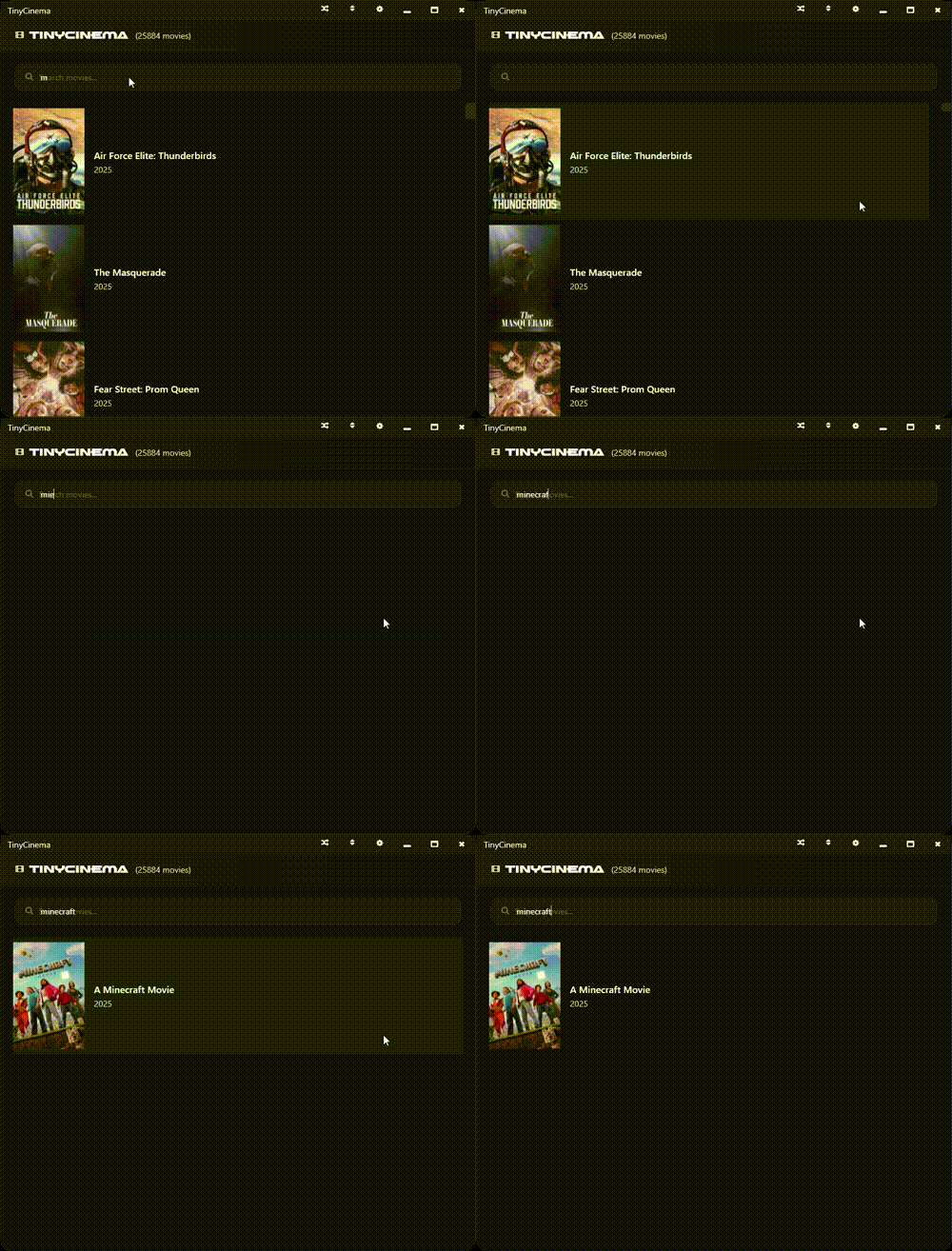
- Searching Movies
- Use the search bar at the top to find specific movies
- Results update in real-time as you type
-
Playing Movies
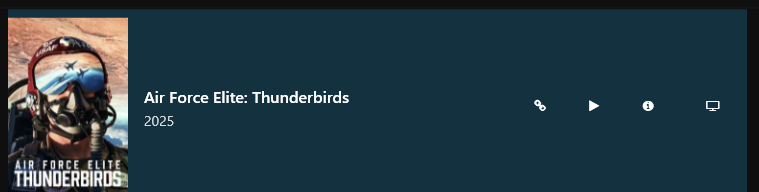
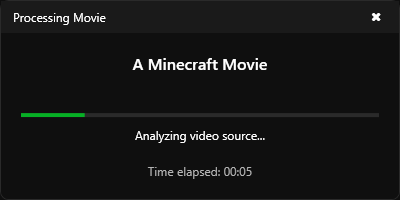
- Click the play button next to any movie to start watching
- Use the Roku button to stream to your Roku device
- Click the link icon to open the movie's URL
-
Movie Information
-
Click the info button to view detailed movie information
-
See movie titles, years, and other relevant details
-
-
Organization
- Use the shuffle button to randomize the movie list
- Sort movies using the sort button
- Access settings through the gear icon
The application includes 25k movies in URL formats, each with:
- High-quality poster images
- Title and year information
- Direct playback options
- Roku streaming capability
- External URL access
Access the settings panel to customize your experience:
- Save image cache for faster loading
- Configure scraping settings
- Set Roku sideload credentials (IP address, username, password)
- Change movie links text location
- Select default video player (TinyPlayer, FFPLAY, or VLC - if installed)
- View scraping window for nerds
- Chrome browser (for TinyScrapev2 video extraction only)
- At least one video player:
- FFPLAY (part of FFmpeg) - Lightweight command-line player
- VLC Media Player - Full-featured media player (auto-detected if installed at
C:\Program Files\VideoLAN\VLC) - TinyPlayer - Custom player (included)
- Launch TinyCinema
- Browse the movie collection
- Use the search bar to find specific movies
- Click play to start watching
- Access Settings (gear icon) to select your preferred video player
- Explore the various features and options
Enjoy your movie-watching experience with TinyCinema! 🎬