Development Environment
Tips for setting up your development environment for javAPRSlib
For those who prefer a minimalist environment without an IDE, a file watcher is included in the Maven configuration which will recompile the library and run all unit tests anytime a file is saved in your editor. Just keep a terminal window open on the side with this command:
mvn fizzed-watcher:run
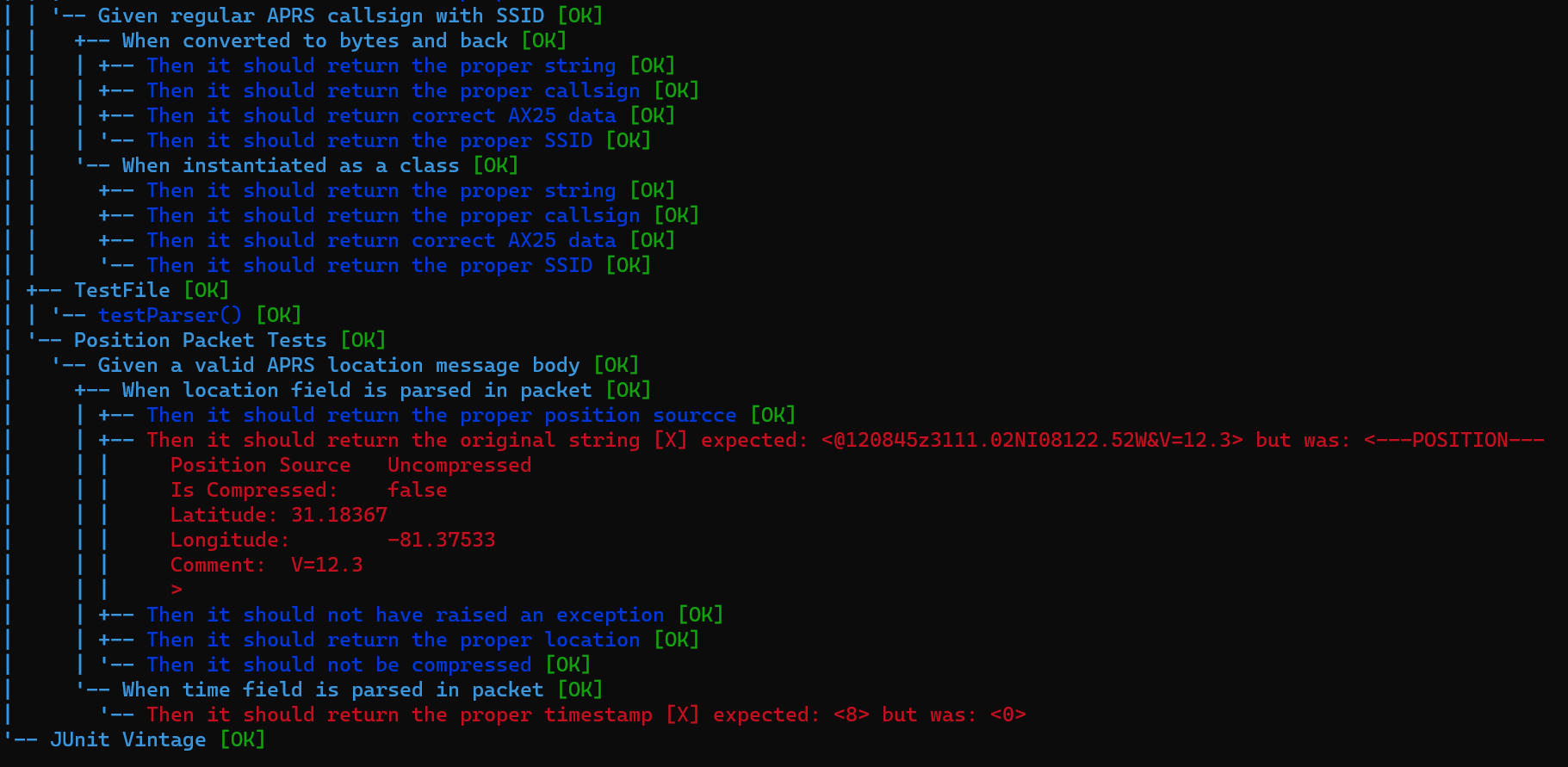
Then on every save, it will re-run all the unit tests. Also, if you want to see a pretty description of all the unit test output and failures from the terminal, you can download the JUnit Console Runner from Maven Central and run it with the following command from the root of the repository:
java -jar junit-platform-console-standalone-1.6.2.jar -cp target/classes:target/test-classes --scan-classpath